What Does It Mean to Flag an Email?
In most email apps, flagging an email marks it for follow-up or special attention. It usually does not notify the sender, delete the message, or archive it. Archive is the separate action that files the email out of your inbox without sending it to Trash.2, 3, 4, 6, 7



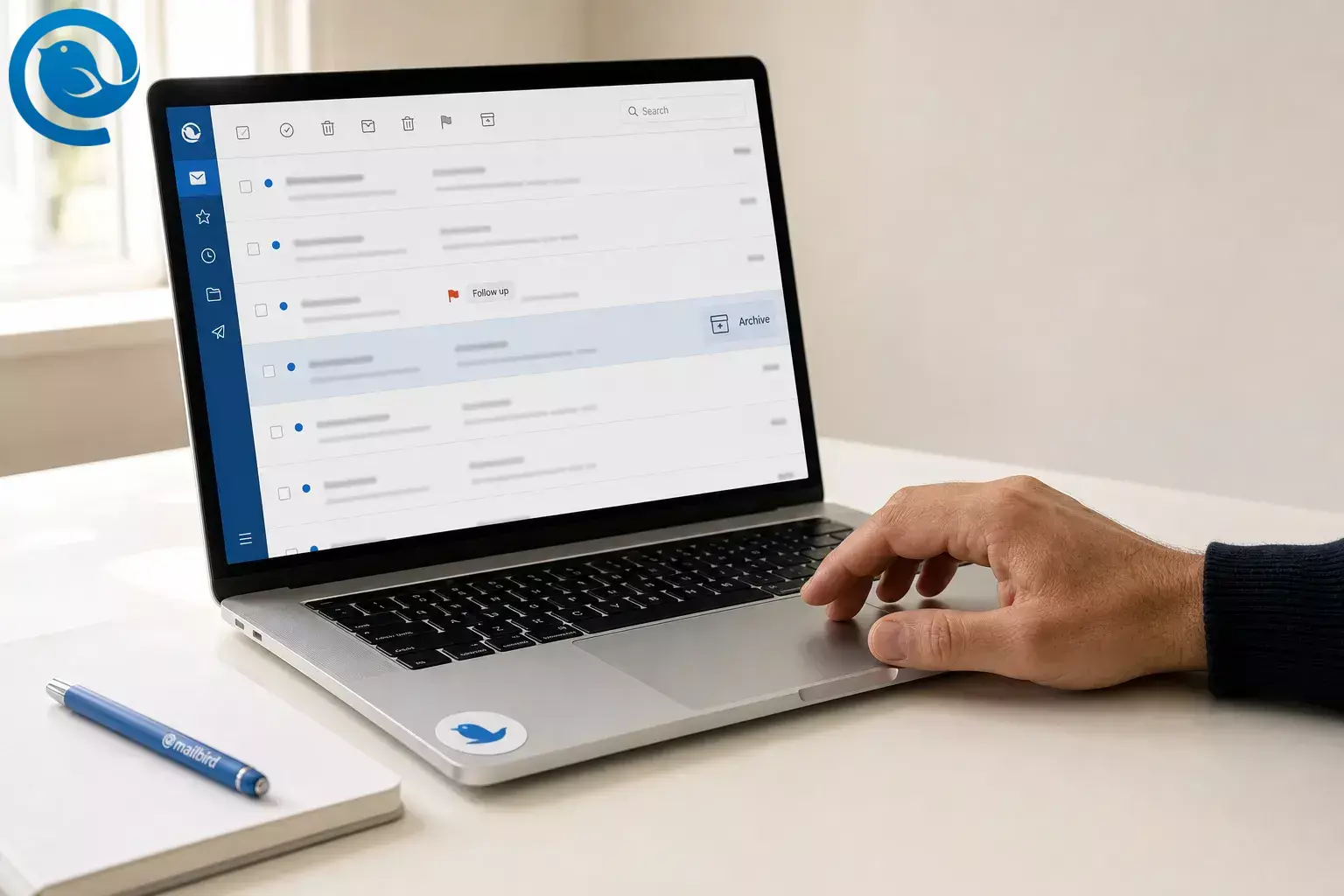
In most email apps, flagging an email marks it for follow-up or special attention. It usually does not notify the sender, delete the message, or archive it. Archive is the separate action that files the email out of your inbox without sending it to Trash. 2 , 3 , 4 , 6 , 7
Flags do not work exactly the same everywhere. Apple shows different flagging actions depending on mailbox view, and Microsoft notes that some Outlook flag options are limited on IMAP accounts. 1 , 3 , 5 What this means for you: the same flag icon can be a simple marker in one app and a full follow-up item in another.
TL;DR
- Flagging usually marks an email for follow-up or special attention. 2 , 3 , 4
- A normal flag usually does not notify the sender. 3 , 5
- Flagging is separate from archiving, moving, and deleting. 4 , 6 , 7
- Apple Mail groups flagged messages in a Flagged mailbox, while Outlook can add follow-up dates and task views. 3 , 4
- Archive files a message out of the inbox without sending it to Trash. 4 , 6 , 7
- Test one message first before you bulk-flag or bulk-archive.
What does it mean when you flag an email?
Short answer: flagging an email usually means you are marking it so it stands out and is easy to revisit. At the protocol level, IMAP includes a built-in flagged state for messages that need special attention. Apple Mail groups flagged messages in a Flagged mailbox, and Outlook can turn a flag into a follow-up item with dates, reminders, and task views. 2 , 3 , 4
If you flag a message you received, that flag is usually for your own follow-up, not the sender’s. Apple treats flagging as separate from blocking, and Outlook treats recipient follow-up as a separate option you add when sending a message. 3 , 5
What happens if you flag an email?
Short answer: when you flag an email, the message gets marked so it is easier to spot later. Depending on the app, it may also show up in a flagged mailbox, a follow-up view, or a tasks list, and some apps can add reminders or due dates. 2 , 3 , 4 , 5
Flag vs. archive vs. delete
Before you start
How to flag an email and archive it the right way
How to flag an email and archive it the right way
-
Choose one email that clearly needs a next action
Open a message you still need to reply to, forward, wait on, or revisit. If you cannot name the next action in one short phrase, do not flag it yet.
-
Click or tap the flag
On desktop, the flag is usually beside the message. On phone, it may appear after a swipe or inside the actions menu. Apple documents flagging from different iPhone views, while Outlook shows flag controls in the message list and follow-up tools. 3 , 5
-
Confirm where flagged mail shows up
Right after flagging, open your app’s flagged view. In Apple Mail, flagged messages appear in the Flagged mailbox. In Outlook, flagged messages can show in To Do, Tasks, or the Calendar Daily Task List. If you cannot find that view now, stop and locate it before you flag more mail. 3 , 4
-
Add a reminder or due date if your app supports it
In Outlook, you can assign follow-up timing like Today, Tomorrow, This Week, Next Week, or Custom. If Outlook says those extra date fields are unavailable on your account, keep the simple flag and add a calendar reminder separately. 3
-
Give the flag one meaning
Use one rule: a flag means “there is still something for me to do.” Do not use the same flag for ideas, receipts, newsletters, and urgent tasks at the same time.
-
Do the quick action now
Reply, forward, save the attachment, or schedule the follow-up right away if it is fast. Then decide whether the email still needs to stay flagged.
-
Archive a flagged email only when the inbox no longer needs it
If the message is finished but worth keeping, archive it instead of deleting it. Apple stores archived mail in an Archive mailbox, and Microsoft says archived mail leaves the inbox without going to Trash. That keeps reference mail available while reducing inbox noise. 4 , 6 , 7
-
Test retrieval immediately after archiving
Open Archive and make sure you can still find the message. If the archived email no longer appears where you review follow-ups, move it back and change your routine before you archive more mail.
-
Review flagged mail in one daily pass
Open your flagged or follow-up view, clear stale items, and handle the oldest open action first. A short daily pass works better than re-flagging the same message all week.
-
Finish with the right cleanup action
When the work is done, clear the flag or mark it complete. In Outlook, Mark Complete keeps a visible finished item, while Clear Flag removes the follow-up record. 3
Why flags and archive work well together
A flag changes status; archive changes location. IMAP defines a flagged state for a message, while Apple and Microsoft treat archive as a separate storage action that moves mail out of the inbox without trashing it. Keeping those two choices separate makes it much easier to decide what needs action and what simply needs to be kept. 2 , 4 , 6 , 7
Troubleshooting
-
Symptom:
You flagged a message but cannot find it later.
Likely cause: Your flagged view is hidden.
Fix: Turn on the Flagged mailbox in Apple Mail or open Follow Up, To Do, or Tasks in Outlook before you flag more messages. 3 , 4 , 5 -
Symptom:
You cannot add a reminder or due date.
Likely cause: Your account only supports a simple flag, or Outlook is limiting extra options on that connection type.
Fix: Keep the plain flag and add a separate calendar reminder. 3 -
Symptom:
The sender was not notified.
Likely cause: A normal flag is usually for your own follow-up, not theirs.
Fix: Send a real follow-up message, or use a client that supports recipient flags when sending. 3 -
Symptom:
The email disappeared after you replied.
Likely cause: A Send + Archive action is turned on.
Fix: Check Archive first, then disable Send + Archive if that is not the behavior you want. 10 -
Symptom:
Archived email feels lost.
Likely cause: Archive moved it out of the inbox by design.
Fix: Open Archive, find the message, and move it back to Inbox if you still need it front and center. 4 , 6 , 7 -
Symptom:
The flag looks different on another device.
Likely cause: You are using a different app, a different account, or a different view.
Fix: Confirm you are in the same account and open the flagged view instead of a special mailbox view. Apple says flagged messages show the same flag icon on devices where you are signed in with the same Apple Account. 1 , 5 -
Symptom:
You cannot flag some iPhone emails from the list view you are in.
Likely cause: You are in a special mailbox view rather than a plain message list.
Fix: Open the message or switch to a plain mailbox view, then flag it from there. 1 , 5 -
Symptom:
Clearing the flag also erased the reminder history.
Likely cause: That is how Clear Flag works in Outlook.
Fix: Use Mark Complete when you want to keep a visible record of finished follow-up. 3
Simple flagging setups
- Minimalist system: One flag means one unfinished next action. Everything else gets read, moved, archived, or deleted.
- Waiting-for system: Use flags on sent emails that need a reply. Outlook can remind you to follow up and can also add a recipient flag when you send the message. 3
- Color system: If your app supports colored or renamed flags, reserve one color or name for urgent items only. Apple documents color flags on iPhone and renamed flags on Mac. 4 , 5
- Archive-first system: Reply, then archive the message once the inbox no longer needs it. Keep only genuinely open items flagged. 4 , 6 , 7
Make-ahead, storage, and scaling tips
- Make-ahead: Turn on your Flagged mailbox or favorite your follow-up view now, before you need it in a rush.
- Storage: Archive completed reference mail instead of letting it sit in your inbox. Apple and Microsoft both treat archive as separate from trash. 4 , 6 , 7
- Scaling: If you manage more than one inbox, review them from one desktop view. Mailbird’s Unified Inbox can combine inbox, sent, archive, and other folders from connected accounts into one place. 9
A simpler cross-platform archive workflow
If you manage more than one account, the hard part is usually not clicking the flag; it is finding the message again after you archive or switch inboxes. Mailbird desktop client is a cross-platform desktop client for Windows and Mac. Its Unified Inbox can pull inbox, sent, archive, and other folders from connected accounts into one view, and its Send + Archive option fits a simple “reply, then file it” routine. 8 , 9 , 10
Why your screen may look different
Email apps keep changing how flags work across inbox views, versions, and account types. Apple documents view-specific flagging behavior on iPhone and iPad, and Microsoft’s Outlook comparison page shows features that are version-specific, partially available, or still rolling out. If your screen looks different from this guide, test one message first and then check your app’s help page. 1 , 5 , 11
How to verify it works in your app
-
Flag one test email.
-
Open your Flagged or Follow Up view and confirm it appears there.
-
Archive the same email and confirm you can still find it.
-
Clear or complete the flag so you know how your app finishes the job.
Quick checklist
- ☐ I know what one flag means in my system.
- ☐ I can open my Flagged or Follow Up view.
- ☐ I tested one flagged message on my main device.
- ☐ I know where archived messages go.
- ☐ I clear or complete old flags during a daily review.
- ☐ I archive reference mail instead of leaving it in the inbox.
Frequently Asked Questions
What happens when you flag an email?
When you flag an email, what does that mean?
Does flagging an email notify the sender?
No. In normal everyday use, a flag is mainly for your own follow-up. If you want a recipient to see a follow-up marker, that is a separate option in some email apps.
Sources: 3
Does flagging move or delete the email?
Is flagging the same as archiving?
Can you flag and archive the same email?
Why can’t I add a reminder to a flagged email?
Your app or account may only support a simple flag. Outlook, for example, limits some extra flag settings on IMAP accounts.
Sources: 3
Where do flagged emails go?
Should I clear the flag or mark it complete?
Clear it if you want it gone. Mark it complete if you want a visible record that the follow-up was finished.
Sources: 3
Mailbird brings this into one desktop inbox for Windows and Mac, so you can set it up in minutes.
Sources
- Apple Support — Use mailboxes to organise email messages on your iPhone or iPad
- IETF — RFC 9051: Internet Message Access Protocol (IMAP) Version 4rev2
- Microsoft Support — Flag email messages for follow up
- Apple Support — Mark emails to revisit later in Mail on Mac
- Apple Support — Flag or block emails in Mail on iPhone
- Microsoft Support — What’s the difference between delete and archive?
- Microsoft Support — Archive in Outlook for Windows
- Mailbird — Best Email Client for Windows and Mac
- Mailbird Support — Unified Inbox
- Mailbird Support — Send & Archive Emails
- Microsoft Support — Feature comparison between new Outlook and classic Outlook


