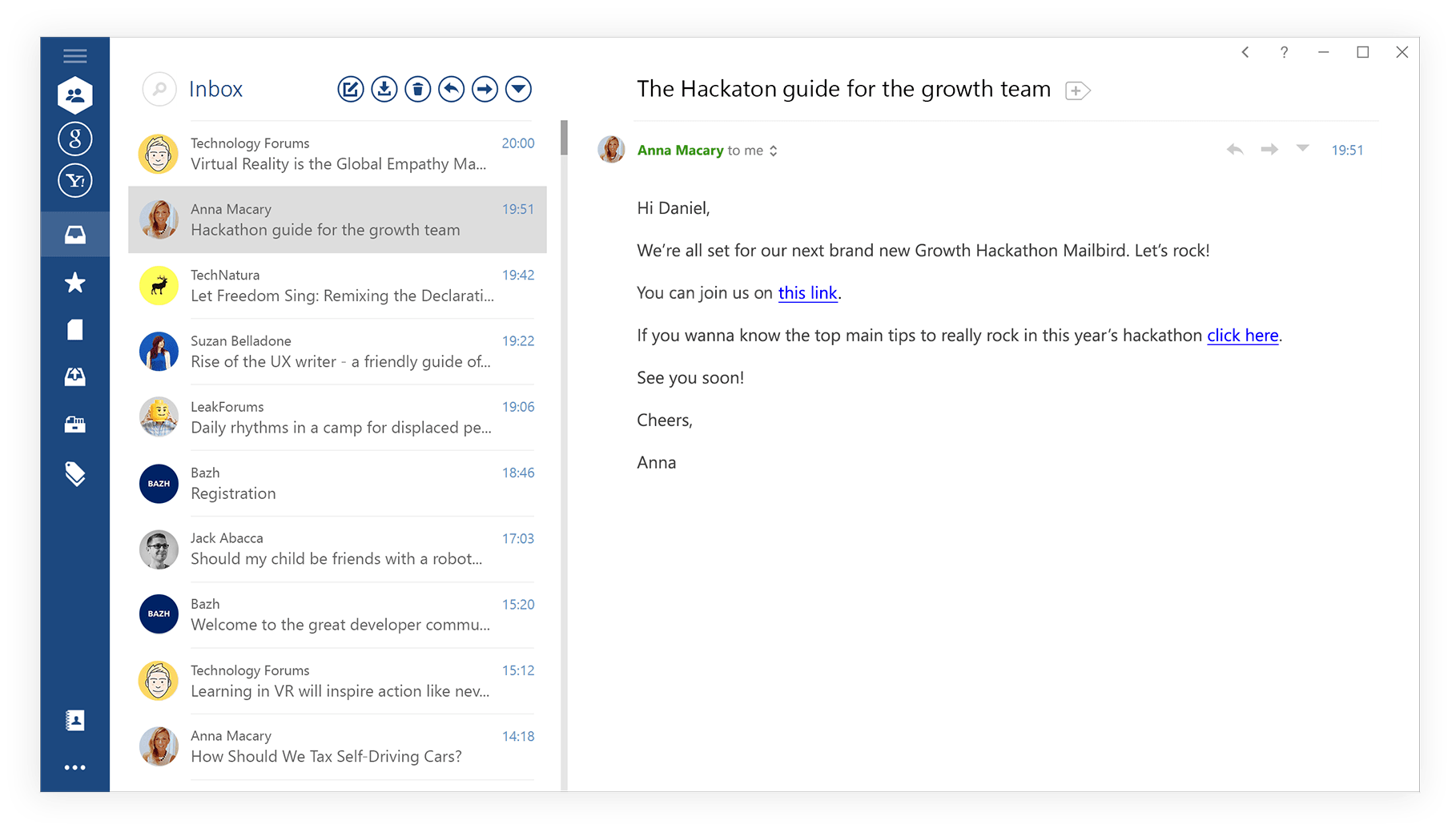
Mailbird is more than just another email client. Unlike most of the competition, Mailbird is designed to change the way you manage your email, scheduling, tasks, communications, and beyond. However, it doesn’t require you to sign up for a bunch of new accounts and services. Instead, Mailbird lets you bring all your accounts onto one amazing looking platform where you can do everything in one place.
Email Client Comparison
See how Mailbird compares to other popular email clients
 |
Gmail Web | Thunderbird | Outlook | |
| Works offline |  |
 |
|
|
| Free access | |
|
|
|
| Integrated workplace | |
|
|
|
| Multiple accounts’ support | |
|
|
|
| Unified inbox | |
|
|
|
| Switching between inboxes | |
|
|
|
| Messaging Apps | |
|
|
|
| Unified folders | |
|
|
|
| Linking contacts | |
|
|
|
| App integration | |
|
|
|
| Speed reading technology | |
|
|
|
| Quick preview of attachments | |
|
|
|
| Undo send | |
|
|
|
| Attachment reminder | |
|
|
|
| Attachments advanced search | |
|
|
|
| LinkedIn integration | |
|
|
|
| Customizable appearance | |
|
|
|
| Nice and clean interface | |
|
|
|
| Business blogs integrations | |
|
|
|
| Live customer support | |
|
|
|
What Mailbird is
Mailbird is a desktop email client for Windows and macOS. It runs as an app on your computer rather than in a browser tab, and its Unified Inbox brings several email accounts together in one place while keeping each reply tied to the address it belongs to.
It is designed for people who work out of more than one inbox — a work address and a personal one, a few client addresses, or a shared team address alongside your own — and who would rather not keep four browser tabs open to manage them.
Who Mailbird suits, and who it doesn't
Mailbird is a good fit if you handle several accounts from the same computer, prefer a desktop app to webmail, and want your email, calendar and the apps you use alongside them in one window.
It is a poor fit in two cases, and it is worth saying so plainly. If you need to reach your inbox from any machine you happen to be sitting at, webmail will serve you better than any desktop client. And if you only ever use a single email address, most of what makes Mailbird useful — the multiple-account management — is not something you will benefit from.
What you get without paying
Mailbird Free connects one email account per device. That is the honest limit: the free version is a way to see whether the app suits how you work, not a permanent multi-account setup. Connecting additional accounts, saved email templates and the other productivity features require Premium.
Current plan details are on the pricing page, which is the only place we keep them up to date.
How Mailbird compares to what you are using now
Most people arrive here already using something else, so the useful comparison is against that specific thing rather than against email clients in general. These go through the differences one at a time:
- Mailbird vs Outlook — the most common switch, and the one where the differences in interface and account handling matter most.
- Mailbird vs Gmail — a desktop client against the browser inbox you already have.
- Mailbird vs Thunderbird — Thunderbird is free and highly configurable; this covers what you trade for that.
- Mailbird vs Apple Mail — for Mac users deciding whether to move off the built-in app.
- Mailbird vs eM Client — the closest comparison on Windows.
If you have not settled on a shortlist yet, the roundup of the best email clients for Windows is a broader starting point, and what a desktop email client actually does covers the category itself.
Common questions
Is Mailbird free?
There is a free version, and it connects one email account per device. Additional accounts and the productivity features are part of Premium. Plan details change, so check the pricing page rather than relying on a figure quoted elsewhere.
Does Mailbird work on Mac?
Yes. Mailbird runs on both Windows and macOS.
What is Mailbird actually used for?
Managing several email accounts from one desktop window, without logging in and out of separate webmail tabs, and with your calendar and connected apps in the same place.
Is Mailbird a good email client?
It depends on how you use email, which is why the comparisons above are more useful than a yes. It is strongest when you juggle multiple accounts on a computer you use regularly. It is weakest if you need access from arbitrary machines, or if you only have one address to manage.
Do I have to move my existing email across?
No. Mailbird connects to your existing accounts, so your mail stays where it is with your current provider and remains reachable through webmail as before.


