How to Write an Email With an Attachment File
To write an email with an attachment file, attach the file first. Then use a subject line that names it, explain why you are sending it, mention the attachment in the body, and give one clear next step. Below, you’ll find a simple template, subject line examples, and fixes for common attachment problems.



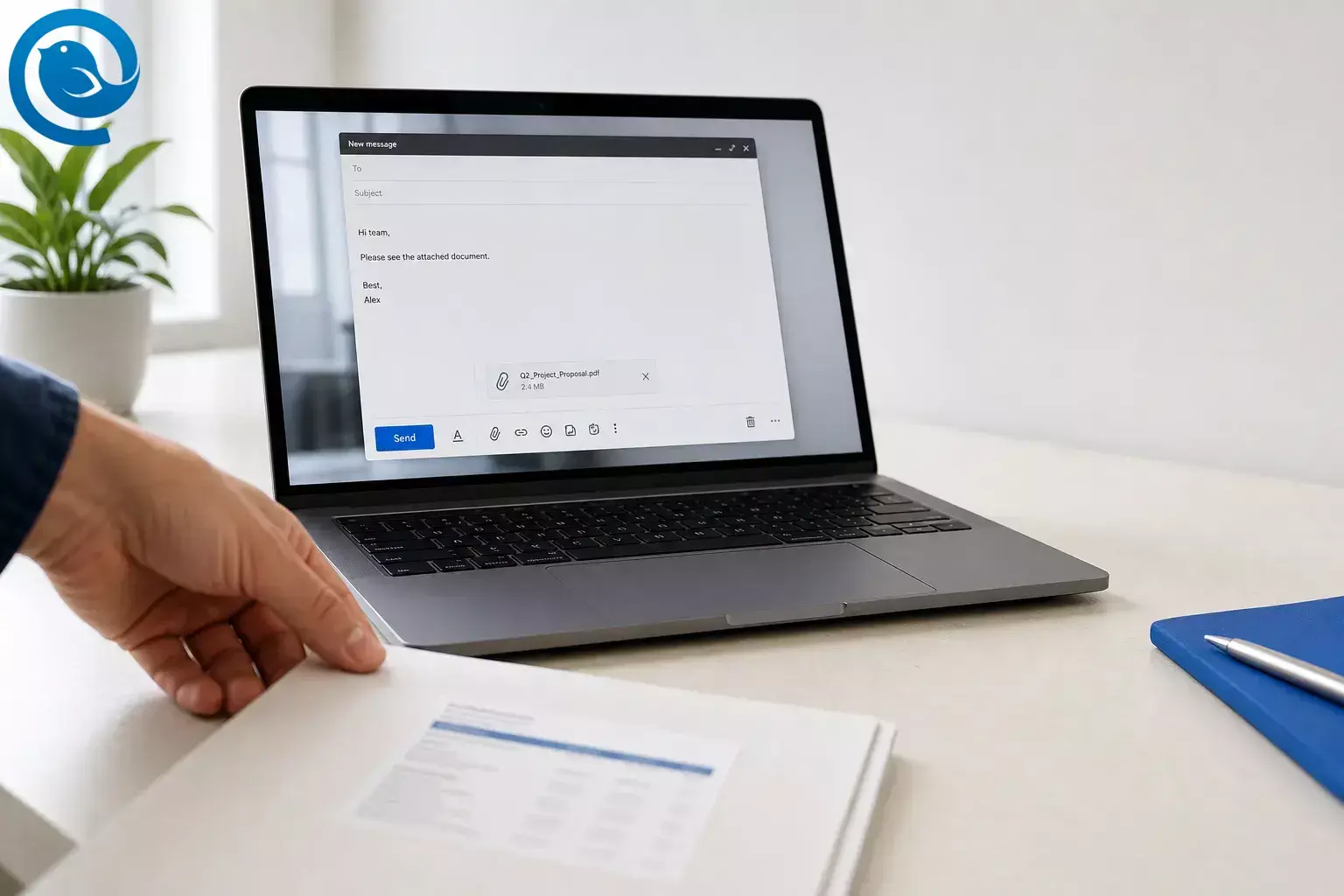
To write an email with an attachment file, attach the file first. Then use a subject line that names it, explain why you are sending it, mention the attachment in the body, and give one clear next step. Below, you’ll find a simple template, subject line examples, and fixes for common attachment problems.
Key takeaways
- Attach the file first, then finish writing, to avoid forgetting it.
- Use a subject line that names the document and any needed action.
- Open with the reason for the email and name the attachment in the body.
- Ask for one clear next step: review, sign, approve, download, or confirm receipt.
- Use a cloud link for a large file or when several people need the same current version.
- If you use a link, check the recipient’s view or edit access before sending.
- Proofread the subject, message, file name, and recipient fields together before you send.
Before you start
- Prerequisites: the recipient’s email address, the final file, and a one-sentence reason for sending it.
- Tools: any email service or desktop email client; optional cloud storage if the file is large.
- Time: usually a few minutes.
- Cost: usually none if you already have email access.
- Safety: if the file request or attachment was unexpected, confirm the sender before you open, download, or forward it. 6
How to send an email with an attachment, step by step
How to send an email with an attachment
-
Choose the exact file first.
Open it once before you send it. Check that it is the final version, that it opens correctly, and that the name is clear, such as
Client-proposal-July-2026.pdfinstead offinal-final-v2.docx. - Decide whether to attach the file or share a link. Attach a file when the reader needs a fixed copy in their inbox. If your app offers it, use a cloud link for a large file or when several people need the same current version. Attachment size limits depend on the provider, and a link can keep the message smaller. 3 5
- Start a new message and add the file early. Use your app’s attach control, often a paperclip icon, before you finish writing. If drag-and-drop is available, that works too. Attaching early is the easiest way to avoid the classic “I forgot the file” mistake.
- Confirm that the attachment is actually visible. Look for the file name, thumbnail, or attachment label in the draft. If you cannot see it, assume it is not attached and add it again.
-
Write a subject line that explains the file.
Use a subject line that names the document and, if needed, the action.
-
Signed lease attached -
July invoice attached - please confirm receipt -
Event photos attached
-
- Open with the reason for the email. Your first sentence should explain why the recipient is getting the file. Example: “I’m sending the signed agreement from today’s call.”
- Name the attachment in the body. Say exactly what is attached. “Attached is the signed agreement PDF” is clearer than “Please see attached.”
- Add one clear next step. Ask for one action only: review, sign, approve, download, or confirm receipt. If a date matters, put it in the same sentence.
- Check access and format before sending. If you attached a file, make sure it opens on your device. If you used a link, confirm the recipient has the right view or edit access before you hit send. 5
- Proofread, confirm recipients, then send. Read the subject, message, file name, and recipient fields together. If they all match, send it.
Email with attachment template
Subject line example: July invoice attached - please confirm receipt
Opening line: I’m sending the signed agreement from today’s call.
Attachment line: Attached is the signed agreement PDF.
Next step: Please confirm receipt by Friday.
If the file is too large to attach: The files are too large to attach, so I included a link below. You should have view access right away.
What to write when sending an attachment
The wording is only half the job — our email attachment guide covers the mechanics: size caps, attaching on each platform, and when a cloud link beats a file. A good email with attachment answers three questions fast: What is this file? Why are you sending it? What should the reader do next?
Use this order: reason + attachment name + next step.
Reason
I’m sending the signed agreement from today’s call.
Attachment
Attached is the signed agreement PDF.
Next step
Please confirm receipt by Friday.
When the file name, subject line, and message all match, the recipient spends less time guessing and more time acting.
Common attachment problems and fixes
| Symptom | Likely cause | Fix |
|---|---|---|
| Email will not send | The file is too large | Upload the file to cloud storage and replace the attachment with a share link. |
| Recipient gets “access denied” | The shared link permissions are too strict | Change the link to the correct view or edit setting, then resend the message. |
| Recipient cannot open the file | The format is uncommon or the file exported badly | Open the file yourself, then resend it as PDF or another common format. |
| You forgot the attachment | You wrote the email first and sent too fast | Reply immediately with a short correction and attach the file in that follow-up. |
| You sent the wrong version | Old drafts had similar file names | Rename the final file clearly, attach the correct copy, and resend with a brief note. |
| The image shows inside the email body | You inserted it inline instead of attaching it as a file | Delete the inline image and use the attach command instead. |
| The attachment is blocked or removed | The file type is restricted by security rules | Convert it to PDF, compress it if appropriate, or use a secure sharing link. |
Email will not send
- Likely cause
- The file is too large
- Fix
- Upload the file to cloud storage and replace the attachment with a share link.
Recipient gets “access denied”
- Likely cause
- The shared link permissions are too strict
- Fix
- Change the link to the correct view or edit setting, then resend the message.
Recipient cannot open the file
- Likely cause
- The format is uncommon or the file exported badly
- Fix
- Open the file yourself, then resend it as PDF or another common format.
You forgot the attachment
- Likely cause
- You wrote the email first and sent too fast
- Fix
- Reply immediately with a short correction and attach the file in that follow-up.
You sent the wrong version
- Likely cause
- Old drafts had similar file names
- Fix
- Rename the final file clearly, attach the correct copy, and resend with a brief note.
The image shows inside the email body
- Likely cause
- You inserted it inline instead of attaching it as a file
- Fix
- Delete the inline image and use the attach files without embedding instead.
The attachment is blocked or removed
- Likely cause
- The file type is restricted by security rules
- Fix
- Convert it to PDF, compress large files if appropriate, or use a secure sharing link.
Email with attachment examples
Use these as short starting points, then swap in your own file name, context, and next step.
Job application or resume
Subject: Application for Marketing Coordinator - Resume attached
Hi Ms. Rivera,
Attached is my resume for the Marketing Coordinator role. I also included a one-page portfolio PDF for quick review.
Thank you for your time.
Best,
Jordan Lee
Requested document
Subject: Requested contract attached
Hi Sam,
Attached is the signed contract you asked for. Please let me know if you also want the editable version.
Thanks,
Avery
Invoice or payment file
Subject: July invoice attached - please confirm receipt
Hi Dana,
Attached is invoice 1048 for July services. Please confirm receipt when you have a moment.
Thank you,
Casey
Multiple photos or design files
Subject: Event photos attached
Hi team,
Attached are 8 edited photos from yesterday’s event. The file names match the session order for easy review.
Best,
Taylor
Large file by link
Subject: Training deck and video files
Hi Chris,
The files are too large to attach, so I included a link below. You should have view access right away.
Thanks,
Morgan
Forgot attachment follow-up
Subject: Correction: file attached
Hi Nina,
Sorry — I sent the last email without the file. I’ve attached it here now.
Thanks,
Alex
If you send attachments often
- Reusable text: save two or three snippets for common situations, such as sending a resume, sending a requested document, and correcting a forgotten attachment.
-
File storage:
keep final files in one folder, such as
Ready to Send, and use names that include the topic and date. - Repeat sending: if you send the same document often, keep one master PDF and one standard email draft. Update only the recipient name, one custom sentence, and the file if needed.
Checklist before you send
- Final file opens correctly
- File name is clear
- Attachment or link is added
- Subject line explains the file
- Email body names the attachment
- Next step is clear
- If using a link, permissions are checked
- Recipients are correct
- Message is proofread
Frequently asked questions
What should I write in an email when sending an attachment?
Name the file, say why you are sending it, and ask for one clear action or confirmation.
Is “please find attached” okay?
Yes. It works, but “Attached is…” or “I’ve attached…” sounds shorter and more natural.
Should I attach the file before writing the body?
If you often forget attachments, yes. Attach first, then write the email.
Is PDF better than Word for attachments?
Use PDF when you want the layout to stay fixed. Use an editable document when the recipient needs to make changes.
Can I send several attachments in one email?
Yes. Keep the number reasonable, name each file clearly, and mention how many files are attached.
When should I use a link instead of an attachment?
What if I forgot the attachment?
Reply right away, apologize briefly, and attach the file in that follow-up.
Sources
- Mailbird — “Why We’re on the Apple App Store — And What It Means for You”
- Mailbird — Best Email Client for Windows and Mac
- Mailbird Next Support — How to Add Attachments in Mailbird Next
- Mailbird Support — Attachment Search
- Microsoft Support — Add pictures or attach files to emails in Outlook
- FTC Consumer Advice — How To Recognize and Avoid Phishing Scams
- Microsoft Support — Blocked File Types in Outlook


