Why We're on the Apple App Store — And What It Means for You
It's official! Mailbird is now live on the Apple App Store. After months of requests from our Mac community, we've made installation easier than ever—just one click and you're managing all your emails like a pro. Ready to transform your email game?



Mailbird email client for Mac is now officially available on the Apple App Store, marking a significant milestone for users seeking a powerful, privacy-focused email management solution. This launch brings easier installation, automatic updates, and Apple's trusted verification to the email app that's already transformed how thousands manage their communications.
Whether you're a Mac user frustrated with native email limitations, someone managing multiple email accounts, or looking for a privacy-first alternative to web-based email, Mailbird's App Store availability changes everything. No more complex downloads or setup processes—just search, install, and experience unified email management designed specifically for Mac users.
Our journey from Windows-exclusive software to full Apple App Store integration represents more than platform expansion—it's our commitment to meeting users where they are, with the tools they expect, and the privacy standards they deserve.
A New Chapter
Today marks a milestone we've been working toward for months: Mailbird is now officially available on the Apple App Store. This isn't just a big step for us—it's an even bigger one for our users who've been asking for easier access to the email experience they love.
Our journey has taken us from our Windows roots to Mac compatibility, and now to full Apple App Store availability. Each step has been driven by one thing: listening to our community. To our early adopters, our faithful Windows users, and everyone who reached out asking "When will Mailbird be on the App Store?"—this one's for you. Thank you for your patience, your feedback, and your unwavering support.
Why Now? Why the Apple App Store?
The decision to bring Mailbird to the Apple App Store wasn't made overnight. Here's what drove us to take this important step:
Easier discovery means more people can find the email solution they need. Instead of hunting through search results or relying on word-of-mouth, potential users can now discover Mailbird right where they naturally look for Mac applications.
Installation should be effortless. No more downloading files, navigating security warnings, or walking through complex setup processes. For users who prefer simplicity—especially those less comfortable with technical installations—the App Store provides the one-click experience they expect.
Apple users have specific expectations, and we respect that. From design aesthetics to privacy standards to the seamless convenience of App Store distribution, we've aligned Mailbird with what Mac users value most.
Trust matters. Being listed in the Apple App Store signals maturity, stability, and reliability. It's Apple's stamp of approval that Mailbird meets their rigorous standards for security, performance, and user experience.
What It Means for You
For New Users
Your Mailbird experience just got dramatically simpler. No more hunting for download links or navigating setup steps—just search "Mailbird" in the App Store, click install, and you're ready to transform your email workflow.
You'll also enjoy consistent, automatic updates delivered securely through Apple's trusted distribution system. Plus, there's real peace of mind knowing that every version of Mailbird has been vetted and verified by Apple's review process.
For Existing Mac Users
Recommending Mailbird to friends, family, or colleagues is now as easy as saying "check the App Store." No more sending download links or walking people through installations—they can find and install Mailbird themselves in seconds.
App Store distribution also means cleaner license management. Your Mailbird subscription integrates seamlessly with your Apple ID and App Store preferences, making everything more streamlined.
And here's something special: you now have a new way to support Mailbird's continued development through a platform you already trust and use regularly.
For Windows Users
This cross-platform progress means exciting innovation is on the horizon. As we expand our reach and capabilities across platforms, you benefit from increased development momentum and resources.
More immediately, you can finally share Mailbird with your Mac-using friends and coworkers without any technical barriers. They'll get the same powerful email experience you love, just optimized for their platform of choice.
Most importantly, you're part of a growing story. Mailbird's expansion means we're building something bigger and better for everyone—and your early support made this possible.
A Quick Look at What's Inside
For those new to Mailbird or curious about what makes it special, here are the key features that Mac users are already loving:
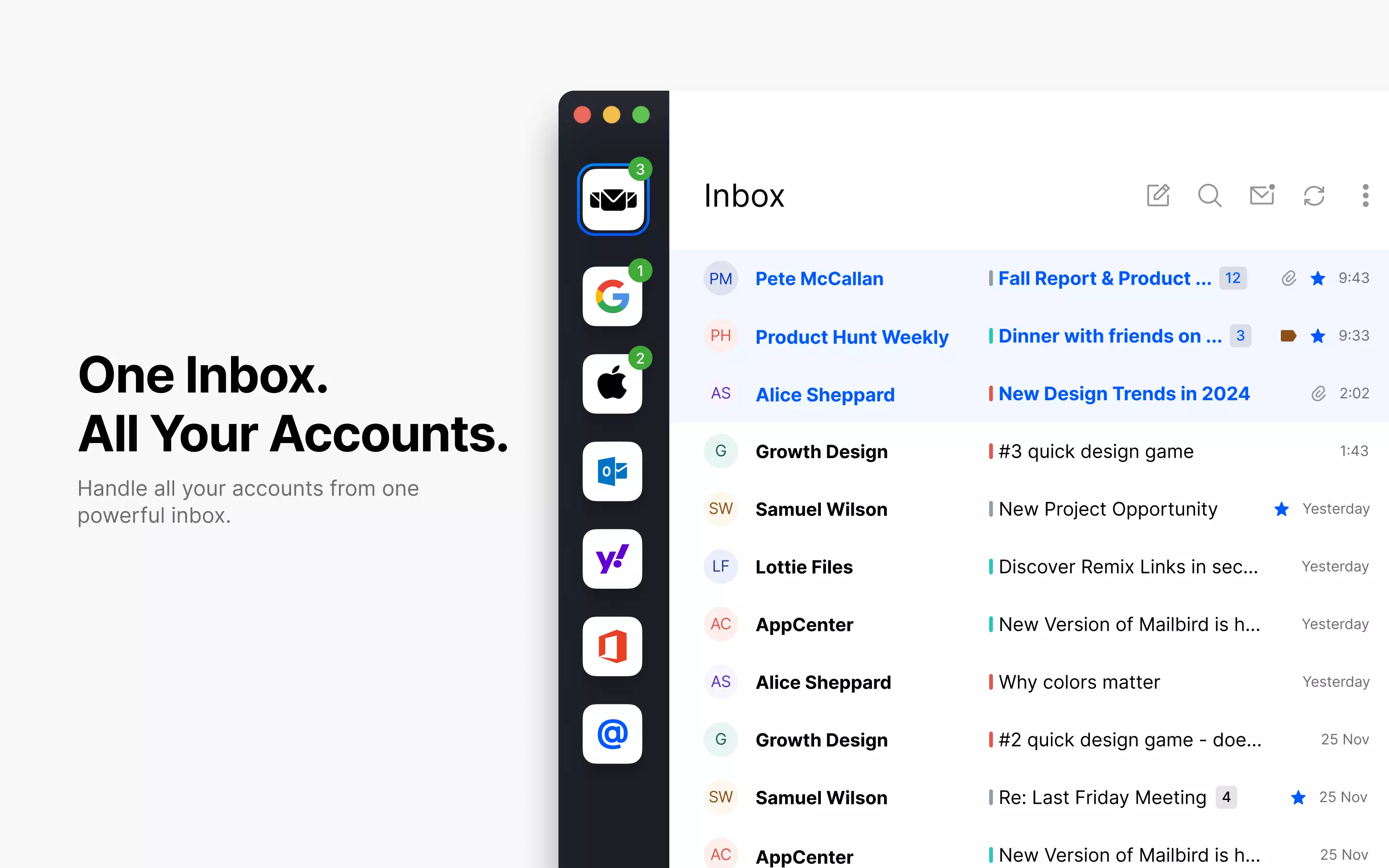
Unified Inbox: Manage multiple email accounts from one clean, organized interface. No more jumping between different apps or browser tabs.
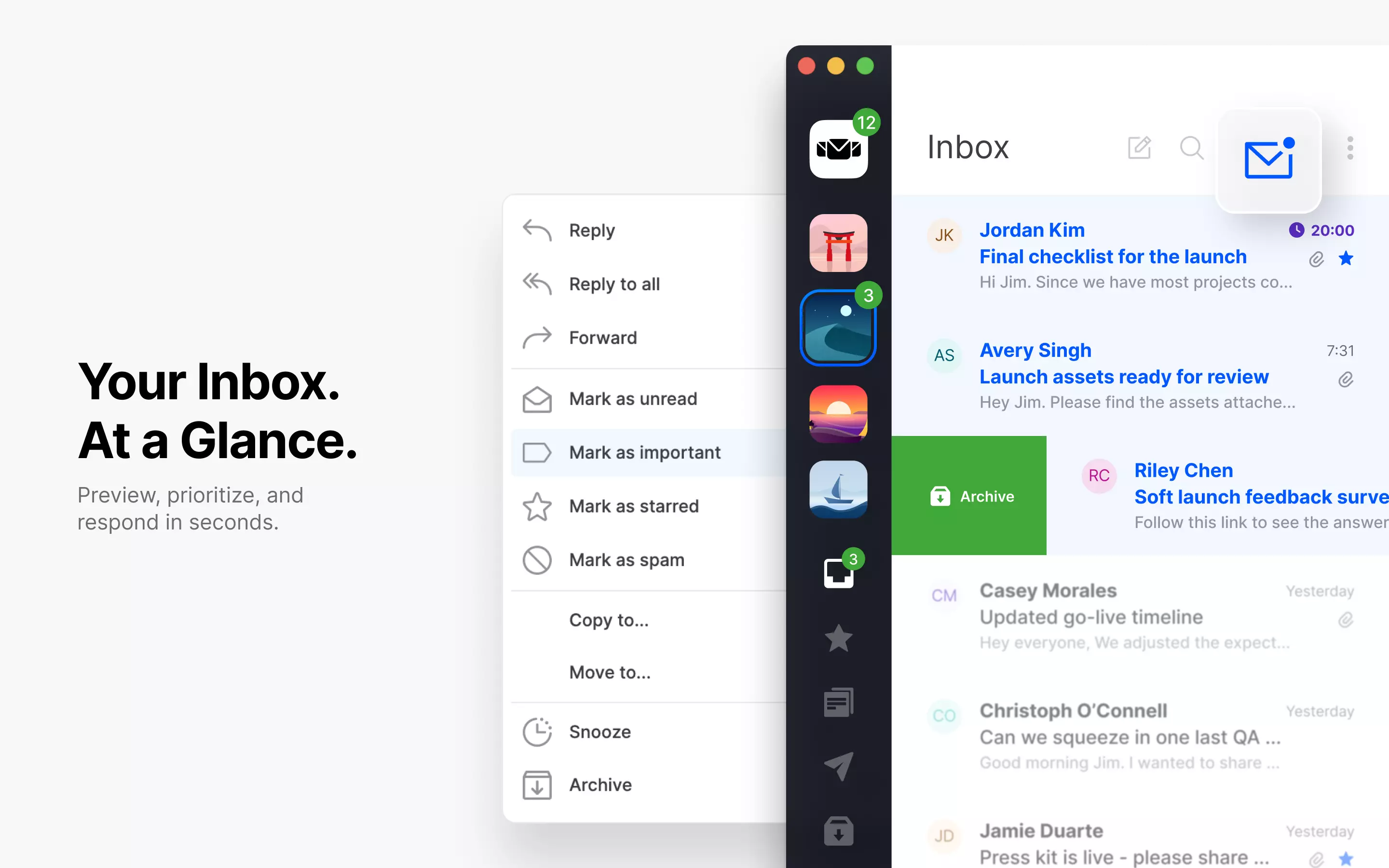
Adaptive Layout: Mailbird automatically adjusts to your workflow, whether you prefer a compact view for quick scanning or an expanded layout for detailed email management.
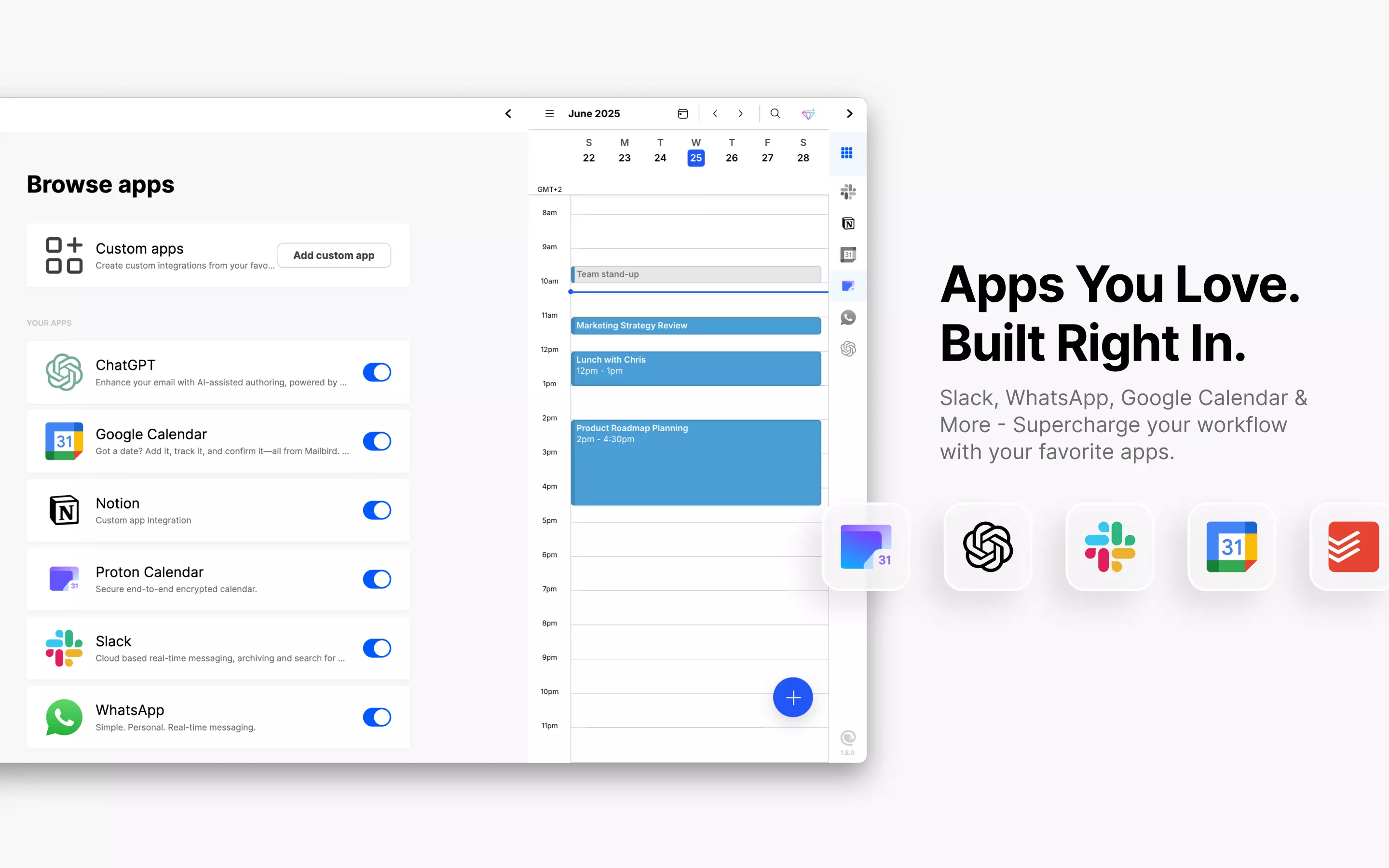
Top App Integrations: Connect with the tools you already use—from calendar apps to task managers to note-taking solutions—for a truly unified productivity experience.
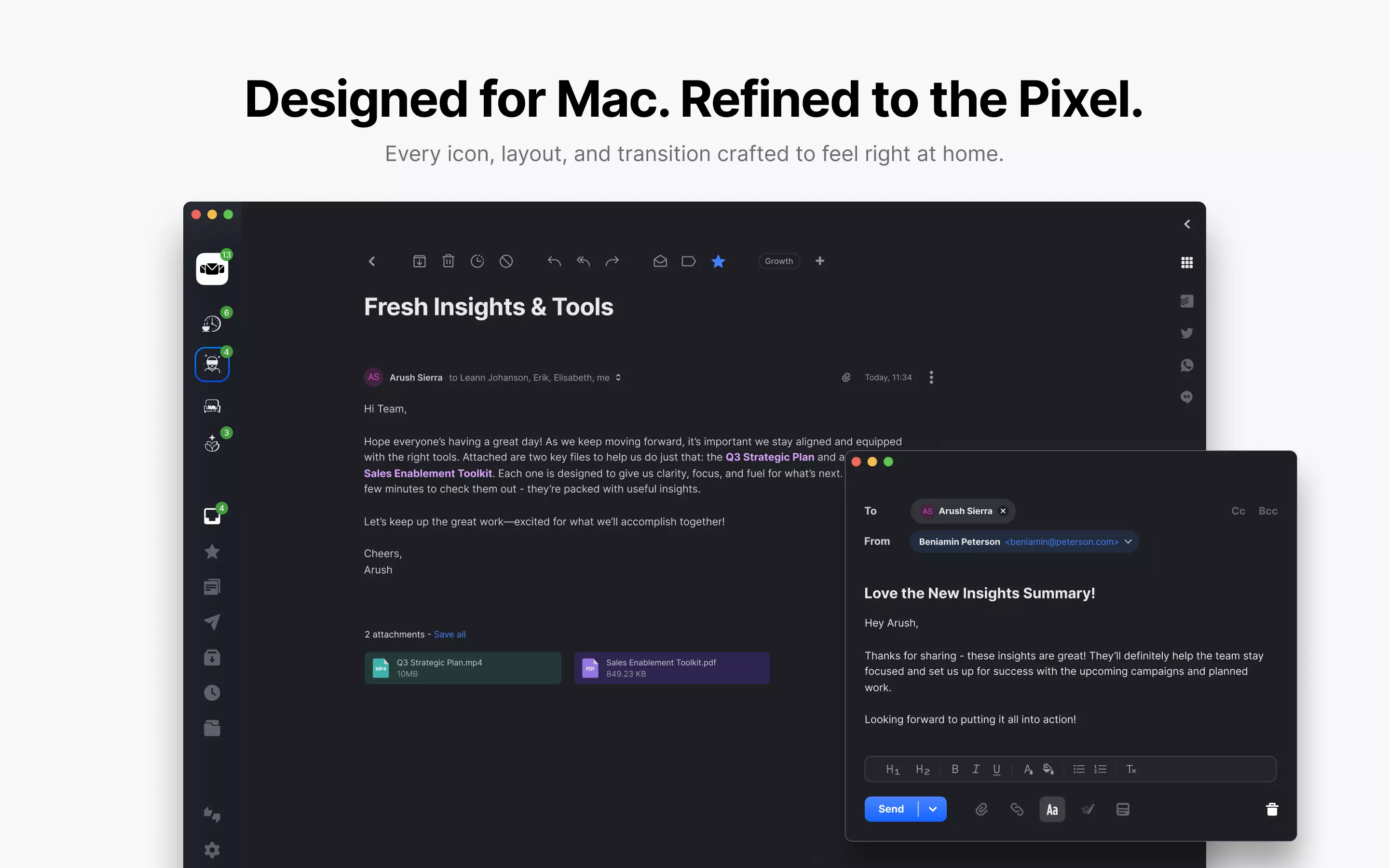
Light and Dark Mode: Switch seamlessly between modes to match your preferences, your Mac's settings, or your current environment.
Privacy-First Design: Your emails never touch our servers. Everything stays between you and your email providers, exactly as it should be.
Our Commitment: What Doesn't Change
While we're excited about this new distribution channel, Mailbird's core values remain unchanged:
Your data privacy is non-negotiable. We don't store your emails, we don't read your messages, and we don't have access to your personal information. Your email stays with your chosen providers, period.
Simplicity, control, and productivity continue to guide every decision we make. The App Store launch enhances these principles—it doesn't change them.
Whether you download Mailbird from our website or the App Store, you're getting the same powerful, privacy-focused email experience that puts you in complete control of your communications.

Try It — Or Share It
Ready to experience Mailbird through the App Store? Download Mailbird from the Apple App Store today.
Whether you're a longtime Mailbird user wanting to support us on a new platform, or you're discovering us for the first time, we'd love to have you as part of this next chapter.

Looking Ahead
This App Store launch represents a significant milestone, but it's really just the beginning. We're committed to continuous improvement based on your feedback, working toward feature parity across all platforms, and finding new ways to simplify email management for everyone.
What excites us most isn't just reaching this milestone—it's knowing that we're building something meaningful with an incredible community of users who share our vision for better email.
This launch is a shared success story. Every feature request you've submitted, every piece of feedback you've shared, and every person you've recommended Mailbird to has brought us to this moment.
Thank you for being part of this journey. We can't wait to see what we build together next.
Frequently Asked Questions
1. Is the App Store version different from the direct download version?
No, both versions offer the same core Mailbird experience with identical features, privacy protections, and functionality. The App Store version simply provides easier installation, automatic updates through Apple's system, and the convenience of App Store account management.
2. What happens to my existing Mailbird for Mac installation?
Your current installation will continue working normally. If you prefer the App Store version, you can download it and your settings/data will remain intact since Mailbird stores everything locally on your Mac. You can choose to keep using your current version or switch to the App Store version—it's entirely up to you.
3. Will App Store updates happen faster or slower than direct downloads?
App Store updates go through Apple's review process, which can add 1-3 days compared to direct downloads. However, you'll receive updates automatically without needing to check our website, and you can be confident that every update has been verified by Apple's security review.
4. Does Mailbird still not store my emails on your servers?
Correct—this fundamental privacy principle never changes, regardless of where you download Mailbird. Whether you get it from our website or the App Store, your emails stay with your email providers (Gmail, Outlook, etc.). We never store, read, or access your email content. The App Store version maintains the same privacy-first architecture you trust.


