Top Fastmail Alternatives to Consider in 2026
Explore ten secure email alternatives to Fastmail with our comprehensive analysis of their features, pros, cons, and detailed verdicts. Perfect for those seeking enhanced privacy, this updated guide with current references ensures you make an informed choice. Compare options easily with our side-by-side feature chart.


Article Updates
- October 2025: Improved readability and added 27 current reference sources while replacing outdated external links with internal resources
We've done the grunt work of analyzing ten alternative to Fastmail email providers that offer secure email accounts. We'll discuss their features, pros and cons, and draw up a verdict on each service.
Just passing through? Preview some alternatives side by side in the chart below.
| Category / Feature | Fastmail | ProtonMail | Tutanota | Google Workspace | Mailfence | Posteo | Zoho Mail | iCloud Mail | Start Mail | Runbox | AOL Mail |
|---|---|---|---|---|---|---|---|---|---|---|---|
| Security | 3/5 | 4/5 | 4/5 | 3/5 | 5/5 | 5/5 | 3/5 | 4/5 | 5/5 | 3/5 | 2/5 |
| Storage | 5/5 | 3/5 | 4/5 | 5/5 | 4/5 | 5/5 | 4/5 | 4/5 | 4/5 | 5/5 | 3/5 |
| Customization and Tools | 4/5 | 5/5 | 3/5 | 5/5 | 4/5 | 3/5 | 5/5 | 2/5 | 3/5 | 3/5 | 3/5 |
| User Support | 3/5 | 5/5 | 4/5 | 4/5 | 5/5 | 3/5 | 3/5 | 4/5 | 3/5 | 5/5 | 5/5 |
| Affordability | 3/5 | 4/5 | 4/5 | 5/5 | 3/5 | 4/5 | 5/5 | 5/5 | 3/5 | 4/5 | 5/5 |
Email Provider Criteria
There are dozens of provider features that improve your daily communication. According to NIST's cybersecurity guidelines, modern email providers should prioritize security features alongside usability. Here are some characteristics we encourage you to look out for:
- Two-factor or multifactor authentication - Security experts at CISA recommend multi-factor authentication as essential protection against unauthorized access
- End-to-end encryption - Protects message content from interception during transmission
- PGP encryption - Industry-standard encryption protocol for secure email communication
- Metadata encryption - Protects sender, recipient, and subject line information from exposure
- Anti-spam filters - According to Google's spam filtering research, AI-powered filters now achieve over 99% accuracy in identifying unwanted messages
- Custom Domains - Professional email addresses using your own domain name
- Alias Email Addresses - Multiple email identities for privacy and organizational purposes
- Layouts and Themes - Customizable interface options for improved user experience
- Calendar - Integrated scheduling capabilities for seamless productivity
- User Support - Responsive customer service and comprehensive documentation resources
As you can see, there are numerous elements to consider in an email provider. Industry analysis from Gartner indicates that organizations prioritize security features alongside usability when evaluating email solutions. We put Fastmail and the alternative providers through these criteria to evaluate how they measured up across security, functionality, and user experience dimensions.
What Is Fastmail? A Brief Overview

Fastmail is a platform that provides domain hosting and email services. According to Fastmail's official documentation, the webmail interface is designed for ease of use and would suit entrepreneurs who need multiple email addresses to manage different aspects of their business operations.
There are, however, concerns regarding Fastmail's encryption implementation and overall service performance. Research from privacy advocates indicates that while the service offers transit encryption, it lacks end-to-end encryption capabilities. Additionally, some users report interface responsiveness issues on mobile platforms. These factors contribute to why users seek alternatives that can offer more comprehensive security features and improved performance.
- Features
-
- 2-factor authentication for enhanced account security
- Encrypts email while in transit using TLS protocols
- Secure webmail interface with modern security standards
- Isolated domains for opening attachments safely
- Custom domains support for professional branding
- Email aliases for inbox organization
- Topicbox file library for document management
- Mail forwarding and filtering service for automated organization
- Is Fastmail Encrypted?
-
According to Fastmail's security documentation, while messages are protected during transmission using TLS encryption, Fastmail does not implement PGP (Pretty Good Privacy) encryption. The service does not operate under a zero-knowledge policy, meaning that some metadata (including subject lines and sender information) passes through servers without end-to-end encryption protection. Security researchers at Electronic Frontier Foundation note that transit encryption, while valuable, provides different protection levels compared to end-to-end encrypted solutions.
- Fastmail Reviews
-
Trustpilot: 4/5
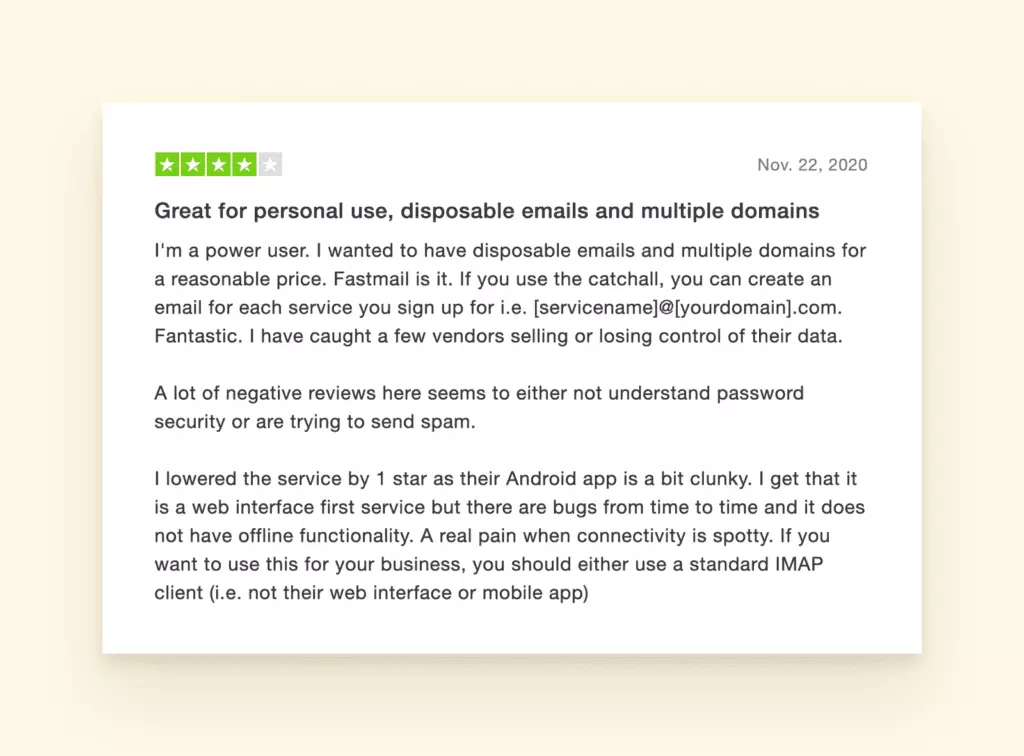
Fastmail user review with 4 out of 5 stars - Fastmail Pricing
-
Fastmail offers three subscription tiers that vary primarily in storage capacity and customization options:
- Basic - Entry-level plan with 2 GB of storage
- Standard - Mid-tier plan with 30 GB of storage and custom domain support
- Professional - Advanced plan with 100 GB of storage and email retention archive
According to Fastmail's documentation, the more advanced plans enable integration with third-party email applications, which the basic plan does not include.
- The Final Verdict on Fastmail
-
Overall, Fastmail functions as a reliable email provider with strong support for custom domains and multiple accounts with unique aliases, making it particularly useful for business email management. Users on Standard and Professional plans can integrate Fastmail with desktop email clients to enhance their workflow experience.
However, the service does not offer the comprehensive suite of end-to-end encryption features that many privacy-conscious users seek when transitioning from mainstream providers. Additionally, as an Australian company, Fastmail operates under the jurisdiction of the Five Eyes Intelligence Alliance, which means user data may be subject to government access requests under certain circumstances. According to privacy researchers at Privacy Guides, this jurisdictional consideration is important for users prioritizing data sovereignty. The decision ultimately depends on individual privacy requirements and whether zero-knowledge encryption policies are essential for your use case.
- Pros and Cons
-
- Custom domains and aliases for professional email management
- Generous storage capacity across all plans
- Extensive customization options for advanced users
- No PGP encryption or end-to-end encryption
- Phone number required for account creation
- Credit card required for subscription
- Slow customer support response times
- Storage is limited by subscription plan
Top Alternatives to Fastmail
Know enough about Fastmail? Select one of the other providers from the table of contents to jump ahead:
-
- ProtonMail - best modern interface
- Tutanota - best free plan
- Google Workspace - overall convenience
- Mailfence - secure communication options
- Posteo - best overall security features
- Zoho Mail - feature-rich interface
- iCloud Mail - simple interface
- StartMail - ad-free experience
- Runbox - anti-surveillance company philosophy
- AOL Mail - intelligent spam protection
We conducted comprehensive testing with the latest versions of each email provider and analyzed recent user reviews to provide you with accurate, up-to-date comparisons. According to Gartner's email security research, evaluating email providers requires careful consideration of security protocols, feature sets, and platform compatibility to ensure the solution meets both personal and business requirements.
ProtonMail
-
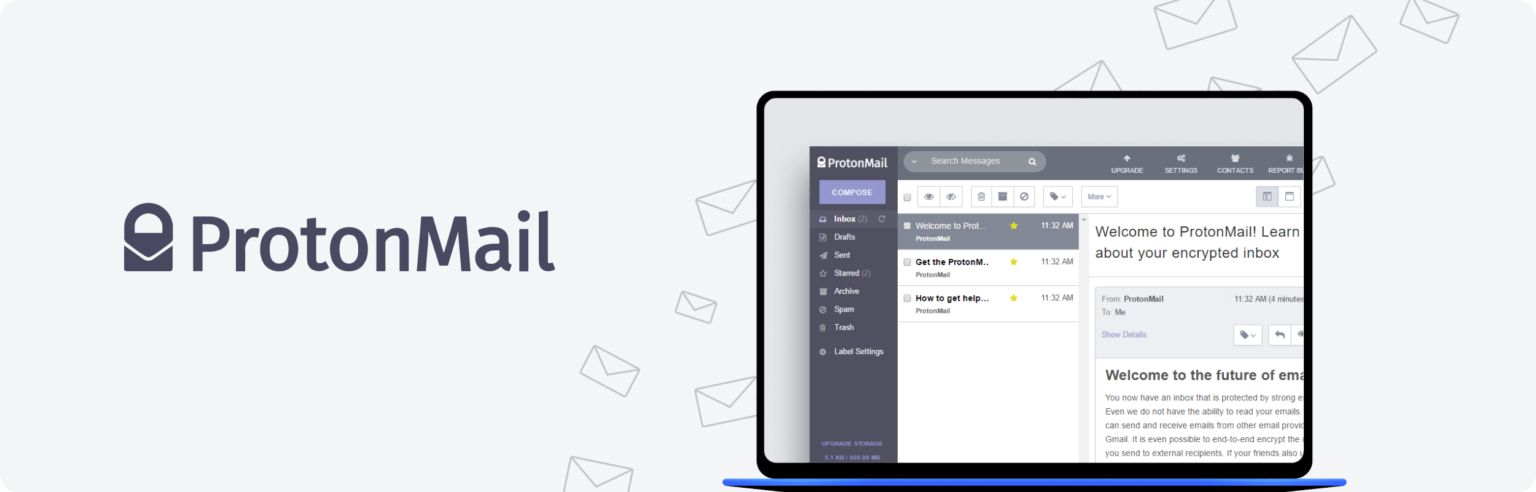
ProtonMail banner showcasing secure email services ProtonMail is a popular Fastmail alternative that has established itself as a leading secure email provider. According to NIST's cybersecurity guidelines, end-to-end encryption is essential for protecting sensitive communications, and ProtonMail implements this as a core feature alongside a sleek interface and Swiss privacy laws.
Based in Switzerland, ProtonMail operates outside of US and EU jurisdiction. ProtonMail's official documentation states that they only save a cryptographic hash of your email or phone number, and it's not permanently associated with your account, providing enhanced privacy protection compared to traditional email providers.
- Features
-
- 2-factor authentication for enhanced security
- End-to-end and PGP encryption for message protection
- Self-destruct emails for time-sensitive communications
- Additional storage options
- Customizable layout and theme
- IMAP/SMTP support via ProtonMail Bridge
- Custom domains for professional use
- Email aliases for privacy management
- Encrypted calendar for Android and web
- Administrator role for team management
- Reviews
-
G2 - 4.4/5
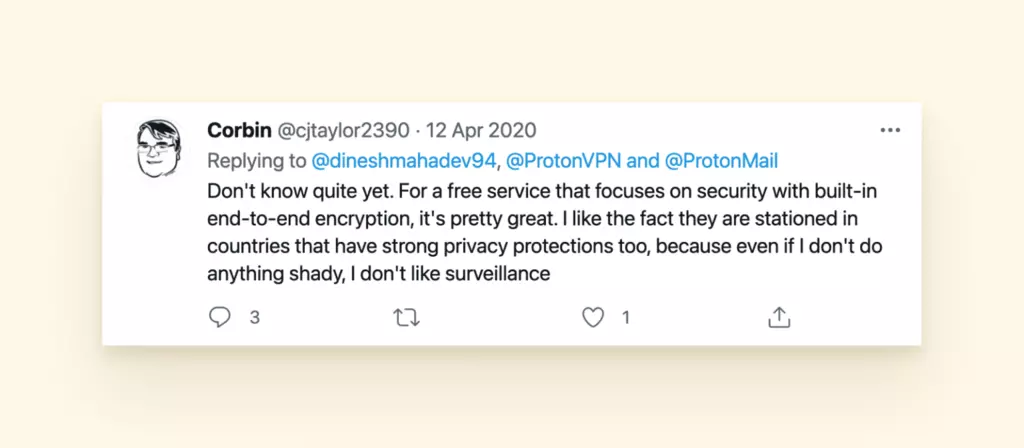
ProtonMail review with 4.4 out of 5 stars on G2 - Pricing
-
- Free version - limited features (e.g., no custom domain, only one email address)
- ProtonMail Plus - 5 GB of storage, five email addresses
- ProtonMail Professional - two custom domains, up to five email addresses per user, and unlimited messages
- ProtonMail Visionary - 20 GB of storage, VPN service included
- Pros and Cons
-
- Encrypted messages for non-ProtonMail recipients
- Doesn't harvest your data - zero-access encryption
- VPN service included in higher-tier plans
- Ad-free experience across all plans
- Metadata is not 100% encrypted
- Limited calendar platform availability
- Smaller-than-average storage space on free tier
- You cannot search the message body due to encryption
- 24/7 support is only available for paid accounts
- Verdict: Fastmail vs. ProtonMail
-
For organizations handling sensitive information, ProtonMail represents a solid option. According to CISA's email security recommendations, end-to-end encryption is critical for protecting confidential communications. ProtonMail's Swiss jurisdiction and engineer-focused approach to privacy and security make it particularly well-suited as a Fastmail alternative for businesses, especially with features like ProtonMail Bridge (an app that decrypts and encrypts mail on your desktop for seamless integration with desktop email clients).
Tutanota
-
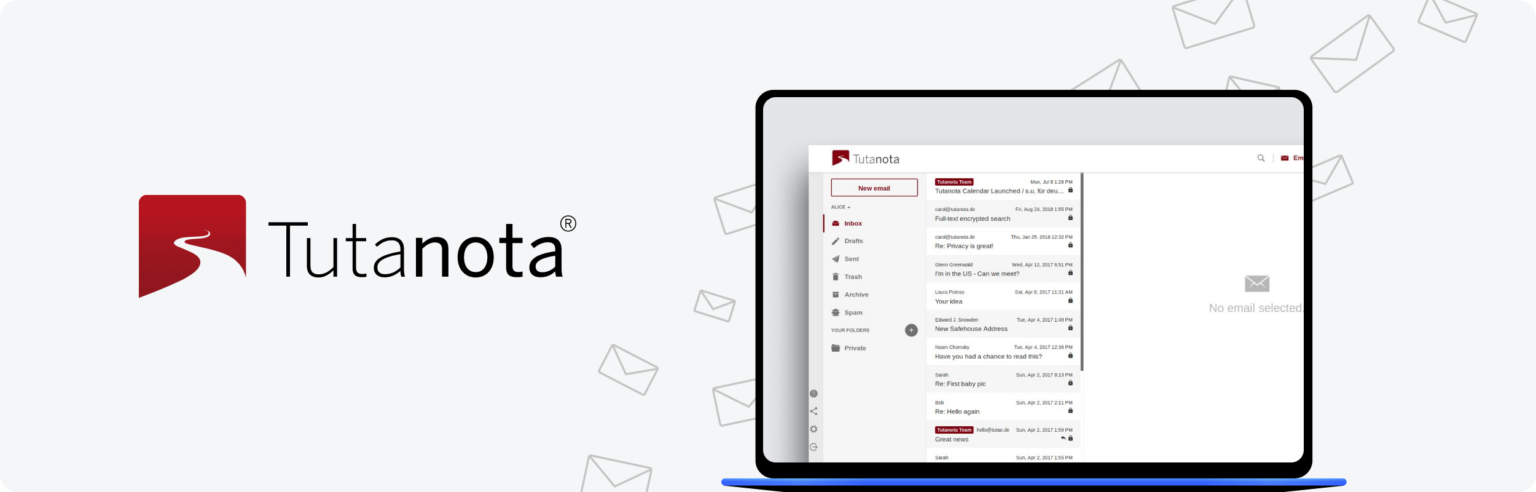
Tutanota email service banner highlighting encryption Tutanota is a completely open-source encrypted email service known for comprehensive security features and privacy-focused architecture. According to SANS Institute's email encryption research, end-to-end encryption implementations like Tutanota's provide essential protection for sensitive communications. With more storage and similar perks like iOS and Android apps and spam protection, the free plan offers competitive features compared to other secure email providers.
In addition, Tutanota is known for being an environmentally friendly platform ( using renewable energy) and features robust encrypted capabilities, including their zero-knowledge calendar. NIST cybersecurity guidelines emphasize the importance of zero-knowledge encryption architectures for maintaining data privacy, which Tutanota implements across its platform.
- Features
-
- 2-factor authentication
- Total end-to-end encryption
- Secure password reset system
- Additional storage options
- Custom domains
- Email aliases
- Encrypted calendar and contact forms
- Encrypted search function
- Subreddit support for free users
- Reviews
-
G2 - 4.4/5
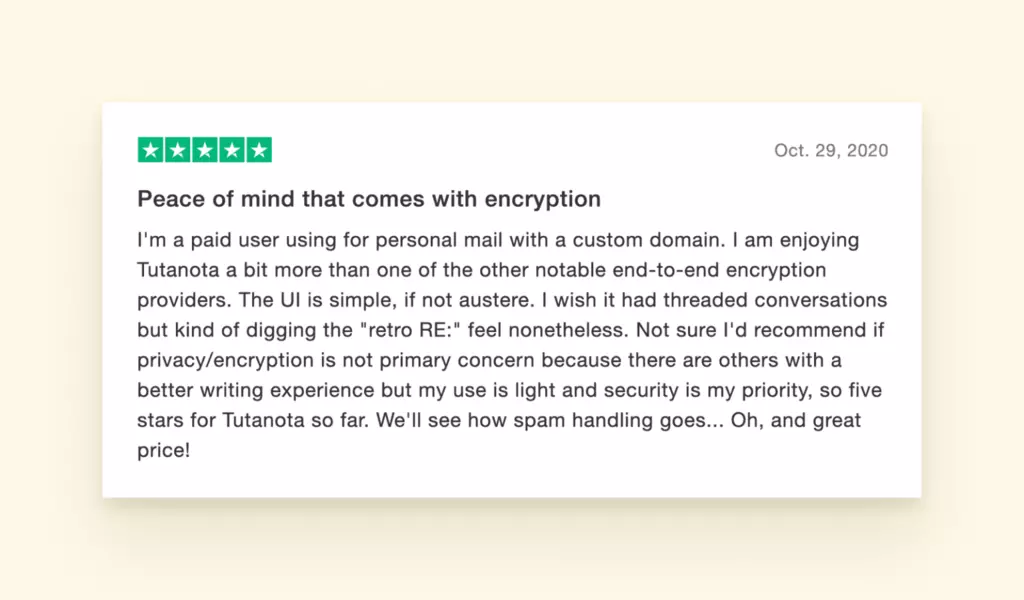
Tutanota review with 4.4 out of 5 stars on G2 - Pricing
-
- Free plan - Storage included, encryption, and privacy options
- Premium plans - Custom email addresses, expanded storage, unlimited searches, and additional features like inbox rules
- Teams plans - Enhanced storage, custom branding options, administrative dashboard
- Pros and Cons
-
- Session handling
- Zero-knowledge calendar
- Renewable energy infrastructure
- Metadata encryption
- Scalable storage options
- 48-hour hold on new accounts
- Free plan search limited to recent emails
- No direct user support on the free plan
- No PGP encryption support
- Doesn't support IMAP protocol
- Verdict: Fastmail vs. Tutanota
-
Considering the comprehensive security measures and the opportunity to customize different features within subscription plans, Tutanota represents a solid email provider choice for privacy-conscious users. According to Forrester's email security analysis, end-to-end encryption and zero-knowledge architecture are increasingly important factors for both personal and business email security. The platform would be an even stronger option if it supported IMAP protocol for broader email client compatibility.
Google Workspace
-
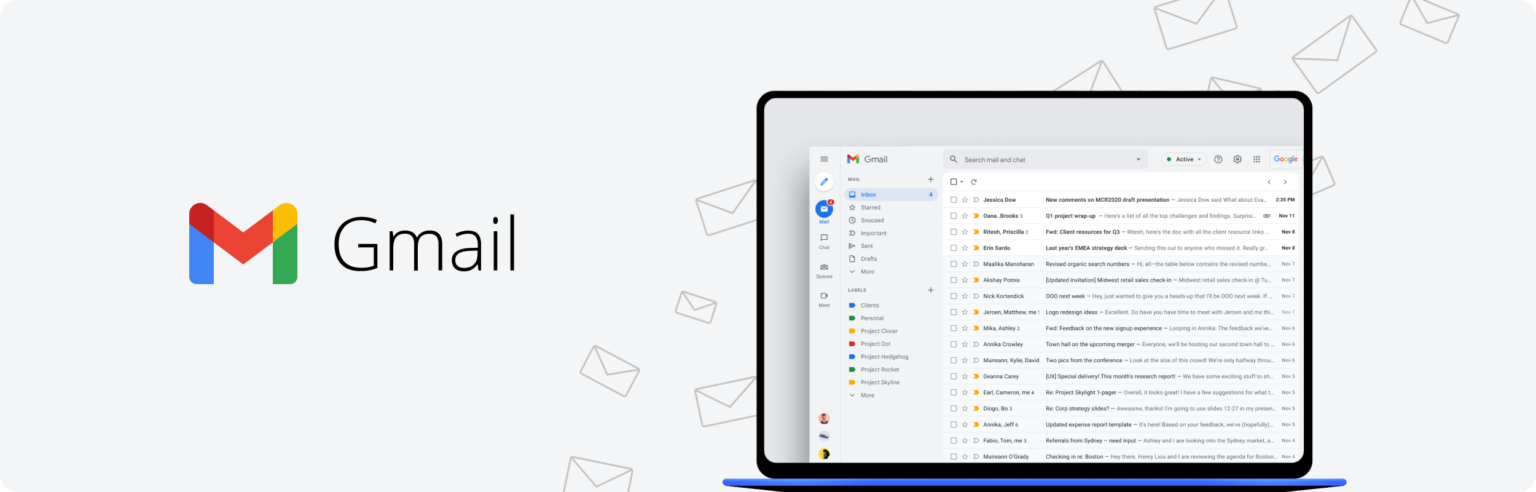
Gmail email service banner for personal and business use Google provides an email service as part of its Office suite, or the Workspace. It has a convenient web interface that many people use for personal and business matters.
Gmail is a fully accessible mail client and an email service that pioneered many email management features like send later and undo send. Aside from the Gmail webmail, you can also create Docs, Sheets, Slides, and Calendars and store them on Google Drive.
- Features
-
- 2-factor and biometric verification
- Custom domains
- Email aliases
- Additional storage
- Unsubscribe button
- Custom filters
- Suspicious login identification
- Add-ons
- Reviews
-
G2 - 4.6/5
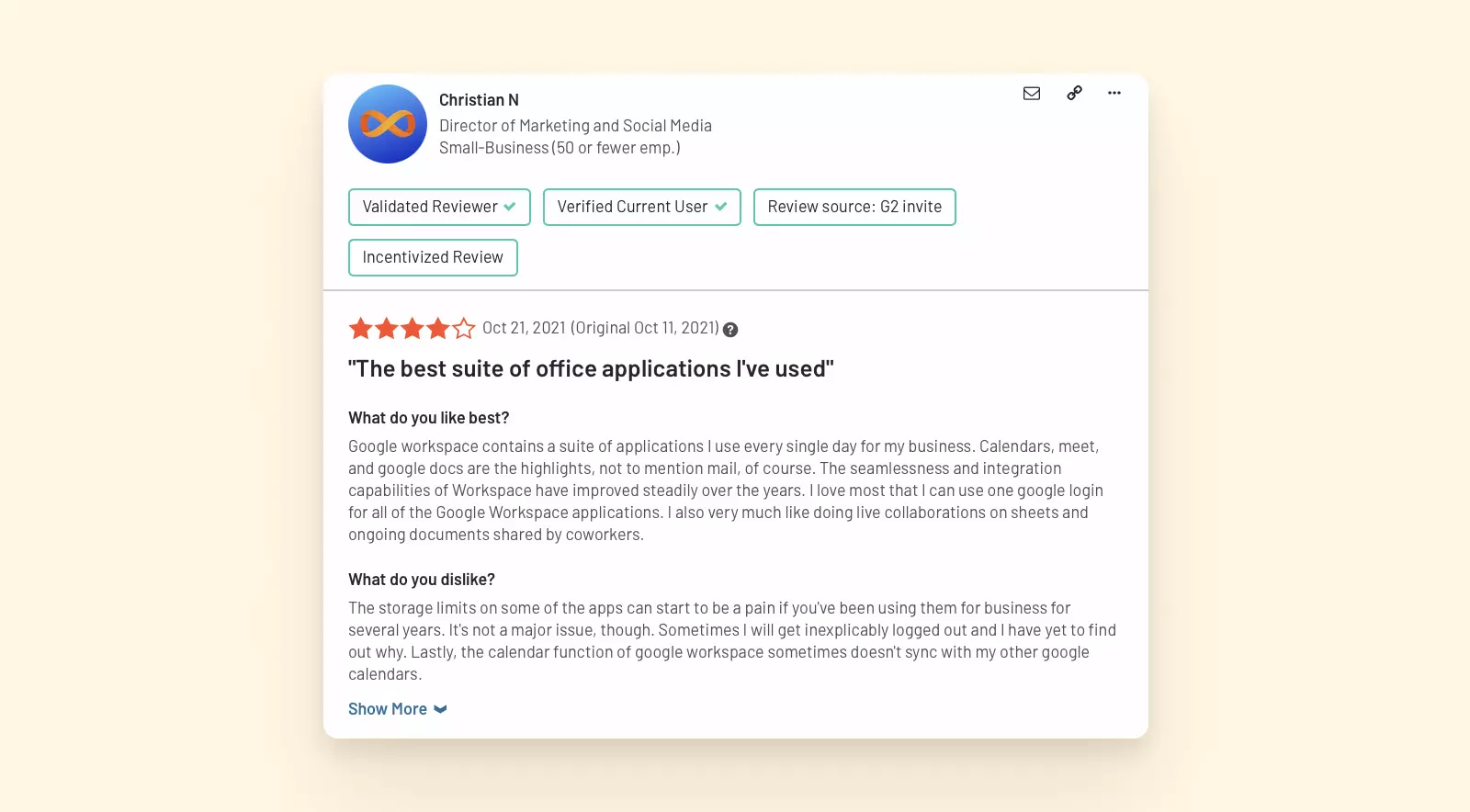
Gmail app review with 4.6 out of 5 stars on G2 - Pricing
-
- Free - limited storage
- Business Starter - $6/month, 30 GB of storage, customer support
- Business Standard - $12/month, 2 TB of storage, customer support
- Business Plus - $18/month, 5 TB of storage, customer support, enhanced security
- Pros and Cons
-
- Integration with Drive, Docs, Sheets, and other Gmail products
- Productivity app add-ons and integrations
- Advanced email search options
- Spam filtering that you can adjust to your preferences
- Available on all platforms - Windows, Mac, and mobile
- There are some privacy concerns
- Ad-targeting in the free version
- Verdict: Fastmail vs. Gmail
-
Gmail and Google Workspace are a go-to for many businesses and individual users alike. As a Fastmail alternative, Gmail is more affordable, offers more free storage, and is more versatile. In terms of security features, Gmail has some interesting functionality, like suspicious email account login identification, though it doesn't support PGP encryption either.
Mailfence
-
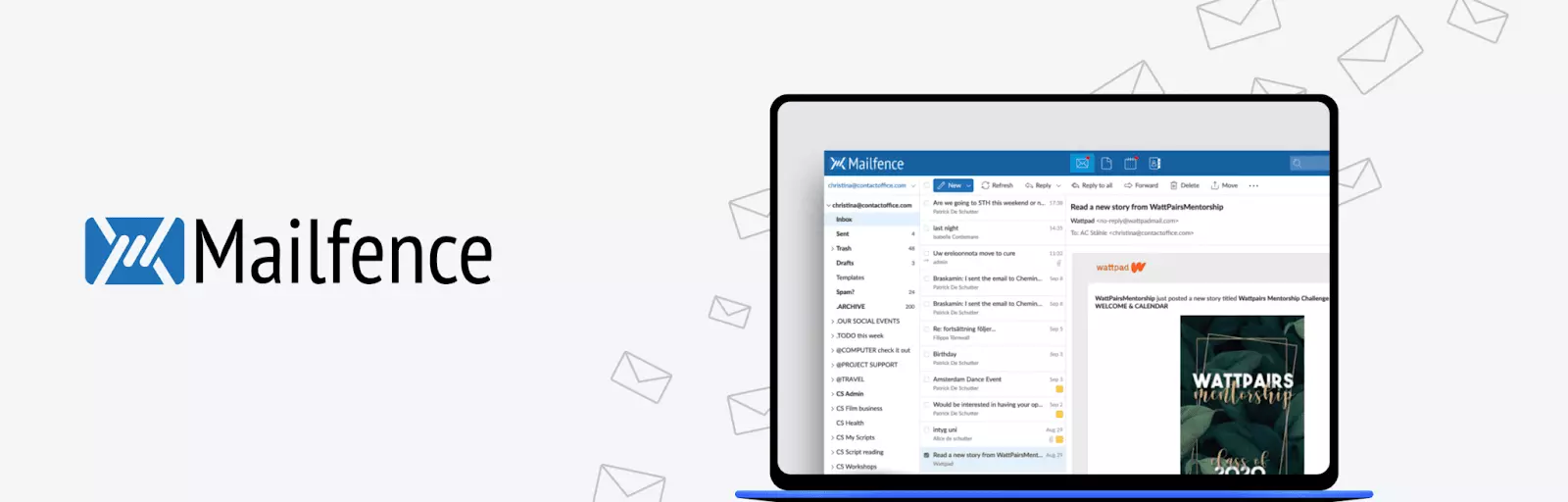
Mailfence email client interface for secure communication Mailfence is a Belgium-based ad-free and spy-free secure email service. According to ENISA's privacy-by-design guidelines, European-based email providers benefit from GDPR compliance standards that strengthen user privacy protections. The webmail is known for its clean interface and highly rated user experience. Mailfence doesn't have a free version, but you can pay with cryptocurrency for any of the plans.
The service is also endorsed by the Mozilla Foundation, making it compatible with Thunderbird, if that is the email client of your choice. Security researchers at OWASP recommend that email services implement end-to-end encryption and PGP support, both of which Mailfence provides as core security features.
- Features
-
- 2-factor authentication
- Encrypted calendars, contacts, and groups
- PGP encryption
- Custom domains
- Self-destructing emails
- Spam filters
- Shared inboxes
- Document editor
- Reviews
-
Trustpilot - 4/5
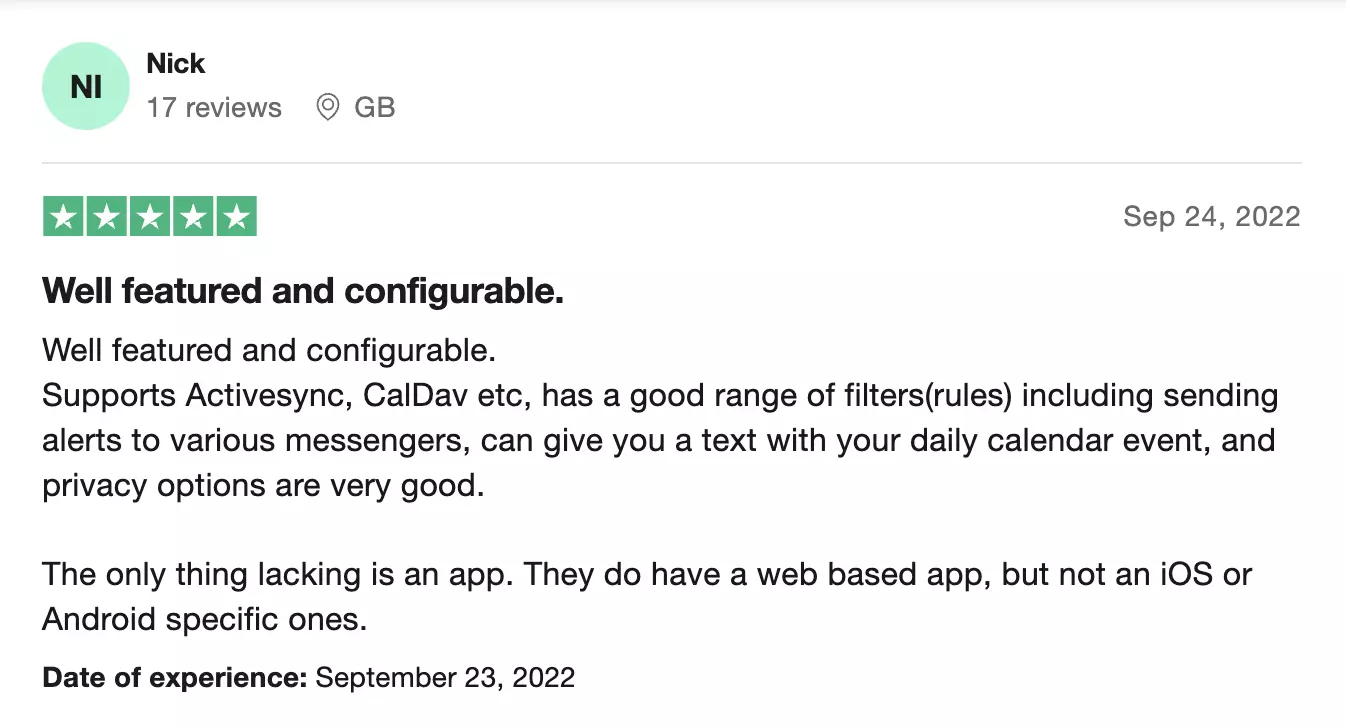
Mailfence review with 4 out of 5 stars on Trustpilot - Pricing
-
- Free - 1 GB of email + document storage, email support
- Entry - Starting at approximately $3/month, 5 GB of storage, ten aliases, and email and phone support
- Pro - Mid-tier plan, 20 + 24 GB of storage, 50 aliases, and priority support
- Ultra - Premium plan, 50 + 70 GB of storage, 100 aliases, and priority 24/7 support
- Pros and Cons
-
- Doesn't track your personal data
- Allows cryptocurrency payments
- Good customer support
- Great range of features
- Clean but unsophisticated user interface
- No mobile app
- Logs user data
- Verdict: Fastmail vs. Mailfence
-
Mailfence offers a solid user experience with a focus on privacy and security. According to GDPR compliance standards, European-based services provide enhanced data protection guarantees for users. Even if it's not the most sophisticated email service, it's still very pleasant to use and easy to comprehend. Besides, it has a responsive support team, even for free users. Some downsides include the lack of theme customization options and limited free storage. Also, though it doesn't track personal information, the service does log IP, browser, and a few other types of data, which is questionable in terms of email security.
Posteo
-
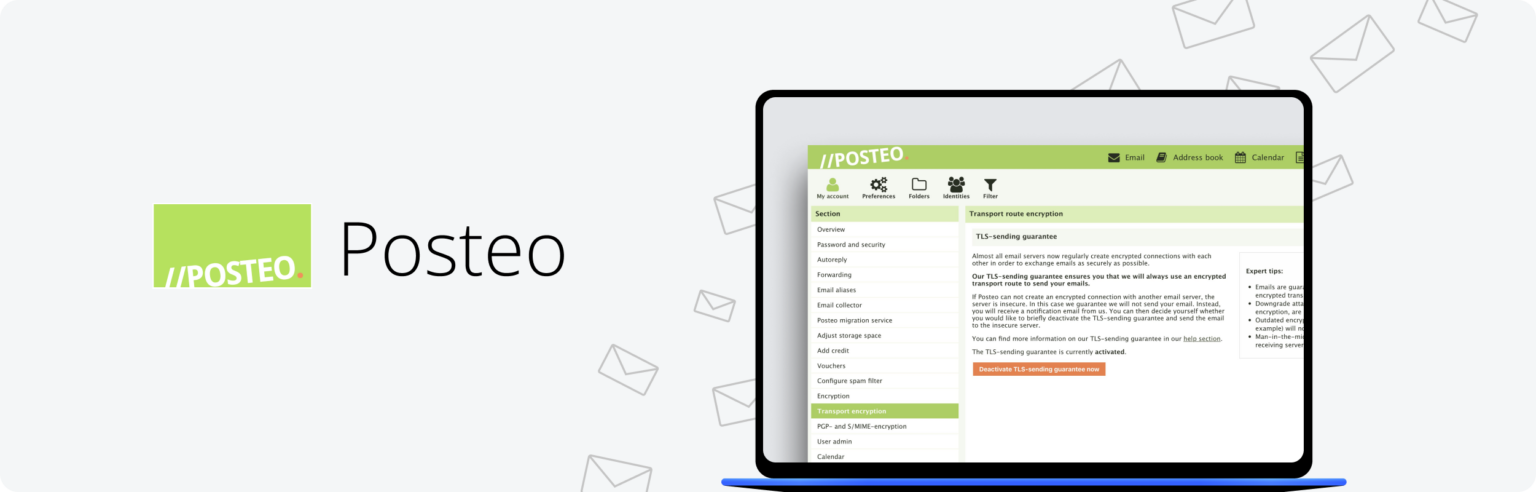
Posteo secure email provider banner Posteo is a front-runner as an alternative to Fastmail because they really understand the concept of a secure, easy-to-use email provider. Posteo, which is based out of Germany, has a long list of privacy and security features. The most standout is probably that they put a lot of effort into reducing how much information they store or collect. It also has a very nice tool called the Email Collector that is used for automatically migrating emails over to your Posteo account from another provider for up to three months.
- Features
-
- 2-factor verification
- End-to-end encryption
- PGP encryption
- Additional storage
- Email aliases
- Merging up to five external calendars
- Email Collector
- Sender filter rules
- Regular email support
- Reviews
-
ProPrivacy - 4/5
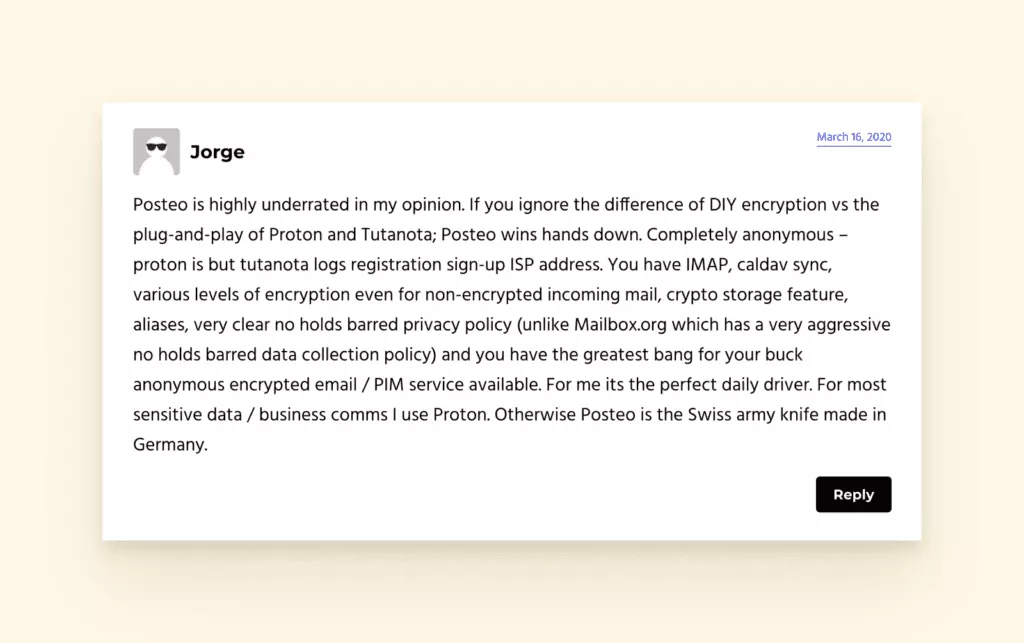
Posteo review with 4 out of 5 stars on ProPrivacy - Pricing
-
- Basic - $1.09/month, 2 GB of email storage, no aliases
- Standard - $2.18/month, 4 GB of email storage, two aliases
- Premium - $3.28/month, 10 GB of email storage, five aliases
- Pros and Cons
-
- Lots of features and customizability
- Strong privacy policy
- Reduced information storage
- Email Collector tool
- Lacks end-to-end encryption by default
- Only three pricing plans
- No mobile app
- Verdict: Fastmail vs. Posteo
-
Posteo is an eco-friendly service that uses renewable energy sources to keep their servers running. They are known for being privacy-focused and avoid tracking. Their prices are quite reasonable, given the features they provide. The service does not have a native mobile app, but their web app is fully responsive, which somewhat compensates for the lack. The interface is quite dated but is compensated by the top-level security and privacy features.
Zoho Mail
-
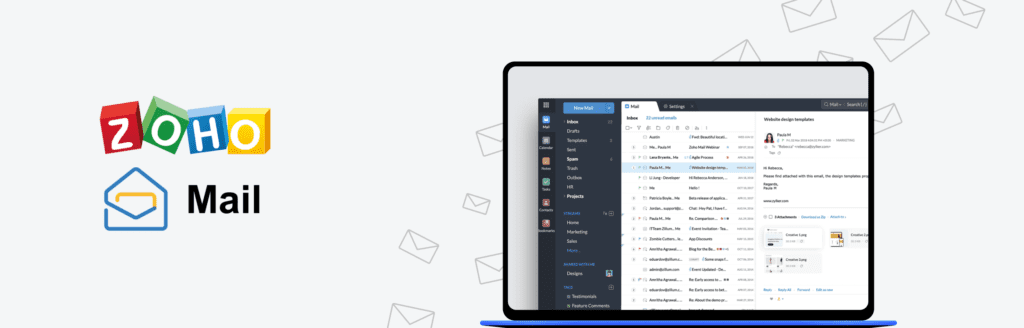
Zoho Mail email client interface for business solutions Zoho Mail is a well-established business email solution that integrates seamlessly with Zoho's comprehensive productivity suite. According to Zoho's official documentation, the platform combines email management with calendars, tasks, contacts, and notes in a unified interface. Research from Gartner's email applications analysis indicates that integrated productivity suites like Zoho Mail are increasingly preferred by businesses seeking consolidated communication tools.
- Features
-
- 2-factor authentication for enhanced account security
- DDoS protection and advanced threat detection
- Spam filters with AI-powered classification
- Advanced search options with filters and operators
- Search history for quick access to previous queries
- Email templates for standardized communications
- Offline access for uninterrupted productivity
- Custom domains for professional branding
- Email aliases for identity management
- Reviews
-
G2 - 4.4/5
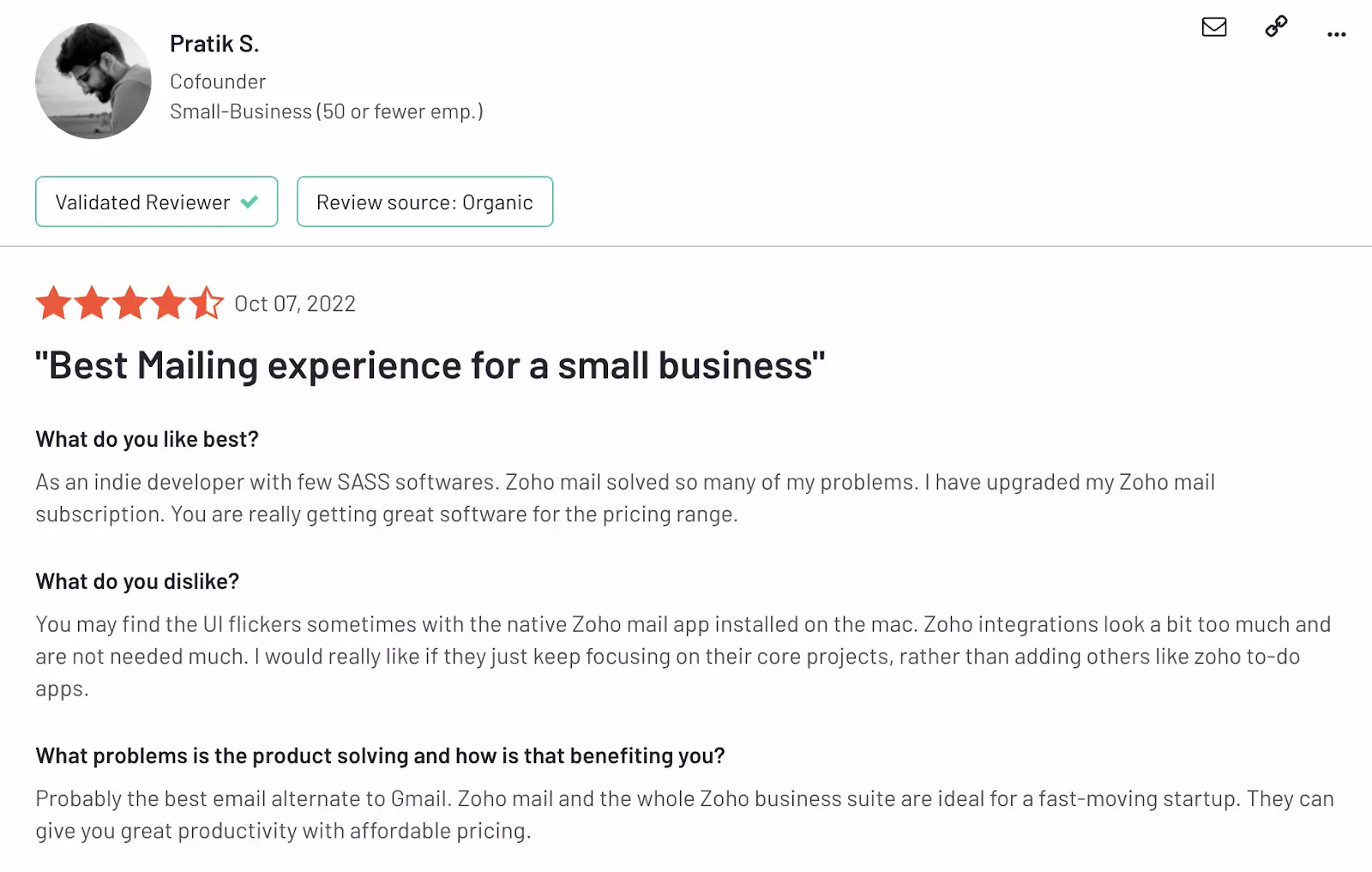
Zoho Mail review with 4.4 out of 5 stars on G2 - Pricing
-
- Free - 5 GB of storage, one domain hosting, and basic features
- Mail Lite - $1/month per user, 5 GB of storage, aliases, offline access, integration widgets, and task management
- Mail Premium - $4/month per user, 50 GB of storage, 1 TB attachment limit, calendar, white labelling, S-MIME security improvement
- Workplace - starting at $3/month per user, added intranet, online file manager, instant chat, secure business email, and other features
- Pros and Cons
-
- Intuitive interface with minimal learning curve
- A good variety of customization options for workflows
- Integration with other Zoho products, like their CRM and project management tools
- Ad-free experience across all plans
- Collects user data for third-party use according to their privacy policy
- Interface customization could be more flexible for advanced users
- Verdict: Fastmail vs. Zoho Mail
-
According to Zoho's official comparison documentation, the service provider offers robust functionality with its webmail interface that provides more extensive integration capabilities than Fastmail. While Zoho Mail supports many security features including S-MIME encryption and two-factor authentication, potential users should review the platform's data collection policies. Industry analysis from Forrester's email security research suggests that businesses should carefully evaluate privacy policies when selecting email providers, particularly regarding third-party data sharing practices.
iCloud Mail
-
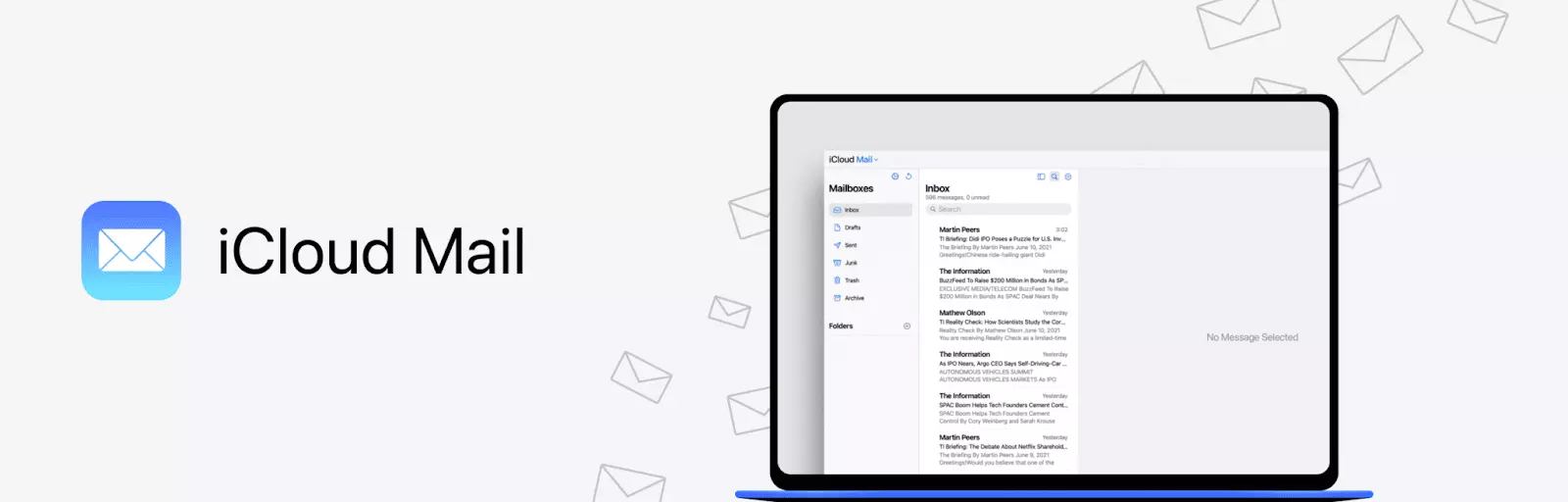
iCloud email client interface with minimalist design iCloud Mail is the email service provided by Apple that supports the native minimalist and clean-cut design. iCloud doesn't have a webmail app, but you can open it with Apple Mail or any other email client. This also means that the service supports the same interface features as the app you're using.
It does, however, add its own functionality to the table, which isn't limited to cloud storage. The service is generally free, but you can buy more space for your emails and attachments.
- Features
-
- 2-factor authentication
- End-to-end encryption
- Reliable antivirus protection
- Additional storage
- Custom domains
- Spam filters
- Reviews
-
G2 - 4.3/5
iCloud Mail review with 4.3 out of 5 stars on G2 - Pricing
-
- Free - 5 GB of storage
- $0.99/month - 50 GB of storage
- $2.99/month - 200 GB of storage
- $9.99/month - 2 TB of storage
- Pros and Cons
-
- The service doesn't collect personal information
- Apple support
- Free of ad targeting
- Apple retains control over encryption keys
- The features are limited by the email client you're using
- Verdict: Fastmail vs. iCloud
-
iCloud Mail is a nice basic service that offers relatively high security as all Apple products. The lack of unique functionality may be a pro as well, since it won't interfere with the email client you're using. This does however mean that you need some sort of app to view and manage emails.
StartMail
-
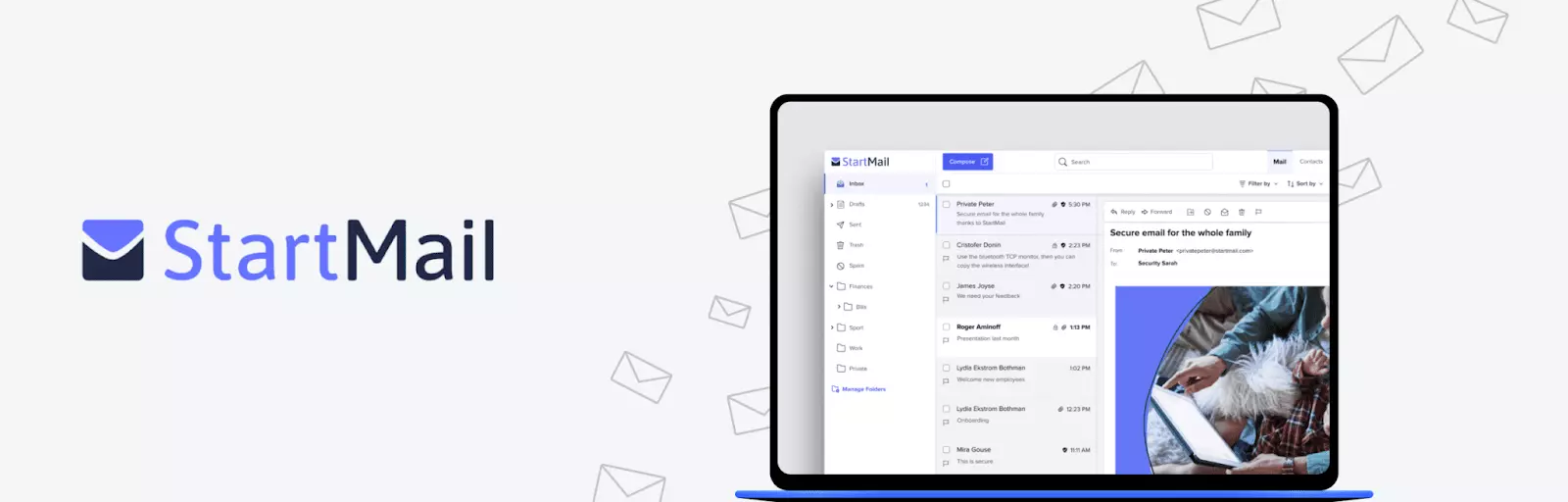
StartMail email client interface for privacy-focused users StartMail is a privacy-focused email service provider that allows users to create disposable yet professional email addresses. According to NIST's privacy framework guidelines, email alias systems like StartMail's provide an effective layer of protection against tracking and data collection. This service offers access to unlimited email addresses with unique aliases that can be created, used, and deleted at any time.
The alias system proves particularly valuable when users need to maintain anonymity for their primary personal or business address. Security researchers at SANS Institute recommend using disposable email addresses for activities like website registrations, e-book downloads, or newsletter subscriptions to minimize spam exposure and protect against potential data breaches.
- Features
-
- 2-factor authentication for enhanced account security
- PGP encryption for end-to-end message protection
- Encrypted storage vault for sensitive data
- Rich text messages with formatting capabilities
- Password protection for email access
- Unlimited aliases for privacy management
- Reviews
-
PCMag - 4/5
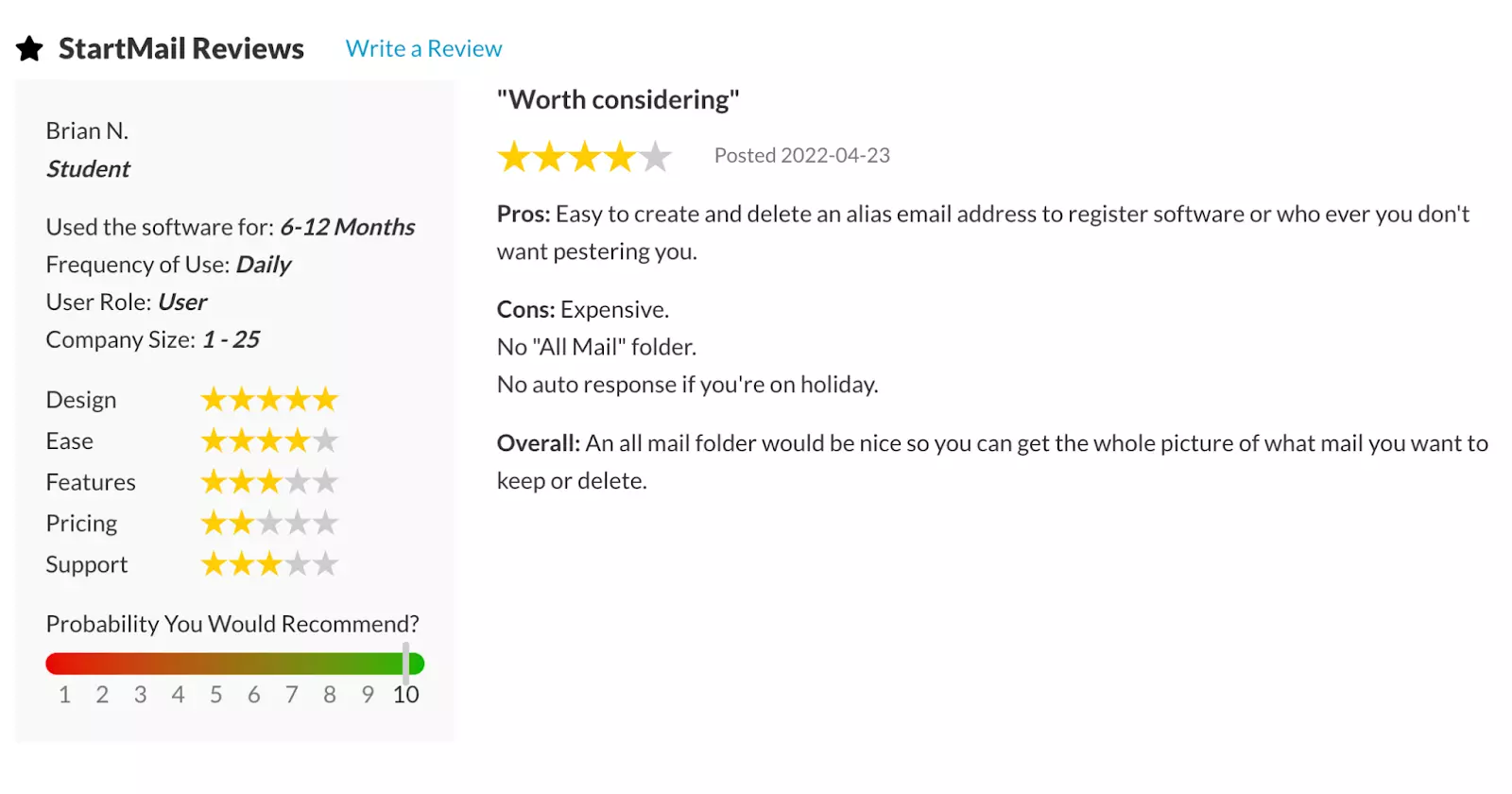
StartMail review with 4 out of 5 stars on PCMag - Pricing
-
- Free 7-day trial available
- Personal plan with encrypted storage vault
- Business plan with custom domain support
- Pros and Cons
-
- Sleek and convenient user interface for easy navigation
- Email and phone support available
- Allows cryptocurrency payments for enhanced privacy
- Doesn't collect marketing data or tracking information
- Compatible with standard email protocols for cross-platform communication
- Ad-free experience
- Specialized use case rather than everyday email solution
- No mobile app currently available
- Premium pricing for business accounts
- Verdict: Fastmail vs. StartMail
-
StartMail excels as a privacy-focused solution for users requiring a high degree of anonymity online. According to Gartner's email security research, organizations increasingly prioritize privacy-preserving email solutions to protect against data exposure and third-party tracking. StartMail's alias system makes it particularly valuable for business environments where protecting primary email addresses from third-party exposure is critical. However, as a specialized privacy tool rather than a full-featured email client, users typically maintain a separate account with a traditional email service provider for everyday communication needs.
Runbox
-
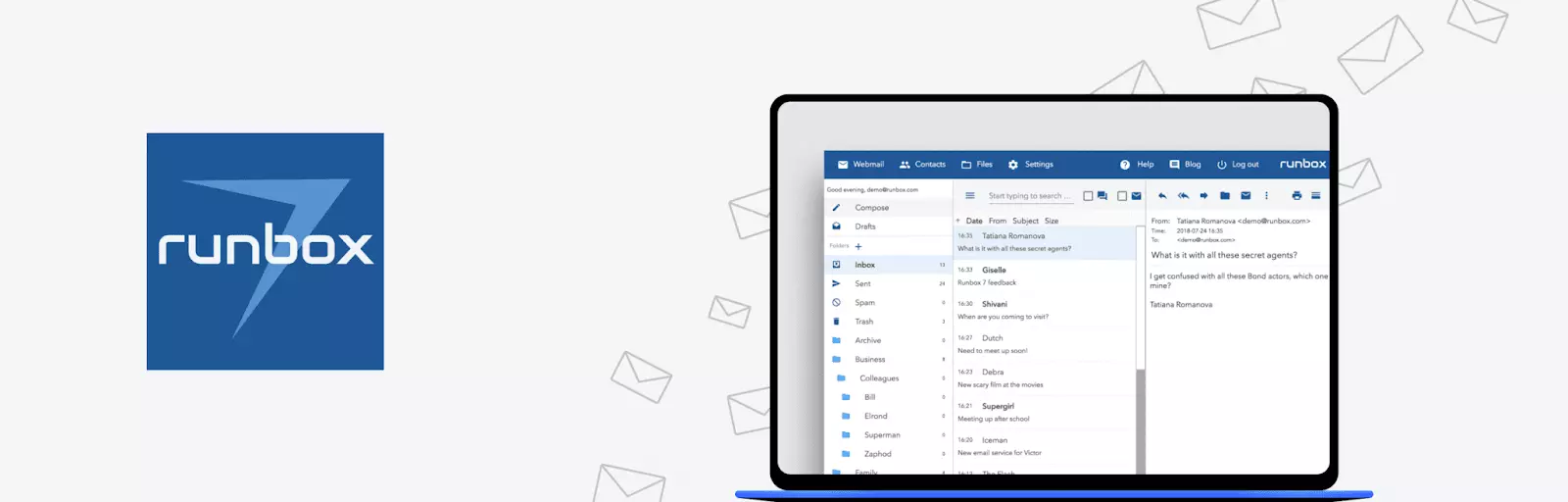
Runbox email client interface for web hosting service Runbox is an open-source web hosting service that has a lightweight and functional webmail interface. Since its primary function is as a hosting, you use the service with one or more previously registered domain names, depending on your subscription plan.
- Features
-
- 2-factor authentication
- Spam and virus filters
- IP stripping
- Email ticket support
- Custom domains
- Email aliases
- Subaccounts for teams
- Reviews
-
Mouthshut - 3.5/5
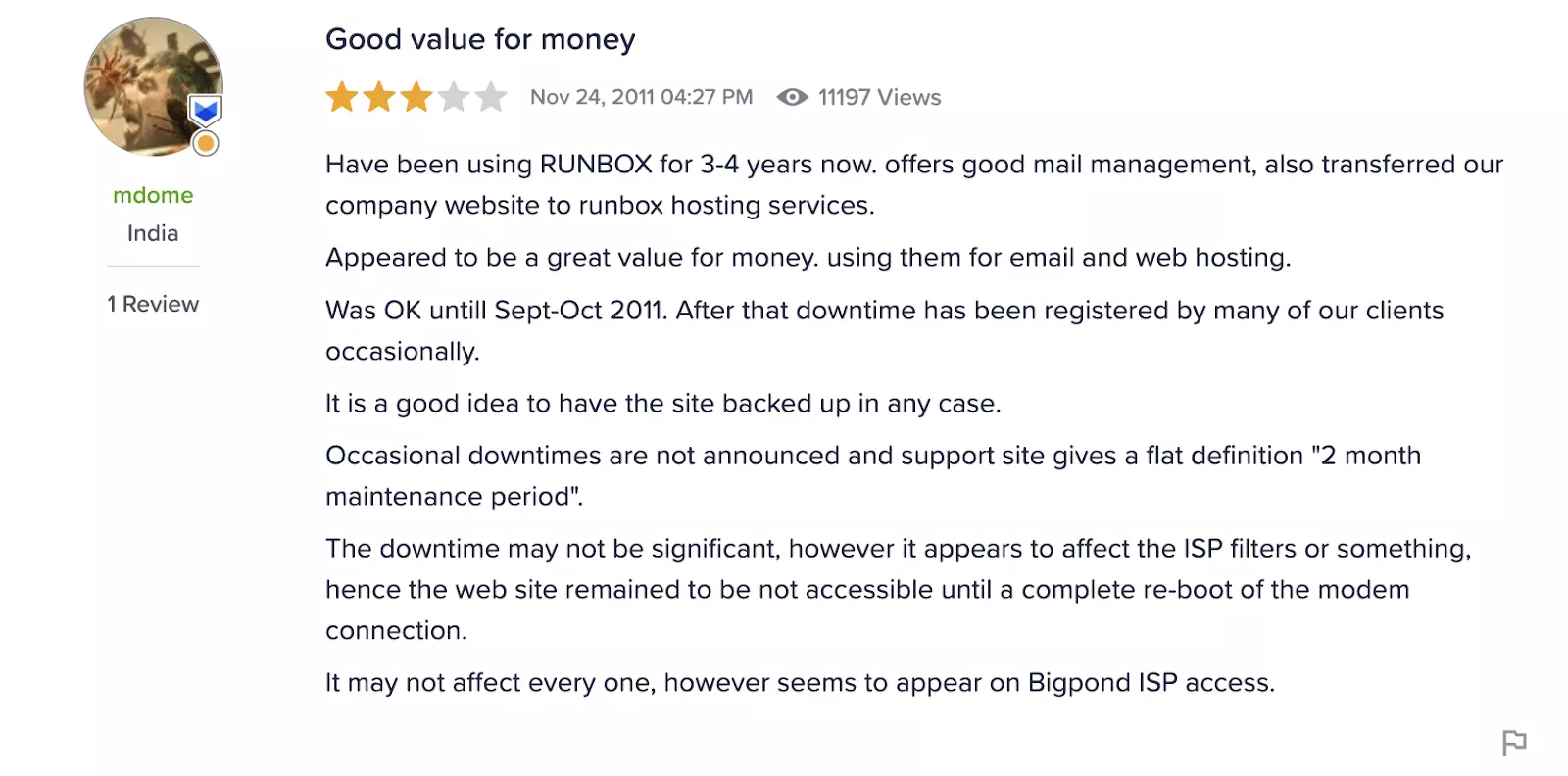
Runbox review with 3.5 out of 5 stars on Mouthshut - Pricing
-
- Free trial
- Micro - $19.95/year, 2 GB of email storage, 200 MB of file storage space
- Mini - $34.95/year, 10 GB of email storage, 1 GB of file storage space
- Medium - $45.95/year, 25 GB of email storage, 2 GB of file storage space
- Max - $79.95/year, 50 GB of email storage, 5 GB of file storage space
- Pros and Cons
-
- Doesn't track user activity
- Allows cryptocurrency payments
- High security hygiene in the company
- 60-day money-back guarantee
- Ad-free
- Doesn't offer native encryption
- Clunky user interface
- Webmail only
- Verdict: Fastmail vs. Runbox
-
If you need domain hosting services in addition to an email inbox, Runbox may be an option for you. It offers more security options than Fastmail, as well as more storage options. The main downside that users note is that the price is too high for what the service offer, though if you count divide it, the monthly pay doesn't differ much from the other alternatives.
AOL Mail
-
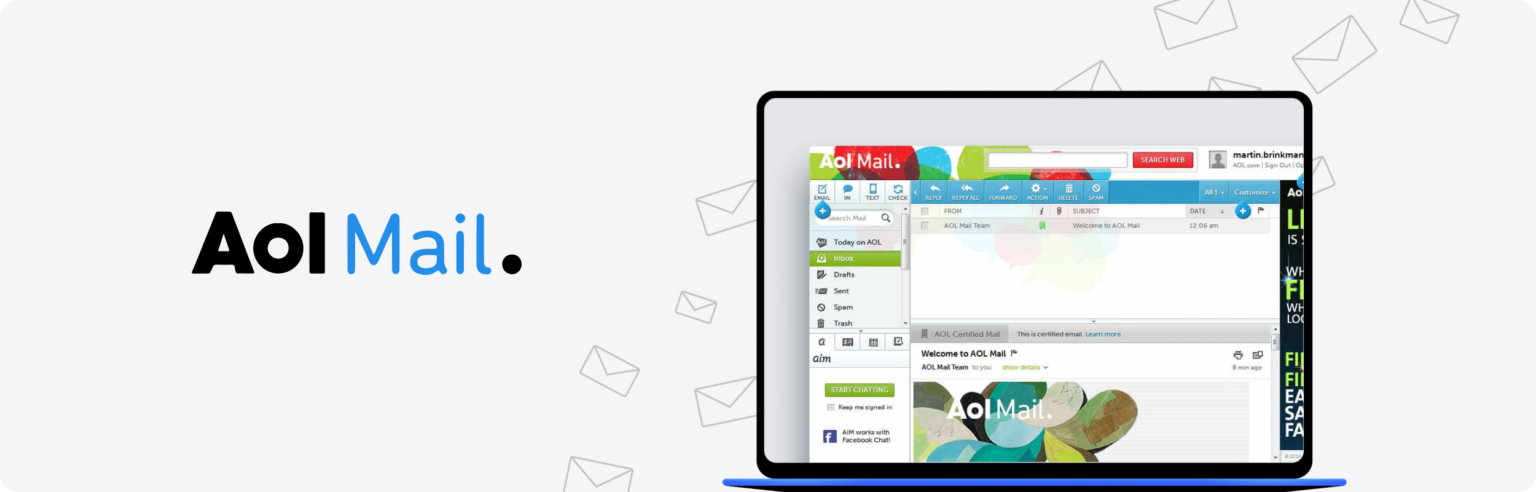
AOL Mail banner for long-established email service AOL Mail is a long-established email service that launched in the early 1990s and maintains a substantial user base worldwide. According to Google's email integration documentation, legacy email providers like AOL continue to serve millions of users through IMAP and POP3 protocols. The service offers a lightweight user interface, straightforward functionality, and native compatibility with most email clients.
- Features
-
- Spam and virus filters with customizable protection levels
- Up to 250 GB of storage for email and attachments
- 24/7 email support for premium subscribers
- Mobile apps for iOS and Android platforms
- Reviews
-
Capterra - 3.9/5
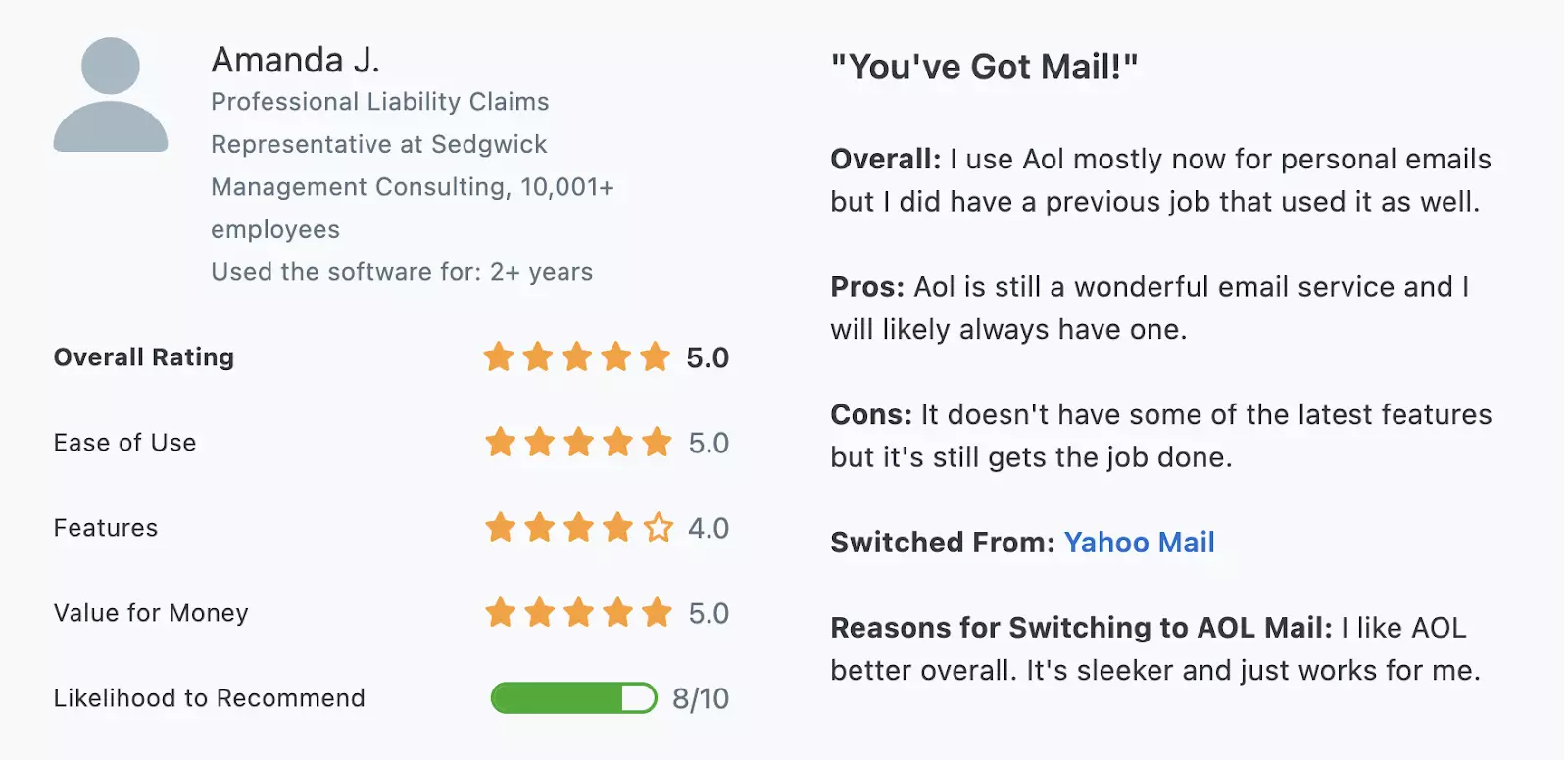
AOL Mail review with 3.9 out of 5 stars on Capterra - Pricing
-
- Free tier - Basic email functionality with advertisements
- Premium plans available - Ad-free experience, priority support, enhanced filtering
- Pros and Cons
-
- Intuitive interface suitable for basic email needs
- Customizable spam filtering with multiple protection levels
- Cross-platform mobile apps for iOS and Android
- Ad-targeting in free tier impacts user experience
- No custom domain support for business users
- Limited email retention - accounts store messages for 90 days only
- Verdict: AOL Mail vs. Others
-
According to Microsoft's email management guidelines, modern email users increasingly require features like custom domain support and extended message retention. While AOL Mail provides a comprehensive inbox experience with generous storage capacity, its limitations in custom domain functionality and 90-day message retention make it less competitive for professional and business use cases compared to alternatives offering more robust feature sets.
Improve Your Email Experience with Mailbird!
Most email providers, including Fastmail, don't have desktop apps. The good news is that if they allow for email protocols like IMAP, they can support a secure email client, like Mailbird. And unlike many email clients, Mailbird supports the Microsoft Exchange Server.
- Features
-
Let us walk through the benefits of using our software paired with your favorite email providers:
- Managing multiple accounts in one space. For example, you can add multiple Google accounts and view each inbox separately or together with our Unified Inbox feature. You'll also gain access to some tools, integrations, and storage your email provider doesn't have.
- Advanced customization and tools. There are many aspects to our software that are specifically designed to bring organization to your workflow. Such features include advanced search, layout and theme options, and notifications.
-
Productivity features. Mailbird provides convenient functionality that allows you to organize your
email management tasks more efficiently. Such include the snooze button, speed reader, group
conversations, in-line replies, LinkedIn Lookup, and keyboard shortcuts.
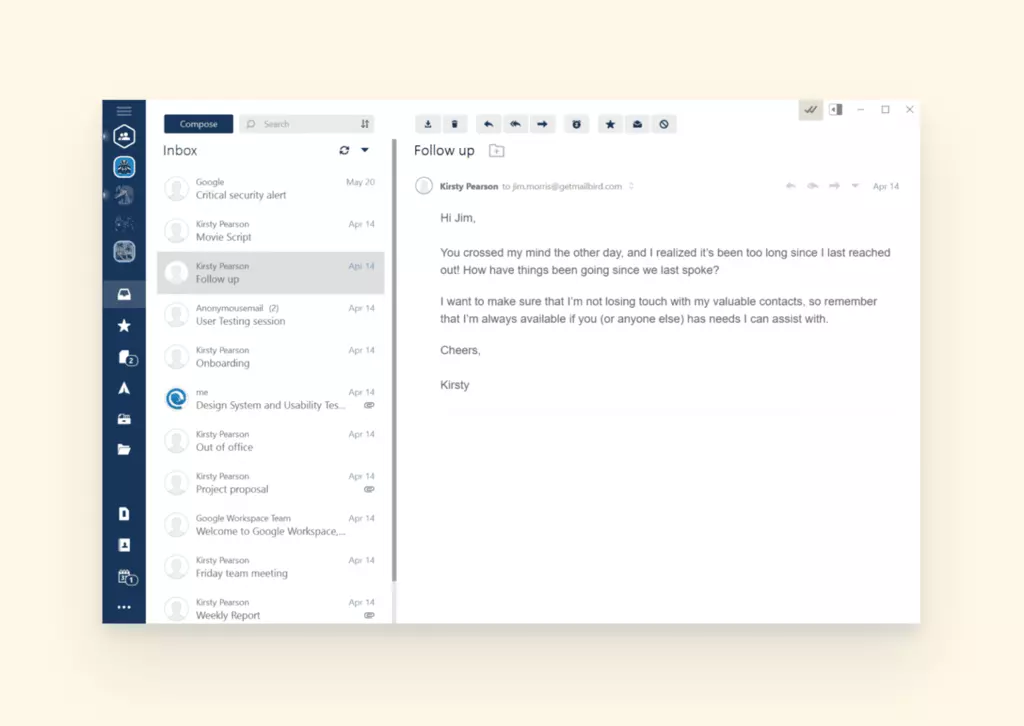
Mailbird interface with productivity features
- App Integrations
-
Access your apps within Mailbird, so you don't have to open new tabs or log in every single time. As long as you have an account, you can use Dropbox, Telegram, Slack, Asana, any of the Google Workspace tools (like Google Calendar and Google Drive), WhatsApp, Twitter, and FormSwift to make remote work feel more connected.
- Easy Setup
-
We've made it super easy to set up your email providers like Fastmail, Posteo, Tutanota, Gmail, and hundreds more.
- Download Mailbird.
- Go to Settings, then select Accounts.
-
On the right-hand side, select Add.
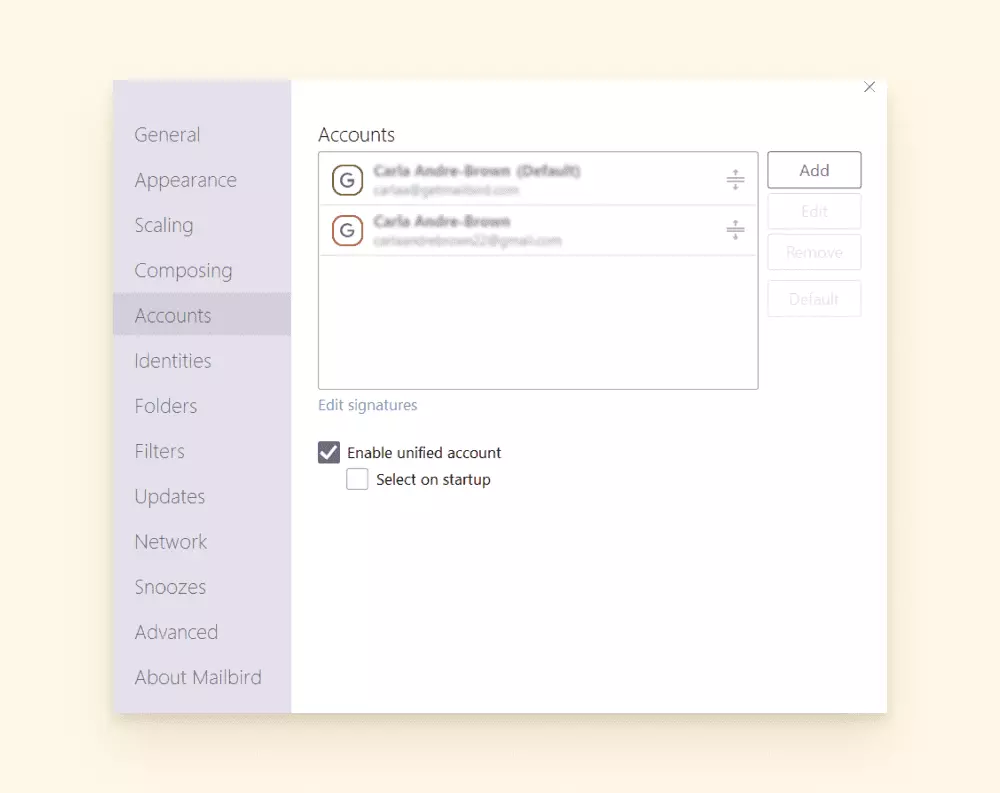
Mailbird accounts tab for adding email accounts -
Add your
email
address
and email password.
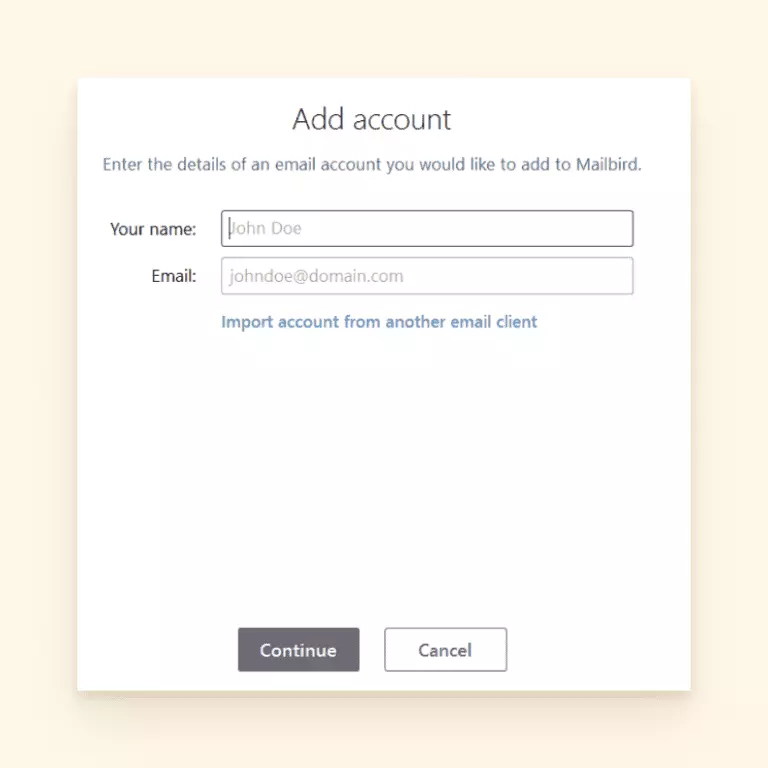
Mailbird add account window for email setup - Mailbird will automatically detect the IMAP/SMTP settings for you and configure your email provider to the platform. It's that easy!
-
If you need to manually input your settings, this window will become available.
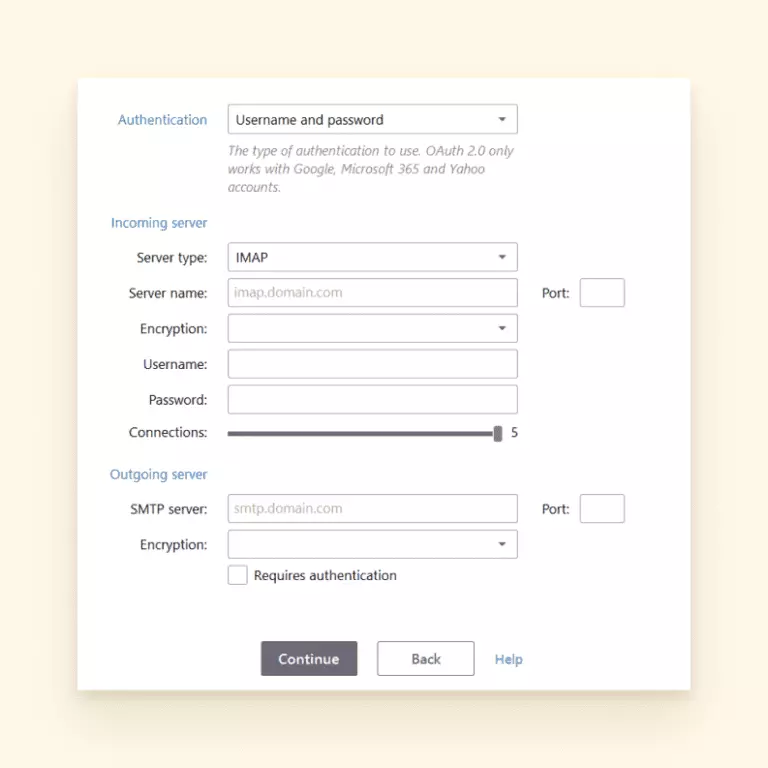
Mailbird settings window for manual configuration - You will need to look up the IMAP settings for your email provider and enter them into this form.
- After you refresh Mailbird, your inbox should appear.
How We Tested Different Email Clients?
In our pursuit to determine the best email clients in the market, we meticulously implemented a thorough testing process. This involved setting up accounts with each email client, whether as a standalone software platform or as a cloud-based service. Our aim was to explore the capabilities of each platform in various scenarios, putting their functionalities to the test in order to assess their overall performance.
We carefully evaluated the basic tools and functionality of each email client, and then explored its advanced features to determine their ease of use and accessibility. This comprehensive approach enabled us to provide an in-depth evaluation of each email client's strengths, weaknesses, and suitability for different use cases.
- A Quick Recap
-
Hopefully you've found this article a helpful step towards finding an easy and trustworthy email provider. To give you the full scope of what was discussed, there is a chart after the FAQ section with all the features the Fastmail alternatives do or do not offer.
Frequently Asked Questions
What are some alternatives to Fastmail?
ProtonMail, Tutanota and Posteo are three email provider options that are alternatives to Fastmail. Each one has its own specialties, however they share the common goal of privacy and security.
How do I get Fastmail for free?
Fastmail is a paid email provider. You can set up a trial account and wait to pay for the subscription. When the payment is overdue, the account will be disabled.
Is ProtonMail free?
ProtonMail has a free plan that offers 500 MB of storage, 150 messages per day, and one email address. You cannot create a custom domain on the free plan.
How much does Posteo cost?
Posteo is $1.13 USD per month. You can add additional storage or features for a nominal fee.
Is Tutanota better than ProtonMail?
There are a few standout differences between these two email providers, so it would depend on what is a priority for you or your business. ProtonMail has a more modern interface and custom administrative features. Tutanota offers more storage on their free plan. Tutanota has its own desktop client whereas ProtonMail uses IMAP to enable you to connect to your favorite email client.


