Read Receipt: What It Is and How to Turn It On
A read receipt tells the sender that a message was opened or displayed. In email, that may come from a formal receipt request or from image-based open tracking. On iPhone, read status appears in Messages in supported chats.



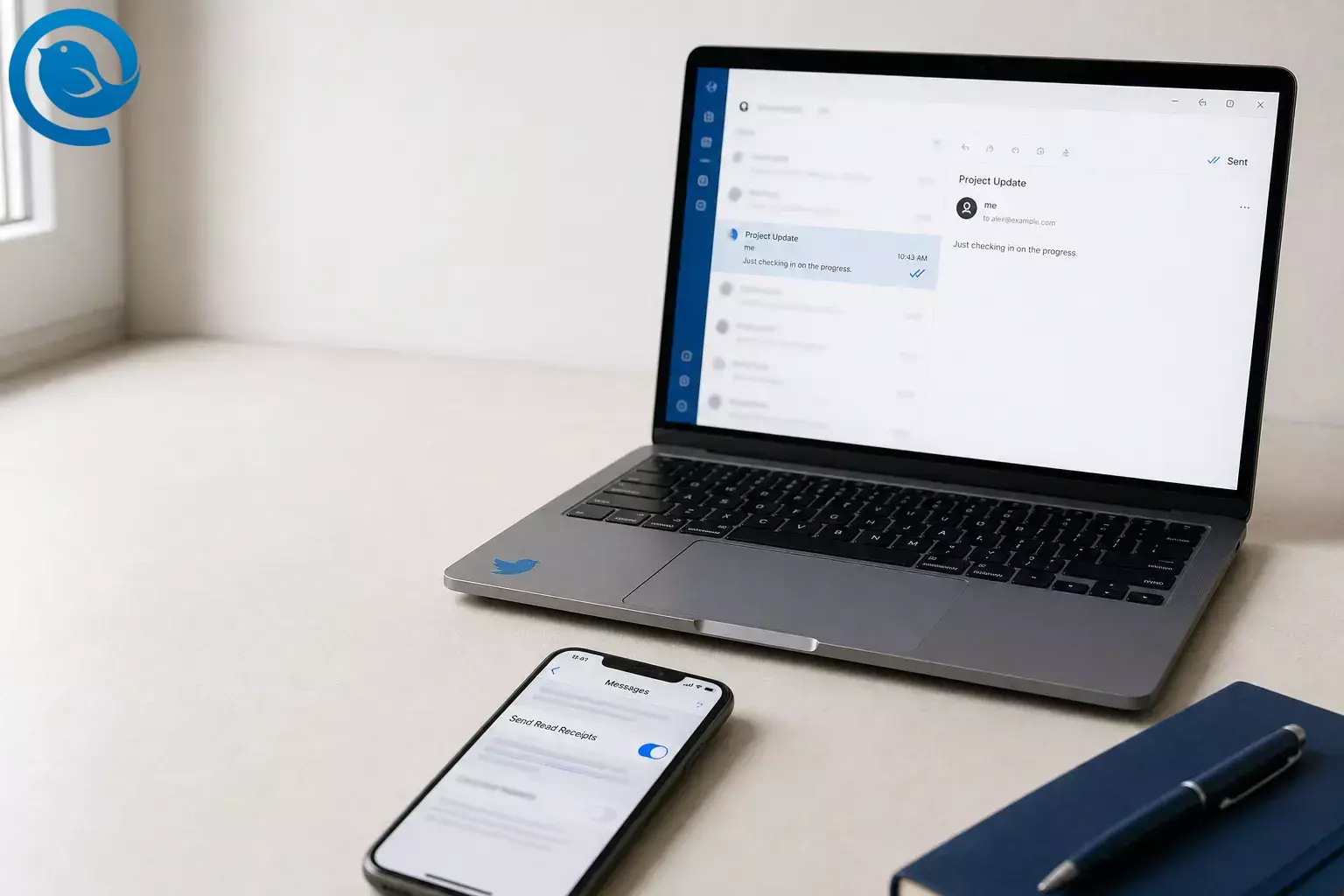
A read receipt tells the sender that a message was opened or displayed. If you are asking what is a read receipt, that is the short answer. In email, that may come from a formal receipt request or from image-based open tracking . On iPhone, read status appears in Messages in supported chats. 8 9 3
What’s new
If you need a read receipt on iPhone, first check whether the conversation uses iMessage, RCS, or email because each one works differently. Apple says RCS on iPhone supports delivery receipts, read receipts, and typing indicators on supported carriers, and Apple said end-to-end encrypted RCS messaging started rolling out in beta the same day. 1 2
Key takeaways
- A read receipt tells the sender that a message was opened or displayed. 8 9 3
- A delivery receipt only shows that the message reached the mailbox or messaging service. 7 8
- For email, use either a formal read-receipt request or image-based open tracking, depending on what you need. 7 8 9
- On iPhone, turn on Send Read Receipts in Messages globally or per contact; RCS support still depends on carrier and region. 3 1
- Standard email receipts can be ignored, and open tracking can fail when images are blocked. 8 9
- Apple Mail Privacy Protection can hide real opens or create false open signals in some tools. 6 9
- Mailbird’s current desktop app runs on Windows 10 or 11 (64-bit) and macOS Ventura 13 or later. 11
- Test with a second email address or a trusted contact before relying on read receipts for something important.
Keep in mind
What can change: Apple says RCS availability still varies by carrier and region, and email-open signals can be blocked or skewed when remote images are disabled or when Apple Mail Privacy Protection preloads content in the background. 1 6 9
To verify: run one test with a second email address or a trusted contact before you rely on read receipts for something important.
Read receipt vs delivery receipt
These signals answer different questions, so pick the one that matches what you actually need.
- Delivery receipt: the message reached the mailbox or messaging service. 7 8
- Read receipt: the message was opened or displayed. 8 3 9
- Email: use a formal receipt request when you want a recipient-side confirmation, or sent-email tracking when you want a faster open signal. 7 8 9
- iPhone: use the Messages setting for iMessage or supported RCS chats; email read receipts still happen inside your mail app, not inside Messages. 3 1
Before you start
- Prerequisites: a desktop computer if you want email tracking; Mailbird’s current app runs on Windows 10 or 11 (64-bit) and macOS Ventura 13 or later. Have one email account ready, plus a second address or trusted person for testing. If you also want text-message receipts, keep your iPhone nearby. 11
- Tools: Mailbird for email open tracking, an internet connection, and your email login. Optional fallback: a mail client that supports standard read-receipt requests, such as Outlook. 7 8
- Time: one short setup session; Mailbird says you can get the app running in just a few minutes. 11
- Cost: free to download Mailbird, but Email Tracking is not included in Mailbird Free, so check the current plan details if tracking is the feature you need. 9 12
- Privacy notes: a standard email read receipt is only a request and can be ignored; open tracking depends on images loading; Apple Mail Privacy Protection can stop senders from seeing real opens and may create false “opened” signals in some tools. 8 6 9
How to set up a read receipt for email or iPhone
How to set up a read receipt for email or iPhone
-
Choose the read receipt type you actually need
A delivery receipt only says the message reached the mailbox or service. A read receipt is about the message being opened or displayed. For email, you will usually choose either a formal read-receipt request or open tracking. On iPhone, the setting lives in Messages. Pick one path now: iPhone Messages, formal email receipt, or email open tracking in Mailbird. 7 8 3 1 9
Check: you can say, “I need iPhone Messages,” “I need a formal email receipt,” or “I need email open tracking.”
-
Install Mailbird on Windows or Mac
Download and install the current Mailbird desktop app on Windows or macOS. The official install guide says Mailbird is available on both platforms and can be running in just a few minutes. 11
Check: Mailbird opens without an error and shows the account setup screen.
-
Add the email account you want to track
Sign in with the mailbox you actually send from. Let the first sync finish before you change any tracking settings so you can test with a live inbox instead of an empty one. 11
Check: you can see recent messages in your Inbox.
-
Turn on sent-email tracking in Mailbird
Open Mailbird, click the Settings gear, open Privacy Hub , find Track Sent Emails , and switch the toggle on. Mailbird says only you can view the tracking data, and the app does not store, share, or access that tracking information. 9 10
Check: the Track Sent Emails toggle is on.
-
Choose whether to block incoming tracking pixels too
If you want read receipts for the emails you send but do not want other people tracking you when you open their emails, stay in Privacy Hub and block remote images or allow them only case by case. Mailbird says blocking remote images stops the sender from detecting whether you opened the email, and current Mailbird builds block tracker pixels by default for incoming mail. 10 13
Check: you know whether your inbox is set to block images by default or show them normally.
-
Send yourself a test email
Send a short email from the account you just set up to a second address you control, or ask one trusted person to open one test message. Use a unique subject like Read receipt test — July 15 so you can spot it quickly in Sent.
Check: the message appears in your Sent folder.
-
Open the test and read the result in Mailbird
After the recipient opens the email, go back to Mailbird and look at the checkmarks next to the message. Mailbird says two gray checkmarks mean not opened, one blue checkmark means some recipients opened it, and two blue checkmarks mean all recipients opened it; you can hover for more detail. 9
Check: you can tell whether the email is unopened, partially opened, or fully opened.
-
Use a formal email read receipt only when you need recipient-side confirmation
For business messages where you want a standard receipt request, use the read-receipt option in a mail client that supports it. In a client such as Outlook, you compose the message, open Options , go to Tracking , and select Request a Read Receipt ; Microsoft also notes that recipients can decline or ignore these requests, and the MDN standard treats them as requests rather than guarantees. 7 8
Check: if you use this route, the read-receipt box is selected before you send.
-
Turn on read receipts on iPhone if you are texting, not emailing
If your goal is a read receipt on iPhone, go to Settings > Apps > Messages and turn on Send Read Receipts . If you only want it for one person, open that conversation, tap the contact icon at the top, and switch on Send Read Receipts there instead. Apple also says iPhone RCS supports read receipts on supported carriers, so if you are using green-bubble cross-platform chats, check that RCS Messaging is available and turned on. 3 1
Check: your iPhone shows the receipt toggle you want, either globally or for one contact.
-
Run one final live test and set your default rule
Send one more email you genuinely care about and one iPhone message to a trusted contact. Then decide your rule now: keep receipts on only for work follow-ups, or leave them off by default and turn them on only when timing matters.
Check: you know exactly where to turn receipts or tracking on and off the next time you need them.
Want a simple cross-platform desktop option?
Mailbird is a cross-platform desktop email client for Windows and macOS that puts sent-email tracking and Privacy Hub controls in one place. If you want a practical way to handle email read receipts without juggling separate tools, start there and run the test steps above today. 9 10 11
Free to download. If you specifically need Email Tracking, check the current Mailbird plan details before you commit. 9 12
Why read receipts work differently in email and on iPhone
You are matching the tool to the signal. Standard email read receipts are formal MDN requests, email open tracking depends on image loading, and iPhone Messages only shows read status when the messaging service supports it. Mailbird is practical on the email side because it puts sent-email tracking and privacy controls in the same desktop app. 8 9 10 1 3
Troubleshooting
| Symptom | Likely cause | Fix |
|---|---|---|
| Mailbird never shows an open. | The recipient’s mail app blocks remote images. | Ask them to load images for the test message, or use a formal read-receipt request when you need a fallback confirmation. 9 7 |
| You see an “opened” signal from an iPhone user too early. | Apple Mail Privacy Protection may have preloaded the email content. | Treat that open as a soft signal, not proof, and use a reply, a second channel, or a formal receipt for critical mail. 6 9 |
| You cannot tell which person opened a group email. | Mailbird says Microsoft Exchange group emails may not identify individual openers. | Send separate messages when individual proof matters, or keep the test to one recipient first. 9 |
| Your iPhone chat only says “Delivered.” | The other person may have receipts turned off, or the conversation may not be using a supported messaging service. | Check that iMessage is on for blue-bubble chats, and if you rely on green-bubble cross-platform chats, confirm RCS is available and enabled on the iPhone. 4 1 |
| You do not see the RCS setting on iPhone. | Apple says RCS requires iOS 18 and a carrier that supports RCS on iPhone, and availability varies by region and carrier. | Update iOS, then check carrier support and try again later if the option still does not appear. 1 |
| Messages in Mailbird look read or disappear. | Another synced app or device may be changing the server state, especially if POP3 is involved. | Turn off other mail clients one by one and repeat the test until the behavior stops. 14 |
| A formal email receipt never comes back. | MDN receipts are requests, not guaranteed responses. | Use the receipt as a courtesy signal, not as your only proof, and follow up directly when the message matters. 8 7 |
Mailbird never shows an open.
You see an “opened” signal from an iPhone user too early.
You cannot tell which person opened a group email.
- Likely cause
- Mailbird says Microsoft Exchange group emails may not identify individual openers.
- Fix
- Send separate messages when individual proof matters, or keep the test to one recipient first. 9
Your iPhone chat only says “Delivered.”
You do not see the RCS setting on iPhone.
- Likely cause
- Apple says RCS requires iOS 18 and a carrier that supports RCS on iPhone, and availability varies by region and carrier.
- Fix
- Update iOS, then check carrier support and try again later if the option still does not appear. 1
Messages in Mailbird look read or disappear.
- Likely cause
- Another synced app or device may be changing the server state, especially if POP3 is involved.
- Fix
- Turn off other mail clients one by one and repeat the test until the behavior stops. 14
A formal email receipt never comes back.
Common ways to use read receipts
If you use read receipts often
- Make-ahead: turn on Track Sent Emails once in Mailbird’s Privacy Hub, then keep a second email address ready for fast tests whenever you change providers or devices. 9 10
- Storage: save one draft called Read receipt test so you can reuse the same short message whenever you need to troubleshoot.
- Scaling: if a group message matters, test on one recipient first. Mailbird notes that Microsoft Exchange group emails may not show who opened the message individually. 9
Frequently Asked Questions
What does a read receipt tell you?
Is a read receipt the same as a delivery receipt?
How do I turn on a read receipt on iPhone?
Why do email read receipts not work every time?
Can the other person refuse an email read receipt?
Does Apple Mail Privacy Protection affect email tracking?
Does Mailbird work on Windows and Mac?
Yes. Mailbird’s current install guide covers Windows 10 or 11 (64-bit) and macOS Ventura 13 or later.
Sources: 11
Quick checklist
- ☐ I chose the right kind of read receipt: iPhone Messages, formal email receipt, or email open tracking.
- ☐ Mailbird is installed and my email account is synced.
- ☐ Track Sent Emails is on in Privacy Hub.
- ☐ I know whether I want remote images blocked or allowed.
- ☐ I sent one test email and checked the gray or blue status icons.
- ☐ My iPhone Send Read Receipts setting is correct, either globally or per contact.
- ☐ I know that formal email receipts can be ignored. 8 7
- ☐ I have one backup follow-up method for urgent messages.
Sources
- Apple Support — Turn on RCS messaging on your iPhone
- Apple Newsroom — End-to-end encrypted RCS messaging begins rolling out today in beta
- Apple Support — Turn read receipts on or off in Messages on iPhone
- Apple Support — Manage safety settings in Messages
- Apple Support — Use Mail Privacy Protection on iPhone
- Apple — Mail Privacy Protection & Privacy
- Microsoft Support — Add and request read receipts and delivery notifications in Outlook
- RFC Editor — RFC 8098: Message Disposition Notification
- Mailbird Support — Using Email Tracking in Mailbird Next
- Mailbird Support — Privacy Hub in Mailbird Next
- Mailbird Support — How to Install Mailbird Next on Windows and macOS
- Mailbird Support — Is Mailbird free?
- Mailbird Support — How Mailbird protects you from email pixel trackers
- Mailbird Support — Why Emails May Appear as “Read” or Disappear in Mailbird Next


