Referral Email Templates: Asking for Referrals and Making Introductions
A referral email template should do one job clearly: ask for a warm introduction, request a client referral after a real win, or make a double opt-in introduction after both people say yes. The templates below are short enough to copy, personalize, and send.



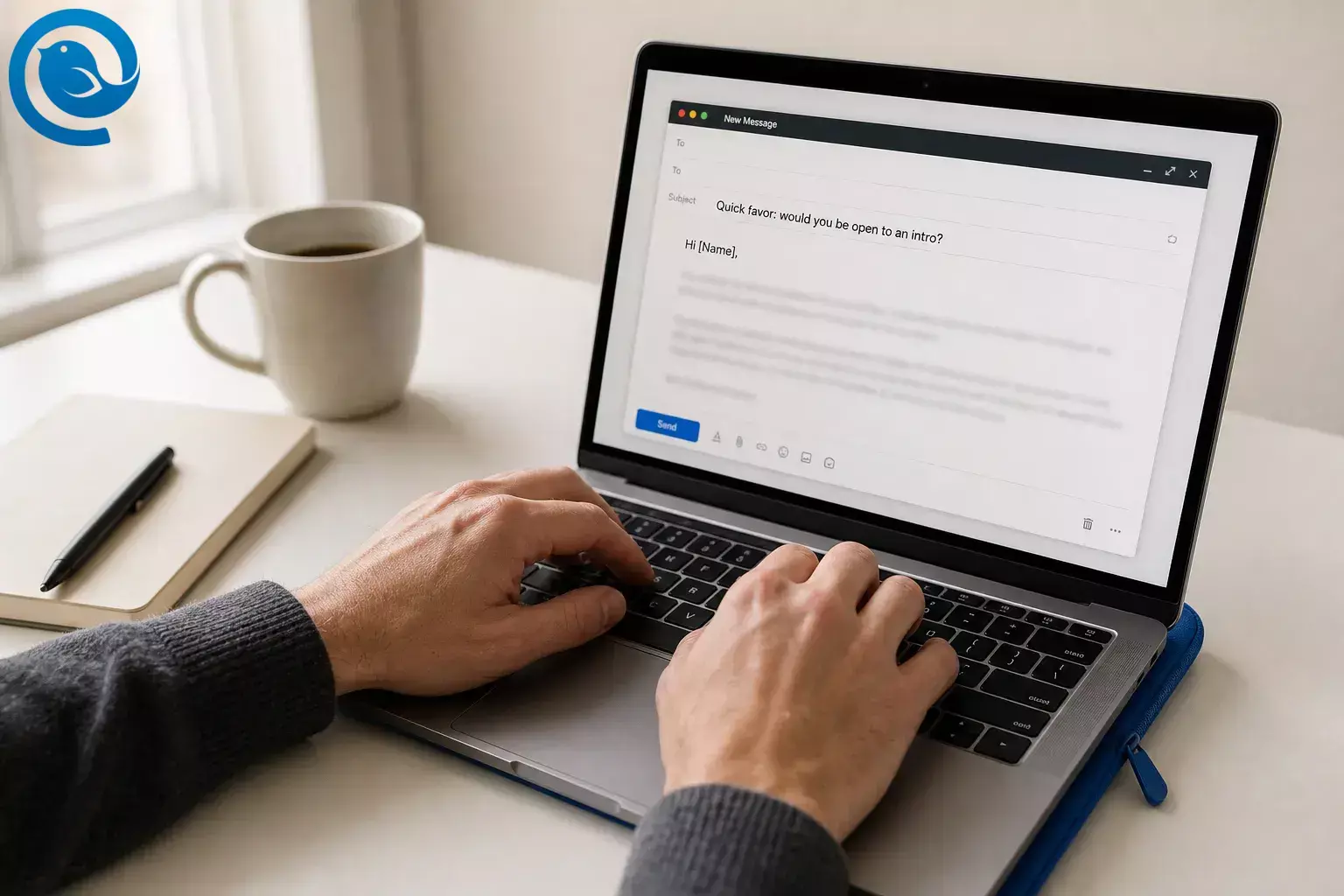
A referral email template should do one job clearly: ask for a warm introduction, request a client referral after a real win, or make a double opt-in introduction after both people say yes. The templates below are short enough to copy, personalize, and send. They are written for one-to-one emails, not mass outreach. If you later turn referrals into a program or campaign, Gmail and Outlook.com both publish stricter requirements for high-volume senders, which is one more reason permission-based emails hold up better than generic blasts. 1 2
If you are asking for a referral by email, the three essentials are the same every time: one specific ask, one real reason, and one forwardable blurb.
Key takeaways
- Pick the right lane first: a referral ask, a client referral template, or a double opt-in introduction.
- Send the email to one person for one specific introduction, not to a crowd.
- Give one concrete reason the referral makes sense.
- Include a short forwardable blurb so the other person does not have to write for you.
- Lead with a real result when you ask a client for a referral.
- Get two quiet yeses before you put two people on the same thread.
- Disclose any reward, credit, discount, commission, or other referral benefit clearly.
- Save the final version somewhere reusable once the draft works.
Referral email template examples at a glance
Referral email template
Use this when you want one contact to introduce you to one specific person or company.
Client referral template
Use this after a clear win, milestone, or project result that gives the client something real to point to.
Double opt-in introduction email
Use this only after both people say yes privately and you have a clear reason the connection makes sense.
Before you start
Prerequisites
- One real person to email
- One specific reason the referral makes sense
- Enough context to explain the match in plain English
Tools
- Your normal inbox
- A note or document for your reusable draft
- A calendar reminder so the thread does not disappear
Time
- One uninterrupted writing block for the first draft
- One quick reminder later if the thread goes quiet
Cost
- Usually none beyond the email setup you already use
How to write and use the right referral email template
If you only need the copy, start with the template that matches your situation below. If you want a template that sounds personal instead of pasted, work through the full list once.
How to write and use the right referral email template
-
Pick the exact referral email template you need
Choose one lane before you write a word:
- You are asking someone to refer you or introduce you
- You are asking a happy client to introduce you to someone in their network
- You are making a double opt-in introduction between two other people
Then write your goal in one sentence at the top of your draft: “I want [Name] to introduce me to [Name] because [reason].”
Check: You can name one person you are emailing and one action you want them to take.
-
Choose one person, not a crowd
Send this to the single best person to help. That usually means someone who knows your work, knows the target person well enough to make the intro comfortably, and can vouch honestly for you.
Do not spray the same ask across your contact list. Referral emails work better when the reader feels you chose them on purpose.
Check: The “To” line contains one primary recipient.
-
Write the one-line reason for the referral
When you are asking for a referral by email, the reason does most of the work. Use this fill-in line: “I thought of this introduction because [shared problem, goal, industry, or timing].” Keep it concrete. “Both work with dental clinics” is better than “You two should connect.”
If you are asking for yourself, add one clear benefit: what you do, who you help, and why this intro would make sense now.
Check: Your reason fits in one short sentence and names the overlap clearly.
-
Build a short forwardable blurb
Make the referral easy by writing the copy the other person can forward without rewriting. Include four things: who you are, what you do, why you are reaching out now, and the easiest next step.
Forwardable blurb[Your Name] helps [who] with [result]. They’re reaching out because [specific reason]. I thought there might be a fit with [Target Name/Company]. If you’re open to it, feel free to reply here and I’ll let them take it from there.
Check: Someone could forward your blurb as-is without guessing what to say about you.
-
Write a clear subject line for asking for a referral
Skip cute subject lines. State the ask plainly so the reader knows what the email is about before opening it. For client referral emails, it also helps to hint at the result they already got from working with you. 9
- Quick favor: would you be open to an intro?
- Would you feel comfortable introducing me to [Name]?
- Could I ask for one referral?
- Client intro idea for someone in your network
- Open to connecting [Person A] and [Person B]?
Check: The subject says what you want without sounding vague or sneaky.
-
Referral email template: asking a contact for an introduction
If you are asking a contact for a referral by email, send the ask privately. Do not surprise anyone with a live introduction thread before they agree. 6
Referral email templateSubject: Quick favor: would you be open to an intro?Hi [Name],I’m reaching out because [specific reason]. I noticed you know [Target Name / Company], and I think there may be a fit around [shared problem, project, or opportunity].If you’re comfortable with it, would you be open to making an introduction? To make this easy, I pasted a short forwardable blurb below. If not, no worries at all.Forwardable blurb:[Your Name] helps [who] with [result]. They’re reaching out because [specific reason]. If you’re open to it, feel free to reply here and I’ll let them take it from there.Thanks,[Your Name]
Check: Your email asks for one clear intro and gives the reader an easy way to decline.
-
Client referral template: ask after a clear win
When you are asking a client for a referral, lead with the result they already got. That frames the intro as helpful, not random. 9
Client referral templateSubject: Could I ask for one introduction?Hi [Client Name],I’m glad we were able to [specific project, result, or milestone]. I had a small favor to ask.If someone in your network is dealing with [specific problem], would you feel comfortable introducing us? I’m not asking you to pitch for me. If it helps, I included a short forwardable blurb below.Forwardable blurb:[Your Name] helps [who] with [result]. They recently helped us [specific result]. I thought the connection might be useful if you’re open to it.Either way, thank you again for [specific result or project].Best,[Your Name]
Check: Your first sentence mentions a real win, not generic praise.
-
Double opt-in introduction email: get two quiet yeses first
Here, “double opt-in introduction” means both people have already said yes before you put them on the same thread. Ask each person separately, explain why the connection could help them, and make it easy to pass. 6
Permission-check email before the introductionSubject: Open to an introduction to [Name]?Hi [Name],I know [Other Person] through [context]. They [one-line credibility or what they do]. I thought of you because [specific overlap or reason this may help].Would you like an introduction? If not, no problem at all.Best,[Your Name]
Check: You have a separate “yes” from both people before moving on.
-
Double opt-in introduction email: send the final intro
Once both people agree, write one balanced email that gives each person equal context. Personalize beyond the greeting so the message feels meant for them, not pasted from a folder.
Final double opt-in introduction emailSubject: Intro: [Person A] + [Person B]Hi [Person A] and [Person B],You both said you were open to meeting, so I’m connecting you here.[Person A], meet [Person B]. [One line on who they are and why they may be useful to A.][Person B], meet [Person A]. [One line on who they are and why they may be useful to B.]Reason for the intro: [one sentence].I’ll step back here and let you take it from there.Thanks,[Your Name]
Check: Both descriptions are equally strong, the reason for the intro is obvious, and you exit the thread cleanly.
-
Review, send, and save the winner
Before you hit send, read once for permission, once for accuracy, and once for disclosure. Remove any leftover placeholders. If you mention a gift card, referral credit, discount, commission, or other benefit, say that clearly in the email. 7 8
If you will reuse the draft, save it. In Mailbird, open Compose or Quick Reply, click the Email Templates icon, choose Save draft as template , then Save as new template . Mailbird saves the subject and body, does not carry over To/CC/BCC, and can save the signature already in the draft. If your plan does not include Email Templates, keep the same text in a plain note or shared doc instead. If you want help getting to a first draft faster, Parakeet is Mailbird’s free email copy generator. 3 4 5
Check: You sent one clean message, set one reminder, and saved the final draft somewhere reusable.
Why this works
A good referral email template removes social friction. The reader sees why the match makes sense, gets a blurb they can forward without extra work, and has a polite way to say no. For introductions, private permission protects both relationships. For repeat use, a saved template plus a little real personalization keeps you fast without sounding canned. 3 6
Troubleshooting
| Symptom | Likely cause | Fix |
|---|---|---|
| No reply | Your ask is too broad | Ask for one specific introduction, not “anyone you know.” |
| They reply, “Send me something I can forward” | You made them do the writing | Reply with a short forwardable blurb immediately. |
| The client ignores the request | You asked without tying it to a real result | Lead with the project win or outcome they already got. |
| The intro feels awkward | You connected people before checking interest | Pause, ask each person privately, then reconnect only if both say yes. |
| The email sounds robotic | You pasted a template without enough real detail | Add the actual reason, one recipient-specific detail, and one clear next step. |
| You worry about disclosure or compliance | The reward or benefit is hidden | State the incentive plainly and review the rules before turning this into a program. |
| You get the intro, but the thread stalls | Your final intro email does not explain why the meeting matters | Add one sentence on the mutual fit and let the two people take it from there. |
| Your saved template goes stale | You never update the copy | Review the draft whenever your offer, pricing, policy, or audience changes. |
No reply
- Likely cause
- Your ask is too broad
- Fix
- Ask for one specific introduction, not “anyone you know.”
They reply, “Send me something I can forward”
- Likely cause
- You made them do the writing
- Fix
- Reply with a short forwardable blurb immediately.
The client ignores the request
- Likely cause
- You asked without tying it to a real result
- Fix
- Lead with the project win or outcome they already got.
The intro feels awkward
- Likely cause
- You connected people before checking interest
- Fix
- Pause, ask each person privately, then reconnect only if both say yes.
The email sounds robotic
- Likely cause
- You pasted a template without enough real detail
- Fix
- Add the actual reason, one recipient-specific detail, and one clear next step.
You worry about disclosure or compliance
- Likely cause
- The reward or benefit is hidden
- Fix
- State the incentive plainly and review the rules before turning this into a program.
You get the intro, but the thread stalls
- Likely cause
- Your final intro email does not explain why the meeting matters
- Fix
- Add one sentence on the mutual fit and let the two people take it from there.
Your saved template goes stale
- Likely cause
- You never update the copy
- Fix
- Review the draft whenever your offer, pricing, policy, or audience changes.
Referral email template variations
Job referral email
Include the role, the company, and one short line on why you fit. Ask for an introduction or advice, not a giant favor.
Freelancer or consultant ask
Lead with the result you created, then ask for one intro to someone with a similar problem.
Partner-to-partner intro
Focus on the overlap: audience, offer, or timing. Show what each side may gain from the conversation.
Internal team introduction
Keep it tighter: title, project, and the decision or deadline that makes the intro useful right now.
Save, store, and scale your referral email templates
Make-ahead: Write three masters now: one referral ask, one client referral template, and one final double opt-in intro. The next time you need one, you will only swap the names, reason, and call to action.
Storage: Name your drafts by use, not by person: “Referral ask,” “Client intro ask,” and “Intro email.” In Mailbird, saved templates can keep the reusable parts without carrying over recipients, which makes reuse safer. If you do not have that feature, keep the same drafts in a plain note or document. 3 4
Scaling: Once you add incentives or send referral emails at campaign volume, more compliance and sender rules come into play. Gmail publishes sender requirements for high-volume mail, Microsoft announced similar high-volume requirements for Outlook.com senders, and the FTC says incentives that could affect credibility should be disclosed. Referral benefits can also trigger CAN-SPAM duties. 1 2 7 8
Make this faster next time
Once you have a version that works, save one referral ask, one client referral template, and one double opt-in introduction in Mailbird. Mailbird’s broader email templates library can help when you need other saved replies. If the blank page slows you down, Parakeet can help you get to a first draft faster ; then edit the facts, tone, and ask before sending. 3 4 5
Next step: Keep your three best referral templates ready for the next warm introduction.
Quick checklist
- I chose one specific ask.
- I picked one person to email first.
- I wrote one plain-English reason for the referral.
- I added a forwardable blurb.
- I used a clear subject line.
- I made “no” easy and polite.
- I got permission before connecting two people.
- I personalized the draft before sending it.
- I disclosed any reward or referral benefit.
- I saved the final version for reuse.
Frequently Asked Questions
What is a referral email template?
A referral email template is a reusable message you personalize to ask for an introduction, request a client referral, or connect two people with context.
How do I write an email asking for a referral without sounding pushy?
Ask one person for one specific introduction, explain why the match makes sense, and give them an easy way to say no.
What should a client referral template include?
Lead with a real result, ask for one specific introduction, and include a short forwardable blurb the client can reuse.
What is a double opt-in introduction email?
It is an introduction sent only after both people said yes privately.
Source: 6
Should I offer a reward for referrals?
Can I save a referral email template in Mailbird?
Can AI help me draft a referral email?
Yes. Use it for a starting draft, then edit the facts, tone, and ask before you send.
Source: 5
What if I do not use Mailbird?
Keep the same templates in Notes, Docs, or any tool you already use, then paste and personalize them manually.
Disclosure and limitations
What can change: Mailbox-provider rules, Mailbird feature availability by plan, and disclosure guidance can change. Re-check the relevant pages before you launch a referral program or automate this beyond one-to-one email. 1 2 4 7 8
Sources
- Google Gmail Help: Email sender guidelines FAQ
- Microsoft Tech Community: Strengthening Email Ecosystem: Outlook’s New Requirements for High-Volume Senders
- Mailbird: Email Templates & Canned Responses for Every Account ( getmailbird.com/email-templates/ )
- Mailbird Support: Email Templates ( support.getmailbird.com/hc/en-us/articles/18877966333591-Email-Templates )
- Mailbird: Parakeet — Craft Great Email Copy Fast ( getmailbird.com/parakeet-email-generator/ )
- Harvard Business Review: Before Making an Email Introduction, Ask Permission
- Federal Trade Commission: FTC’s Endorsement Guides — What People Are Asking
- Federal Trade Commission: CAN-SPAM Act — A Compliance Guide for Business
- HubSpot: How to Ask for a Referral from a Client


