How Big Can an Email Attachment Be?
The usual email attachment limit for direct attachments is around 20 to 25 MB on many personal email services.234 Because attachments grow during email transport, a file around 15 to 18 MB is often a safer target on a standard personal account.67 Work and school accounts can be lower or much higher depending on admin settings and the app you use.



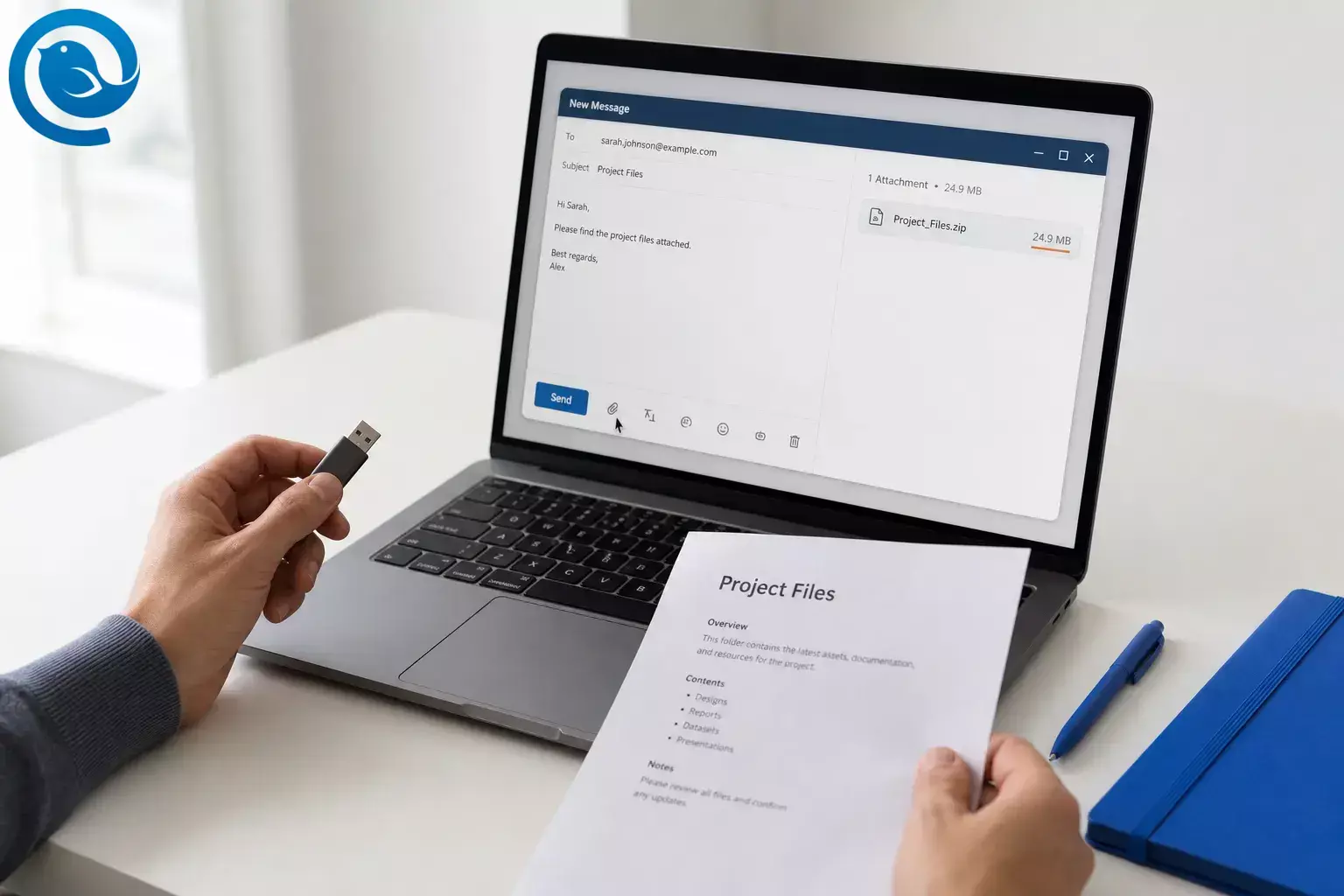
The usual email attachment limit for direct attachments is around 20 to 25 MB on many personal email services. 2 3 4 Because attachments grow during email transport, a file around 15 to 18 MB is often a safer target on a standard personal account. 6 7 Work and school accounts can be lower or much higher depending on admin settings and the app you use. 1 6
Key takeaways
- Published caps on major personal services often land at 20 to 25 MB, with Outlook.com and Yahoo Mail at 25 MB and iCloud Mail at 20 MB. 2 3 4
- A file around 15 to 18 MB is often a safer target on a standard personal account because MIME transport adds overhead. 6 7
- Work and school email can be lower or much higher because admins can change message limits and the email app can impose its own cap. 1 6
- Large file attachments can switch to cloud delivery instead of staying as a standard attachment; iCloud Mail can use Mail Drop for files up to 5 GB. 5
- If a file is still too large, compress it, export a smaller version, split it into smaller parts, or use a download link. 1 5
- Do not open unexpected attachments, and do not assume unsafe attachment types will send cleanly. 9 10
Short answer: the usual email attachment limit
If you mean the usual direct email attachment limit, published caps on major personal services often land at 20 to 25 MB. Outlook.com documents 25 MB, Yahoo Mail documents 25 MB, and iCloud Mail documents 20 MB. Work or school systems can be lower or much higher because admins can change message limits and the email app can impose its own cap. 2 3 4 1 6
Size is one part of a bigger subject: our email attachment guide covers attaching on each platform, what to do when a file is too large, and attachment safety. If you want one practical rule, treat anything over roughly 15 to 18 MB as “likely to need help” on a standard personal account. That is a practical buffer, not a formal standard: MIME transport adds about 33% overhead, so the posted limit is not the same as your raw file size. 6 7
| Account or setup | Published limit | Important note |
|---|---|---|
| Outlook.com webmail | 25 MB 2 | The Outlook app can use a lower 20 MB message-size limit for internet email accounts, so the app and the mailbox service can differ. 1 |
| Yahoo Mail | 25 MB 3 | The total attached files in one message must stay under that cap. |
| iCloud Mail | 20 MB 4 | Large files can switch to Mail Drop instead of staying as a standard attachment. |
| iCloud Mail with Mail Drop | Up to 5 GB 5 | Recipients have 30 days to download, and a smaller recipient-side limit can still get in the way. 5 |
| Microsoft 365 / Exchange Online | Default 35 MB send; admins can set 1 MB to 150 MB 6 | The client and route still matter; Outlook on the web is lower for standard attachments because Microsoft accounts for translation overhead. 6 |
Published limits on common email services and setups
Outlook.com webmail
Yahoo Mail
- Published limit
- 25 MB 3
- Important note
- The total attached files in one message must stay under that cap.
iCloud Mail
- Published limit
- 20 MB 4
- Important note
- Large files can switch to Mail Drop instead of staying as a standard attachment.
iCloud Mail with Mail Drop
A quick safe-size rule of thumb
- 20 MB posted limit → aim for about 15 MB raw file size.
- 25 MB posted limit → aim for about 18 to 19 MB raw file size.
- 35 MB posted limit → aim for about 26 MB raw file size.
These are practical buffers, not official caps. They reflect current published limits and the fact that email transport makes attachments larger than the original file. 6 7
Before you start
- Prerequisites: the file you want to send and an email account you can access right now.
- Helpful tools: your device’s file-size view, built-in ZIP or compress tools, and optional cloud storage if the file is too large.
- Time: usually a few minutes for a normal attachment; longer if you need to resize, compress, or upload.
- Cost: usually free if you use your existing email account and built-in tools; extra storage can cost more on some services.
- Safety: do not open unexpected attachments, and do not assume executable or script-style files will send cleanly. Phishing often starts with an attachment or a link, and some email clients block many unsafe attachment types. 9 10
Do this now: send the file without hitting the email attachment limit
Do this now: send the file without hitting the email attachment limit
-
Identify the sending account
Check the From address first. Decide whether you are sending from a personal mailbox, a work or school account, or a desktop app that may apply its own cap before the provider does.
-
Read the file size on your device
On Windows, right-click the file and open Properties . On macOS, select the file and choose Get Info . Write down the size in MB so you can compare it against a real limit instead of guessing.
-
Compare that size to a safe target, not just the posted maximum
If your mailbox is in the 20 to 25 MB range, do not assume a 24.9 MB file will go through. Stay closer to the 15 to 18 MB zone for standard attachments whenever you can because transport encoding adds overhead. 6 7
-
Remove obvious bulk from the file
Delete duplicate images, unnecessary pages, extra slides, hidden backup copies, or giant screenshots. Save a fresh copy, then check the size again.
-
Compress the file or export a smaller version
ZIP folders and loose documents. For PDFs, save a smaller copy. For photos, export reduced-size versions instead of full originals. For video, trim the clip or lower the export quality before you try to attach it.
-
Choose attachment or link on purpose
If the file is still too large, upload it to a cloud service and paste a share link into the message instead of forcing a failing attachment. This is the standard fallback in large-file guidance from major email platforms. 1 5
-
Attach the file the clean way
Use the paperclip button or drag the file into the compose window. In Mailbird, both methods work, but the final size limit still comes from your email provider, not the app itself. 11
-
Confirm whether the recipient will get a file or a download link
Some services may switch large files into cloud delivery. Make sure that is okay before you send, especially if the recipient is outside your organization or expects a direct file download. 5
-
Run one test if the file matters
For anything tied to a deadline, send the message to yourself or a coworker first. Open the received file and make sure it arrives complete.
-
If it fails, change only one thing for the next try
Either shrink the file, split it into smaller parts, or switch to a link. Do not keep resending the same oversized file and expect a different result.
Why a file under the limit can still fail
Attachments are usually MIME-encoded for transport, which makes the transmitted message larger than the original file. Email systems judge the full message, not just the raw file, so the smallest limit anywhere along the route can still bounce a message that looked safe on your desktop. 5 6 7
Troubleshooting email attachment limit problems
These are the failure patterns that show up most often in current provider guidance: the full message counts, the receiving service can have a smaller limit than the sender, and some clients block unsafe file types entirely. 5 6 10
| Symptom | Likely cause | Fix |
|---|---|---|
| A 25 MB file still will not send | The transmitted message is larger than the raw file size. | Shrink it below about 18 to 19 MB or switch to a link. |
| The message sends internally but fails to outside recipients | External routing or the recipient’s service has a smaller cap. | Send a smaller file or use a download link instead. |
| The recipient gets a link instead of a file | Your app or provider converted the attachment to cloud sharing. | If you need a direct attachment, shrink the file and resend it as a standard attachment. |
| The ZIP file is still blocked | The file type or security policy is still considered unsafe. | Use a safer format, or ask the admin for an approved transfer method. |
| Zipping barely changed the size | Photos, video, and many PDFs are already compressed. | Export a smaller version, trim the file, or use a link. |
| You forgot to include the file | You wrote the message before attaching it. | Double-check the paperclip before sending, or resend with the file attached. |
| Your work account allows much larger files than your personal account | Enterprise admins can set different message limits. | Ask IT for the official cap before you send a deadline file. |
Common attachment problems and fixes
A 25 MB file still will not send
- Likely cause
- The transmitted message is larger than the raw file size.
- Fix
- Shrink it below about 18 to 19 MB or switch to a link.
The message sends internally but fails to outside recipients
- Likely cause
- External routing or the recipient’s service has a smaller cap.
- Fix
- Send a smaller file or use a download link instead.
The recipient gets a link instead of a file
- Likely cause
- Your app or provider converted the attachment to cloud sharing.
- Fix
- If you need a direct attachment, shrink the file and resend it as a standard attachment.
The ZIP file is still blocked
- Likely cause
- The file type or security policy is still considered unsafe.
- Fix
- Use a safer format, or ask the admin for an approved transfer method.
Zipping barely changed the size
- Likely cause
- Photos, video, and many PDFs are already compressed.
- Fix
- Export a smaller version, trim the file, or use a link.
You forgot to include the file
- Likely cause
- You wrote the message before attaching it.
- Fix
- Double-check the paperclip before sending, or resend with the file attached.
Your work account allows much larger files than your personal account
- Likely cause
- Enterprise admins can set different message limits.
- Fix
- Ask IT for the official cap before you send a deadline file.
Variations by file type and account
Photos
Send exported copies, not full camera originals, unless the recipient truly needs the originals.
PDFs
Keep a second, smaller “email version” with compressed images and no unnecessary pages.
Folders
ZIP the folder first, then attach the ZIP if it stays under your safe limit.
Work or school email
Check with IT before assuming the same limit as your personal mailbox. Exchange Online defaults and admin rules can be very different. 6
Make-ahead, storage, and scaling
- Make-ahead: keep a smaller “send” copy of big decks, image sets, and PDFs so you do not resize them from scratch every time.
- Storage: keep the master file in cloud storage and send a link for anything large or frequently revised. If you use Apple Mail Drop, remember that recipients have 30 days to download the file. 5
- Scaling: if you need to send the same large file to many people, send one approved link instead of attaching the same file over and over.
A cleaner way to handle attachment-heavy email
If you handle attachments every day, Mailbird is a practical cross-platform desktop email client for Windows and macOS that handles attachments well. You can add files with a paperclip or drag-and-drop, and Mailbird’s Attachment Search helps you find files by name or size later. Your provider still sets the actual email attachment limit, but Mailbird makes the daily workflow easier. 11 12 13
Frequently Asked Questions
What is the usual email attachment limit?
Why does a 25 MB file fail even when it looks under the limit?
Can I email a video file?
Do zipped files bypass the attachment limit?
No. Zipping can shrink some files, but the full message still has to stay under the limit.
Sources: 7
Are work and school email limits different from personal email?
Will Mailbird increase my attachment limit?
Are cloud links the same as attachments?
How do I avoid forgetting the attachment?
Attach the file before writing your final line, then make sure it appears in the message before you send.
Sources: 8
Quick checklist
- Check which account you are sending from.
- Check the file size in MB before attaching it.
- Aim for around 15 MB on 20 MB mailboxes.
- Aim for around 18 MB on 25 MB mailboxes.
- ZIP folders and export smaller copies of heavy files.
- Use a download link for big videos, large PDFs, or revision-heavy files.
- Confirm whether the recipient will get a file or a link.
- Send a test if the file matters or the deadline is tight.
- Do not open or forward unexpected unsafe attachments.
The size checkpoints above are practical buffers based on current provider limits and MIME overhead. The safety reminder comes from FTC phishing guidance and current blocked-file rules in major email clients. 6 7 9 10
Sources
- Microsoft Support: Reduce attachment size to send large files with Outlook
- Microsoft Support: Can't send or receive email in Outlook.com
- Yahoo Help: Message size limits in Yahoo Mail
- Apple Support: Mailbox size and message sending limits in iCloud
- Apple Support: Mail Drop limits
- Microsoft Learn: Exchange Online limits
- IETF RFC 2045: MIME Part One
- Microsoft Support: Add pictures or attach files to emails in Outlook
- FTC Consumer Advice: How to Recognize and Avoid Phishing Scams
- Microsoft Support: Troubleshoot attachment problems in Outlook for Windows
- Mailbird Support: How to Add Attachments in Mailbird Next
- Mailbird Support: Attachment Search
- Mailbird Support: How to Install Mailbird Next on Windows and macOS


