Mailbird vs eM Client: Which Windows Email Client Is Better in 2026?
If you'd rather choose a dedicated desktop email client, Mailbird and eM Client are two established options to compare on Windows — here's a feature-by-feature breakdown.



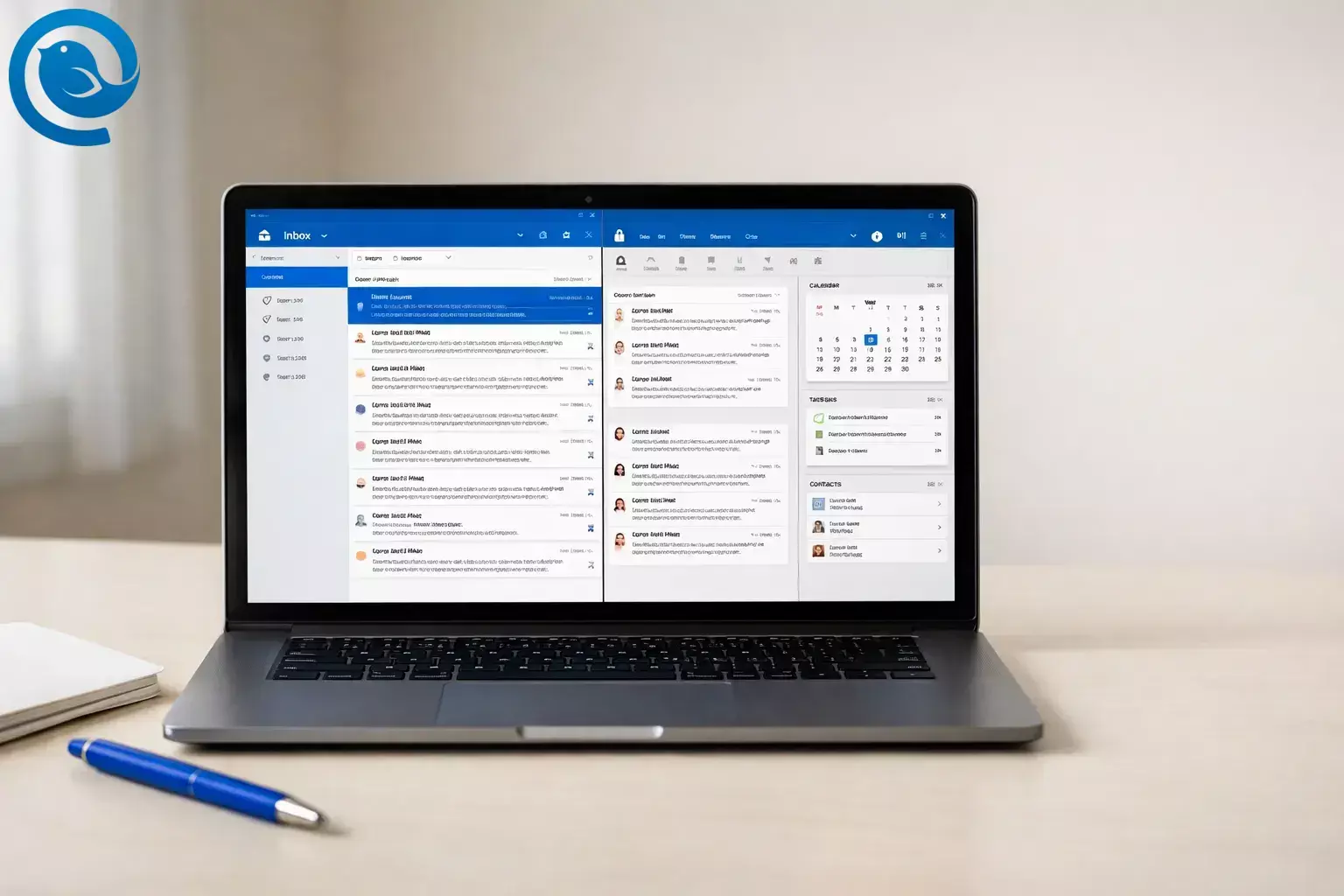
If you’d rather choose a dedicated desktop email client, Mailbird and eM Client are two established options to compare on Windows—whether you searched for “Mailbird vs eM Client” or “eM Client vs Mailbird.”
The comparison below is based on each product’s official pricing, feature, and support documentation linked in Sources (and can change over time). 2 , 3
What’s new
Microsoft has been recommending the new Outlook for Windows even when addressing issues in classic Outlook. 1
Key takeaways
Quick verdict:
- Choose Mailbird if you want a Unified Inbox -first workflow and a clean, customizable workspace with optional app integrations (available on paid plans). 4 , 5 , 2
- Choose eM Client if you want an Outlook-style all-in-one (email + calendar + tasks + contacts) with built-in PGP/S/MIME and iOS/Android apps. 7 , 3
- If you need two accounts for free , eM Client’s free license allows 2 accounts for personal, non-commercial use; Mailbird Free allows 1. 3 , 2
Also worth noting
- If you need native message encryption workflows, eM Client lists both PGP and S/MIME support; Mailbird’s support documentation states that PGP encryption is not currently supported (it’s listed as a roadmap item). 3 , 13
- If mobile apps matter, eM Client offers iOS and Android apps, while Mailbird’s pricing FAQ says Mailbird for Mac is not currently compatible with iPads or iPhones. 3 , 2
- For deployment and backup workflows, eM Client documents MSI-based installation/deployment and lists a backup feature; Mailbird documents manual backup/export workflows (including an Export Tool). 11 , 3 , 8 , 10
Mailbird vs eM Client: differences at a glance
| Decision factor | Mailbird | eM Client | Best choice (for that factor) |
|---|---|---|---|
| Primary workflow | Unified Inbox-first, with optional integrations to build your workspace | Outlook-style built-in suite (email + calendar + tasks + contacts) | Depends on whether you want a modular workspace or an all-in-one hub |
| Mobile apps | Desktop-focused; iPhone/iPad not supported today | iOS and Android apps available (mobile use doesn’t require a license) | eM Client |
| Native message encryption | No native PGP encryption (listed as not currently supported) | PGP & S/MIME supported | eM Client |
| App integrations inside the client | Plans are structured around what integrations/apps you can use (Free is limited) | More suite-oriented (not positioned around running web apps in a sidebar) | Mailbird |
| Free license (accounts + use) | Free plan: 1 email account | Free license: 2 email accounts (personal, non-commercial) | eM Client |
| Business/IT deployment + backup | Manual backup/export workflows documented | MSI-based installation documented; includes backup feature | eM Client for managed deployment; Mailbird for straightforward backup/export |
| One-time purchase + future versions | Pay Once option; “Lifetime Updates” add-on is listed for future versions | One-time licenses available; “Lifetime Upgrades” offered for future upgrades | Tie (check what’s included for the version cycle you care about) |
Factors and plan details are taken from the products’ official pages and support docs. 2 , 3
What each app is (in plain English)
- Mailbird is a desktop email client for Windows 10/11 (and macOS) built around managing multiple accounts in one place, with a Unified Inbox and optional third‑party app integrations on paid plans. 6 , 4 , 5 , 2
- eM Client is an email client for Windows and macOS (with iOS/Android apps) that combines email with built‑in modules like calendar, tasks, contacts, and notes, plus PGP/S/MIME encryption. 7 , 3
Where they’re meaningfully different
1) Unified Inbox workflow (Mailbird’s biggest advantage)
If you manage multiple addresses, Mailbird’s Unified Inbox is designed to keep your day in one email timeline, instead of making you bounce between accounts. 4
Best for: Mailbird if your default workflow is “one inbox, many accounts.”
2) Integrations vs built-in modules
Mailbird is built around the idea that your email client can also be a workspace: paid plans unlock third‑party app integrations and “custom apps” inside the client, while the Free plan has limitations on which apps you can use. 5 , 2
eM Client leans the other way: instead of relying on integrations as the center of the experience, it emphasizes built‑in modules (email, calendar, tasks, contacts, and more). 7
Best for: Mailbird if you want “email + my tools” in one window; eM Client if you want the suite built in.
3) Security and encryption (a hard separator)
If you need native message encryption workflows, eM Client lists both PGP and S/MIME support. 3
Mailbird’s support documentation states that PGP encryption is not currently supported (it’s listed as a roadmap item). 13
Best for: eM Client if PGP/S/MIME is a requirement.
4) Desktop-only vs “desktop + phone”
Mailbird officially supports Windows 10 and Windows 11, and its pricing FAQ discusses Mailbird for Mac—but it also notes Mailbird for Mac is not currently compatible with iPads or iPhones. 6 , 2
eM Client offers iOS and Android apps, and its pricing page states mobile versions don’t require a license. 7 , 3
Best for: eM Client if you want the same client ecosystem on desktop + mobile.
5) Free-plan reality check
Mailbird Free is listed as 1 email account. eM Client’s Free license is listed as 2 email accounts, and it’s described as personal/non-commercial. 2 , 3
Best for: eM Client if you must stay free and need 2 accounts.
6) Deployment and “grown-up” backups
eM Client documents MSI-based installation/deployment and lists a backup feature in its plan details. 11 , 3
Mailbird documents how to back up its email data (by copying the local data) and provides an Export Tool for creating portable .eml archives or exporting to an IMAP server. 8 , 10
Best for: eM Client in IT-managed environments; Mailbird if you want simple self-serve backup/export options.
Looking for an eM Client alternative on Windows?
If you searched for an eM Client alternative for Windows , the real question is usually “Do I want an all-in-one suite, or do I want an email-first app where I can add integrations as needed?”
Mailbird can be the best eM Client replacement for you if…
- You prefer working from a Unified Inbox timeline across multiple accounts. 4
- You want third‑party app integrations inside your email client (and you’re fine being on a paid plan for full access). 5 , 2
- You don’t rely on built-in PGP encryption or iPhone/iPad compatibility from the same product. 13 , 2
eM Client is the safer choice if…
Pricing, effort, and ownership trade-offs
What can change (before you buy)
- Discounts and bundles (especially “pay once” offers).
- What’s included in a plan (and which features are add-ons).
- Device limits per license and which platforms are covered.
- Refund/trial windows and support entitlements.
Pricing snapshot (based on official pages; can change)
- Mailbird pricing : Free ($0) is limited to 1 account. Premium is shown as a yearly plan and a Pay Once option; Premium licenses are shown as covering up to 3 devices, and “Lifetime Updates” is listed as an optional add-on for future versions. 2
- eM Client: Free ($0) allows 2 accounts (personal, non-commercial). Paid options include subscription and one-time licenses, and “Lifetime Upgrades” is offered separately for future upgrades. 3 , 12
Effort: what you’ll spend time on (not money)
- Mailbird effort typically goes into choosing and configuring the integrations you want (because that’s a core part of the workflow). 5
- eM Client effort typically goes into configuring the built-in suite (mail + calendar + tasks, plus security settings if needed). 7 , 3
Ownership: “pay once” is only set-and-forget if upgrades are covered
Both products offer one-time purchase options, but the long-term question is whether you’ll get future major versions. Mailbird lists “Lifetime Updates” as the mechanism for future versions, and eM Client offers a “Lifetime Upgrades” option for future upgrades. 2 , 3 , 12
Risks and dealbreakers
When Mailbird is a bad choice
- You need native PGP encryption inside the email client (Mailbird lists PGP as not currently supported). 13
- You need iPhone/iPad support today as part of the same client ecosystem. 2
- You need multiple accounts but must stay free (Mailbird Free is 1 account). 2
- You’re on Windows older than 10 and want an officially supported setup (Mailbird supports Windows 10/11). 6
When eM Client is a bad choice
- You want a cleaner, email-first workspace and prefer adding tools via integrations instead of living inside an all‑in‑one suite.
- You need business/commercial use but want to stay free (the Free license is described as personal and non-commercial). 3
- You strongly prefer “one inbox timeline” over “modules” (mail, calendar, tasks, etc.) as your default way of working.
Switching clients without losing emails (minimal-loss path)
Step 1: Identify what’s on the server vs stored locally
- IMAP/Exchange accounts: the safest switch is “set up the new client first, let it sync, then decide.”
- POP3 accounts / local archives: plan a backup/export before you uninstall anything.
Step 2: If you’re moving to Mailbird
- If you’re coming from Outlook, Thunderbird, Windows Live Mail, or IncrediMail, Mailbird documents an Import flow for supported clients (especially useful for POP3 scenarios). 9
- After import, enable the Unified Inbox once you have more than one account connected, then choose which accounts appear in that unified view. 4
Step 3: If you’re moving away from Mailbird
- Back up your Mailbird local data folder before you do anything risky (especially if you used POP3 or you’re moving to a new device). 8
- Use Mailbird’s Export Tool if you need a portable archive (.eml) or if you want to push mail back to an IMAP server. 10
Step 4: Expect to manually recreate a few things
- Rules/filters, signatures, templates/snippets, and layout preferences rarely move perfectly between clients.
- Make the switch in parallel for a few days: send/receive from the new client while keeping the old one installed as a safety net.
Frequently asked questions
Is Mailbird or eM Client better for multiple accounts?
Is Mailbird a good eM Client alternative on Windows?
Does Mailbird support Microsoft Exchange?
Mailbird lists Microsoft Exchange support on its Premium plan. 2
Does eM Client support PGP and S/MIME encryption?
Yes—eM Client lists PGP & S/MIME message encryption in its plan feature table. 3
Does Mailbird support PGP encryption?
Mailbird’s support documentation states that PGP encryption is not currently supported (it’s on the roadmap). 13
Is eM Client free for business/commercial use?
No—the free license is described as personal and non-commercial. For business use, you’ll want a paid license. 3
Can I use Mailbird on an iPhone or iPad?
Mailbird’s pricing FAQ says Mailbird for Mac is not currently compatible with iPads or iPhones, and mobile apps are part of its future roadmap. 2
How many accounts can I add for free?
Decision tree (pick one)
- If you need iOS/Android apps for the same email-client ecosystem, then choose eM Client . 7 , 3
- If you need native PGP/S/MIME encryption in the client, then choose eM Client . 3
- If your priority is a Unified Inbox-first workflow and you want a clean, integrations-based desktop workspace, then choose Mailbird . 4 , 5
- If you must stay free and need 2 accounts (personal, non-commercial), then choose eM Client . 3
- If you’re looking for an eM Client replacement on Windows that’s more email-first, then start with Mailbird —as long as you don’t need PGP or iOS/iPad support. 4 , 13 , 2
Sources
- Windows Central — “Microsoft fixes bug preventing classic Outlook launch…” (Oct 22, 2025)
- Mailbird — Pricing and plans. https://www.getmailbird.com/pricing/
- eM Client — Pricing
- Mailbird Support — Unified Inbox. https://support.getmailbird.com/hc/en-us/articles/220108147-Unified-Inbox
- Mailbird Support — What apps are available in each Mailbird plan? https://support.getmailbird.com/hc/en-us/articles/360039349814-What-apps-are-available-in-each-Mailbird-plan
- Mailbird Support — What versions of Windows are supported by Mailbird. https://support.getmailbird.com/hc/en-us/articles/12486718644375-What-versions-of-Windows-are-supported-by-Mailbird
- eM Client — Email features
- Mailbird Support — How to backup your email data. https://support.getmailbird.com/hc/en-us/articles/115003544187-How-to-backup-your-email-data
- Mailbird Support — How to Import Accounts and Emails to Mailbird. https://support.getmailbird.com/hc/en-us/articles/220108247-How-to-Import-Accounts-and-Emails-to-Mailbird
- Mailbird Support — How to Use Mailbird’s Export Tool. https://support.getmailbird.com/hc/en-us/articles/115013591887-How-to-Use-Mailbird-s-Export-Tool
- eM Client — FAQ (Getting Started / system requirements and deployment info)
- eM Client — Lifetime Upgrades
- Mailbird Support — Is PGP encryption supported in Mailbird? https://support.getmailbird.com/hc/en-us/articles/15014091847575-Is-PGP-encryption-supported-in-Mailbird


