How to Turn Off Outlook Notifications (or Fix Missing Alerts)
To turn off Outlook notifications, open Settings > General > Notifications in new Outlook or Outlook on the web and switch off Mail or Calendar. In classic Outlook for Windows, go to File > Options > Mail and clear Display a Desktop Alert. On a phone, change your choices in Outlook’s notification settings. The instructions below also cover device alerts, ways to receive fewer notifications, and fixes when alerts stop working.



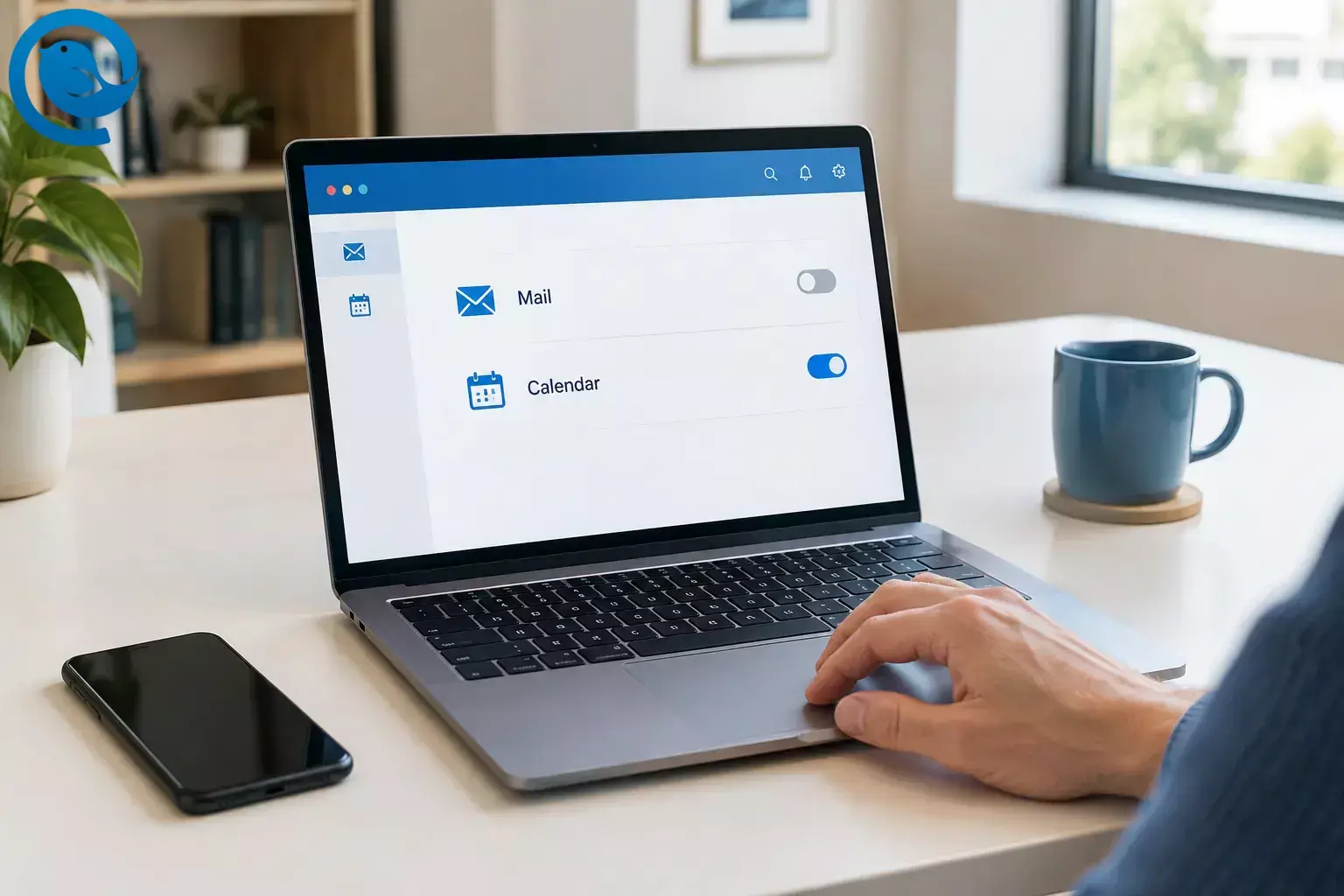
To turn off Outlook notifications, open Settings > General > Notifications in new Outlook or Outlook on the web and switch off Mail or Calendar. In classic Outlook for Windows, go to File > Options > Mail and clear Display a Desktop Alert. On a phone, change your choices in Outlook’s notification settings. The instructions below also cover device alerts, ways to receive fewer notifications, and fixes when alerts stop working. [2, 4, 5]
Quick checklist
- □ Identify the Outlook version sending the alert.
- □ Set Mail and Calendar notifications separately.
- □ Check Windows, browser, or phone permissions if needed.
- □ Check each device where you use Outlook.
- □ Test with a new message and an upcoming reminder.
Before you start
Check which version of Outlook sends the alert. In Windows, File > Options indicates classic Outlook; View > View Settings indicates new Outlook. If Outlook is in a browser tab, follow the web instructions. Mail and calendar notifications can have separate controls, so you can silence new mail without losing meeting reminders. [2, 4]
If you use Outlook on several devices, check each one. A work or school administrator may control some notification settings. [13]
New Outlook for Windows
Turn off notifications in new Outlook for Windows
- View > View Settings > General > Notifications.
- Notify me about, switch Mail off to stop new-mail alerts. Switch Calendar off separately if you also want to stop calendar alerts. You can leave Calendar on and expand it to adjust the reminder style or sound. [2]
- Notifications in Outlook and turn off Send notifications when Outlook is closed. [1]
To receive alerts from only certain connected accounts, expand the additional notification settings on that page and choose which accounts can send notifications and sounds. Check that the account you want to keep is enabled. This per-account device control is not available in Outlook on the web. [1]
Classic Outlook for Windows
Stop new-mail desktop alerts
Go to File > Options > Mail. Under Message arrival, clear Display a Desktop Alert, then select OK. Clear Play a sound too if you want to silence the new-mail sound. [2]
Stop or silence reminders
Go to File > Options > Advanced. Under Reminders, clear Show reminders to stop reminder pop-ups, or clear only Play reminder sound to keep reminders visible but quiet. Select OK. [3]
Windows notification settings
Open Start > Settings > System > Notifications. Find the Outlook entry for the version you use. Turn its notifications off entirely, or open the entry and turn off Show notification banners if you prefer alerts in the notification center. For a temporary pause across apps, use Windows Do not disturb; priority settings may still allow some reminders through. Use Outlook’s own settings when you want different choices for mail and calendar. [6]
Outlook on the web
In your Outlook browser tab, open Settings > General > Notifications. Under Notify me about, switch off Mail, Calendar, or both. An organization’s older Outlook Web App interface may use different menus. [4]
If website alerts continue, block notifications for the Outlook site in your browser. In Chrome, select the site-information icon beside the address and set Notifications to Block. In Edge, select the site-information icon and set Permissions for this site > Notifications to Block. This changes the browser’s permission for that site, not notifications from the Outlook phone app. [7, 8]
Outlook on iPhone or Android
Open Outlook’s side menu and go to Settings > Notifications & Sounds > Mail. Choose the account you want to change, then select None to stop its mail alerts or Focused to receive fewer. Some app versions show Notifications instead of Notifications & Sounds. [5, 12]
To change meeting alerts, open Calendar in Outlook’s notification settings and turn its alerts off. For a phone-wide block on all Outlook app alerts:
- iPhone: Open Settings > Notifications > Outlook and turn off Allow Notifications. [9] See our iOS notifications fix.
- Android: Open Settings > Notifications > App notifications > Outlook and turn notifications off. Menu names can vary by phone. [10] See our Android notification controls article.
If you want alerts from favorite people only, mark a contact as a favorite from their profile card, then choose Favorite People Only in that account’s Outlook notification settings. [12]
Mute notifications without turning them off permanently
On Windows, use Do not disturb for a temporary pause across apps. [6] On mobile, use Outlook’s Do Not Disturb or Quiet Time schedule to mute mail during certain hours. Check Calendar separately: Quiet Time does not necessarily silence meeting notifications. Some cross-app Quiet Time options are limited to Microsoft 365 enterprise accounts. [11]
In classic Outlook, you can keep desktop alerts for selected senders: turn off the default Display a Desktop Alert setting, then use File > Manage Rules & Alerts > New Rule to apply a Display a Desktop Alert action to messages from a chosen sender. Test the rule while classic Outlook is open. That rule action is not currently supported in new Outlook. [14]
Outlook notifications not working?
- No new Outlook banners: Confirm the relevant Mail or Calendar setting is on. Then check Windows Settings > System > Notifications, Do not disturb, any Focus session, Battery Saver, and Teams status. If a Windows control is disabled, ask your administrator. [13] See our notifications troubleshooting guide.
- No calendar alerts when new Outlook is closed: Turn on Send notifications when Outlook is closed, select desktop calendar notifications, and check Windows banners and Outlook’s background-app permission. [1]
- No classic Outlook desktop alert for an arriving message: A rule may have moved the message out of the default Inbox, or the account may still be doing its initial synchronization. Test with a new message delivered directly to the Inbox. [2]
- No web alerts: Turn on the relevant Outlook notification and allow notifications for the Outlook site in your browser. [4, 7]
- No phone alerts: Check the phone’s notification permission for Outlook, then check the account’s Mail and Calendar choices in the app. If mail is quiet but meetings still alert, check Calendar separately from Outlook mobile’s Quiet Time settings. [9, 10, 11]
To test a change, send a message to the account you changed and check an upcoming event that already has a reminder. If an unwanted alert still appears, note whether it came from the desktop app, a browser, or your phone before changing another setting.
Frequently asked questions
How do I turn off Outlook notifications without missing meetings?
Turn off Mail notifications but leave Calendar on. Check both settings in the Outlook version you use.
Where is the Desktop Alert setting in classic Outlook?
Open File > Options > Mail. Under Message arrival, clear Display a Desktop Alert.
Why do calendar reminders appear after I close new Outlook?
Background calendar notifications may be enabled. In new Outlook’s notification settings, turn off Send notifications when Outlook is closed, or turn off Calendar alerts.
Will turning off Outlook alerts on my phone turn them off on my computer?
Do not assume it will. Check Outlook’s settings and notification permissions on each device where you receive alerts.
Want a different way to manage your inbox?
Mailbird is a desktop email client for Windows and Mac. To try it, download Mailbird Next at getmailbird.com/mailbird-next-is-here/ and choose the notifications that suit you. [15]
Sources
- Microsoft Support: What’s new in new Outlook for Windows
- Microsoft Support: Turn new message alert pop-ups on or off
- Microsoft Support: Advanced options in classic Outlook for Windows
- Microsoft Support: Mail and calendar notifications in Outlook.com
- Microsoft Support: Change Outlook mobile notifications
- Microsoft Support: Notifications and Do not disturb in Windows
- Google Chrome Help: Use notifications to get alerts
- Microsoft Support: Manage website notifications in Edge
- Apple Support: Change notification settings on iPhone
- Android Help: Control notifications on Android
- Microsoft Support: Quiet Time in Outlook mobile
- Microsoft Support: Receive Outlook mobile alerts from favorite people
- Microsoft Support: Outlook notifications aren’t working
- Microsoft Support: Outlook rule features by version
- Mailbird: Mailbird Next for Windows and Mac, getmailbird.com/mailbird-next-is-here/


