Mailbird Next is here: one email app for Windows and Mac
Today we're launching Mailbird Next, the biggest update in Mailbird's history: one email app for Windows and Mac, rebuilt from the ground up, with every account you use in a single, calm inbox.



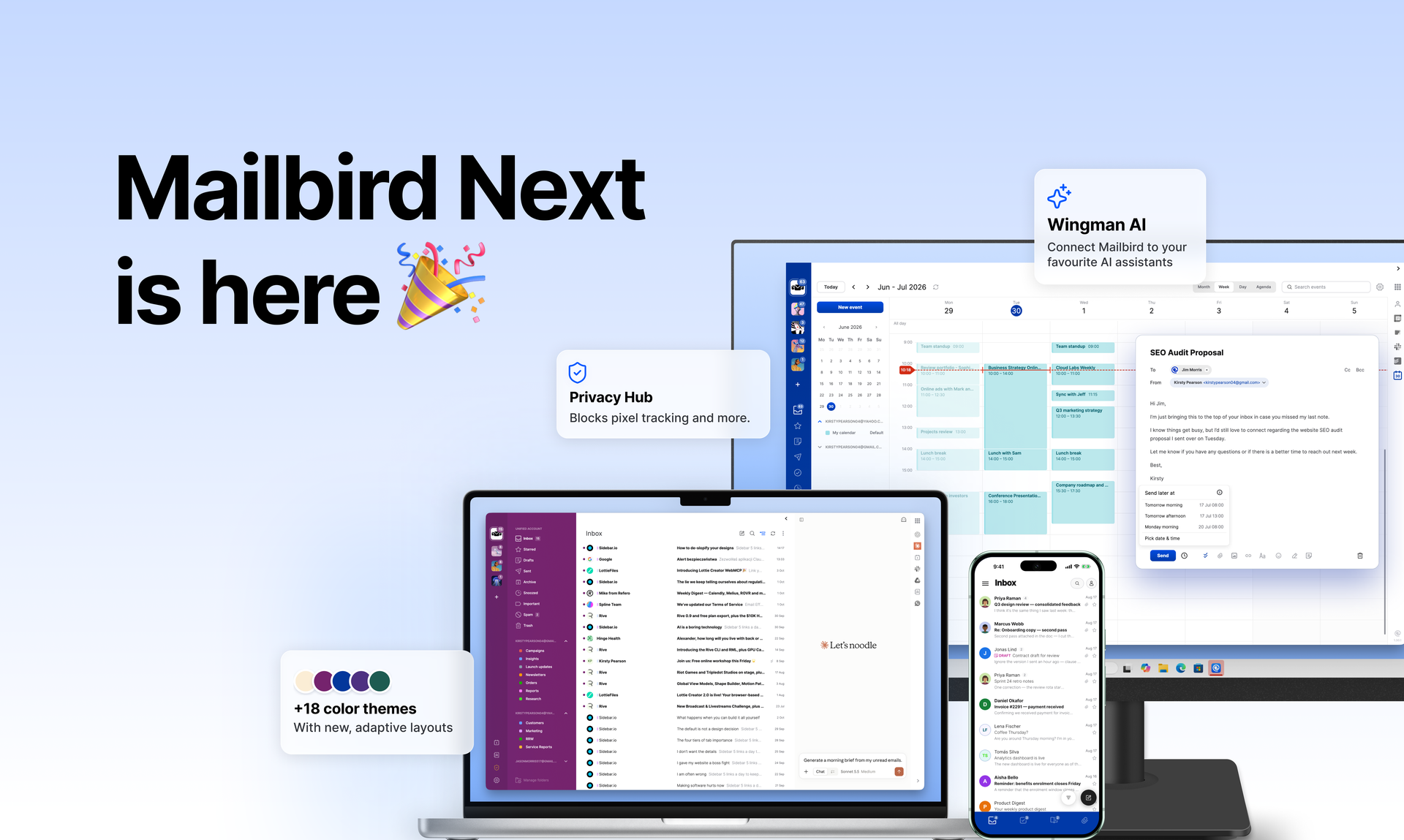
Today we're launching Mailbird Next, the biggest update in Mailbird's history. It's one email app for Windows and Mac, rebuilt from the ground up, with every account you use in a single, calm inbox.
Mailbird started in 2012 with a simple frustration: email on Windows was painful. Since then more than 3.3 million people have registered for Mailbird. Mailbird Next keeps the idea they signed up for, all your accounts in one place, and rebuilds everything around it.
You can download it free for Windows 10 and 11, and for macOS, and try every feature free for 7 days.
What Mailbird Next is
Mailbird Next is one desktop email client for Windows and Mac, built on a single codebase. The same app and the same account setup work on both, so switching computers doesn't mean learning a new tool.
The rebuild started in 2020. Its first product, Mailbird for Mac, launched in October 2024 and reached the Mac App Store worldwide in September 2025. Mailbird Next now brings that same foundation to Windows.
It's built for anyone juggling more than one inbox: people who use different email providers like Yahoo and Gmail at the same time, professionals with work and personal addresses, and small teams who live in email all day. It works with Gmail, Outlook, Microsoft 365, iCloud, Yahoo, and any IMAP account.
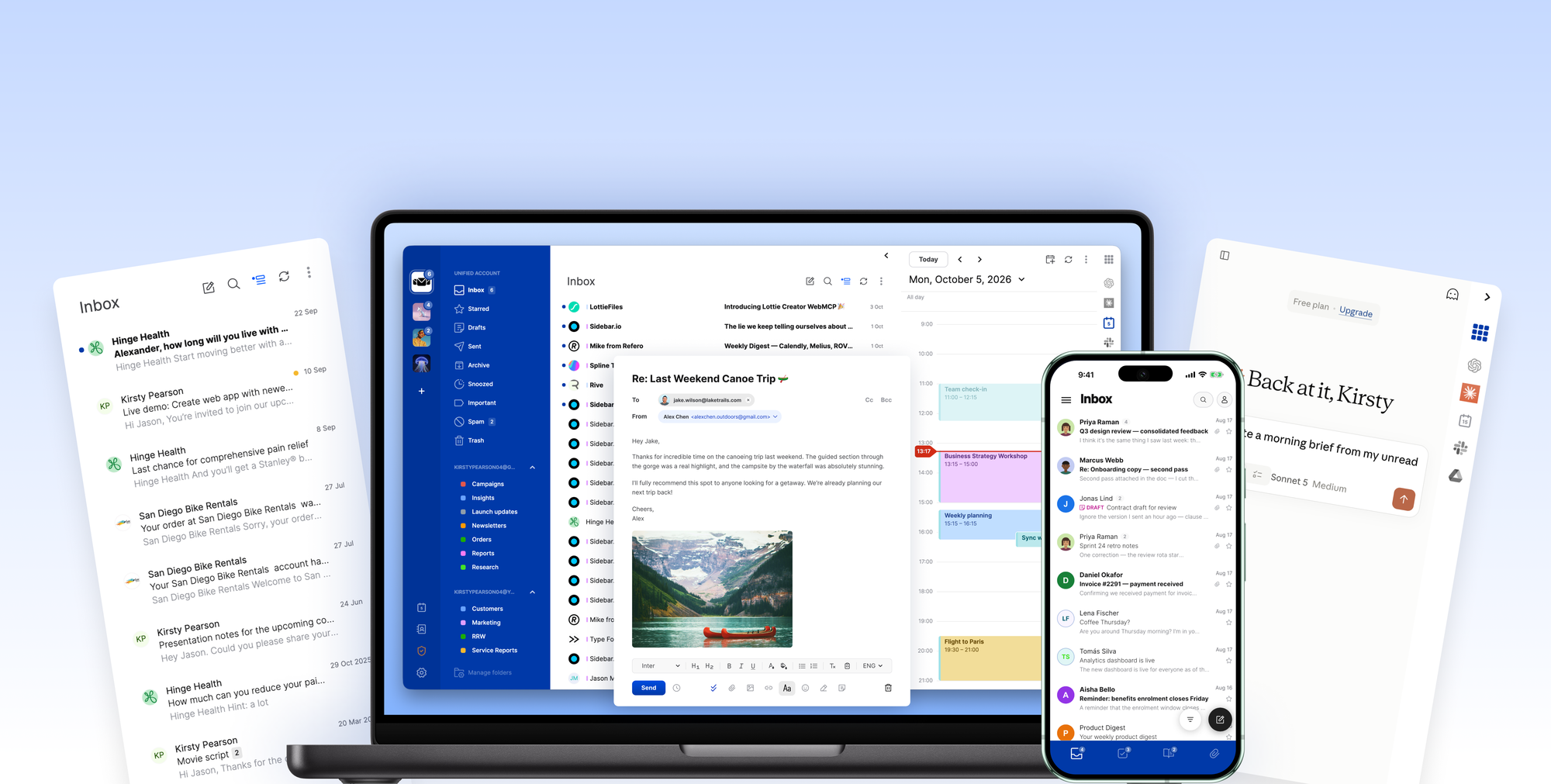
What's in Mailbird Next
Everything below is in the app on launch day. Features marked ★ are Premium; you can try all of them free for 7 days.
One inbox for every account
Add all your email accounts and read, reply, and organize from a single unified inbox. When everything is in one place, email stops being a scavenger hunt and becomes a list you can actually work down. The free version works with one account; Premium adds unlimited accounts.
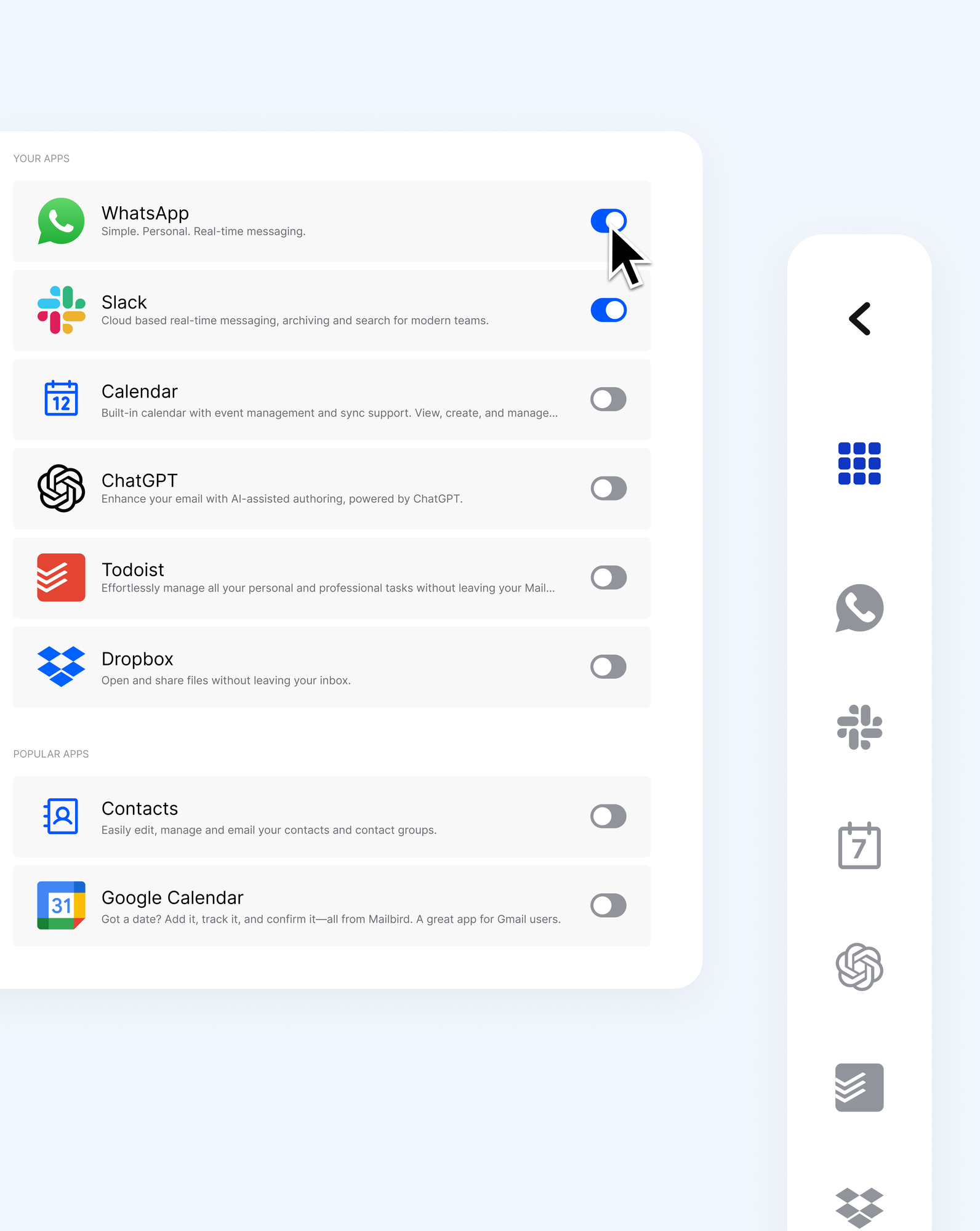
Your apps, next to your mail ★
Add WhatsApp, Google Calendar, Asana, Dropbox, and dozens of other apps to a side panel beside your inbox. Reply to an email, tick off a task, and check your schedule without switching windows. You can also add your own custom apps.
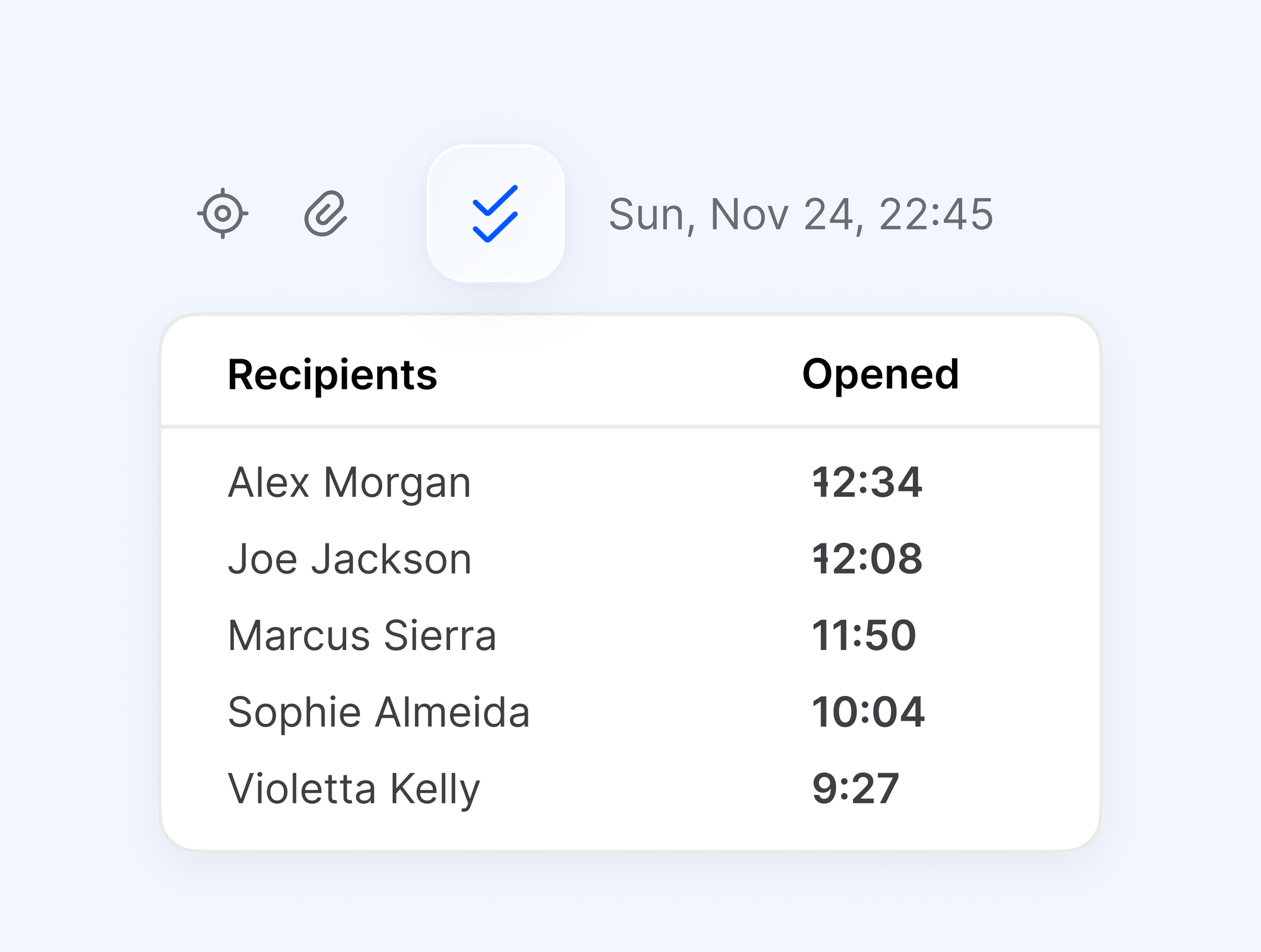
Know when your email was opened ★
Unlimited email tracking shows which messages were read and when, so you follow up on the ones that weren't and leave the rest alone.
Manage email on your schedule ★
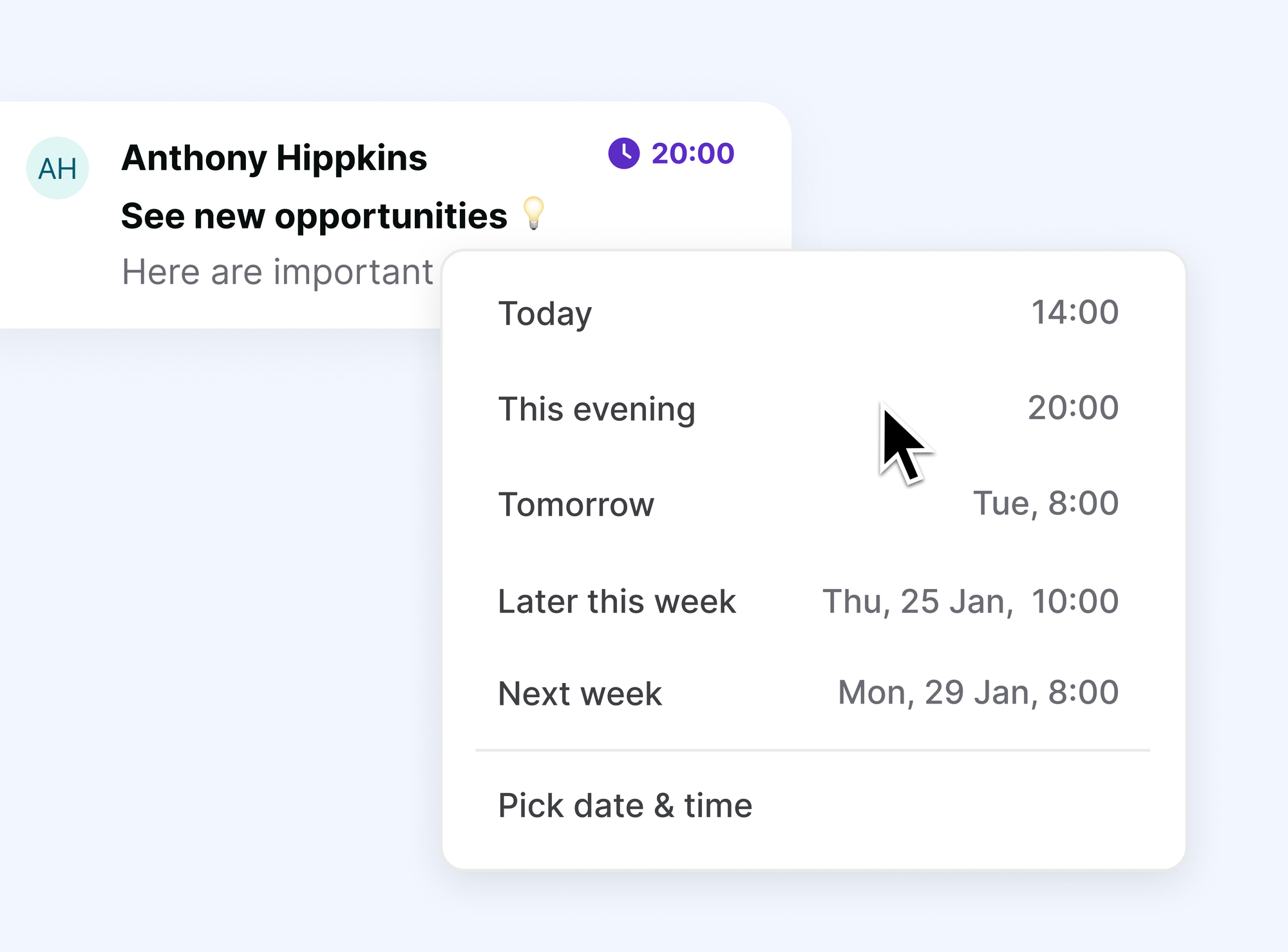
Snooze a message until you're ready for it, schedule a send for Monday morning, undo a send you regret, and use snippets for replies you write every day.
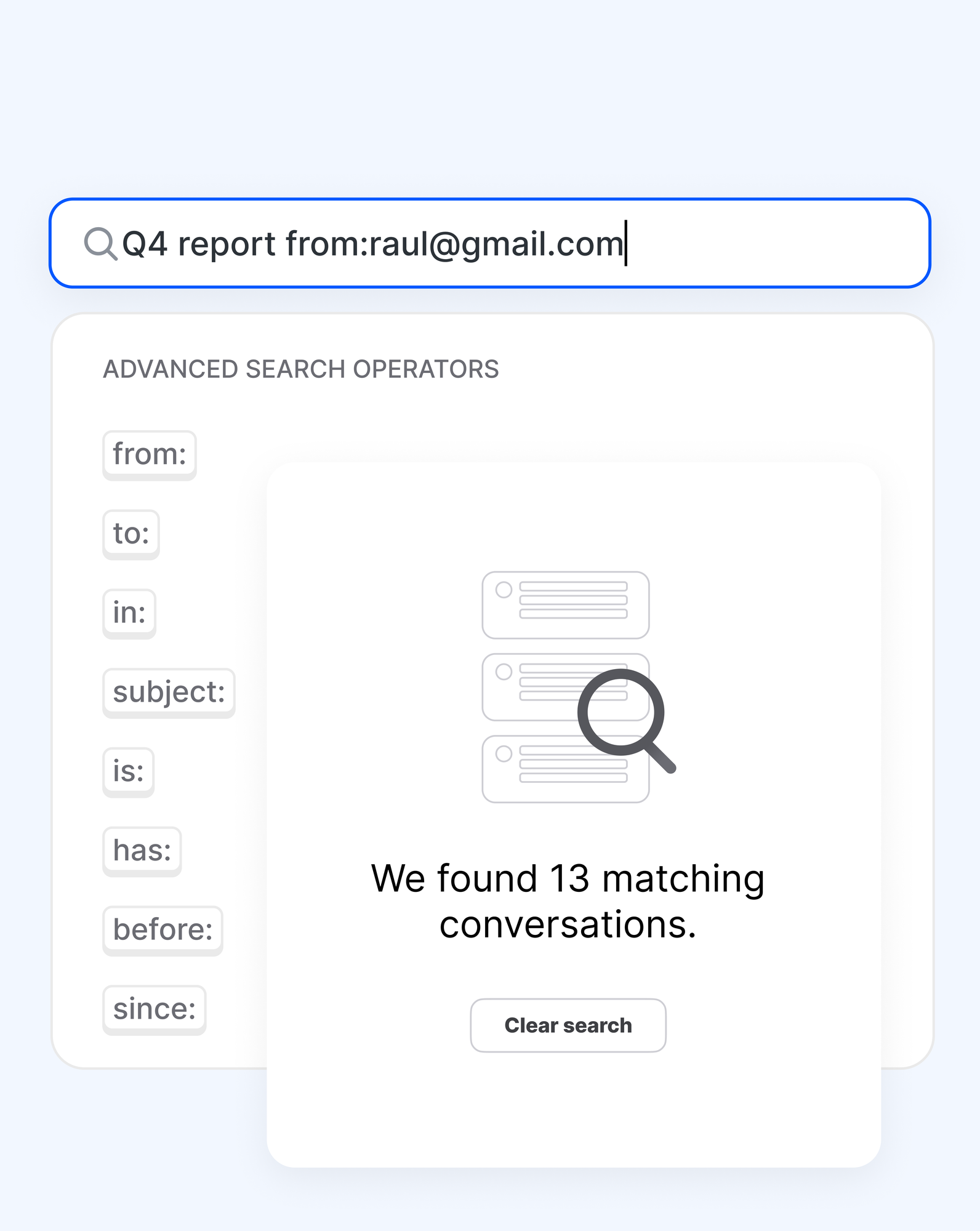
Search every account at once ★
Because your accounts are unified, one search covers all of them. Advanced search and attachment search find the old email or the file you need.
Getting Things Done for email
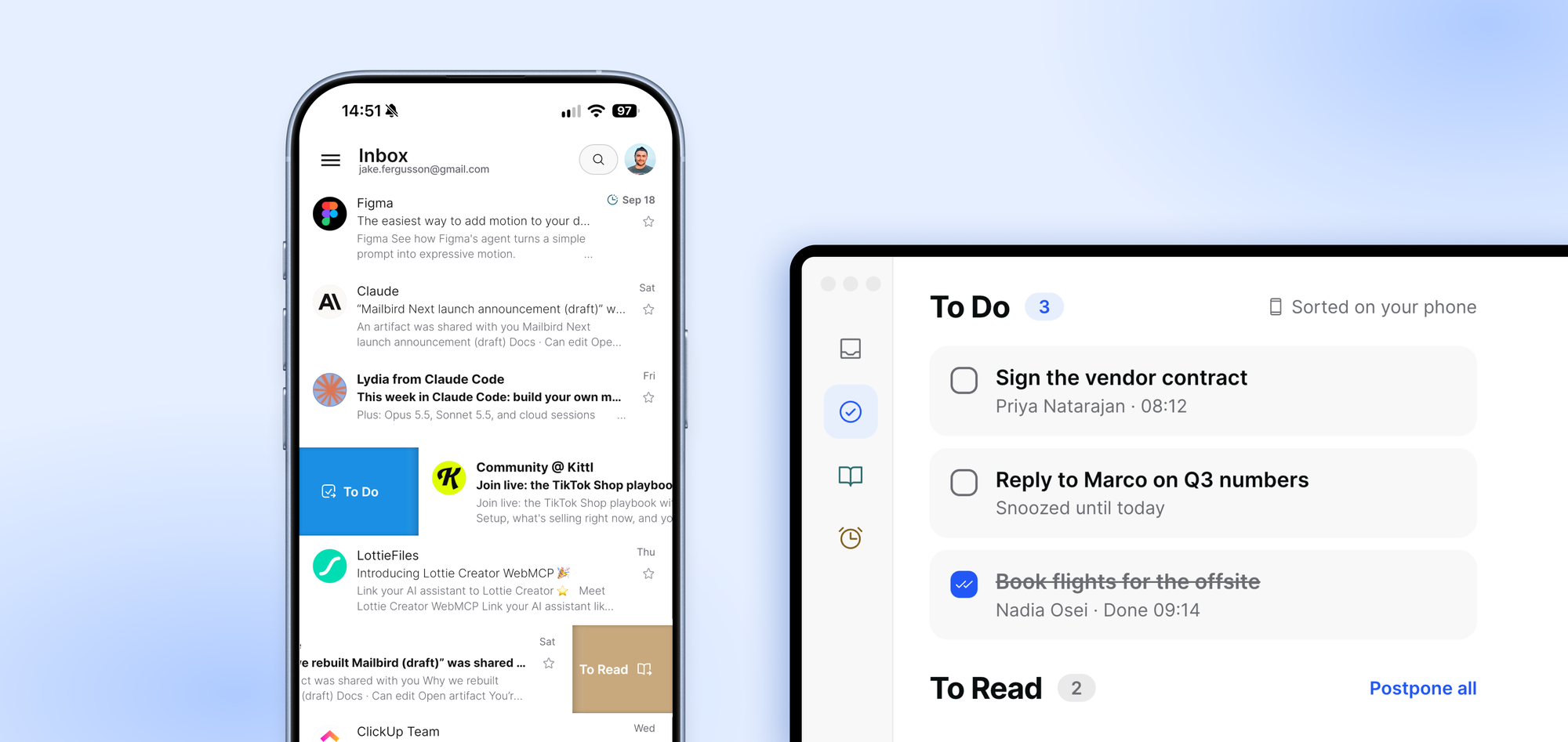
Clear your inbox in two minutes in the Mailbird mobile app. Everything you sort will be waiting in Mailbird for desktop, in the list it belongs to, across every account.
Keep your email to yourself
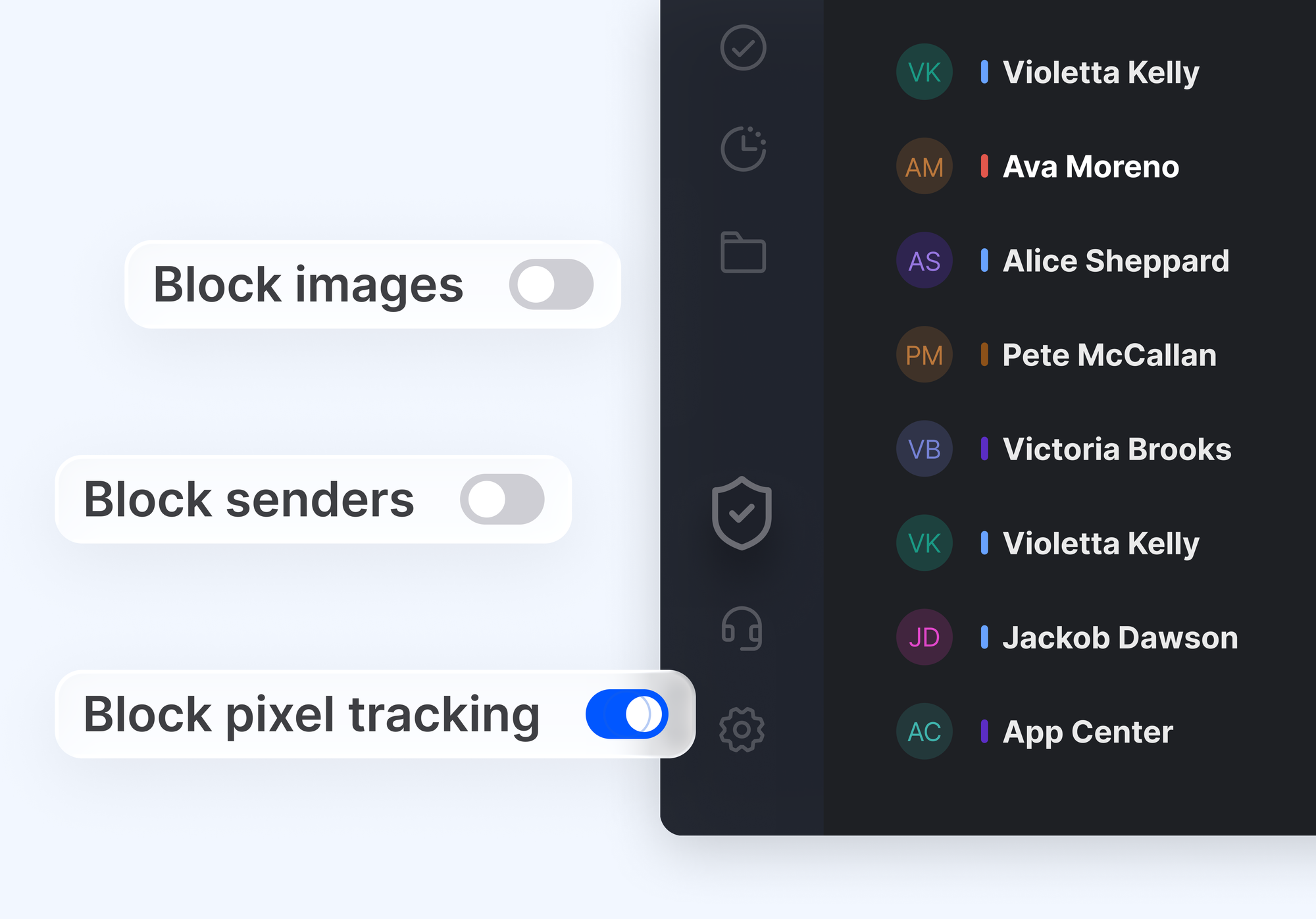
Your mail is stored on your computer, never on Mailbird's servers. The Privacy Hub blocks pixel trackers, so senders can't tell when you opened their message.
Make it yours
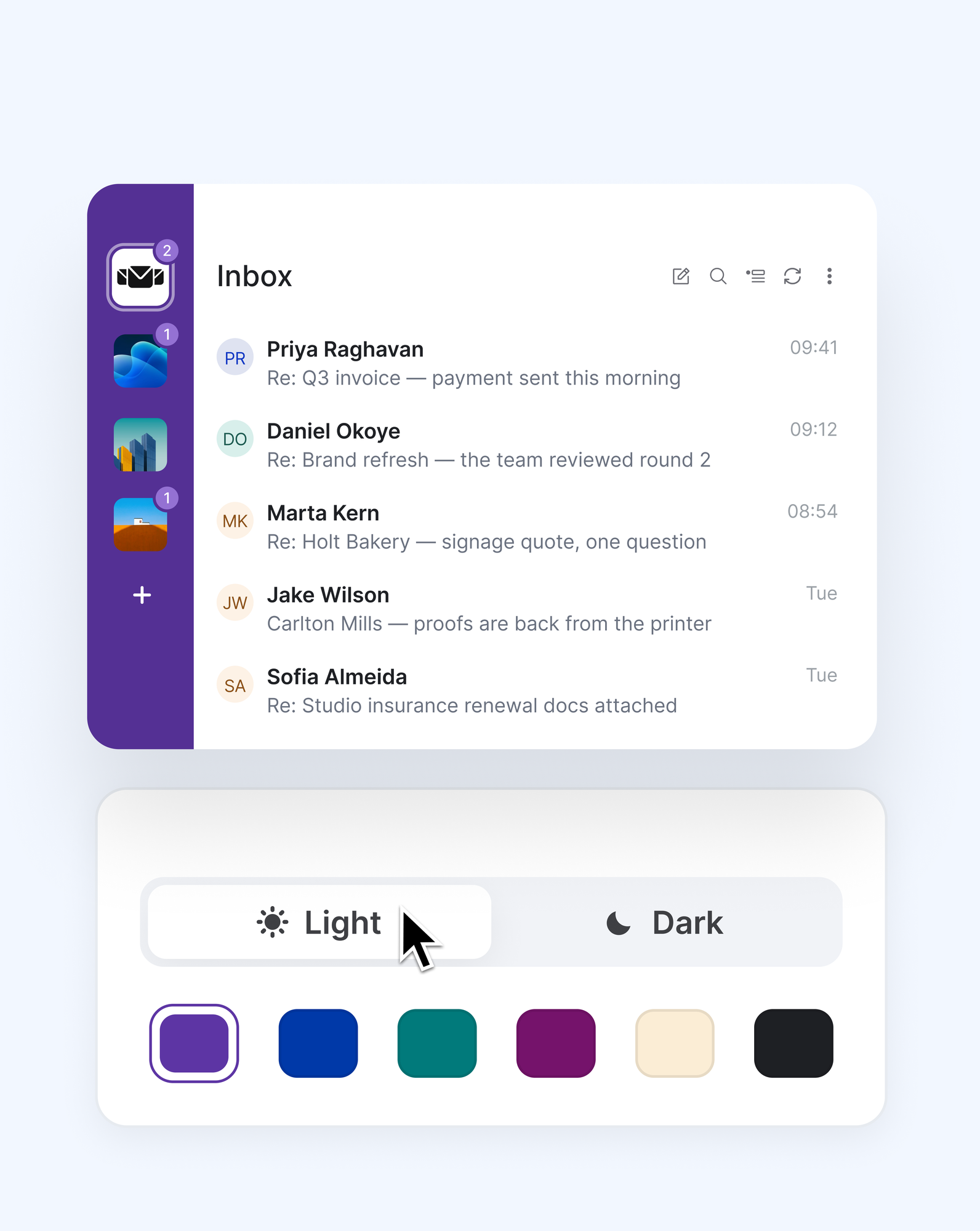
Choose from nine color themes and five layouts, in light or dark mode, and set the zoom to whatever suits your eyes.
Also included
| Feature | Plan |
|---|---|
| Native calendar and contacts | ★ Premium |
| Rules | ★ Premium |
| Block senders | ★ Premium |
| Move mail between accounts | ★ Premium |
| Exchange support | ★ Premium |
| Customer support | ★ Premium |
| Filters | Free |
| Quick unsubscribe | Free |
| Email aliases | Free |
| Quick reply and favorite folders | Free |
| Pinned attachments | Free |
| 20+ keyboard shortcuts | Free |
| Interface in 20+ languages | Free |
See the features page for the complete list, including what's in Premium.
Mailbird mobile apps
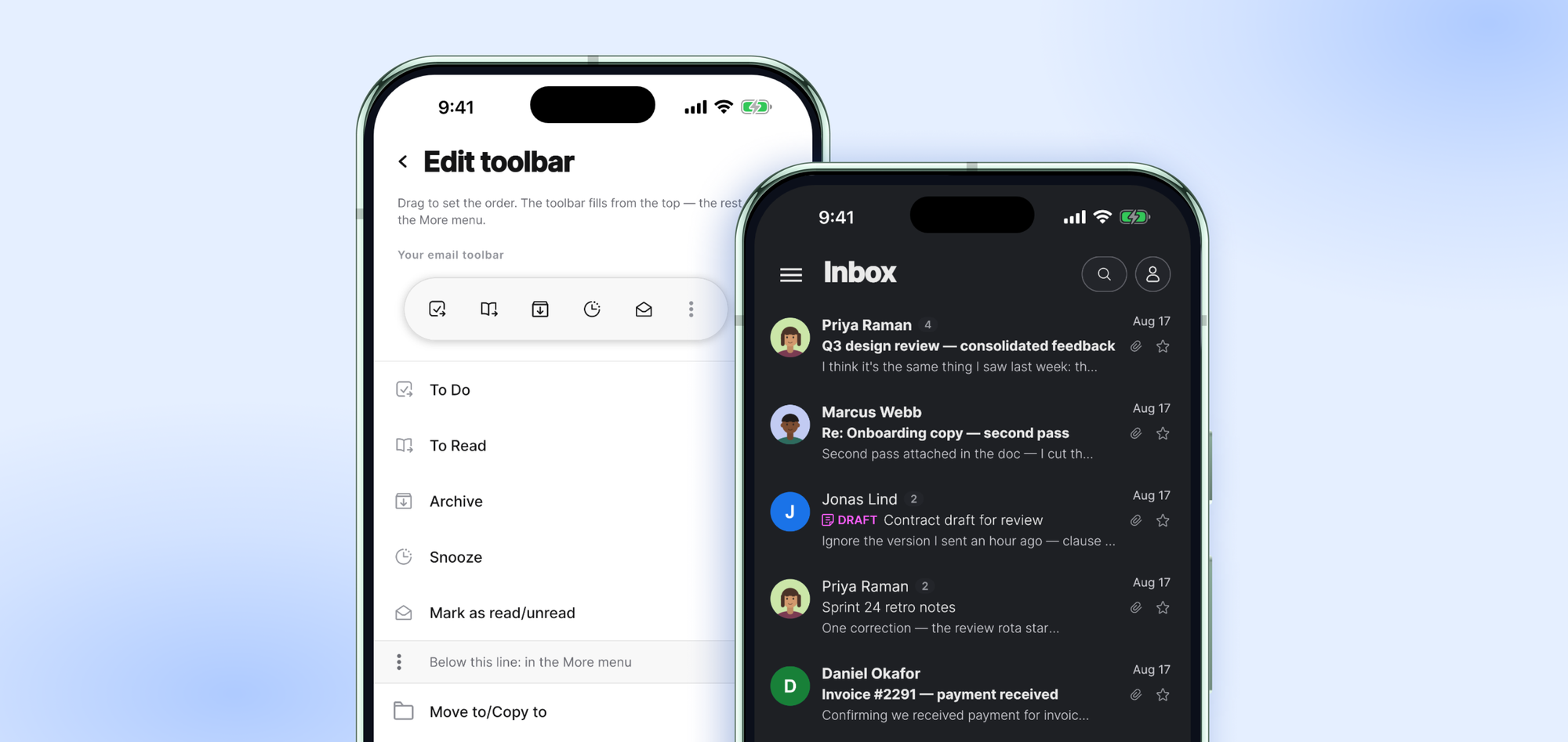
Next is growing into one Mailbird across Windows, Mac, and your phone. The Android app is in public beta today, ready for you to test-drive, and the iOS app is almost here. Now all your accounts can be in one inbox on the go, too!
Your AI, on your terms
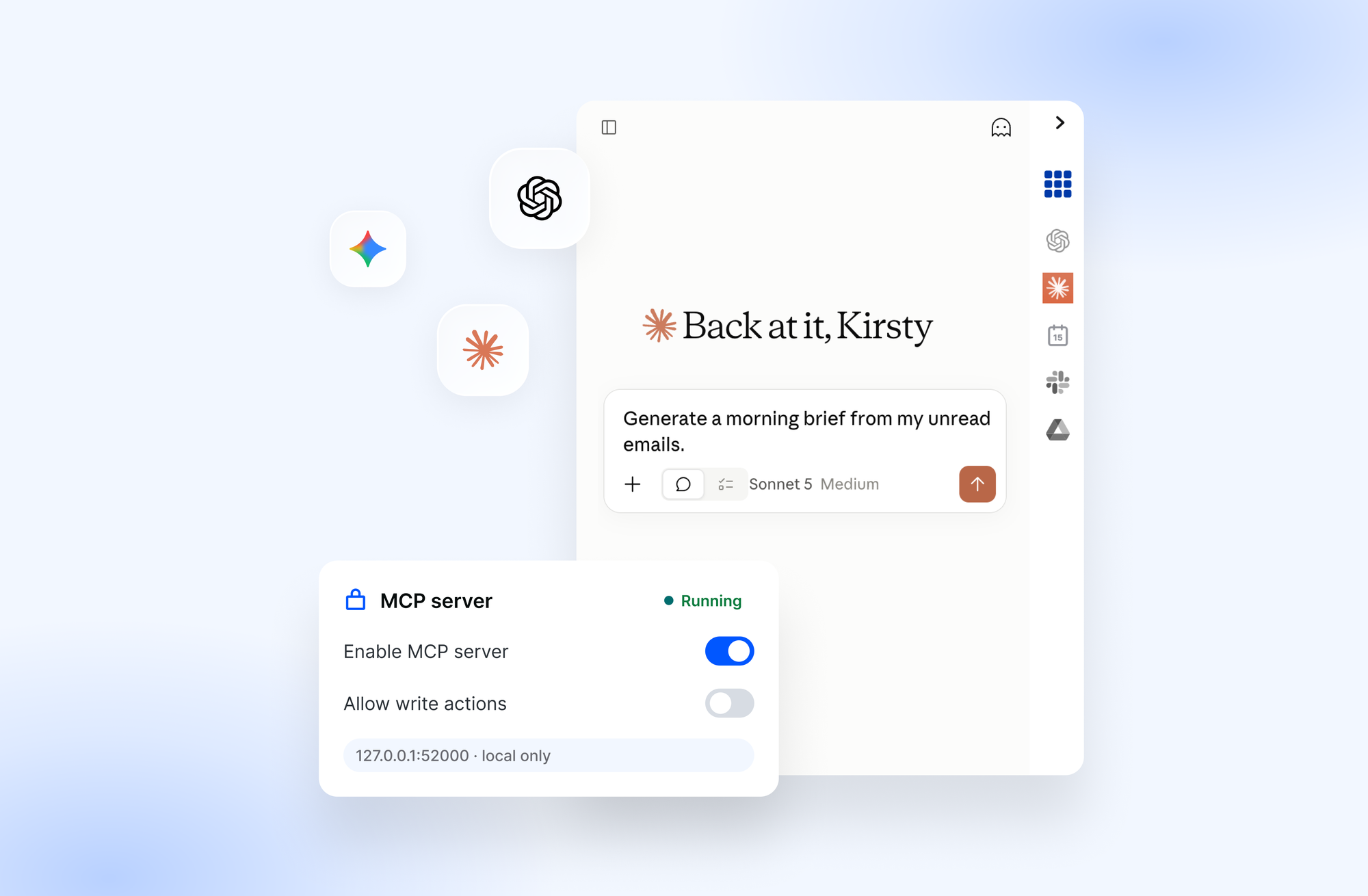
Mailbird Next lets you connect the AI app you already use, such as Claude, ChatGPT, or Cursor, through MCP. It stays off until you switch it on, it runs locally on your computer, and Mailbird never trains on your email.
Once connected, your AI app can help you read your mail and attachments, draft replies, archive messages, and unsubscribe from lists, but only when you ask. Actions that change your mailbox are gated, and nothing is sent without your explicit confirmation.
It's private, opt-in AI: you decide if it's on, what it looks at, and what it's allowed to do.
Free to start, Premium when you want more
Mailbird Next is free to download. The free version has no time limit and works with one email account and the basic features.
Every new account gets all the Premium features free for the first 7 days. After that, you can keep using the free version or go Premium for unlimited accounts, app integrations, email tracking, and the rest of the ★ features above. You can switch between plans at any time, and if you're unsure which fits, our Customer Happiness Team will help.
Current plans are listed on our pricing page.
Get started in minutes
- Download Mailbird Next free for Windows 10 and 11, or for macOS.
- Sign in to your first email account. Setup is quick, and most people are reading their mail within a couple of minutes.
- Add your other accounts, pick a layout and theme, and connect the apps you use every day.
Already using an earlier version of Mailbird? Download Next and sign in with your key. If your license includes Next, you are in! The app will show you your options, including the free upgrade if you qualify for it. Your current Mailbird keeps working for as long as you want it to.
What's next for Mailbird Next
Launch day is a starting point. Mailbird Next has shipped a release most weeks this year, and every one is listed in our release notes with what changed.
Wingman, our own on-device assistant, in beta testing, launching soon. Wingman is separate from the MCP connection described above.
Frequently asked questions
Is Mailbird Next free?
Yes. The free version has no time limit and works with one email account. Each new account gets every Premium feature free for the first 7 days, and if you don't upgrade you keep the free version.
Does it run on Windows and Mac?
Yes, on Windows 10 and 11 and on macOS, with the same app and the same account setup on both.
Which email accounts work?
Gmail, Outlook, Microsoft 365, iCloud, Yahoo, Proton (through Proton Bridge), and any IMAP account. Sign in and Mailbird finds the server settings for you.
Who can see my mail?
You and your email provider. Your mail is stored on your computer, and Mailbird doesn't read it or train AI on it. If you connect an AI app, it sees only what you ask it to look at, and only after you've turned that on.
Are there mobile apps?
The Android is available now in beta, ready for you to test-drive, and the iOS app will be available soon.
How often is Mailbird Next updated?
Mailbird Next has shipped a release most weeks this year. Each release is listed in the release notes with what changed.


