How to Delete an Outlook Account (or Just Remove It from the App)
“Delete an Outlook account” can mean two different things. You can remove an email account from the Outlook app and keep using the mailbox elsewhere. Or you can close an Outlook.com account permanently, which requires closing the associated personal Microsoft account and affects other Microsoft services.



“Delete an Outlook account” can mean two different things. You can remove an email account from the Outlook app and keep using the mailbox elsewhere. Or you can close an Outlook.com account permanently , which requires closing the associated personal Microsoft account and affects other Microsoft services. [2]
Choose the right action
- Want the address off a Windows PC, Mac, or phone? Follow the app-removal steps below. The email account stays open.
- Want to stop using the Outlook.com mailbox permanently? Follow the account-closure steps. Save what you need first; Microsoft offers a 30- or 60-day reopening period before deleting the account’s data and content. [7]
What’s the difference?
Outlook is an app that can connect to an email account; Outlook.com is Microsoft’s email service. Removing a connection changes what the app displays. Closing the personal Microsoft account ends access to its Outlook.com mailbox and other services attached to that account. [2]
Before you start
- You’ll need: The device with Outlook installed for app removal. For account closure, you’ll need your Microsoft sign-in and access to its security verification method.
- Time: Allow a few minutes for app removal. Set aside more time to review services and save mail and files before closure.
- Cost: No purchase is needed to remove an account from Outlook or close a Microsoft account. A full Outlook.com mailbox export requires desktop Outlook; Microsoft also documents a classic Outlook export option that does not require a subscription or trial. [3]
How to remove an email account from Outlook without deleting it
Confirm the address in step 1, follow only the step for your version of Outlook , then check the result in step 6. Removing the account from the app does not close an Outlook.com, Gmail, Yahoo, or other provider mailbox. [9]
-
Identify the address and your version of Outlook
Note the exact email address you want to remove. On Windows, use the new Outlook step if you see View settings and Accounts ; use the classic Outlook step if you see File > Account Settings . On a Mac or phone, use the matching step below. [9]
-
New Outlook for Windows: select Remove
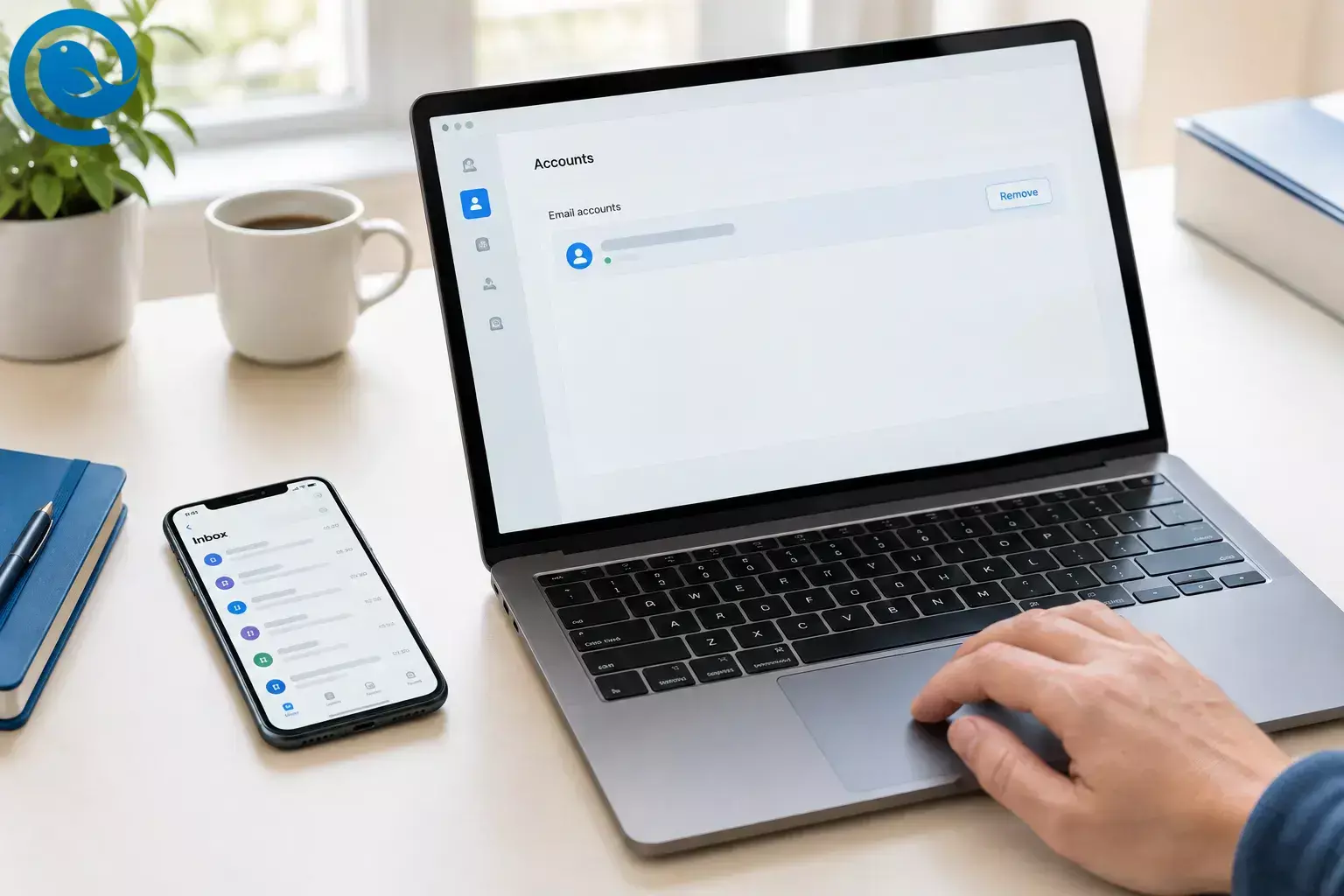
Open View > View settings > Accounts > Your accounts . Under Email accounts , find the address, select Manage , then Remove . For a non-Microsoft account, choose Remove from this device if you only want it off this PC. Do not choose Remove from all devices unless that is what you intend. Confirm that the address disappears from the account list. [9]
-
Classic Outlook for Windows: remove it in Account Settings
Select File > Account Settings > Account Settings . Select the address, choose Remove , and confirm with Yes . If it is the last account in the profile, Outlook may ask you to create a new location for your data before removing it. Confirm that the address is no longer listed. [9]
-
Outlook for Mac: remove it from Accounts
Select Tools > Accounts , choose the address, then select Manage > Remove Account > Continue . In legacy Outlook for Mac, select the account, click the minus (−) button, then choose Sign Out . Check that the address has left the list. [10]
-
Outlook for iPhone or Android: tap Remove Account
In the Outlook app, open Settings > Accounts , tap the email address, then tap Remove Account . Check that its inbox no longer appears in the app. [11]
-
Check that the mailbox is still available
Open the email provider’s website in a browser and sign in to the same address . If you can still see your messages there, you removed the app connection rather than closing the mailbox.
How to delete an Outlook.com account permanently
Microsoft’s process for permanently closing an Outlook.com email account is to close its associated personal Microsoft account . You will lose access to services tied to it, such as OneDrive and Xbox, and to BitLocker recovery keys saved in the account. After the reopening period ends, Microsoft deletes the account’s data and content. [2]
How to delete an Outlook.com account permanently
-
List what depends on the address
Check which banking, shopping, social, and recovery accounts use your Outlook.com address. Change those sign-ins and recovery addresses while you can still receive verification messages. Also check which Microsoft services you use with the account.
-
Export the mail, contacts, and calendar you want
For a full mailbox copy on Windows, add the Outlook.com account to desktop Outlook. In new Outlook, use Settings > Files > Export > Get started . In classic Outlook, use File > Open & Export > Import/Export > Export to a file > Outlook Data File (.pst) ; select the account and include subfolders. Check that the exported file exists and contains the items you expected before proceeding. [4]
If a full export is not possible, save essential messages and attachments individually. For a separate contacts copy, use Outlook.com’s People > Manage contacts > Export contacts . The resulting CSV is not a mailbox backup. [15]
-
Save files and any BitLocker recovery keys
Download OneDrive files you need to a location you can access without this Microsoft account. If a Windows device’s BitLocker recovery key is stored in the account, find it and save a copy somewhere secure outside that account. Check that you can open the saved files and locate the key before closing. [5]
-
Review subscriptions and device sign-ins
Sign in to your Microsoft subscriptions page, check for active plans, and cancel any you no longer want by selecting Manage and then the cancellation option. If you bought a subscription through Apple, Google, or another seller, manage it with that seller. Make sure you have another way to sign in to devices and services you still use. [6]
-
Open Microsoft’s account-closure page
Visit Microsoft’s account-closure instructions and select Close account . Sign in, complete any security check, verify that the page shows the correct address , then select Next . [7]
-
Mark the account for closure
Read and check Microsoft’s acknowledgments, choose a 30- or 60-day reopening period, select a reason, and click Mark account for closure . The account is not permanently deleted at that click. Save a note of the reopening period you chose. [7]
Changed your mind? During the reopening period, sign in to your Microsoft account and enter the security code Microsoft requests. Once that period has passed, the account cannot be reopened. [8]
Troubleshooting
- I can’t find “Remove” in Outlook for Windows.
- Likely cause: You are following instructions for the other Windows version. Fix: Try View settings > Accounts > Your accounts in new Outlook, or File > Account Settings > Account Settings in classic Outlook. [9]
- Classic Outlook won’t remove the only account.
- Likely cause: The profile needs another location for its data. Fix: Follow the prompt to create an Outlook Data File, then retry Remove . [9]
- New Outlook offers “Remove from all devices.”
- Likely cause: You are removing a non-Microsoft account connected through Outlook. Fix: Choose Remove from this device if you only want it off this PC. Check for calendar items stored only in Microsoft Cloud before choosing the all-devices option. [9]
- I cannot reach the account-closure confirmation.
- Likely cause: Microsoft cannot verify your sign-in, or you recently replaced all verification details. Fix: Use Microsoft’s sign-in helper. If you reset all verification details, Microsoft requires a wait before account closure. [7]
- The address belongs to my employer or school.
- Likely cause: The organization manages the account. Fix: Ask its IT team about closing it. You can also ask about removing its connection from an app on a device you control. [12]
- My exported file is missing older messages.
- Likely cause: Classic Outlook exported only mail already in its local cache. Fix: Change the account’s sync setting to download all mail, wait for it to appear, and export again. Open the new file to check it. [4]
- I can no longer read mail in Outlook Lite on Android.
- Likely cause: Outlook Lite’s mailbox service was retired. Fix: Try the standard Outlook mobile app or the provider’s website; you do not need to close the email account to address an app problem. [1]
Other ways to make a change
- Only want to leave Outlook.com in a browser? Select your picture or initials in Outlook.com and choose Sign out . This leaves the account open. [14]
- Want a different sign-in address but need your Microsoft services? Consider adding an email alias to the existing Microsoft account instead of closing it. Check where you receive mail before changing an address you use elsewhere. [13]
- Only want to stop a Microsoft subscription? Review and cancel that subscription separately. You do not need to close your email account just to review billing. [6]
Frequently Asked Questions
Does removing an account from Outlook delete its emails?
No. It removes the account from the app, not the provider’s mailbox. Check the provider’s website to confirm your messages are there.
Source: [9]Can I close Outlook.com but keep the same Microsoft account?
How long can I change my mind after marking an account for closure?
You choose a 30- or 60-day reopening period during closure. Sign in and complete the security check within that period to reopen it.
Source: [8]Can I close my Outlook.com account from my phone?
What if the account in Outlook is Gmail or Yahoo?
Remove it using the steps for your Outlook app. To close the mailbox itself, follow the email provider’s instructions—not Microsoft’s personal-account closure process.
Source: [9]Will removing an account from Outlook on one device sign me out everywhere?
Not necessarily. In new Outlook for Windows, a non-Microsoft account may offer separate options for this device and all devices. Read that choice before confirming.
Source: [9]Can I close a work or school Outlook account myself?
If your organization manages the account, contact its IT team about closing it. Removing it from your Outlook app is a different action.
Source: [12]Quick checklist
- ☐ I know whether I want app removal or permanent account closure .
- ☐ I checked the exact email address before selecting Remove or closing anything.
- ☐ If closing: I saved mail, contacts, files, and any BitLocker recovery keys I need.
- ☐ If closing: I moved other sign-ins and checked subscriptions.
- ☐ If removing from new Outlook: I checked whether the choice says this device or all devices .
- ☐ I checked the result in Outlook or at the email provider’s website.
Sources
- Microsoft Support — Outlook Lite for Android retirement
- Microsoft Support — Close your Outlook.com account
- Microsoft Support — Export your Outlook.com mailbox
- Microsoft Support — Export email, contacts, and calendar to a PST file
- Microsoft Support — Find your BitLocker recovery key
- Microsoft Support — Cancel your Microsoft subscription
- Microsoft Support — How to close your Microsoft account
- Microsoft Support — Reopen your Microsoft account
- Microsoft Support — Add or remove an email account in Outlook for Windows
- Microsoft Support — Remove an email account from Outlook for Mac
- Microsoft Support — Remove an account from Outlook for iOS or Android
- Microsoft Learn — Closing a work or school account
- Microsoft Support — Add an email address to your Microsoft account
- Microsoft Support — Sign out of Outlook.com
- Microsoft Support — Export Outlook.com contacts
- Mailbird — Mailbird Next for Windows and Mac


