Outlook vs Gmail for Business: Which Email Platform Is Better for Teams in 2026?
Choosing Outlook vs Gmail for business is really a platform decision: Microsoft 365 with Exchange Online against Google Workspace with Gmail. This guide compares both for teams.



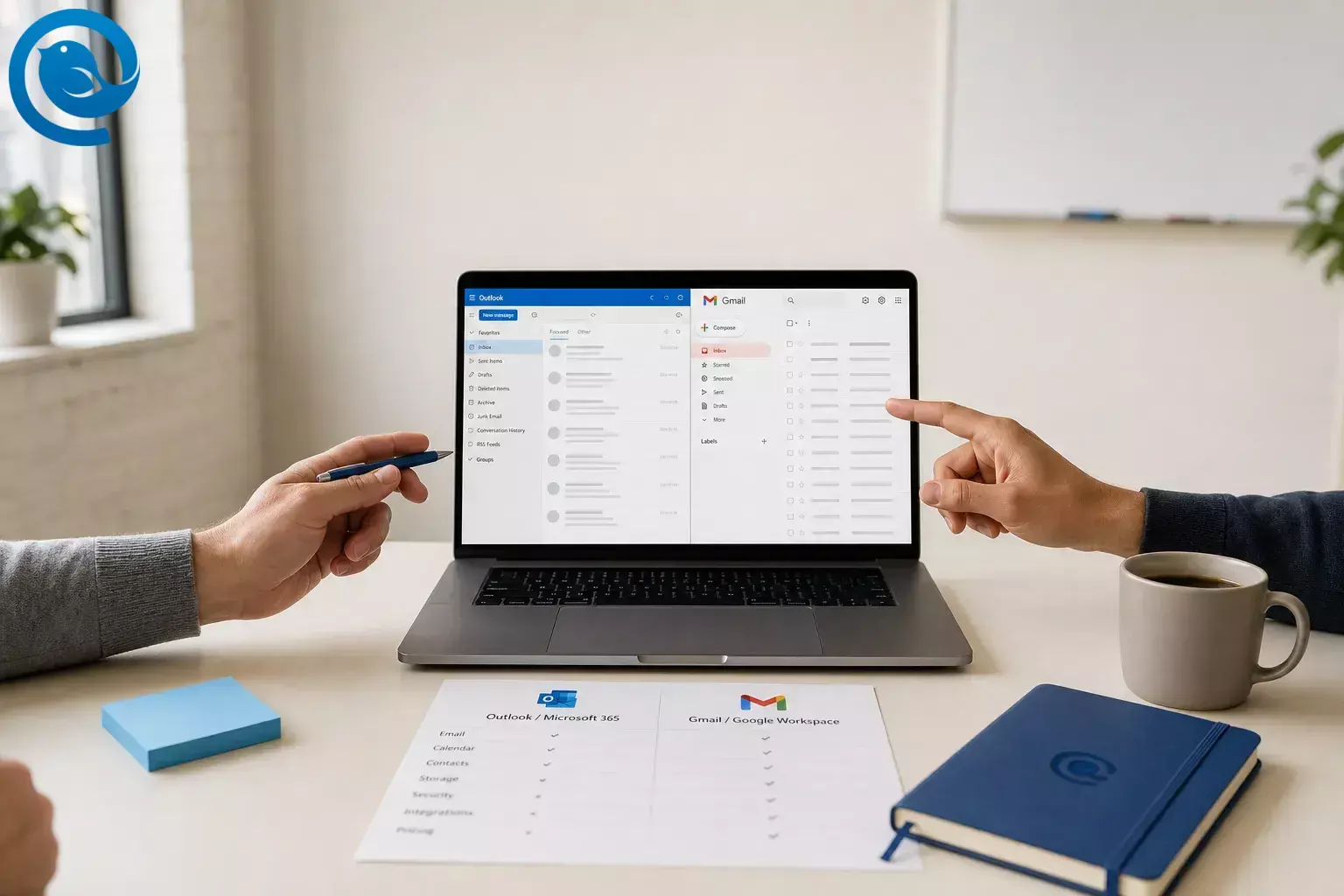
If you're comparing Outlook vs Gmail for business email, the real buying decision is Gmail inside Google Workspace versus Outlook backed by Exchange Online inside Microsoft 365—and the collaboration, admin, and AI stack wrapped around each inbox. 3 5 14
In , Google introduced Workspace Intelligence, a sign of how much this choice now reaches beyond email alone. 1
TL;DR
Verdict snapshot: Choose Outlook + Microsoft 365 if your company is Windows-heavy, relies on Excel or Word desktop files, needs mature shared mailboxes, or expects tighter device and policy control as it grows. Choose Gmail + Google Workspace if you run a browser-first team, want faster onboarding, and care more about built-in AI and simple admin than classic Microsoft-style depth. For many established small and midsize businesses, Outlook is the safer long-term default; for lean startups, agencies, and distributed teams with small IT staffs, Gmail is often the cleaner daily experience. 2 3 5 8 9
- Microsoft is cheaper at the entry and mid tiers, while both vendors reach the same top small-business price point. 2 3
- Google bundles Gemini into Workspace business plans, while full Microsoft 365 Copilot inside Outlook and other apps requires a separate add-on license. 2 3 4
- Outlook remains the safer default for support desks, executive assistants, and operations-heavy teams. 8 9
- Gmail is usually easier for a fresh deployment with mixed devices and light IT. 2 3
- The real comparison is Microsoft 365 with Exchange Online against Google Workspace with Gmail, not just one email app versus another. 3 5 14
This comparison uses current public vendor pricing pages and support documentation listed in the sources section.
Outlook vs Gmail for business at a glance
| Decision point | Outlook | Gmail | Who wins |
|---|---|---|---|
| Daily work model | Desktop + web. Microsoft 365 Business Standard and Premium include full desktop Outlook, Word, Excel, and PowerPoint. 3 | Cloud-first, browser-based by default, centered on Gmail, Docs, Meet, and Drive. 5 | Gmail for browser-first teams; Outlook for Office-heavy teams |
| Email organization | Folders, flags, categories, and classic delegated workflows feel more natural for structured operations. 6 7 | Labels, filters, and search are the core model; Gmail does not use folders. 6 | Gmail for speed; Outlook for process-heavy teams |
| Team inboxes | Shared mailboxes and shared calendars are mature and built in for team email. 9 | Google documents a shared inbox feature, but it is still rolling out in phases; delegated Gmail accounts are the fallback if you do not see it. 8 | Outlook |
| AI packaging | Copilot Chat is included for eligible business customers, but full Microsoft 365 Copilot inside Outlook and other apps requires a separate add-on license. 3 4 | Gemini is bundled into Workspace business plans, with broader app coverage on Standard and above. 2 | Gmail |
| Security and compliance ramp | Business Premium surfaces Intune, Defender, and Purview capabilities for growing companies. 3 | Vault arrives at Business Plus; DLP, S/MIME, context-aware access, and data regions are Enterprise features. 2 | Outlook for most regulated small and midsize teams |
| Storage model | 50 GB mailbox plus 1 TB OneDrive per user on the business plans compared here. 3 14 | Pooled Workspace storage shared across the organization: 30 GB, 2 TB, or 5 TB by plan. 2 | Depends on whether you prefer per-user file storage or pooled storage |
| Public U.S. annual-plan price path | $6 / $12.50 / $22 per user per month for Business Basic, Standard, and Premium on Microsoft’s annual plan page. 3 | $7 / $14 / $22 per user per month standard pricing for Business Starter, Standard, and Plus on Google’s public pricing page; temporary discounts may appear. 2 | Outlook on entry and mid-tier price; tie at the top tier |
Daily work model
- Outlook
- Desktop + web. Microsoft 365 Business Standard and Premium include full desktop Outlook, Word, Excel, and PowerPoint. 3
- Gmail
- Cloud-first, browser-based by default, centered on Gmail, Docs, Meet, and Drive. 5
- Who wins
- Gmail for browser-first teams; Outlook for Office-heavy teams
Email organization
- Outlook
- Folders, flags, categories, and classic delegated workflows feel more natural for structured operations. 6 7
- Gmail
- Labels, filters, and search are the core model; Gmail does not use folders. 6
- Who wins
- Gmail for speed; Outlook for process-heavy teams
Team inboxes
- Outlook
- Shared mailboxes and shared calendars are mature and built in for team email. 9
- Gmail
- Google documents a shared inbox feature, but it is still rolling out in phases; delegated Gmail accounts are the fallback if you do not see it. 8
- Who wins
- Outlook
AI packaging
- Outlook
- Copilot Chat is included for eligible business customers, but full Microsoft 365 Copilot inside Outlook and other apps requires a separate add-on license. 3 4
- Gmail
- Gemini is bundled into Workspace business plans, with broader app coverage on Standard and above. 2
- Who wins
- Gmail
Security and compliance ramp
- Outlook
- Business Premium surfaces Intune, Defender, and Purview capabilities for growing companies. 3
- Gmail
- Vault arrives at Business Plus; DLP, S/MIME, context-aware access, and data regions are Enterprise features. 2
- Who wins
- Outlook for most regulated small and midsize teams
Storage model
- Outlook
- 50 GB mailbox plus 1 TB OneDrive per user on the business plans compared here. 3 14
- Gmail
- Pooled Workspace storage shared across the organization: 30 GB, 2 TB, or 5 TB by plan. 2
- Who wins
- Depends on whether you prefer per-user file storage or pooled storage
Public U.S. annual-plan price path
- Outlook
- $6 / $12.50 / $22 per user per month for Business Basic, Standard, and Premium on Microsoft’s annual plan page. 3
- Gmail
- $7 / $14 / $22 per user per month standard pricing for Business Starter, Standard, and Plus on Google’s public pricing page; temporary discounts may appear. 2
- Who wins
- Outlook on entry and mid-tier price; tie at the top tier
These are public U.S. annual-plan web prices and plan details. Promotions, monthly-vs-annual billing differences, AI entitlements, and Google’s shared-inbox rollout can change. 2 3 4 8
What Outlook and Gmail mean for business buyers
For business buyers, Outlook vs Gmail is usually a platform choice, not just an app choice. You are comparing Microsoft 365 with Exchange Online against Google Workspace with Gmail, each with its own admin, storage, security, and collaboration model. 3 5 14
Outlook for business: Microsoft’s email and calendar experience, usually backed by Exchange Online inside Microsoft 365 and connected to Office apps, OneDrive, SharePoint, Teams, and other Microsoft admin tools. 3 14
Gmail for business: Google’s email experience inside Google Workspace, connected to Calendar, Meet, Chat, Drive, Docs, Sheets, Slides, and a browser-first admin model. 5
Outlook vs Gmail for business: the biggest differences
1) Browser-first vs desktop-first
Google positions Workspace as a cloud-first, browser-based system, while Microsoft 365 Business Standard and Premium include full desktop versions of Outlook, Word, Excel, and PowerPoint. If your team mostly lives in tabs and lightweight devices, Gmail usually feels faster and simpler. If your company still runs on desktop spreadsheets, decks, and Outlook habits, Outlook fits better. 3 5
Winner: Gmail for browser-first teams; Outlook for Office-heavy teams.
2) Inbox workflow, delegation, and shared team mail
Gmail fits better when your team prefers search, labels, and a simpler visual model. Outlook fits better when your team depends on folders, categories, flags, delegated workflows, and shared mailboxes. Google also documents that some Outlook behaviors do not behave the same way when Workspace is the backend, including rules, category assignments, follow-up reminders, and S/MIME sending. Add in Google’s still-phased shared-inbox rollout, and Outlook remains the safer default for support desks, executive assistants, and operations-heavy teams. 6 7 8 9
Winner: Outlook.
3) Collaboration around the inbox
Gmail’s biggest strength is that email sits beside Meet, Chat, Drive, and Docs in one web-first flow. Outlook’s strength is the Microsoft stack around it: Teams, OneDrive, SharePoint, and Office. If your team collaborates by opening a doc together in the browser, Gmail feels more natural. If your team passes around structured spreadsheets, slides, and company content tied to Microsoft formats, Outlook is usually the stronger home base. 3 5
Winner: Gmail for real-time browser collaboration; Outlook for document-heavy organizations.
4) Security, compliance, and device control
At the small-business tier, Outlook has the stronger grow-into-policy path. Microsoft’s business plans page explicitly calls out Intune, Defender, and Purview capabilities in Business Premium. Google’s heavier controls climb higher up the ladder: Business Plus adds Vault and eDiscovery, while Enterprise adds DLP, S/MIME, context-aware access, and data regions. If regulated workflows or Windows device control are coming, Outlook is the safer default. 2 3
If you work in a regulated field, confirm retention, legal-hold, and data-location requirements before you buy.
Winner: Outlook.
5) AI and what you pay extra for
Gmail currently has the clearer AI story for smaller teams. Google bundles Gemini into Workspace business plans, with broader app coverage on Standard and above. Microsoft includes Copilot Chat for eligible business customers, but full Microsoft 365 Copilot inside Outlook, Word, Excel, and Teams is sold separately and requires a qualifying plan. If you want AI without another license decision, Gmail wins. If you are already deep in Microsoft and happy to pay for the extra layer, Outlook can still be the better fit. 2 3 4
Winner: Gmail for cost clarity; Outlook for Microsoft-native teams that can justify the add-on.
6) Admin effort and user adoption
Both vendors cap their main small-business families at 300 users before you move into enterprise tiers. Gmail is usually easier for a fresh deployment with mixed devices and light IT. Outlook is usually easier if identity, devices, files, and meetings already sit inside Microsoft 365, because email becomes one more part of the same stack rather than a separate culture shift. 2 3
Winner: Gmail for fresh starts; Outlook for existing Microsoft shops.
Outlook vs Gmail pricing for business: costs, effort, and ownership
Using current public U.S. list pricing with annual commitment, Google Workspace runs $7, $14, and $22 per user per month for Business Starter, Standard, and Plus. Microsoft 365 Business runs $6, $12.50, and $22 for Business Basic, Standard, and Premium. Google’s storage is pooled across Workspace and scales from 30 GB to 2 TB to 5 TB by plan. Microsoft’s business plans pair a 50 GB mailbox with 1 TB of OneDrive per user. On sticker price alone, Microsoft is cheaper at the entry and mid tiers, and they tie at the top tier. 2 3 14
In practice, Gmail can look better if you want AI included from day one and do not need classic Microsoft desktop habits. Outlook can look better if your staff already need desktop Office, shared mailboxes, or Windows-friendly security controls, because those costs sit inside the broader Microsoft 365 bundle. 2 3 4 9
The ownership trade-off is straightforward: Gmail keeps the platform lighter, but you may move up-plan sooner if you later need Vault, eDiscovery, or enterprise-level controls. Outlook carries more setup weight, but it is less likely to force a full rethink once device management, shared team mail, and Microsoft document workflows become central. For many growing businesses, that makes Outlook the harder-to-outgrow choice. 2 3 8 9
Risks and dealbreakers
When Outlook is a bad choice
- Your team is intentionally browser-first and wants the lightest possible admin burden.
- You want AI bundled into the core subscription instead of added later as another buying decision. 2 4
- You will not use desktop Office, Windows device control, or the broader Microsoft stack enough to justify the added weight.
- You are a small team that mainly needs straightforward business email, meetings, and shared docs without classic Outlook complexity.
When Gmail is a bad choice
- You need mature shared mailboxes right now and do not want to depend on a phased rollout or delegated-account workaround. 8 9
- Your staff insist on Outlook behavior end to end; Google documents differences in rules, categories, some flags, and S/MIME sending when Outlook is used with Workspace. 7
- You need Vault, eDiscovery, DLP, S/MIME, or context-aware access on lower tiers than Google offers. 2
- Your company already runs on Windows, Office desktop files, and Microsoft identity management.
Switching path: if you chose wrong, how to change direction with minimal loss
The least-painful exit keeps three things stable: your domain, your shared addresses, and your users’ daily habits.
- Keep your company domain constant. If customers still write to the same addresses, the platform swap is already less risky.
- Pilot before cutover. Google supports dual delivery so mail can land in both Exchange and Gmail during a trial. Microsoft documents both staged batch migrations from Google Workspace and a consolidated Google migration experience for Mail and Drive. 11 12 13
- Move the cleanest data first. Google’s Exchange Online migration tools copy email, calendar, and contact data into Workspace. Microsoft’s Exchange Admin Center can transfer Google mail, rules, calendars, and contacts into Microsoft 365. 10 13
- Expect cleanup where the models differ. Gmail labels are not Outlook folders, and some Outlook-only behaviors do not map cleanly to Workspace. 6 7
- Keep the reading experience stable during the backend move. The hosted platform and the email app people use do not have to change on the same day. 7 11
Decision tree
- If your company runs on Windows, desktop Office, shared mailboxes, or tight device control, choose Outlook . 3 9
- If your company is browser-first, has a small IT staff, and wants AI included without a separate premium add-on, choose Gmail . 2 4 5
- If your support, ops, or executive team lives in shared team inboxes, choose Outlook . 8 9
- If your collaboration happens mostly in Docs, Drive, Meet, and Chat, choose Gmail . 5
- If you are still split after that, Outlook is usually the safer default when long-term policy depth and shared team mail matter more than simplicity. 3 8 9
Which is the best business email platform?
There is no single best business email platform for every company. For many established small and midsize teams, Outlook + Microsoft 365 is the safer default because shared mailboxes, desktop Office, and the Business Premium security path fit growing operational complexity well. 3 8 9
Gmail + Google Workspace is often the better fit for newer browser-first teams that want simple admin, strong web collaboration, and AI included without a separate Copilot add-on decision. 2 4 5
Frequently Asked Questions
Which is cheaper for business: Outlook or Gmail?
At current public U.S. list pricing, Microsoft is slightly cheaper at the entry and mid tiers, while both vendors reach the same top small-business price point. Gmail can still be the better value if included AI matters more than the lowest starting price.
Sources: 2 3 4
Is Gmail or Outlook better for a small business?
For a new, browser-first small business, Gmail is usually easier. For a small business already built around Office files, shared team mail, and Windows devices, Outlook is usually the safer long-term pick.
Sources: 2 3 5 8 9
Is “Gmail Workspace vs Outlook 365” the same business comparison?
Mostly yes. In practical buying terms, that shorthand means Gmail inside Google Workspace versus Outlook backed by Exchange Online inside Microsoft 365.
Sources: 3 5 14
Can I use Outlook with Google Workspace?
Yes. You can use Google Workspace Sync for Microsoft Outlook or connect through IMAP. Just expect some Outlook features and data types to behave differently when Google is the backend.
Sources: 7 11
Does Gmail now have shared inboxes like Outlook?
Google documents a shared inbox feature for Workspace admins, but it is still being released in phases. If you do not see it in your admin console, Google points you to delegated Gmail accounts as the fallback.
Sources: 8
Can I switch from Google Workspace to Microsoft 365 without losing email?
Yes. Microsoft provides official tools for moving Google Workspace mail, rules, calendars, and contacts, and Google provides official tools for moving Exchange Online data into Workspace. Some metadata and workflow habits still need cleanup after migration.
Sources: 10 13
Which platform is better for regulated teams?
Outlook usually has the stronger small-business path because Microsoft brings more device, threat, and data-governance tools into Business Premium, while Google reserves more of its heaviest controls for higher Workspace tiers.
Sources: 2 3
Is Gmail AI included while Outlook AI costs extra?
For business plans, Google bundles Gemini into Workspace. Microsoft includes Copilot Chat for eligible customers, but full Microsoft 365 Copilot inside Outlook and other apps is a separate add-on.
Sources: 2 3 4
Do I need to choose the same email app and email platform?
No. The hosted platform that stores and secures business mail is separate from the desktop email client people use to read and write it.
Sources: 7 11 14
Sources
- Google Workspace Updates — Introducing Workspace Intelligence, with admin controls
- Google Workspace — Compare Flexible Pricing Plan Options
- Microsoft — Microsoft 365 Business Plans and Pricing
- Microsoft — Microsoft 365 Copilot Plans and Pricing
- Google Workspace — Gmail for business
- Google Support — Differences between Outlook and Gmail
- Google Workspace Help — What’s synchronized? (Google Workspace Sync for Microsoft Outlook)
- Google Workspace Admin Help — Create a shared inbox
- Microsoft Support — Open and use a shared mailbox in Outlook
- Google Workspace Admin Help — Migrate data from an Exchange Online account
- Google Workspace Help — Integrating Outlook and Exchange with Google Workspace
- Microsoft Learn — Consolidated migration of data from Google Workspace to Microsoft 365 Exchange
- Microsoft Learn — Google Workspace automated batch mail migration overview
- Microsoft — Exchange Online: Hosted Email for Business


