Outlook Calendar Not Syncing? How to Fix It
If your Outlook calendar is not syncing, start by checking the same event on the web and on the device missing it. That comparison helps you narrow the problem to a desktop or phone connection, a shared calendar, or the calendar where the event was saved. You can stop when the event appears where it should.



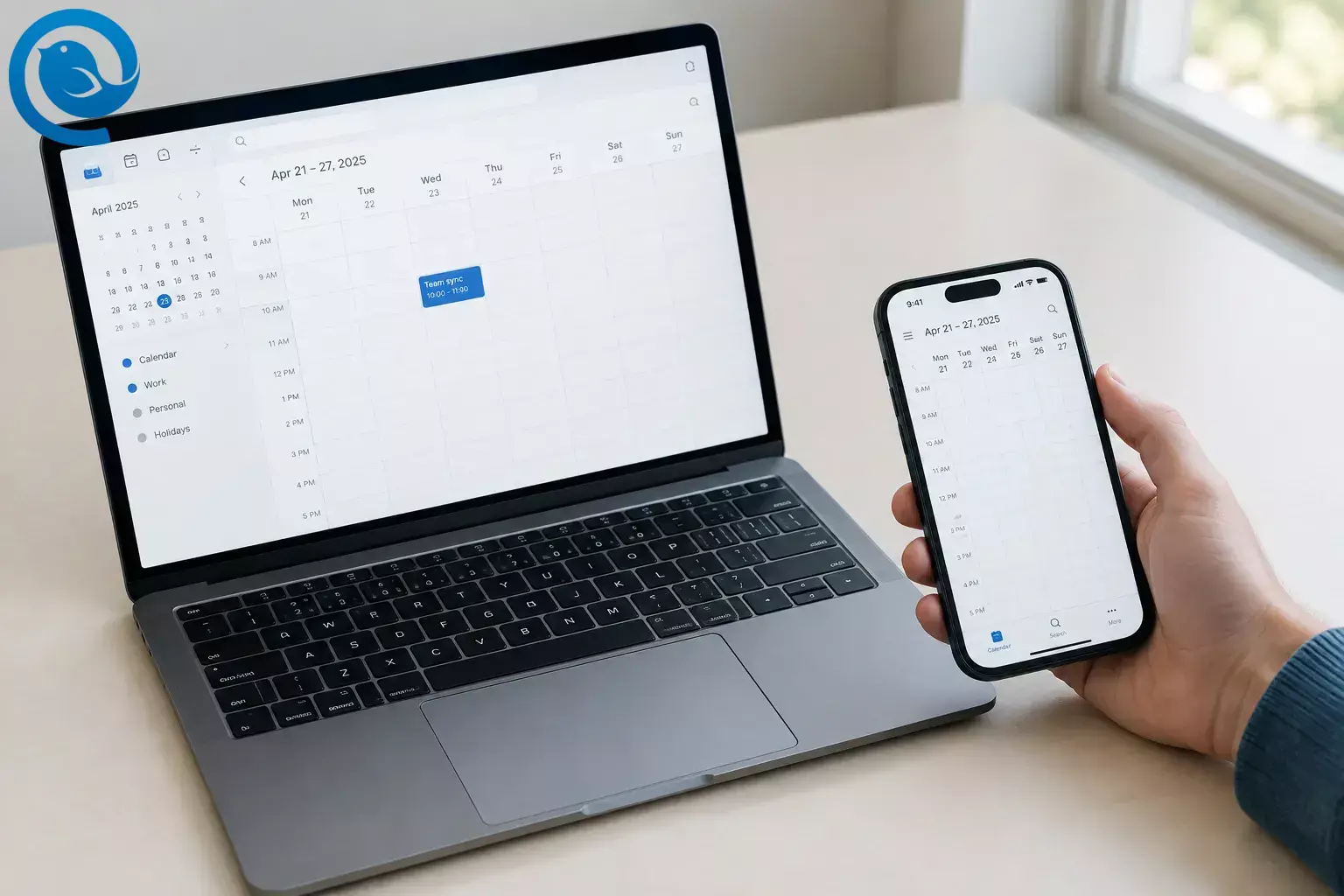
If your Outlook calendar is not syncing, start by checking the same event on the web and on the device missing it. That comparison helps you narrow the problem to a desktop or phone connection, a shared calendar, or the calendar where the event was saved. You can stop when the event appears where it should.
Key takeaways
- Compare a missing event in Outlook on the web and on the affected device.
- Create a test event on the web, then check whether it appears on desktop and phone.
- Check that the intended calendar is selected in each app.
- IMAP and POP sync email, not calendar events.
- For a shared calendar, have its owner confirm your access.
- Try a reset or fresh connection only after the smaller checks, then test sync in both directions.
Before you start
Have ready: the email address for the affected account, a browser, and the device that is missing events. If it is someone else’s calendar, you may need its owner or your workplace IT team.
Time and cost: allow about 15 minutes for the initial checks, though that is not a guaranteed repair time. The checks use tools you already have and cost nothing. A newly added, very large shared calendar can take a few hours to fill. [1]
Protect your events: do not delete a calendar or account until you have checked whether missing events exist on the web. Before removing an account or creating a new Outlook profile, make sure you can sign in again and keep a copy of any events stored only on that device.
Fix Outlook calendar sync step by step
Fix Outlook calendar sync step by step
-
Open the calendar in a browser
Sign in to Outlook on the web or Outlook.com with the same email address used on the affected device. Find one missing event. If it is on the web but not on your device, focus on that device. If it is missing on the web too, check which calendar holds the event in the app where you created it.
-
Make a test event on the web
Create an event with a distinctive name, such as “Calendar sync test,” on your main Outlook calendar. Refresh the browser, then look for that exact event on desktop and phone. This gives you one known event to track instead of guessing whether an older event was saved to a different calendar.
-
Check which calendars are visible
In each app’s Calendar view, expand the calendar list and select the calendar containing the test event. Open any event that appears on only one device and check its Calendar field. If it belongs to another account or a local-only calendar, create future events in the Outlook account you want to see everywhere.
-
Check the account type if email syncs but events do not
If you added the account as IMAP or POP, do not expect that connection to sync calendars: those protocols sync email, not calendar events. Check the account type in the app’s account settings. If your provider supports it, add the account using its Exchange or Microsoft account option instead; ask your provider or IT team if you are unsure. [2]
-
Reconnect classic Outlook on Windows
Look at the status bar at the bottom of classic Outlook. If it says Working Offline , choose Send/Receive → Work Offline to reconnect. If it says Disconnected , check that your internet connection works, then compare with Outlook on the web. Reopen Outlook and look for the test event. [3]
-
Check cached mode in classic Outlook
If the web calendar is current but classic Outlook is stale, go to File → Account Settings → Account Settings , select your Exchange or Microsoft 365 account, and choose Change . Check whether Use Cached Exchange Mode is enabled, then restart Outlook and compare again. If only a shared calendar is stale, check the Advanced tab under More Settings for shared-folder download settings. These controls do not appear in new Outlook for Windows. [4]
-
Check shared-calendar access
For an Outlook shared calendar that is not syncing, ask its owner to open Calendar → Share Calendar → Sharing and permissions on the web and confirm your email address and access level. Viewing permission does not grant editing permission. If access was removed, the owner must share the calendar again; accept the new invitation and select the calendar in your calendar list. [5]
-
Reopen a stale shared calendar in classic Outlook
Do this only if the owner’s calendar is correct on the web and you still have permission. In classic Outlook, right-click the shared calendar entry and choose Delete Calendar ; do not delete a calendar you own. If you cannot tell which entry is shared, skip this step and ask your IT team. Restart Outlook, then choose Home → Add Calendar → Open Shared Calendar and add it again. Check whether its events appear. An initial download may take longer for a large calendar. [1]
-
Check the phone app without repeating setup
In Outlook for iPhone or Android, open the calendar list and make sure the affected account or shared calendar is selected. If the account is selected but events remain stale, try Settings → affected account → Reset Account , then reopen the app. [6] If you use Apple’s Calendar app instead, check whether the Outlook calendar is selected there. For connection instructions, use Microsoft’s Outlook and iPhone calendar sync guide .
-
Try a fresh connection only if the earlier checks fail
For classic Outlook on Windows, create a new profile rather than deleting the old one: hold Shift while starting Outlook, open the profile picker, choose Options → New , and add your account. [7] For a phone, remove and re-add the affected account only after confirming that its events are available on the web and that you can sign in again. Check for the test event in the fresh connection.
-
Confirm the fix in both directions
Find the web test event on the device that was failing. Then create a second test event in the correct Outlook calendar on that device and refresh the web calendar. If either test fails across multiple devices, a workplace administrator can check Microsoft 365 service health and account restrictions before you make further changes. [8]
Why this works
The web calendar and two test events show whether the problem is with the stored calendar, one app’s connection, or the calendar selected for a new event. That lets you try small, reversible fixes before replacing an account or profile.
Troubleshooting by symptom
| Symptom | Likely cause | What to do |
|---|---|---|
| Web is current; classic Outlook desktop is not. | Outlook is offline or its local copy is stale. | Check the status bar, reconnect, then review cached mode in steps 5–6. |
| Mail arrives, but no calendar events appear. | The account may have been added as IMAP or POP. | Check the account type and use a supported calendar-capable connection. |
| My Outlook calendar is not syncing with my iPhone. | The calendar is hidden, the account connection is stale, or you are checking a different iPhone app. | Identify whether you use Outlook or Apple Calendar, select the affected calendar, then follow step 9. |
| Outlook on Android shows old events. | The account is selected but its app data has not refreshed. | Close and reopen Outlook; if needed, use Reset Account in Outlook settings. |
| A shared calendar appears, but you cannot edit it. | Your permission may be view-only. | Ask the owner to check your access level under Sharing and permissions . |
| A shared calendar is empty just after adding it. | Its first download may still be running. | Check it again after the initial sync; a very large calendar can take a few hours. |
| An external shared calendar updates slowly. | Cross-organization sharing or an internet-calendar subscription may update periodically rather than instantly. | Confirm how it was shared before repeatedly removing it; Microsoft says some cross-organization copies update about every three hours. [9] |
| An event appears on one device only. | It was saved to another account or calendar. | Open the event, check its Calendar field, and recreate a test event in the intended Outlook calendar. |
Checks for other calendar setups
If you use new Outlook for Windows
Use the web comparison, calendar list, account, and sharing checks. Skip the classic Outlook Work Offline , cached-mode, and profile-picker instructions; those steps are for the classic Windows app.
If someone else owns the calendar
Ask the owner to verify the event and your permissions on the web. Do not change their sharing settings yourself or remove a calendar you own by mistake.
If the calendar comes from a subscription
Check whether you subscribed to a live calendar link or imported an
.ics
file. A subscription can refresh; an imported file is a copy and will not follow later changes automatically.
[10]
Frequently asked questions
Why is my Outlook calendar not syncing when my email works?
Check whether the account was added as IMAP or POP, then check that you selected the right calendar. Email working does not, by itself, confirm calendar sync.
Why does an event appear in Outlook on the web but not on my desktop?
Check the same account and calendar in both places. In classic Outlook, also check whether it is offline; if it is connected, review its cached-mode settings.
Why is my iPhone Calendar not syncing with Outlook?
First identify whether the event is missing from the Outlook app or Apple Calendar. Then check that the affected account and calendar are selected in that app. For Apple Calendar connection instructions, follow Microsoft’s iPhone sync guide linked in step 9.
Why is a shared Outlook calendar not updating?
Confirm that its owner still shares it with you. If access is correct, compare it on the web and desktop; external shares and subscriptions may not update immediately.
Should I delete and re-add my Outlook account?
Only after checking the web calendar, selected calendars, connection, and permissions. Confirm you can sign in again and preserve anything stored only on your device first.
Will changing email apps fix missing Outlook calendar events?
Not if the events are missing from the Outlook account itself. Confirm that events appear on the web before trying another desktop app.
Quick checklist
- □ I checked the affected account and event in Outlook on the web.
- □ I created a test event in the intended Outlook calendar.
- □ I selected that calendar on the desktop and phone.
- □ I checked the account type and desktop connection.
- □ If it is shared, the owner checked my permissions.
- □ I tried a reset or new connection only after the smaller fixes.
- □ I tested a new event from the device back to the web.
Sources
Sources
- Microsoft Support: Outlook calendar sharing updates
- Microsoft Support: Can’t sync calendar and contacts with a phone or tablet
- Microsoft Support: Work offline in Outlook for Windows
- Microsoft Support: Turn on Cached Exchange Mode
- Microsoft Support: Share and access a calendar with edit or delegate permissions
- Microsoft Support: Reset the Outlook mobile app account
- Microsoft Support: Create a profile in classic Outlook for Windows
- Microsoft Learn: Microsoft 365 Health dashboard
- Microsoft Support: Calendar sharing in Microsoft 365
- Microsoft Support: Import or subscribe to a calendar
- Mailbird Support: Outlook Calendar app and plan availability


