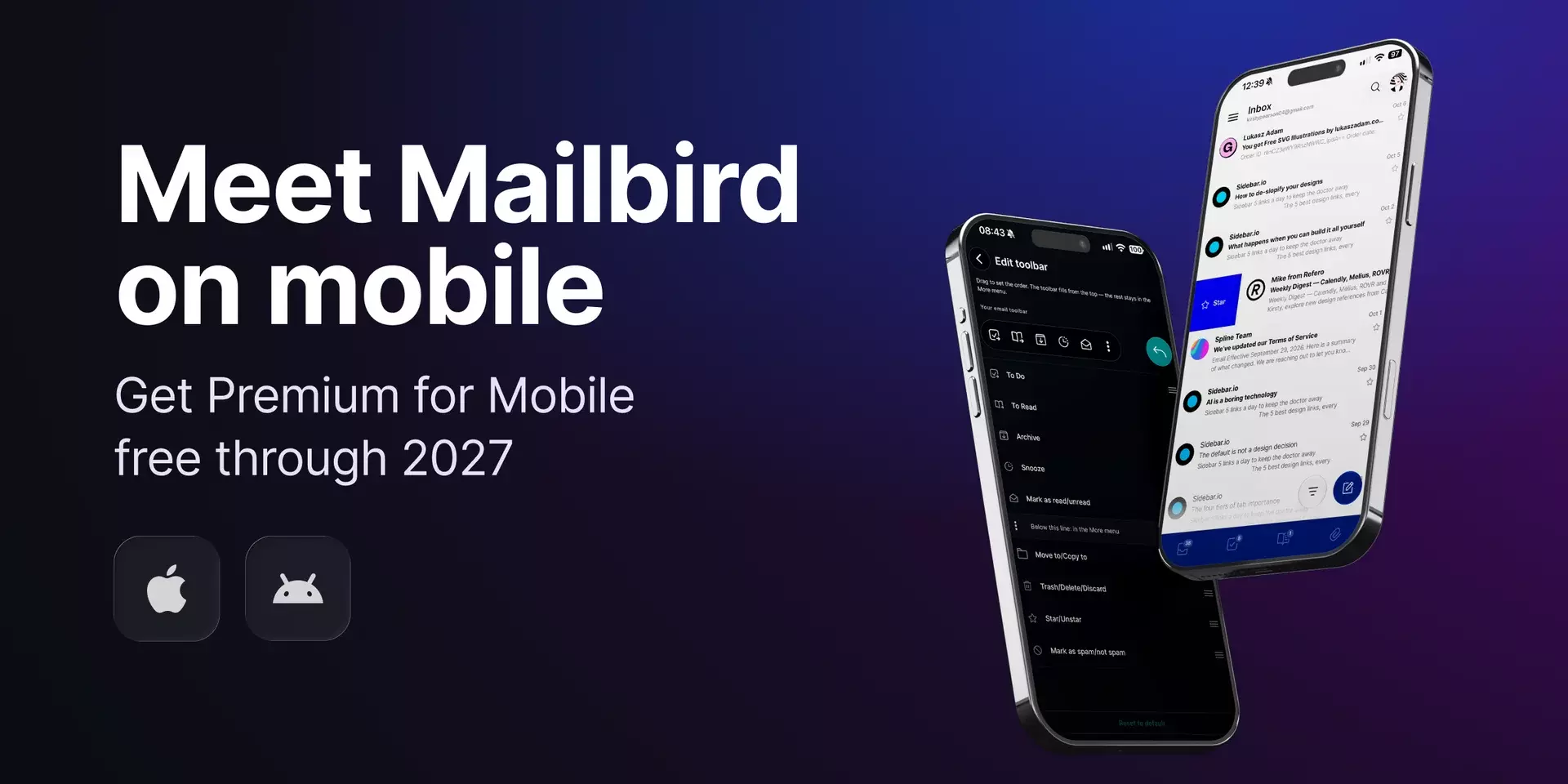
Mailbird is now on your iPhone and Android!

The inbox you have on your computer, with all your accounts in one place, now comes with you wherever you go. You can download Mailbird today for Android and iOS.


Published on•
Last updated on•
2 min read
Oliver Jackson

Head of Customer Happiness

Michael Bodekaer

Co-founder and CEO

Abdessamad El Bahri

Full Stack Engineer

Authored By Oliver Jackson Head of Customer Happiness

Oliver is Mailbird's Head of Customer Happiness, bringing more than a decade of experience in email. His background in email marketing, where his strategic and creative approach to campaigns drove growth and engagement for businesses across diverse industries, shapes how he helps people get more out of their inbox. Oliver is known for his insightful webinars and guest posts, where he shares his expert knowledge.

Reviewed By Michael Bodekaer Co-founder and CEO

Michael Bodekaer is a recognized authority in email management and productivity solutions, with over a decade of experience in simplifying communication workflows for individuals and businesses. As the co-founder of Mailbird and a TED speaker, Michael has been at the forefront of developing tools that revolutionize how users manage multiple email accounts. His insights have been featured in leading publications like TechRadar, and he is passionate about helping professionals adopt innovative solutions like unified inboxes, app integrations, and productivity-enhancing features to optimize their daily routines.

Tested By Abdessamad El Bahri Full Stack Engineer

Abdessamad is a tech enthusiast and problem solver, passionate about driving impact through innovation. With strong foundations in software engineering and hands-on experience delivering results, He combines analytical thinking with creative design to tackle challenges head-on. When not immersed in code or strategy, he enjoys staying current with emerging technologies, collaborating with like-minded professionals, and mentoring those just starting their journey.

Mailbird is now on your iPhone and Android!

Meet Mailbird on mobile. It’s the same inbox you have on your desktop, with all your accounts in one place, now on iPhone and Android.


Download on the App Store
Get it on Google Play

Premium for Mobile, free through 2027

Everyone who starts using the app before January 1, 2027 gets Premium for Mobile free until January 1, 2028, with as many accounts as you like.

Already on Mailbird Next Premium? Mobile is included, just sign in.

What's inside the Mailbird mobile apps
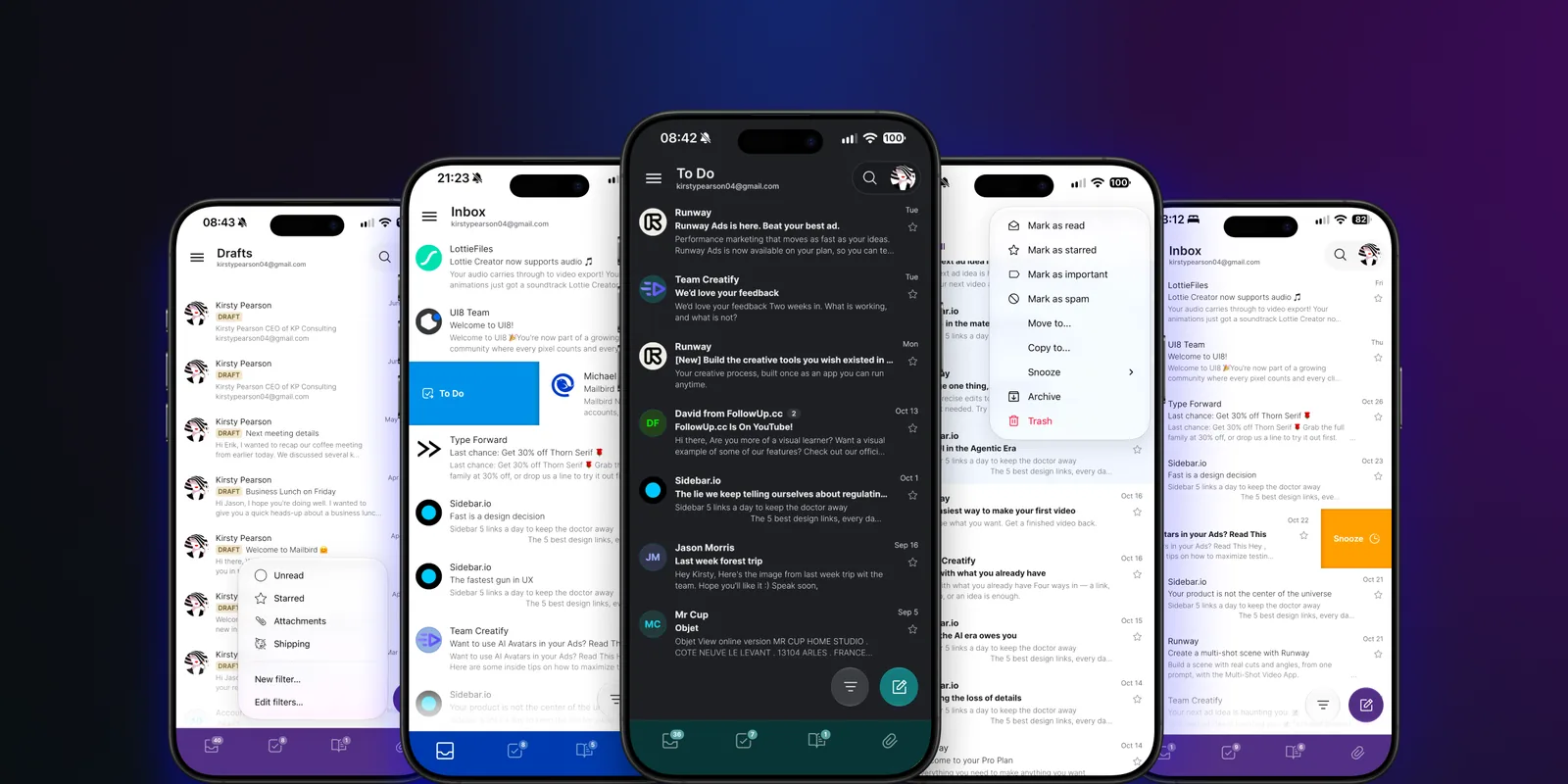
Mailbird mobile app screens in several themes: inbox, To Do, drafts with filters, and swipe actions
  • All your accounts in one inbox: Connect Gmail, Outlook, and iCloud into a unified inbox, with a single search across all of them.
  • Clear your inbox with a swipe: Archive, snooze, and send emails to your To Do or To Read lists with a single swipe.
  • Snooze emails: Snooze an email until later today, next week, or a date and time you pick.
  • View only the emails you're after: See unread or starred emails, emails with attachments, or build your own filter.
  • Your go-to actions on speed dial: Add your most-used actions to the toolbar.
  • Nine themes, light or dark: Your inbox can look however you like it.
  • Attachments in one list: See every file anyone has sent you, sorted by date, size, or name.
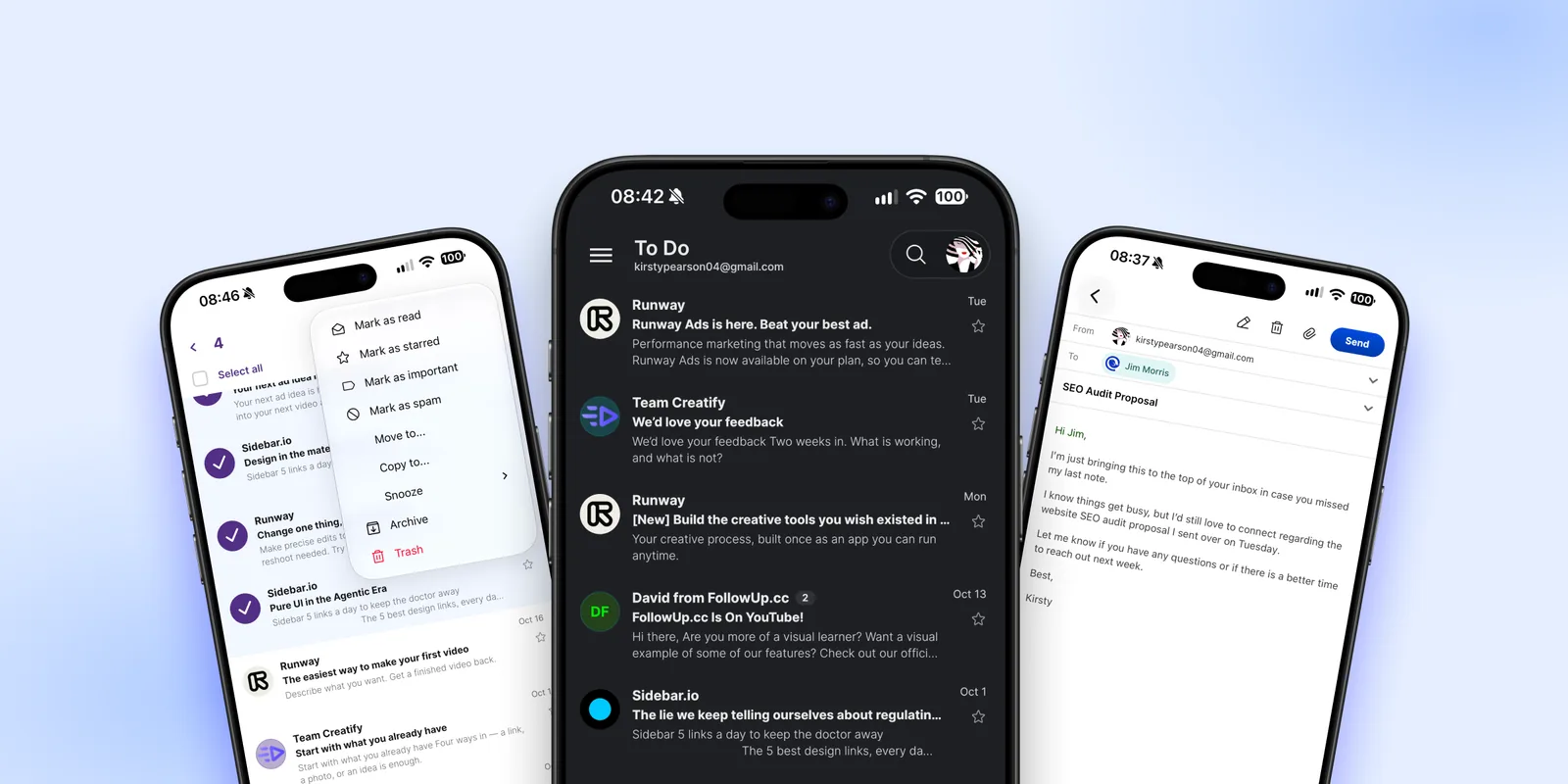
Selecting emails to open the actions menu, the To Do list in a dark theme, and writing an email in the Mailbird mobile app
Download on the App Store
Get it on Google Play

Getting Things Done for email, synced across phone and desktop

Your inbox decisions now follow you from phone to desktop and back, and this works on the free plan.

Go through your inbox on your phone and decide where each email belongs: To Do, To Read, snooze, or archive. When you open Mailbird on Windows or Mac later, the same lists are ready for you, across every account.

  • 📋 Add an email to the To Do list with a swipe and it becomes a task.
  • 📚 Save emails to the To Read list with a swipe to set aside newsletters, reports, and long threads.
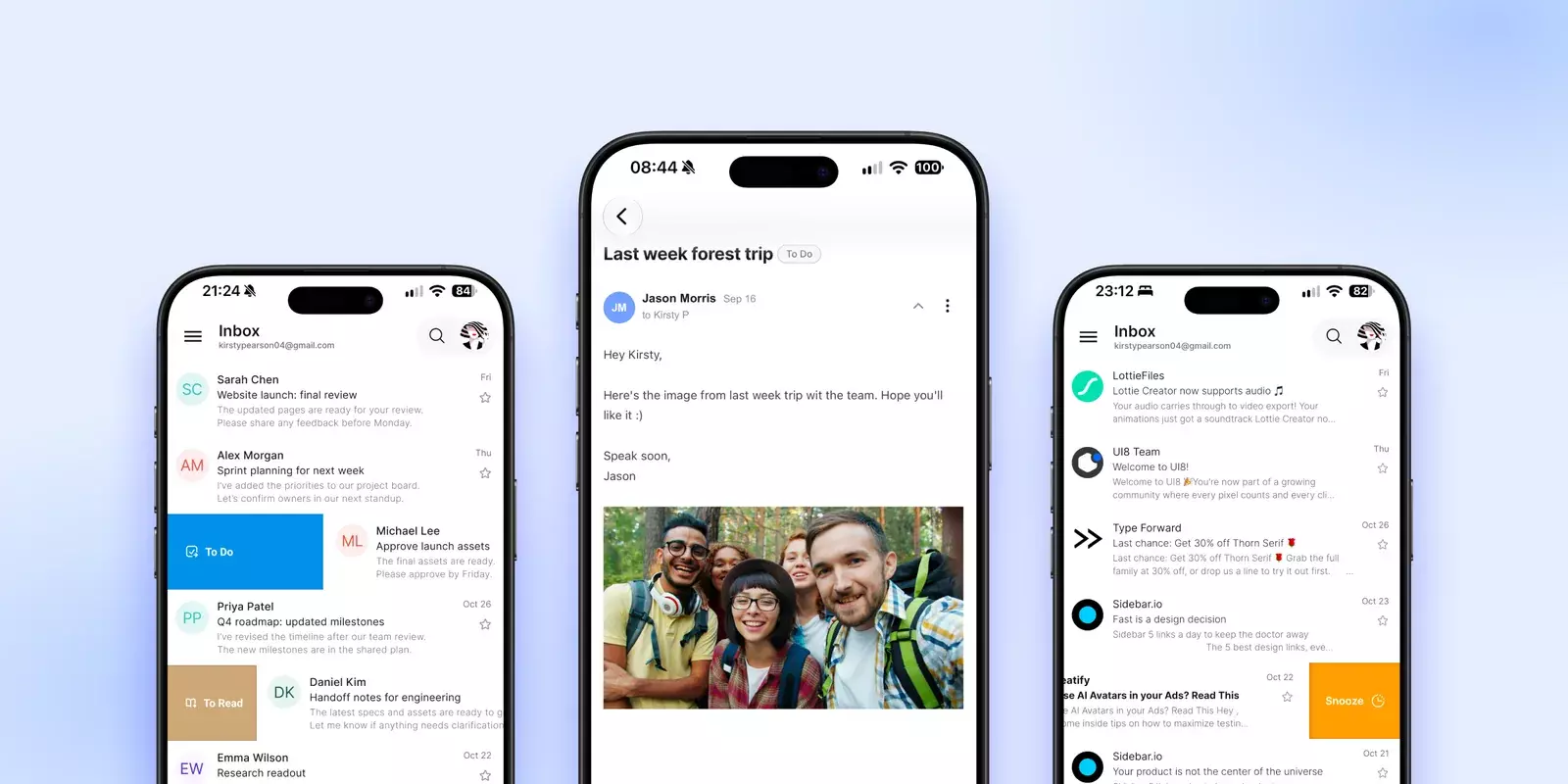
Swiping emails to To Do and To Read, an email marked To Do, and swiping an email to snooze in the Mailbird mobile app

Get Mailbird on your phone

Download the app, add your accounts, and your inbox is ready. Start before January 1, 2027 to get Premium for Mobile free until January 1, 2028. Not using Mailbird Next on your computer yet? Get it for Windows and Mac.

Download on the App Store
Get it on Google Play