How to Sync Your Outlook Calendar with iPhone
To get your Outlook calendar on your iPhone, add your Microsoft account in iPhone Settings, use the Outlook app, or subscribe to a published calendar link.



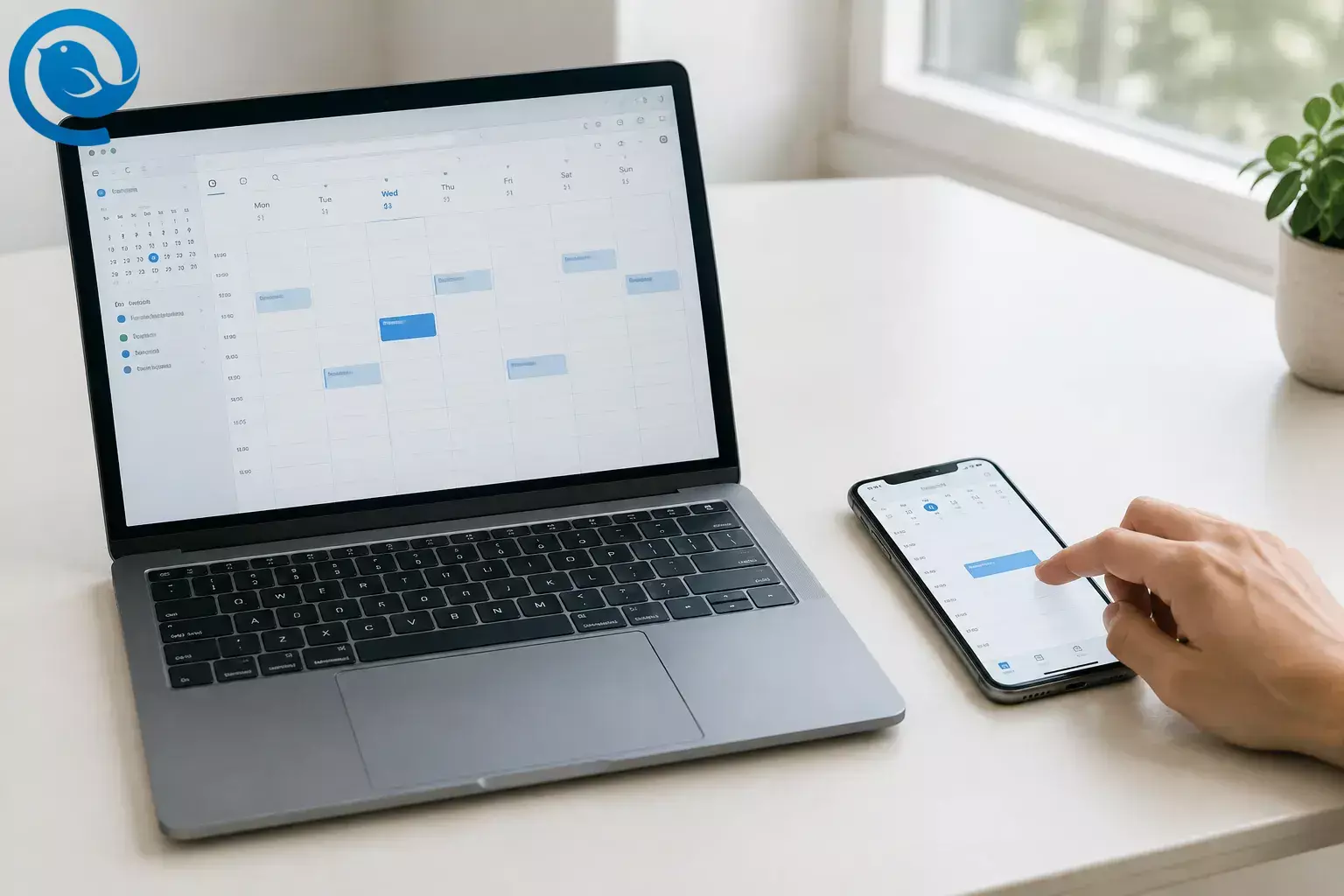
To get your Outlook calendar on your iPhone, add your Microsoft account in iPhone Settings, use the Outlook app, or subscribe to a published calendar link.
Quick answer
Choose the first option if you want to see and edit Outlook events in Apple Calendar. The Outlook app keeps your calendar inside Outlook; a subscription is view-only.
Choose the right method
- Apple Calendar: Add your Outlook.com or work/school Microsoft account in iPhone Settings. Use this to see your Microsoft calendar in Apple Calendar and save events to it.
- Outlook for iOS: Sign in through Microsoft’s app. Use this if you prefer Outlook or your workplace requires it. Signing in to the app alone does not add its calendar to Apple Calendar.
- Published calendar link: Subscribe to an ICS link if you only need to view events. You cannot edit subscribed events, and updates may not appear immediately.
For a work or school account, follow your organization’s rules before adding it to a personal phone or publishing a calendar.
1. Add Outlook to Apple Calendar on iPhone
Use Outlook.com for a personal Microsoft account or Microsoft Exchange for a work or school account. Apple’s calendar account instructions [1] and Microsoft’s Outlook–iPhone calendar guide [2] cover this setup.
Add Outlook to Apple Calendar on iPhone
- Settings → Apps → Calendar → Calendar Accounts on your iPhone.
- Calendars is on. Otherwise, tap Add Account .
- Outlook.com or Microsoft Exchange , according to your account.
- Calendars , then tap Save if prompted.
- Calendar app and tap Calendars . Make sure your Outlook or Exchange calendar is selected.
- Calendar field.
- Check for the event in the same calendar in Outlook on the web or in the Outlook app. Delete the test event when you’re done.
Want new events to go to Outlook by default? Go to Settings → Apps → Calendar → Default Calendar and select your Microsoft calendar. This changes where new events are saved; it does not move existing events. See Apple’s default calendar instructions. [3]
2. Use the Outlook app on iPhone
Install Microsoft Outlook from the App Store and sign in to your Microsoft account. Open Outlook’s calendar to view and manage your events there. This does not by itself make the calendar appear in Apple Calendar. If you want to use Apple Calendar too, add the account in iPhone Settings using the steps above.
3. Subscribe to a published Outlook calendar
Use this option only if you need a view-only calendar and you’re allowed to publish it. Anyone with the published link may be able to see the event details you choose to share.
Subscribe to a published Outlook calendar
- Calendar → Settings → Shared calendars .
- Publish a calendar , choose the calendar and the level of detail to share. Select Publish and copy the ICS link, not the HTML link.
- Calendar → Calendars → Add Calendar → Add Subscription Calendar . Paste the ICS link and tap Find .
- Confirm that the events appear in Apple Calendar.
A subscription does not let you edit Outlook events, and changes may take time to appear. See Microsoft’s calendar publishing guidance [4] and Apple’s iPhone subscription instructions. [5]
Show Outlook in Apple Calendar on a Mac
On your Mac, open Calendar → Add Account , choose the appropriate Microsoft account provider, and sign in. Then show the account’s calendar in Calendar’s list. Adding the account on your Mac does not add it to your iPhone; use the iPhone steps separately. Apple has more detail on adding calendar accounts on Mac. [6]
If your calendar doesn’t appear
- The account is added, but events are missing: In the iPhone Calendar app, tap Calendars and check that the Microsoft calendar is selected.
- There’s no Calendars switch: Check whether the account was added as IMAP or POP, which do not sync calendars. Add it using Outlook.com or Microsoft Exchange instead.
- A new event appears on iPhone but not in Outlook: Open the event and check its Calendar field. It may have been saved to iCloud or another calendar.
For persistent problems, work through our Outlook calendar not syncing fixes, or use Microsoft’s calendar and contacts sync guide. [7] If a work-account sign-in is blocked, ask your IT team which method it allows.
Frequently asked questions
Can I sync my Outlook calendar with iPhone without the Outlook app?
Yes. Add your Microsoft account in iPhone Settings and turn on Calendars to use it in Apple Calendar.
Will events I create in Apple Calendar appear in Outlook?
Yes, if you save them to your Outlook or Exchange calendar. Check the event’s Calendar field before saving; an event saved to iCloud belongs to iCloud instead.
Can I edit an Outlook calendar added with an ICS link?
No. An ICS subscription is view-only. Add the Microsoft account directly or edit events in Outlook.
Does Mailbird have an iPhone app?
Yes. Mailbird is on Android and iPhone too. Get it on Google Play and the App Store. To get your Outlook calendar on iPhone, use one of the methods above.
Want Outlook email on your desktop, too?
Mailbird is available for Windows and Mac. Where available in your plan, its Outlook Calendar integration can open your Microsoft calendar in Mailbird; the integration is not included in Mailbird’s Free plan. [8] For your iPhone, use one of the methods above. Check Outlook Calendar integration availability .


