How Does Email Work? From Send to Inbox, Explained
Email can feel like one instant action, but it is really a chain of small steps. Once you know the path from Send to inbox, setup terms like outgoing server, incoming server, and sync make a lot more sense.



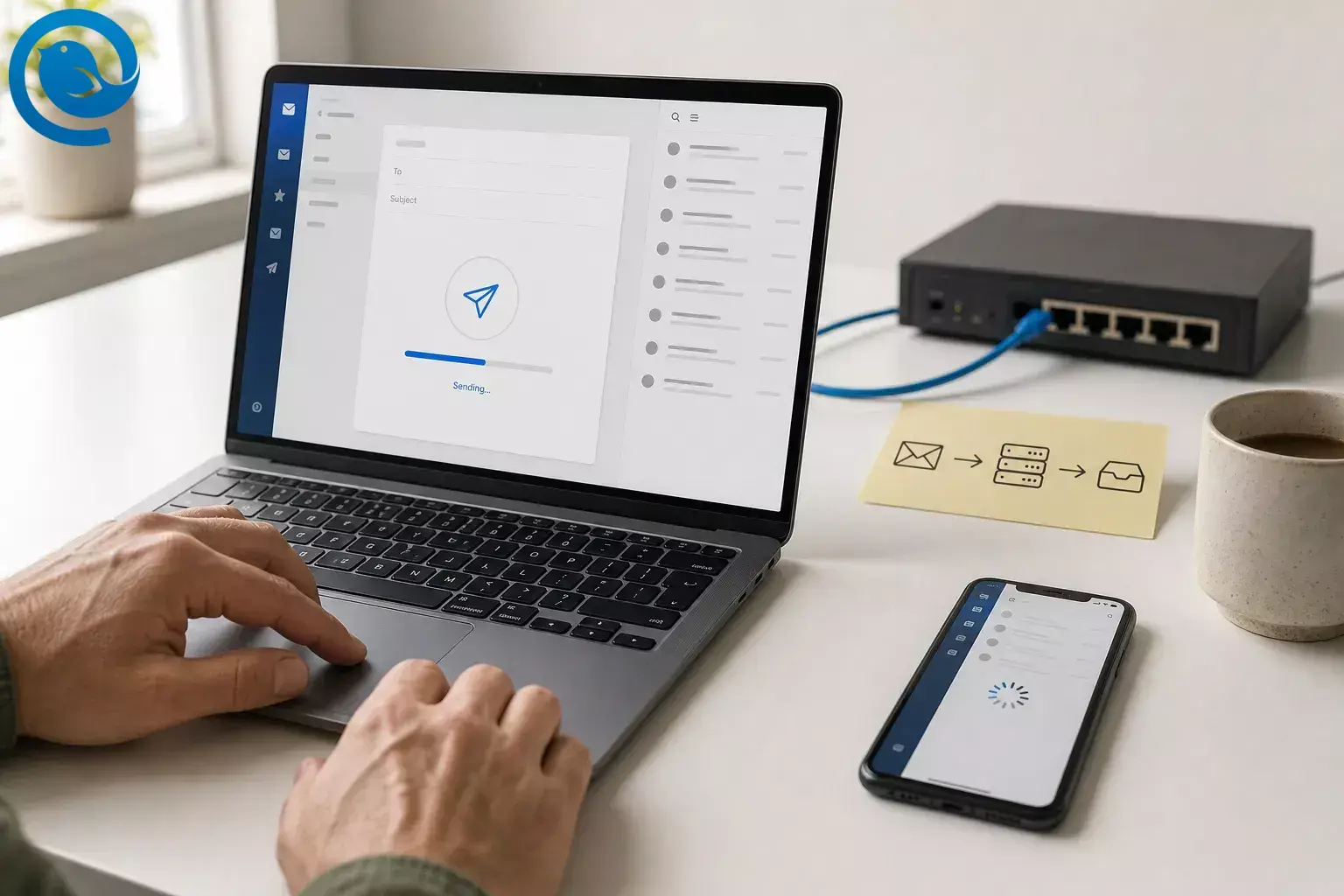
Email can feel like one instant action, but it is really a chain of small steps. Once you know the path from Send to inbox, setup terms like outgoing server, incoming server, and sync make a lot more sense.
TL;DR
Short answer: when you send an email, your app creates a standard message, submits it with SMTP to an outgoing mail server, that server looks up the recipient domain’s MX record in DNS, delivers the message to the recipient’s mail server, and the recipient’s app then reads or syncs it from that server, for example with IMAP. [1] [2] [3] [4] [5] [6]
- Your app creates a standard message with headers such as From, To, Date, and Subject, plus the message body.
- Pressing Send usually means submitting the message to an outgoing mail server with SMTP.
- The sending server asks DNS for the recipient domain’s MX records.
- Mail servers relay the message with SMTP and can queue it and retry later when a problem is temporary.
- The recipient server stores accepted mail in a mailbox on the server.
- IMAP is designed for reading and syncing mail that stays on the server, while POP3 is mainly for retrieving mail by downloading it.
What happens when you send an email?
Think of email as six jobs: compose the message, submit it, find the destination, relay it, store it, then sync it to the reader’s app.
-
Your app builds the message
When you write an email, your app creates a standard message format. That message includes headers such as From, To, Date, and Subject, plus the message body. [5]
-
Pressing Send usually means “submit this to my outgoing server”
Your app usually does not contact the recipient directly. It hands the message to an outgoing mail server, and that submission step uses SMTP. [1] [2]
-
The sending side asks where the recipient’s domain receives mail
The part after the
@is the destination domain. The sending server asks DNS for that domain’s MX records, which identify the host that accepts mail for it. [2] [3] -
One mail server relays the message to another
Using the MX result, the sending server opens an SMTP connection to the recipient’s mail server and transfers the message. If the issue is temporary rather than permanent, the usual behavior is to queue the message and retry later. [2]
-
The recipient server stores the message in a mailbox
Once the receiving server accepts the message, it stores it in the recipient’s mailbox on the server. That is why a message can be delivered before the person has actually opened it. [2] [4]
-
The recipient’s app reads or syncs what is stored there
The last step is access, not transport. IMAP is designed for working with mail that stays on the server and for resyncing folders and state, while POP3 is mainly for retrieving mail from the server, usually by downloading it. [4] [6]
How email works: quick examples
Two-device example
You read a thread on your phone in the morning, then archive it in Mailbird on your laptop later. With IMAP, both apps are working from the same server-side mailbox, so the state can stay in sync. [4]
Delay example
You hit Send at 8:59 AM, but the other person gets the message at 9:12 AM. A temporary DNS or server problem can cause the sending side to queue the message and try again later instead of failing right away. [2]
Email protocols explained: SMTP, IMAP, POP3, DNS, and MX
These are the main terms behind how email works from Send to inbox.
Email client
The email client you use to write and read email, such as Mailbird.
DNS
The naming system that stores records for a domain, including where that domain receives email. [3]
MX record
The DNS record that points sending mail systems to the host that accepts email for a domain. [3]
Mail server
The mail server is the system that accepts, stores, and passes along email messages. [2] [4]
Mailbox
The server-side place where accepted messages wait until an app reads or syncs them. [4]
IMAP
Internet Message Access Protocol. It is used to access and sync mail that stays on the server. [4]
Common misconceptions
Most confusion comes from mixing up the app you see with the servers doing the transport and storage.
-
“My email app sends mail straight to the other person’s phone.”
Usually no. Your app normally submits the message to a sending server first, and mail servers handle the rest of the route. [1] [2] [4] -
“SMTP and IMAP do the same job.”
No. SMTP sends or submits mail. IMAP reads and syncs mail that is already stored on the server. POP3 retrieves it in a more download-centered way. [1] [2] [4] [6] -
“My inbox lives inside the app.”
With IMAP, the mailbox lives on the server and the app syncs with it. [4] -
“The part after the
@
is just branding.”
That domain tells the sending side which domain to query for MX records. [2] [3] -
“If an email does not arrive instantly, it failed.”
Not always. Temporary problems can lead to queueing and retry, so delay does not automatically mean failure. [2] -
“POP3 syncs the same way IMAP does.”
Not really. IMAP is built around server-based access and resync, while POP3 is mainly built around retrieval. [4] [6]
Frequently Asked Questions
What happens the moment I press Send?
Does email go straight from my computer to the other person’s phone?
What’s the difference between SMTP and IMAP?
What does an MX record do?
It tells sending mail systems which host accepts email for a domain.
Sources: [3]
Why do some emails arrive late?
Temporary DNS or server problems can cause the sending side to queue the message and retry later.
Sources: [2]
Is IMAP better than POP3 for multiple devices?
Try it in Mailbird
Want this to click fast? Add an account in Mailbird, send yourself a test message, then open the same mailbox on another device. That lets you see the same path in real life: SMTP sends it out, the server stores it, and IMAP syncs it back. [1] [2] [4]
Sources
- IETF RFC 6409: Message Submission for Mail
- IETF RFC 5321: Simple Mail Transfer Protocol
- IETF RFC 1035: Domain Names - Implementation and Specification
- IETF RFC 9051: Internet Message Access Protocol (IMAP) - Version 4rev2
- IETF RFC 5322: Internet Message Format
- IETF RFC 1939: Post Office Protocol - Version 3


