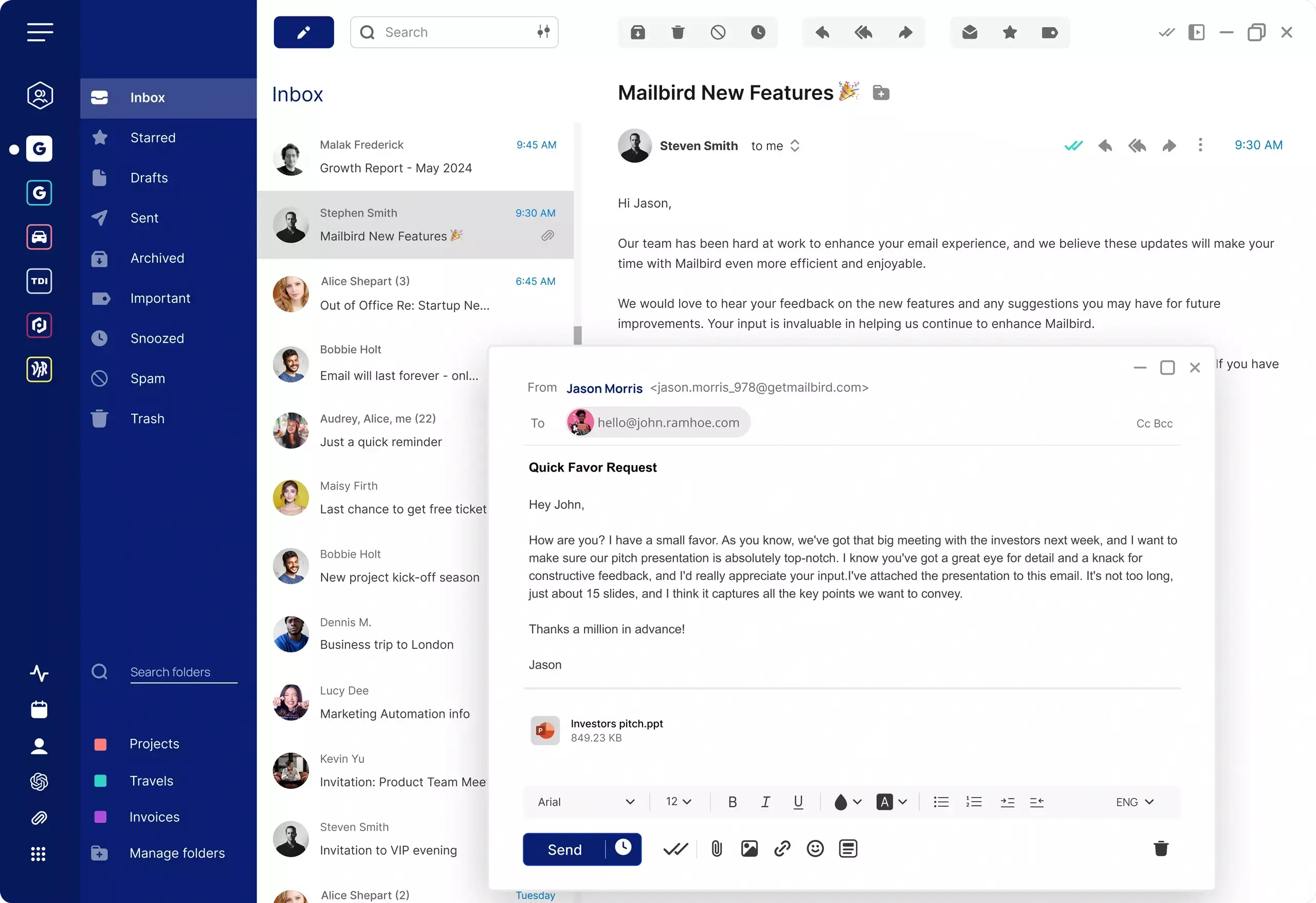
What is a Gmail unified inbox?
A Gmail unified inbox is a setup that allows you to view messages from multiple email accounts in a single inbox. Instead of switching between accounts, a unified inbox combines incoming emails into one consolidated view so you can read, organize, and reply to messages more efficiently.
The challenge is that Gmail does not offer a true native unified inbox in the same way many desktop email clients do. While you can switch between accounts inside Gmail, that is not the same as combining incoming mail from several accounts into one shared inbox view.
That is why many users searching for a Gmail unified inbox are really looking for a better multi-account workflow: one place to read, organize, and reply to email without constant account switching. If you are still comparing approaches, see our broader guide to choosing a Gmail alternative.
If you are dealing with changes to older Gmail workflows, you may also want to read our guide to the Gmailify replacement workflow.