Email Referral Program: 4 Templates for Asking Customers to Refer
An email referral program uses brand-sent emails to ask existing customers to refer friends and rewards them when a referral qualifies.



An email referral program uses brand-sent emails to ask existing customers to refer friends and rewards them when a referral qualifies.
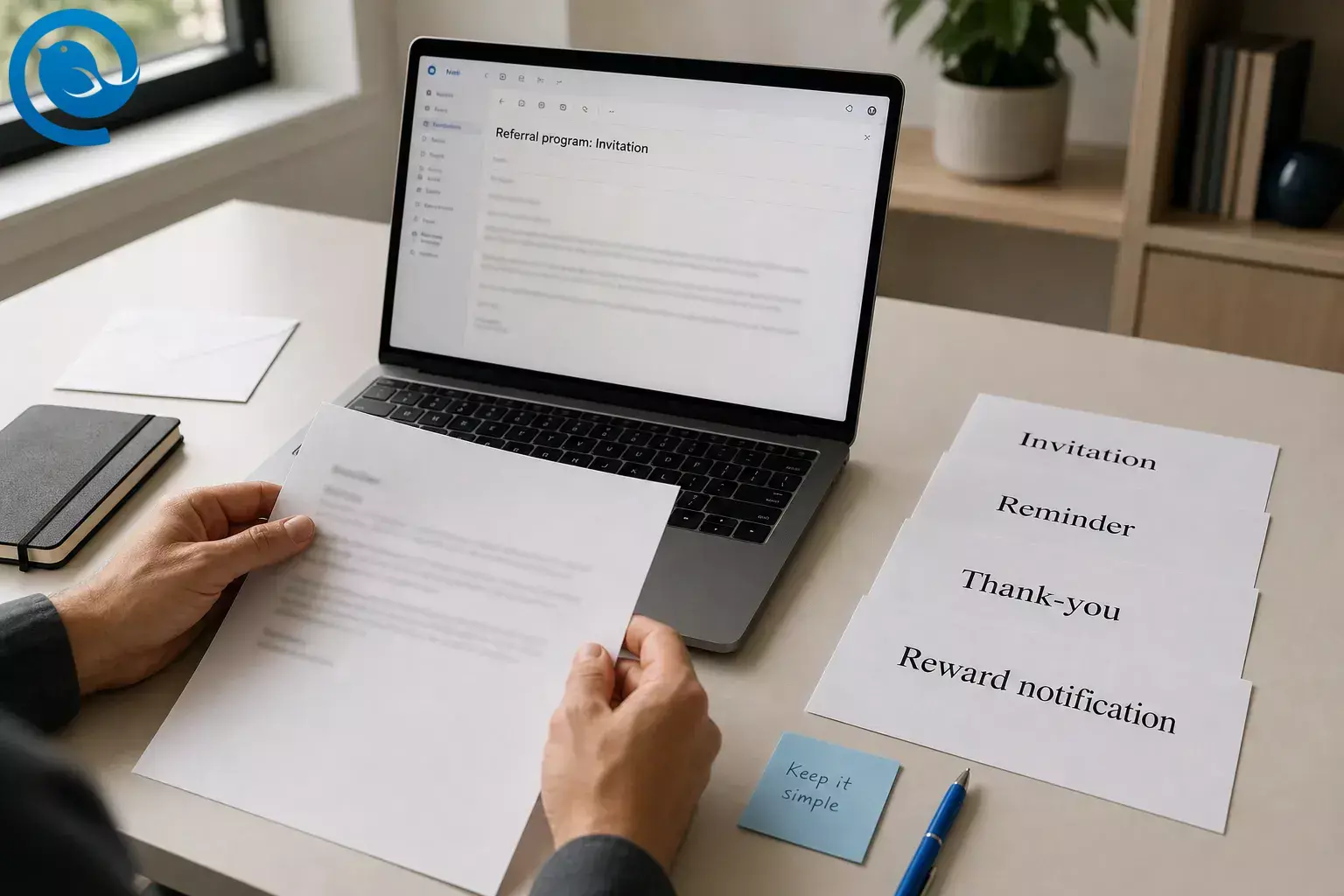
Most teams only need four messages: invitation, reminder, thank-you, and reward notification. Use the templates and steps below to build a simple customer referral email flow today.
This page covers brand-sent program emails. If you need a one-to-one note instead, use the separate referral email guide. If you want more plug-and-play copy, the full email templates collection covers other common send types.
TL;DR: email referral program essentials
A strong customer referral email keeps the offer simple, the share path obvious, and the next step easy to trust.
- Prerequisites: A product or service customers already like, a clear reward, one share path, one qualifying action, and a customer list that already expects email from you.
- Tools: Your current inbox or email platform, a landing page or simple form, a spreadsheet, and optionally Parakeet email generator for a first draft. Mailbird can also keep multiple inboxes in one desktop app, and Mailbird Premium adds saved Email Templates. 8 9 10
- Time: One focused session to build the first set; future sends are much faster once the copy is saved.
- Cost range: Usually low if you already have an email tool. The main variable cost is the reward you promise.
- Safety notes: If the message is promotional, use accurate sender information, include a working opt-out, and add your postal address. If the reward could sway an endorsement, disclose it clearly. This is general information, not legal advice. 6 7
What can change: Gmail says its sender FAQ is updated periodically, and inbox providers can adjust enforcement details. Before a large campaign, re-check current bulk-sender and unsubscribe rules for the inboxes you care about. 3 4 5
The 4 referral program emails most teams need
If you are launching from scratch, start with these four. Each one does a different job in the referral path.
| Send it when | Its job | |
|---|---|---|
| Invitation | After the customer has seen real value | Introduce the offer and get the first share |
| Reminder | After the first email if the customer did not act | Recover people who meant to share but forgot |
| Thank-you | Right after the referral is submitted | Confirm receipt and reduce support questions |
| Reward notification | As soon as the referral qualifies | Close the loop and make the program feel real |
Invitation
- Send it when
- After the customer has seen real value
- Its job
- Introduce the offer and get the first share
Reminder
- Send it when
- After the first email if the customer did not act
- Its job
- Recover people who meant to share but forgot
Thank-you
- Send it when
- Right after the referral is submitted
- Its job
- Confirm receipt and reduce support questions
Reward notification
- Send it when
- As soon as the referral qualifies
- Its job
- Close the loop and make the program feel real
What every referral program email template should include
- A one-sentence give/get offer.
- One main share link or one clear reply instruction.
- The qualifying action that unlocks the reward.
- A short line that explains what happens next.
- Support contact details and, if the message is promotional, an easy opt-out . 6
How to build an email referral program, step by step
-
Write the offer in one sentence
Fill in this line before you draft anything: “Give the friend benefit, get the customer reward when the qualifying action is complete.” If that sentence feels crowded, simplify the program before you write the email.
Check: A customer can repeat the offer back to you after one read.
-
Pick one referral path and one tracking method
Choose only one of these for version one: a unique link, a referral code, or a reply-based introduction. Unique links are easiest when you already have software. Codes are the simplest spreadsheet fallback. Reply-based introductions work well for higher-ticket services where a warm intro matters more than a discount.
Check: You can answer “who referred whom?” without opening five tools.
-
Send only after a real customer win
Use an actual trigger: order delivered, onboarding completed, first result reached, renewal processed, or praise sent to support. Do not send your first referral request before the customer has felt the value.
Check: Every person on the list has a clear reason to receive the email today.
-
Build the destination before the email
Create the landing page, form, or reply instruction before you write the call to action. At the top, answer four questions in plain English: What does my friend get? What do I get? When does it count? How do I claim the reward? If you want a more personal route, give the customer a prewritten note instead and use the separate referral email guide as your model.
Check: The destination answers the rules without creating a support ticket.
-
Draft the invitation email
This invitation is the main customer referral email in most programs. Use it as your base referral program email template. For many brands, it also doubles as the refer a friend email.
Subject: Share with a friend — you both get the reward
Hi,
If you know someone who would benefit from the outcome, share your link below.
Your friend gets the friend benefit, and you get the customer reward when the qualifying action is complete.
Share my link
Questions? Reply here and we’ll help.
Thanks,
Check: The reward and the main link appear before the signature.
-
Draft one reminder email
Send one reminder to people who did not act after the first email. Keep it shorter than the invitation and do not introduce a new reward, a new rule, or a second main button.
Subject: Your referral link is ready when you are
Hi,
Quick reminder in case you meant to share the offer.
Your link is still live.
Your friend gets the friend benefit. You get the customer reward when the qualifying action is complete.
Thanks,
Check: There is one ask and one obvious link.
-
Draft the thank-you email
Send this as soon as the referral is submitted or the share is recorded. Its only job is to remove uncertainty and tell the customer what happens next.
Subject: Thanks — we got your referral
Hi,
Thanks for sharing. We received your referral.
We’ll email you as soon as the qualifying action is complete.
If you want to share again, your link is here.
Thanks,
Check: The email says exactly when the next update will arrive.
-
Draft the reward notification email
Send the reward notice as soon as the referral qualifies. If you need manual approval or payout, say exactly what happens next and who to contact.
Subject: Your referral reward is ready
Hi,
Good news: your referral qualified.
Your reward is ready here.
If you want to invite another friend, use your link here.
Thank you for spreading the word.
Check: Claim steps are one click or one short instruction.
-
Add compliance and deliverability basics before you send
- Use a real From name and a reply-to address that reaches a human.
- If the message is commercial, include your postal address and a simple opt-out. Under CAN-SPAM, the primary purpose of the message decides whether it counts as commercial. 6
- If you send more than 5,000 messages a day to Gmail accounts, promotional mail must support one-click unsubscribe, and Gmail says a normal body link does not replace the required one-click headers. 2 3
- Yahoo recommends similar easy-unsubscribe setup for marketing mail, says bulk senders should honor unsubscribes within two days, and says complaint rates above 0.3% can hurt delivery. 4 5
- If the reward could influence an endorsement, disclose that relationship clearly. 7
Check: You can unsubscribe yourself, and the reply-to inbox works.
-
Test the full path from email to reward
Send every version to yourself. Click each button, submit a dummy referral, confirm the status changes, and open the messages on a phone. If you use Mailbird Premium, save the final drafts as Email Templates from Compose or Quick Reply; Mailbird stores the subject and body, but not recipient fields. 8
Check: A teammate could run the same flow without asking you what to do next.
-
Launch small, then keep score
Start with your happiest segment, not your whole list. Track sends, replies, shares, qualified referrals, rewards issued, unsubscribes, and support questions. If those replies come into more than one address, Mailbird can keep those inboxes together in one desktop workspace so nothing gets lost. 10
Check: After the first round, you know which email needs rewriting and which rule needs clarifying.
Why this works
A customer referral email works when it removes effort. The reader sees the benefit fast, knows exactly what to do next, and trusts that the reward and rules are real. That is especially true for a refer a friend email, where hesitation kills shares.
Short copy plus one obvious next step usually beats a longer pitch.
Troubleshooting
| Symptom | Likely cause | Fix |
|---|---|---|
| Nobody clicks | The offer is buried under brand talk. | Move the give/get line into the subject and first two lines of the email. |
| Lots of clicks, few completed referrals | The page or form asks for too much. | Cut fields to the essentials and restate the reward at the top of the page. |
| Customers reply, “When do I get the reward?” | The qualifying action is hidden. | Add one line in every email: “You get the reward when the action is complete.” |
| Friends do not convert | The copy talks about your brand, not their problem. | Lead with the friend’s benefit and the outcome they will feel first. |
| Unsubscribes climb fast | People did not expect a promotion, or the opt-out is hard to find. | Send only to customers who expect email from you and make the opt-out obvious. 2 4 6 |
| Messages land in spam | Authentication or unsubscribe setup is missing. | Check SPF, DKIM, DMARC , List-Unsubscribe, and complaint rate before the next send. 2 3 4 |
| Rewards get paid twice | There is no single tracking record. | Add status fields such as submitted, qualified, paid, and date paid. Issue rewards only from confirmed rows. |
| Your team keeps sending stale copy | There is no approved master version. | Save final drafts as Email Templates or keep one shared master document. 8 |
Nobody clicks
- Likely cause
- The offer is buried under brand talk.
- Fix
- Move the give/get line into the subject and first two lines of the email.
Lots of clicks, few completed referrals
- Likely cause
- The page or form asks for too much.
- Fix
- Cut fields to the essentials and restate the reward at the top of the page.
Customers reply, “When do I get the reward?”
- Likely cause
- The qualifying action is hidden.
- Fix
- Add one line in every email: “You get the reward when the action is complete.”
Friends do not convert
- Likely cause
- The copy talks about your brand, not their problem.
- Fix
- Lead with the friend’s benefit and the outcome they will feel first.
Unsubscribes climb fast
Messages land in spam
- Likely cause
- Authentication or unsubscribe setup is missing.
- Fix
- Check SPF, DKIM, DMARC , List-Unsubscribe, and complaint rate before the next send. 2 3 4
Rewards get paid twice
- Likely cause
- There is no single tracking record.
- Fix
- Add status fields such as submitted, qualified, paid, and date paid. Issue rewards only from confirmed rows.
Your team keeps sending stale copy
- Likely cause
- There is no approved master version.
- Fix
- Save final drafts as Email Templates or keep one shared master document. 8
Variations
Double-sided offer
Give the friend a discount or bonus, and give the customer a credit or reward. This is the easiest version for ecommerce, apps, and memberships.
Reply-based introduction
Ask the customer to hit Reply and copy a friend. This works well for consultants, agencies, freelancers, and local services where trust matters more than coupons.
Milestone ask
Trigger the invitation after a clear win: activation, renewal, delivery, or a solved support problem. This keeps the request timely instead of random.
Non-cash reward
Use a free month, bonus feature, priority access, or donation instead of cash. If that reward could affect an endorsement, disclose it clearly. 7
Make-ahead, storage, and scaling
Make-ahead
Draft the four emails once. If you use Mailbird Premium, save them as Email Templates from Compose or Quick Reply. If you use another inbox, keep the approved copy in a plain-text note or shared document. 8
Storage
Keep one small master file with the current offer, subject lines, landing page URL, rules, support replies, and the date you last edited the program.
Scaling
When the spreadsheet starts causing payout mistakes or status confusion, move the tracking into referral software but keep the approved copy. If you handle replies from several addresses, Mailbird can keep those inboxes together in one desktop workspace. 10
Need a faster first draft?
Parakeet by Mailbird is a web-based email copy generator. Use it to draft your invitation, reminder, thank-you, or reward email, then edit the text until it sounds like your brand. If you want a desktop app that keeps replies together—and, on Premium, lets you save approved templates—download Mailbird for Windows or Mac. 9 8 10
Sending and tracking referral emails is easier when every account sits in one inbox.
Frequently Asked Questions
What is an email referral program?
It is a simple system that asks existing customers to share your business and rewards them when the referral qualifies.
What is the difference between a customer referral email and a refer a friend email?
A customer referral email can be any message in the program. A refer a friend email is usually the invitation that asks the customer to share with someone they know.
When should I send a customer referral email?
Send it after the customer has felt real value, such as after delivery, onboarding, renewal, or a clear result.
What should a referral program email template include?
Keep it simple: the give/get offer, the qualifying action, one share link or instruction, and a clear next step. If the message is promotional, include an easy opt-out.
Do referral program emails need an unsubscribe link?
If the message is promotional, yes. Treat it like commercial email, not a personal favor, and make opting out easy.
Can I offer cash, credit, or gifts for referrals?
Yes, if the economics work for your business. Keep the qualifying rule simple, and disclose the incentive when the recommendation also acts as an endorsement or review.
Sources: 7
Should I send referral emails to every customer?
No. Start with customers who have already seen value. A timely ask beats a broad blast.
Can I build this without referral software?
Yes. Start with one share link or one referral code and track it in a spreadsheet. Add software later only if manual tracking becomes messy.
How many emails should the program have?
Four is enough for most teams: invitation, one reminder, thank-you, and reward notification.
Where does Mailbird fit in?
Use Parakeet to draft faster, then save approved copy in Mailbird templates and manage replies from one desktop workspace.
Quick checklist
- The offer fits in one sentence.
- The friend’s benefit is visible near the top.
- One share path is live.
- The landing page explains qualification and payout.
- The invitation email is written.
- The reminder email is written.
- The thank-you email is written.
- The reward notification email is written.
- The reply-to address, postal address, and unsubscribe path are checked.
- Every link and status update has been tested.
- The tracking sheet is ready before launch.
Sources
- Google Workspace Updates — Manage email subscriptions from a single location in Gmail
- Gmail Help — Email sender guidelines
- Gmail Help — Email sender guidelines FAQ
- Yahoo Sender Hub — Sender Best Practices
- Yahoo Sender Hub — FAQs
- FTC — CAN-SPAM Act: A Compliance Guide for Business
- FTC — FTC’s Endorsement Guides: What People Are Asking
- Mailbird Help — Email Templates. https://support.getmailbird.com/hc/en-us/articles/18877966333591-Email-Templates
- Mailbird — Parakeet: Craft Great Email Copy Fast. https://www.getmailbird.com/parakeet-email-generator/
- Mailbird — Best Email Client for Windows and Mac. https://www.getmailbird.com/


