Business Proposal Email: How to Write One That Gets Read
A good business proposal email has five parts: a clear subject line, one-sentence context, a short fit summary, a note about the attachment or link, and one next step.



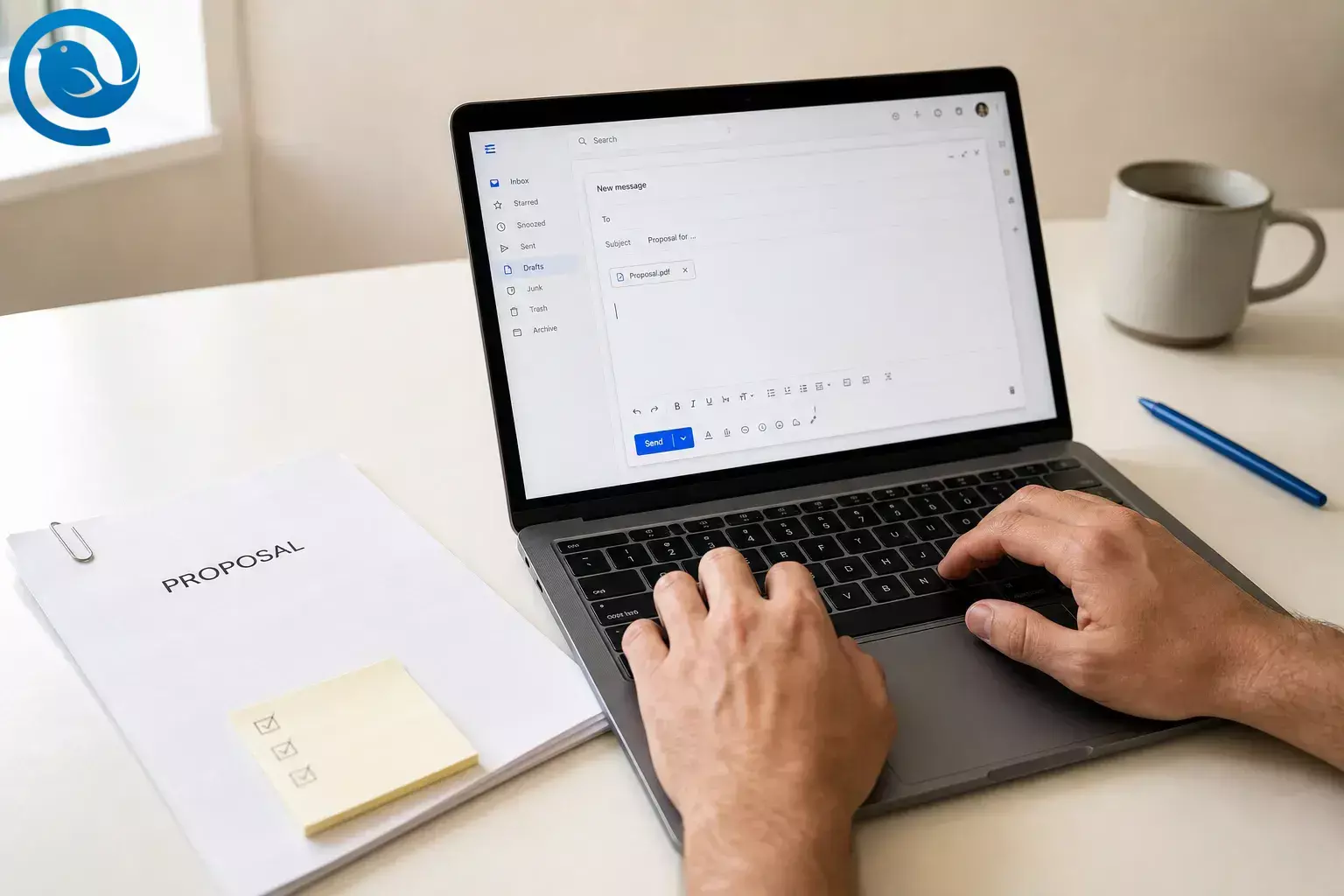
A good business proposal email has five parts: a clear subject line , one-sentence context, a short fit summary, a note about the attachment or link, and one next step.
Use it for a warm lead, a cold but relevant pitch, or a request for proposal email response. This guide covers subject lines, framing, attachment handling, and follow-up timing.
Scope This guide covers the email that carries the proposal, not the full proposal document itself.
What’s new
Starting in , Gmail said it was ramping up enforcement on non-compliant sender traffic to personal Gmail inboxes, including temporary and permanent rejections for messages that miss sender requirements. 1
TL;DR: Business proposal email format at a glance
Quick formula: subject line → context → fit summary → attachment or link → one next step.
- Say exactly what the email is in the subject line.
- Use the first sentence to explain why you are writing.
- Summarize the fit in two or three short lines.
- Name the attachment or link clearly.
- Ask for one easy reply or next action.
- Set your follow-up timing before you send.
Before you start
- Prerequisites: a finished or near-finished proposal, the recipient's name and role, the original email thread or call notes, and any RFP instructions if you are replying to one.
- Tools: any email app, your proposal file, and a place to store sent versions. If you use Mailbird, Email Templates can save reusable drafts 4 . Unified Inbox can keep proposal threads from multiple accounts in one view 5 . Send Later can schedule follow-ups 6 .
- Time: one focused pass once the proposal is ready.
- Cost: none beyond your usual email and document tools.
- Safety notes: remove comments, tracked changes, and internal-only notes; test every link; confirm shared-file permissions; and for regulated or formal bids, send only approved language.
How to write a business proposal email
Use this order whether you are sending a proposal after a call or replying to a request for proposal email.
How to write a business proposal email
-
Put the decision details in front of you
Open the client thread, your meeting notes, or the request for proposal email. Pull out the project name, recipient, deadline, required files, submission address, and the exact action you want next. If this is an RFP, use the issuer's instructions and evaluation criteria as your checklist before you touch the email. GSA notes that solicitations include evaluation factors and submission instructions, and that late proposals often are not accepted. 7
Check: you can point to the exact recipient, deadline, and required files before you draft.
-
Finalize the proposal file and filename
Send the version the reader can actually review. PDF is usually the safest finished format because the layout stays put, but switch to Word, Excel, or portal upload if the buyer asked for that. If the buyer gave a naming convention, use that instead. Rename the file so it still makes sense after download: Client - Project -Proposal- YYYY-MM-DD .pdf . Avoid filenames like final-final-v2 .
Check: the file opens cleanly and the filename makes sense outside your computer.
-
Choose an attachment, a link, or both
Attach the proposal when it is a simple single file. Use a secure link when the document is large, when you have supporting appendices, or when the buyer asked for cloud or portal delivery. If the portal is the real submission method, upload there first and use the email as a short cover note. If you send both an attachment and a link, tell the reader which one is the master copy.
Check: the reader can open the right file without asking where it is.
-
Write a proposal email subject line that says exactly what the email is
Google's sender guidance says subject lines, headers, and display names should accurately represent the sender and the message, and should not be misleading. That means no fake Re: lines, no fake Fwd: lines, and no vague teaser wording in a proposal email. If you are replying in the real thread, a genuine Re: is fine; just do not manufacture one. 2
- Proposal for Project Name
- Project Name proposal attached
- Response to RFP Number - Your Company
- Revised proposal for Project Name
- Follow-up: Project Name proposal
Check: if the recipient sees only the subject line, they still know what the message is.
-
Open the business proposal email with context immediately
Your first sentence should explain why you are writing and what the reader is about to open. Mention the recent call, the specific problem, or the RFP number, then say whether the proposal is attached or linked below.
- Hi Name , attached is the proposal for project we discussed on Tuesday.
- Hello Name , attached is our response to RFP number , including the requested forms.
Check: the first sentence still makes sense if the email is forwarded to someone else.
-
Summarize the fit in plain English
Now frame the proposal around the recipient's problem, not your company bio. State what you are proposing, what outcome it is meant to produce, and what the reader will find in the document. For a request for proposal email response, mirror the buyer's own language where it helps the reviewer map your email to the request.
Check: someone scanning the email can understand the fit without opening the file.
-
Make attachment handling effortless
Tell the reader exactly what is attached or linked. If several files are included, list them in the order they should be opened. Mark the main proposal clearly, then note any supporting documents, forms, or portfolio samples. If you used a link, say whether it is view-only and test it in a private window to catch permissions problems.
Check: the recipient knows which file to open first.
-
End the proposal email with one answerable next step
Choose one action, not three. For a warm lead, ask for a review call. For a cold but relevant proposal email, ask whether this is the right contact. For an RFP response, ask for receipt confirmation only if that fits the instructions. One clean ask makes it easier to reply.
- If the direction looks right, send a good time for a review call.
- If someone else owns this, please point me to the right contact.
- Please confirm receipt when the files land on your side.
Check: the email ends with a next step that can be answered in one short reply.
-
Proofread from the reader's side
Read the email once without editing. Then check names, company, attachment names, link permissions, signature, and reply-to address. Open the proposal and search for placeholders like Client Name , tracked changes, comments, or internal notes before you send.
Check: no placeholders, internal comments, or broken links remain.
-
Send from the right account and keep the thread easy to find
Send from the address the recipient already knows whenever possible, and make sure replies land in a monitored inbox. If you manage proposals across several brands or departments, keep the conversation in one place so replies do not disappear in another mailbox. Mailbird's Unified Inbox combines messages from connected accounts into a single view, which helps when proposal threads live across more than one inbox. 5
Check: the From address, reply-to, and signature all match the business name in the proposal.
-
Set your proposal email follow-up timing before you send
If no review date was agreed, schedule the first follow-up a few days after you send. If the buyer gave you a review date, follow up after that date passes instead of guessing, and if the RFP says no extra contact outside the portal, follow that. If you use Mailbird's Send Later, keep the app open and online at the scheduled time or the message will wait until Mailbird is running with internet access. 6
Check: the follow-up is already on your calendar or scheduled.
-
Follow up with value, not pressure
Reply in the same thread and add one useful thing: clarify an assumption, answer a likely question, share a short supporting example, or attach a missing document. Replace just checking in with a line the recipient can do something with.
Check: your follow-up adds something useful instead of only asking for status.
Why a clear business proposal email works
A strong business proposal email removes friction. The recipient can see what the message is, why it matters, what to open, and how to respond without decoding a wall of text. That also makes the email easier to forward internally and easier to answer.
Common business proposal email problems and fixes
| Symptom | Likely cause | Fix |
|---|---|---|
| No reply after your first send | No clear next step or no follow-up plan | Reply in the same thread with a one-line recap and one easy question. |
| Recipient asks, "What is this?" | Your opening line lacked context | Rewrite the first sentence to mention the call, project, or RFP number. |
| Recipient cannot open the proposal | Wrong format or a locked link | Resend as PDF or fix the share permission and retest it in a private window. |
| Email lands in junk or bounces | Sender authentication issue or misleading subject/display name | Ask your mail admin to check SPF, DKIM, and DMARC, and rewrite the subject so it accurately matches the message. 2 3 |
| Reviewer asks for details already in the proposal | Your email gave no skim summary | Add a short fit summary and list what is attached. |
| RFP response is rejected on a technicality | You missed naming, order, or deadline instructions | Rebuild the package from the submission rules before sending; late proposals often are not accepted. 7 |
| Follow-up sounds pushy | You asked only for status | Add a clarification, a useful attachment, or a choice of next step. |
| Replies are scattered across accounts | You sent from one address and watched another | Confirm the From and reply-to fields, then keep proposal threads grouped in one view. 5 |
Business proposal email examples and templates
Use these as starting points for a warm lead, a cold but relevant proposal email, a request for proposal email response, or an email marketing proposal template. Replace the variable text and delete anything the reader does not need.
Warm lead after a call
Use this when the recipient already asked for the proposal or agreed to review one.
Subject: Proposal for Project Name
Hi Name,Attached is the proposal for project we discussed on day.I shaped it around goal/problem, with the scope, timeline, assumptions, and next steps laid out in the document.If the direction looks right, send over a good time for a review call and I'll walk you through it.Best,Your NameCold but relevant proposal email
Use this when you have a specific, credible reason for reaching out.
Subject: Proposal for Company Goal
Hi Name,I noticed specific issue and drafted a short proposal showing how we would tackle it.The attached file explains the approach, what your team would need from us, and what the first phase would look like.If this belongs with someone else on your team, point me to the right person and I'll resend it there.Best,Your NameRequest for proposal email response
Use this when you are replying to an RFP or formal submission request.
Subject: Response to RFP Number - Your Company
Hello Name,Attached is Your Company's response to RFP Number, including the requested forms and supporting documents.The proposal addresses scope area, scope area, and the deliverables listed in the request.Please confirm receipt if that fits your process. If any file came through incomplete, I can resend it right away.Regards,Your NameEmail marketing proposal template
Use this as the cover email when you are selling email marketing services.
Subject: Email marketing proposal for Company
Hi Name,Attached is the email marketing proposal we discussed for Company.It covers list health, segmentation, campaign sequence, approval steps, reporting, and the first launch we recommend.If you want, I can walk you through the rollout order and answer questions about the assumptions in the plan.Best,Your NameHow to save, store, and reuse business proposal emails
Save a few make-ahead proposal email templates
Save one clean draft for each common case: warm lead, cold but relevant outreach, and RFP response. Mailbird's Email Templates lets you save a draft as a template and keep the subject with it, which makes reuse faster without starting from zero. 4
Store the sent version with the proposal
Keep the final proposal, the editable source file, and the sent email together. If you need an offline record outside your inbox, Mailbird can save emails locally as .eml or PDF. 8
Scale across multiple inboxes
When proposal replies come through several addresses, keep them in one view and schedule the follow-up when possible. Mailbird's Unified Inbox combines connected accounts 5 , and Send Later can schedule the next message once you know the review date. 6
Deliverability and sender details that can affect a business proposal email
Even in one-to-one proposal outreach, clear writing works best when sender identity and subject lines are clean and accurate. Google's sender guidance specifically says subject lines, headers, and display names should accurately represent the sender and the message, and should not be misleading. 2
Microsoft's current support guidance says Outlook.com enforces stricter authentication requirements for high-volume senders. 3
To verify: if a proposal email lands in junk or bounces, ask your mail admin to check SPF, DKIM, and DMARC for the sending domain before you rewrite the copy. In practice, that usually means working with whoever manages your mail provider or domain settings, not just changing the wording in the email. 2 3
Frequently Asked Questions
What should a business proposal email include?
A clear subject line, quick context, a short summary of the fit, a note about what is attached or linked, and one next step.
How long should a business proposal email be?
Short enough that the reader can understand the context, the fit, what to open, and the next step without reading the full proposal in the email body.
Should I paste the proposal into the email body?
Usually no. Keep the email short and let the proposal document carry the detail unless the buyer specifically asked for the full proposal inline.
Should I attach the proposal or send a link?
Attach it when the proposal is a simple single file. Use a secure link when the document is large, when there are supporting documents, or when the buyer asked for cloud or portal delivery.
What file format is best for a proposal email?
PDF is usually the easiest way to send a finished proposal. Switch to Word, Excel, or a portal upload only when the buyer asked for that format.
What subject line works best?
The clearest one: the project name plus the word proposal , or the RFP number. Avoid fake reply or forward language and vague teaser wording. 2
How do I write a request for proposal email response?
Reference the RFP number, say exactly what files are included, and follow the submission instructions exactly. 7
When should I follow up after sending a proposal?
If no decision date was set, follow up after a few days with something useful. If a date was promised, follow up after that date passes.
Can I reuse the same proposal email template every time?
Yes, but only as a starting shell. Rewrite the opening, fit summary, filenames, and next step for each recipient. If you use Mailbird, save the shell as a template and refresh it before sending. 4
Can I send a proposal from a personal Gmail address?
Business proposal email checklist
Use this right before you hit send.
- ☐ Subject line says exactly what the email is
- ☐ Opening sentence explains why you are writing
- ☐ Proposal filename is clear
- ☐ Attachment or link opens correctly
- ☐ Main proposal is identified if more than one file is included
- ☐ Email includes a short fit summary
- ☐ Email asks for one next step
- ☐ Names, placeholders, comments, and tracked changes are cleaned up
- ☐ From address and reply-to are correct
- ☐ Follow-up date is on your calendar or scheduled
Want a simpler way to manage proposal emails?
Mailbird can help you keep proposal conversations from multiple accounts in one view 5 , save reusable proposal drafts as templates 4 , and schedule follow-up emails ahead of time. 6
Sources
- Gmail Help — Email sender guidelines FAQ
- Gmail Help — Email sender guidelines
- Microsoft Support — Fix NDR error "550 5.7.515" in Outlook.com
- Mailbird Support — Email Templates
- Mailbird Support — Unified Inbox
- Mailbird Support — Send Later
- GSA — Respond to a solicitation
- Mailbird Support — Can I download an email as a file in Mailbird?


