BCC Meaning: Who Can See It and When to Use It
BCC means blind carbon copy. It lets you send someone an email without showing their address to the other recipients.



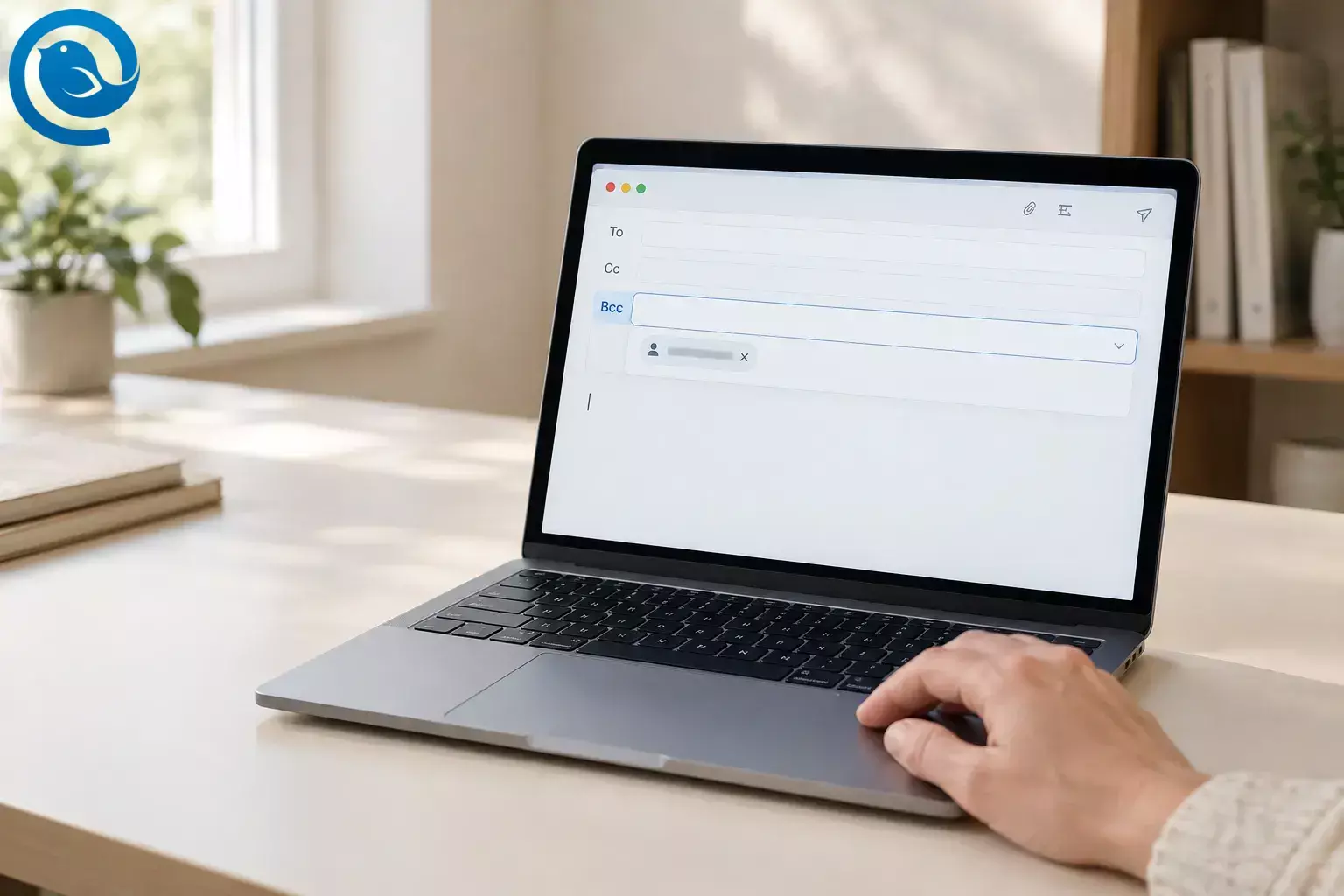
BCC means blind carbon copy. It lets you send someone an email without showing their address to the other recipients. [2]
BCC is useful when recipients should get the same message but should not see one another’s email addresses. It hides addresses on the original message; it does not make the message confidential or prevent a hidden recipient from replying.
Key takeaways
- BCC recipients receive the email without appearing in the recipient list shown to visible recipients.
- To and CC addresses are visible; BCC addresses are hidden from those recipients.
- BCC can protect recipients’ addresses when sending a group announcement.
- A BCC recipient’s Reply All can reveal that they received the message.
- BCC does not make an email confidential.
How does BCC work?
An email can have recipients in three fields: To for the people mainly addressed, CC for visible copies, and BCC for hidden copies. Everyone you address receives the message, but BCC addresses are not shown to the visible recipients. [2] Read our BCC vs CC guide.
For example, if you email Ava in To and put Nia in BCC, both receive the email. Ava sees that it was addressed to her, but she does not see Nia in the recipient list.
Who can see BCC recipients?
| Person | What they can see |
|---|---|
| Sender | The BCC recipients they added. For example, Outlook lets senders review them in the sent message. [4] |
| To and CC recipients | The visible To and CC addresses, but not the BCC list. [2] |
| BCC recipient | The visible To and CC addresses. In Gmail, they cannot see other BCC recipients. [3] |
When should you use BCC?
- Large announcements: Send one notice to people who do not need a group conversation.
- Protecting addresses: If 40 neighbors have not agreed to share their email addresses, put your own address in To and theirs in BCC. They receive the announcement without receiving the group's address list. Learn how to send to undisclosed groups.
- Keeping someone informed: A hidden copy can be appropriate when it will not mislead the people you are addressing.
If everyone needs to collaborate or know who is involved, use visible recipients instead. Think twice before secretly copying someone on a sensitive exchange: if they reply to the group, the other recipients may discover they were included. [1] See our email etiquette guide.
What happens when someone replies?
A visible recipient’s Reply All does not automatically include people who were BCC’d on the original email. But if a BCC recipient uses Reply All, their response can reach the visible recipients and reveal that they received the message. [1][3]
Before sending a reply, check its recipient list. BCC controls address visibility on the message you send, not what someone may disclose in a later message.
Frequently asked questions
What does BCC mean in email?
BCC means blind carbon copy. It sends someone the email without listing their address for the other recipients. [2]
What is a BCC email?
It is an ordinary email with at least one recipient in the BCC field. That person receives the message, but their address is hidden from the other recipients. [2]
Can BCC recipients see each other?
In Gmail, BCC recipients cannot see the other BCC addresses. [3]
Does BCC make an email confidential?
No. A BCC recipient still receives and can read the email. BCC hides their address from other recipients; it does not control what they do with the message. [2]


