What Does CC Mean in Email? When to Use It (With Examples)
CC means “carbon copy.” When you CC someone in an email, they receive the same message as the people in the To field. Their address is visible to the other recipients. CC usually signals that someone should be kept informed but is not the main person expected to respond.



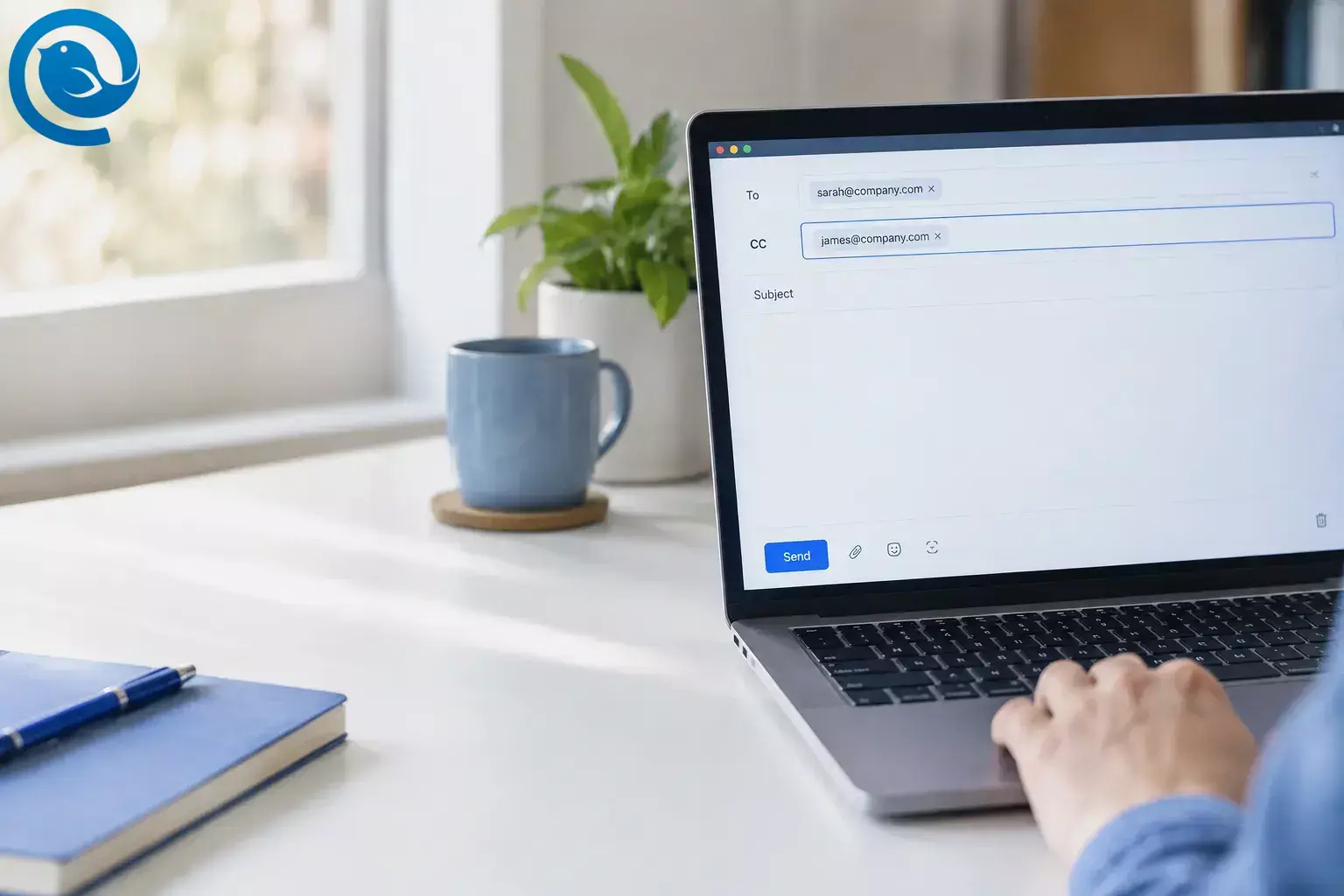
CC means “carbon copy.” When you CC someone in an email, they receive the same message as the people in the To field. Their address is visible to the other recipients. CC usually signals that someone should be kept informed but is not the main person expected to respond.
Key takeaways
- Use To when you need someone’s answer or action; use CC to keep someone informed.
- Other recipients can see addresses in the CC field.
- CC does not prevent someone from replying, and it does not require them to respond.
- Reply all generally includes visible To and CC recipients; check the addresses before sending.
- Use BCC instead of CC when a recipient’s address should be hidden from the other recipients.
CC vs. To: what’s the difference?
Both To and CC recipients receive the email and can see the addresses in those fields. The difference is what you’re asking of them:
- To: The message is primarily addressed to this person. Put someone here when you need their answer or action.
- CC: This person needs the information or context, but someone else owns the response.
These fields communicate expectations; they do not restrict who can reply. If you need a CC’d person to act, make the request clear—or put them in To if their response is a main purpose of the email.
When should you CC someone?
Use CC when a teammate, manager, or other contact needs to follow the conversation and everyone on the email should know they were included. For example, you might CC a project manager on an update sent to a client.
A useful check before sending: Does this person need this message, and is it appropriate for the other recipients to see their address?
When not to use CC
- You need a decision from them. Put them in To and state what you need.
- They should not see the whole message. Send a separate email with only the information they need.
- Recipients should not see one another’s addresses. CC is visible, so it is not suitable for hiding addresses.
- They have no clear reason to follow the thread. Avoid copying someone “just in case.”
BCC means “blind carbon copy.” Unlike CC, it hides a BCC recipient’s address from the other recipients.
Does Reply all include CC’d people?
Generally, yes. Reply all addresses the sender and the visible To and CC recipients. A regular Reply generally goes only to the sender, so a CC’d person will not necessarily see it. People can change the recipient list before sending either kind of reply, so check the addresses rather than assuming everyone is included.
Examples of when to CC someone
Keep a teammate informed
To: Maya, who needs to choose a meeting time. CC: Sam, who will prepare the room. Maya knows the decision is hers; Sam receives the details.
Give a project manager visibility
You email a client a revised delivery date and CC your project manager. The client can see the manager was included. If the client uses Reply all, the manager will generally receive the response; if the client replies only to you, they will not.
Keep an internal question internal
You need to ask a coworker about a vendor project, but your question includes internal planning details. Do not CC the vendor on that email. Ask your coworker separately, then share the relevant update with the vendor.
Frequently asked questions
What does it mean to CC someone in an email?
It means sending them the message as a visible recipient, usually to keep them informed while addressing someone else.
Can everyone see who is CC’d?
Yes. People who receive the email can see the addresses in its CC field.
Does a CC’d person have to reply?
No. CC does not require a response. If you need one, ask that person directly.
What are CC and BCC in email, with an example?
CC means “carbon copy”; BCC means “blind carbon copy.” If you email a client and CC your manager, the client can see your manager’s address. If you BCC your manager instead, the client cannot see that address.
Manage email from your desktop
Download Mailbird for Windows or Mac.


