What Does “Authentication Failed” Mean in Email?
If you get an authentication failed error in an email app, the provider did not accept the way the app tried to sign in.



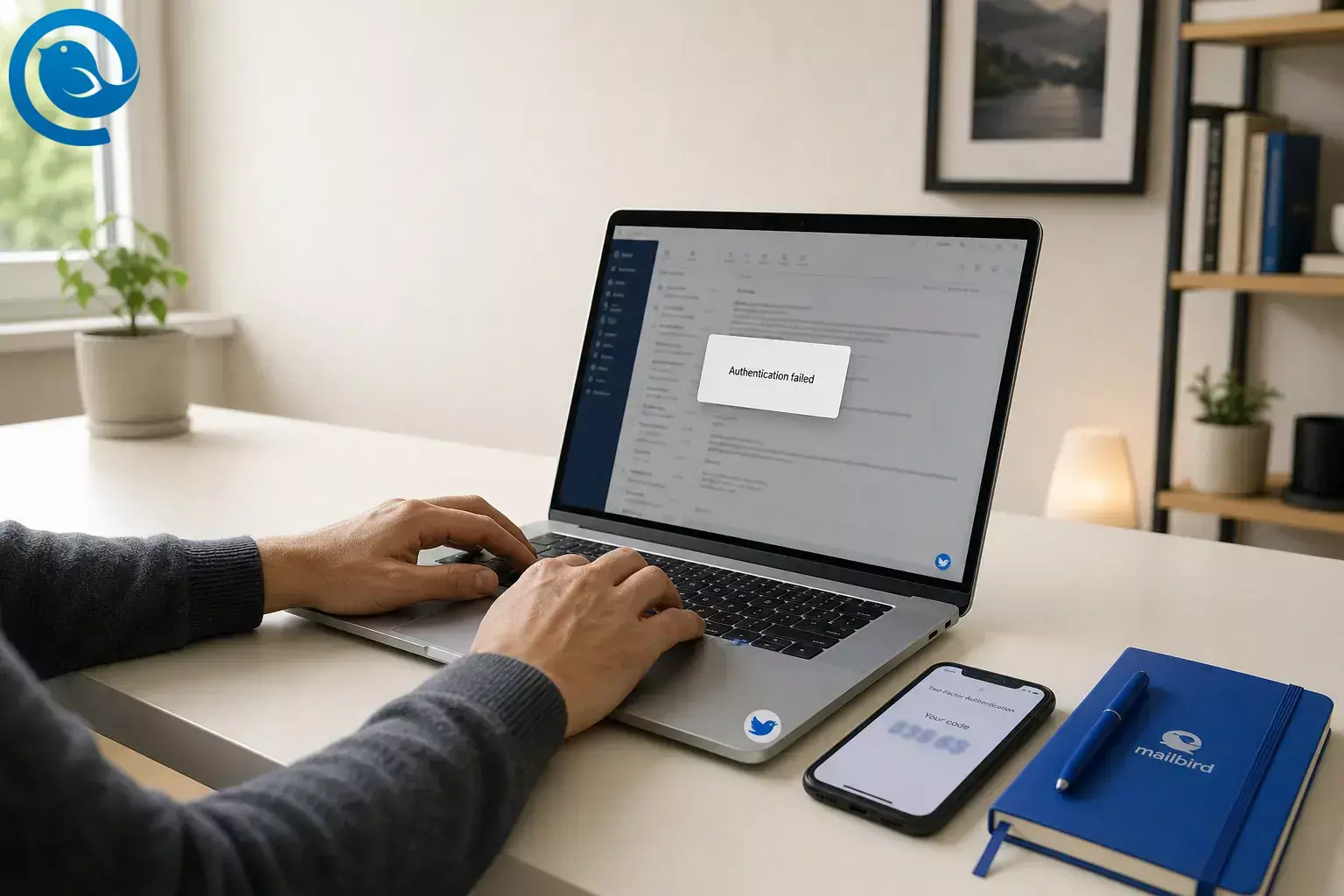
If you get an authentication failed error in an email app, the provider did not accept the way the app tried to sign in. [ 2 , 12 ]
Most “email authentication failed” messages come down to four things: a wrong password, an old or revoked app password, an expired OAuth sign-in, or settings that changed. [ 3 , 4 , 6 , 11 , 12 , 15 ]
Key takeaways
Fastest fix order: test webmail, see whether the failure is browser sign-in, incoming mail, or sending, then check password type, OAuth , and manual server settings. [ 1 , 3 , 4 , 6 , 10 , 12 , 14 , 15 ]
- Authentication failed means the provider did not accept the way the app tried to sign in. [ 2 , 12 ]
- Common causes are a wrong password, an old or revoked app password, an expired OAuth sign-in, or settings that changed. [ 3 , 4 , 6 , 11 , 12 , 15 ]
- Try webmail first. If the same account will not open on the provider website, fix the password or account security there before changing Mailbird. [ 1 , 6 , 10 , 12 ]
- If you can receive mail but not send it, focus on SMTP. Incoming and outgoing authentication are separate. [ 4 , 6 , 10 ]
- Your normal password and an app password are not interchangeable. [ 3 , 8 , 11 ]
- Use OAuth when it is offered. [ 1 , 6 , 7 ]
- A wrong manual IMAP, POP, or SMTP setup can look like a bad password, and IMAP access or SMTP sending can be disabled by policy. [ 4 , 5 , 6 , 10 , 12 , 15 ]
-
SPF, DKIM, DMARC, and
compauth=failare sender-authentication issues, not mailbox sign-in issues. [ 12 , 17 ]
Why does my email say authentication failed?
- Wrong password or username: the server did not accept the login details it received. [ 2 , 12 ]
- Wrong password type: a normal password was entered where the provider expected OAuth or an app password. [ 1 , 3 , 6 , 8 , 10 , 11 ]
- Expired or revoked authorization: saved OAuth access can expire, and old app passwords can stop working after a primary password change. [ 3 , 4 , 7 , 11 ]
- Settings changed: IMAP, POP, or SMTP access, ports, encryption, provider type, or organization policy no longer matches the app setup. [ 4 , 5 , 6 , 10 , 12 , 15 ]
How to fix the “email authentication failed” error
How to fix the “email authentication failed” error
- Try webmail first. If the same account will not open on the provider website, fix the password or account security there before changing Mailbird. [ 1 , 6 , 10 , 12 ]
- Check where it fails. A browser sign-in loop usually points to OAuth. A send-only failure usually points to SMTP authentication or SMTP settings. [ 4 , 6 , 10 , 14 ]
- Re-enter the right kind of password. Your normal password and an app password are not interchangeable. [ 3 , 8 , 11 ]
- Use OAuth when it is offered. For Gmail, Google points users to Sign in with Google or an app password when needed. For Outlook.com and Microsoft 365, use OAuth2 or Modern Auth. [ 1 , 6 , 7 ]
- If you recently changed your Google or Apple password, create a new app password. Older app-specific passwords can stop working after that change. [ 3 , 11 ]
- Recheck manual settings . Confirm account type, server names, ports, encryption, and username. A wrong manual setup can look like a bad password. [ 4 , 6 , 10 , 15 ]
- Ask your admin if it is a work or school account. IMAP access or SMTP sending can be disabled by policy. [ 5 , 12 ]
- Remove and re-add the account in Mailbird if setup is stuck. That is usually fine for IMAP. Be careful with POP3 if mail is stored only on your computer. [ 13 ]
Quick fixes for Gmail, Outlook, Yahoo, and iCloud
Outlook.com and Microsoft 365
Use OAuth2 or Modern Auth. Outlook.com can also require IMAP or POP to be turned on in account settings. Microsoft says Basic authentication in Exchange Online is disabled. If receiving works but sending fails, SMTP sending may be disabled by an admin. [ 5 , 6 , 7 , 12 ]
iCloud Mail
Use Apple authorization if the app supports it, or create an app-specific password if it does not. iCloud Mail uses IMAP and SMTP, not POP, and some clients need the full email address as the outgoing username. If you changed your Apple Account password, create a new app-specific password before trying again. [ 10 , 11 ]
When this error is not about mailbox login
An authentication failed error in email apps is about signing into the mailbox. It is not the same as sender-authentication failures that show up in bounces or security reports after a message is sent. [ 12 , 17 ]
- SPF, DKIM, DMARC, or compauth=fail : that is about sender-domain verification, not Mailbird signing into your inbox. [ 17 ]
- Secure connection, certificate, or server unavailable: that points to connection or server problems, not just login details. [ 12 , 14 ]
- A bounce arrives later: if the message already left your Outbox, the later error is usually about delivery or policy, not initial mailbox login. [ 17 ]
Frequently Asked Questions
Why does my email say authentication failed even when my password is right?
Can I receive email but not send it?
Does authentication failed mean my account was hacked?
Should I use my normal password or an app password?
Why can I log in on the website but not in Mailbird?
Should I remove and re-add the account in Mailbird?
Usually yes for a stuck IMAP setup, but be careful with POP3 if your mail is stored only locally. [ 13 ] If Mailbird shows the error while you add an account, our support guide to the “Authentication Failed” error walks through each fix.
What if Mailbird says my provider does not support OAuth2?
That usually means you picked the wrong setup type or the server expects manual IMAP, POP, or SMTP instead. [ 15 ]
Is “email authentication failed” the same as SPF, DKIM, or DMARC failure?
No. That usually refers to sender-domain verification in a bounce or security report, not your app signing into a mailbox. [ 17 ]
Download Mailbird
After you fix the login, you can reconnect your accounts in Mailbird and manage multiple inboxes in one place.
Sources
- Gmail Help — Add Gmail to another email client
- RFC 9051 — Internet Message Access Protocol (IMAP) Version 4rev2
- Google Account Help — Sign in with app passwords
- Google for Developers — IMAP, POP, and SMTP
- Microsoft Learn — Deprecation of Basic authentication in Exchange Online
- Microsoft Support — POP, IMAP, and SMTP settings for Outlook.com
- Microsoft Learn — Authenticate an IMAP, POP or SMTP connection using OAuth
- Yahoo Help — Generate and manage 3rd-party app passwords
- Yahoo Help — IMAP server settings for Yahoo Mail
- Apple Support — iCloud Mail server settings for other email client apps
- Apple Support — Sign in to apps with your Apple Account using app-specific passwords
- Mailbird Support — Troubleshooting Authentication Issues in Mailbird
- Mailbird Support — Server authentication failed
- Mailbird Support — How to Fix OAuth2 Sign-In Problems in Mailbird Next
- Mailbird Support — What to Do When Your Email Provider Does Not Support OAuth2 in Mailbird Next
- Gmail Help — Read Gmail messages on other email clients using POP
- Microsoft Learn — Troubleshoot email authentication in Microsoft 365


