Venmo Scam Emails: 7 Signs a Payment Notice Is Fake
A Venmo email or payment screenshot is not proof that money reached your account. To check a suspicious notice, open your usual Venmo app or type venmo.com into a new browser tab. Look for the payment or account alert there—without using the email’s links or phone number.



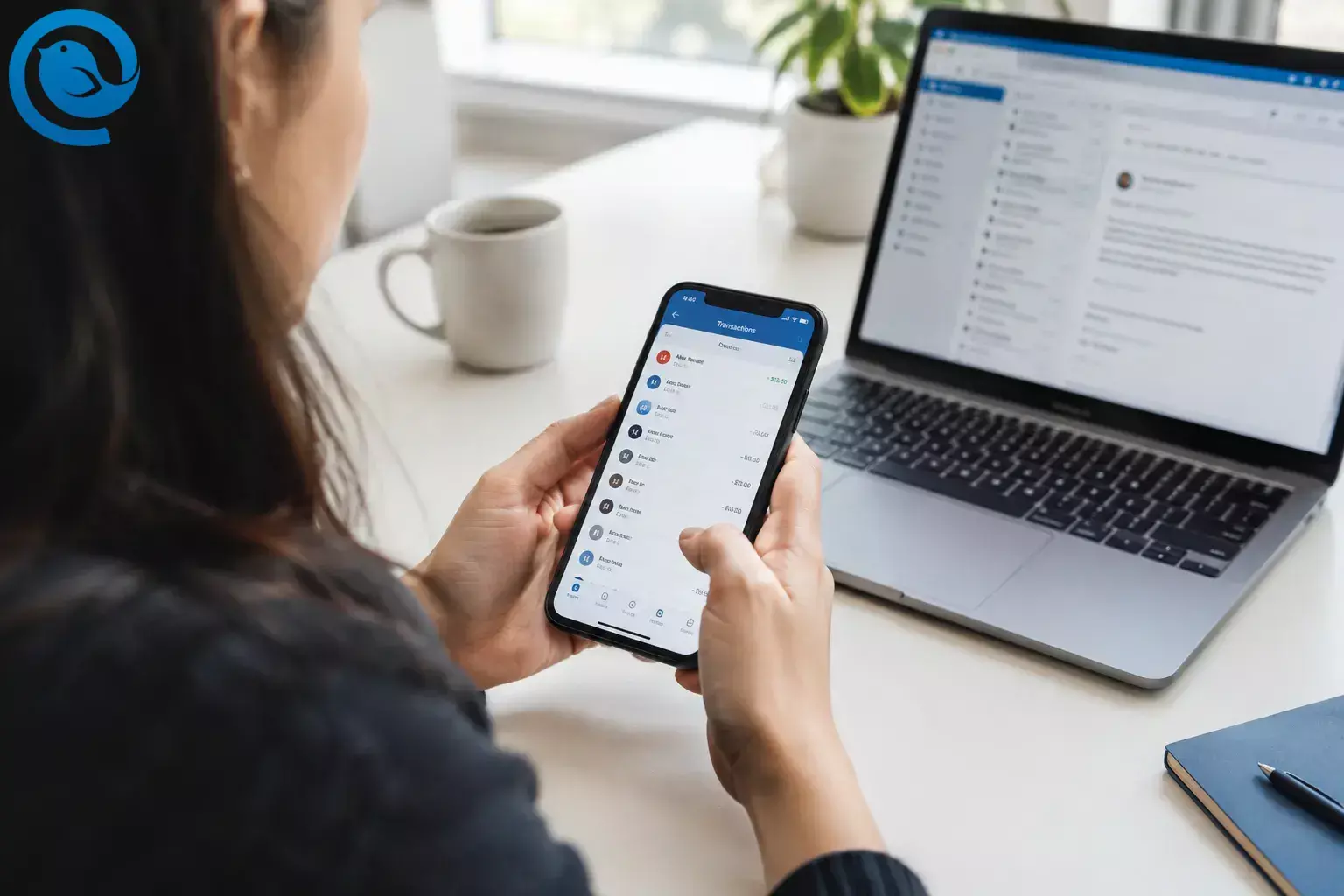
A Venmo email or payment screenshot is not proof that money reached your account. To check a suspicious notice, open your usual Venmo app or type
venmo.com
into a new browser tab. Look for the payment or account alert there—without using the email’s links or phone number.
[1]
[2]
Safety first
Do not reply, call a number in the message, scan its QR code, open an attachment, or follow a link to sign in. If you are selling something, do not hand over the item until you have checked the payment in Venmo.
Quick checklist
- Do not click, call, reply, scan, or open an attachment.
- Check the full sender address, but do not rely on it alone.
- Open Venmo yourself and compare the claimed payment with your account activity.
- Do not ship, refund, or send a “verification” payment based on an email.
-
Forward
suspicious emails
to
phishing@venmo.comand report scams to the FTC. - If you shared information or paid, secure your accounts and contact Venmo and your bank or card issuer.
What a fake Venmo email can look like
A Venmo phishing email may say a payment is waiting, your account is locked, or a purchase needs your attention. Subjects such as “Payment received—confirm now” and “Your Venmo account needs immediate action” illustrate the wording scammers might use; they are not a list of official Venmo subject lines. The sender name may say “Venmo” even when the full address belongs to someone else. The message then urges you to sign in, call “support,” share a code, or send money. [1] [2]
In marketplace scams, a buyer may send a screenshot of a supposed Venmo payment email instead of an email to your inbox. Venmo warns that fake screenshots can be used to claim a buyer paid when they did not. [2]
Seven signs to check
-
The sender address is unrelated to Venmo.
Expand the
sender details
rather than trusting the display name or logo. Venmo says its emails come from a
venmo.comaddress; an address that merely contains the word “venmo” is not enough. A familiar-looking address alone does not prove a message is safe. [1] [3] - The greeting is generic. Venmo says its emails typically use your full name or business name. A correct name is not proof, but “Dear user” is a reason to look more closely. [1]
- It pushes you to act immediately. Threats about losing access or missing a payment are reasons to check your account independently, not to rush through the email. [1]
- A link goes somewhere unexpected. On desktop, you can hover over a button without clicking to inspect its destination. Do not follow it to verify the message; open Venmo yourself instead. [1]
- It gives you a number to “fix” a payment. The callback number may be the scam, even if the email has no link. Find help through Venmo’s app or Help Center instead. [1]
- It asks for a sign-in code, remote access, an app installation, or a “verification” payment. Venmo says its agents will not ask for your sign-in code, remotely access your device, install a third-party app, or ask you to send money to verify your account. [2]
- The payment or request does not appear in your account. Do not ship an item or approve a request based on an email or screenshot. Compare the claim with your activity in Venmo. [2] [4]
Does Venmo send real emails?
Venmo can send account and verification emails. An unexpected email may also result from someone entering your address by mistake or without your permission. [1] [9] Whether a message is genuine or fake, use it as a prompt to check—not as proof that a payment arrived or that you must follow its instructions.
Open the Venmo app you normally use, or type
venmo.com
yourself. Check your transactions, requests, and account alerts there. If you need help, find support through the app or by typing
help.venmo.com
yourself. Never use contact details supplied by the suspicious email.
[1]
[4]
What to do next
-
If you only received the email:
Check Venmo independently. Forward the suspicious message to
phishing@venmo.com, preferably as an attachment if your email program offers that option. Do not add personal information; Venmo says this is an automated inbox. You can also report the attempt to the FTC at ReportFraud.ftc.gov. Then delete the message. [1] - If you clicked a link but entered nothing: Close the page and check your Venmo account directly. If a file downloaded or opened, update your device’s security software, run a scan, and address anything it flags. [6]
- If you entered a password or shared a sign-in code: Change your Venmo password through the real app or website, review your account activity and remembered devices, and contact Venmo support about any unauthorized changes. Change your email password too if it may be exposed. [7]
- If you called the number in the email: End the call. If you gave the caller a code, password, card details, or bank details, secure the affected accounts and contact Venmo, your bank, or your card issuer through channels you found independently. [2] [8]
- If you sent money or found an unrecognized charge: Contact Venmo and your bank or card issuer promptly. Have the transaction date, amount, and recipient username ready. Report the scam to the FTC. Recovery depends on the transaction and is not guaranteed. [8]
Common Venmo email scam variations
“The buyer needs your email address”
People can use an email address to find a recipient on Venmo, so the question alone does not prove a scam. Be wary if the next message claims you must pay a fee, upgrade an account, or ship an item before you can confirm the payment in Venmo. Share only the contact information you choose, and check your account yourself. [10] [2]
“Pay to upgrade your business account”
Do not send a separate payment to a buyer or an address in an email to “release” money. Venmo says business-profile transaction fees are deducted from payments received. Check any fee or account issue within Venmo. [11]
“Verify your email” when you made no change
Do not verify an unexpected request. Someone may have entered your address by mistake or without your permission. Open Venmo independently and contact support if you cannot account for the message. [9]
“Refund a payment from a stranger”
If an unfamiliar payment really appears in your account, do not send a separate return payment or move the money. Ask Venmo support to handle it. [5]
Read email on your desktop
Mailbird is a desktop email client for Windows and Mac. It does not replace checking payments in Venmo or reporting suspicious messages.
Download Mailbird for desktop:
visit
getmailbird.com/downloading/.
Sources
- Venmo Help Center — Reporting Fake or Suspicious Messages or Emails
- Venmo Help Center — Common Scams on Venmo
- Venmo via PayPal Newsroom — Protecting Yourself from Scams
- Venmo Help Center — Payments & Requests FAQ
- Venmo Help Center — Payment from a Stranger
- Federal Trade Commission — How To Recognize and Avoid Phishing Scams
- Venmo Help Center — Login Security
- Federal Trade Commission — Mobile Payment Apps: How To Avoid a Scam When You Use One
- Venmo Help Center — Unexpected Emails from Venmo
- Venmo Help Center — Sending & Requesting Money
- Venmo Help Center — Business Profile Transaction Fees


