Sample Emails to Approach a New Client: 4 Ready-to-Use Templates
The best email to approach a client states the context, shows the relevant value, and asks for one easy next step. Below are four sample emails to approach a new client—referral intro, inbound follow-up, re-engagement, and proposal send—plus a simple way to customize each one without sounding copied



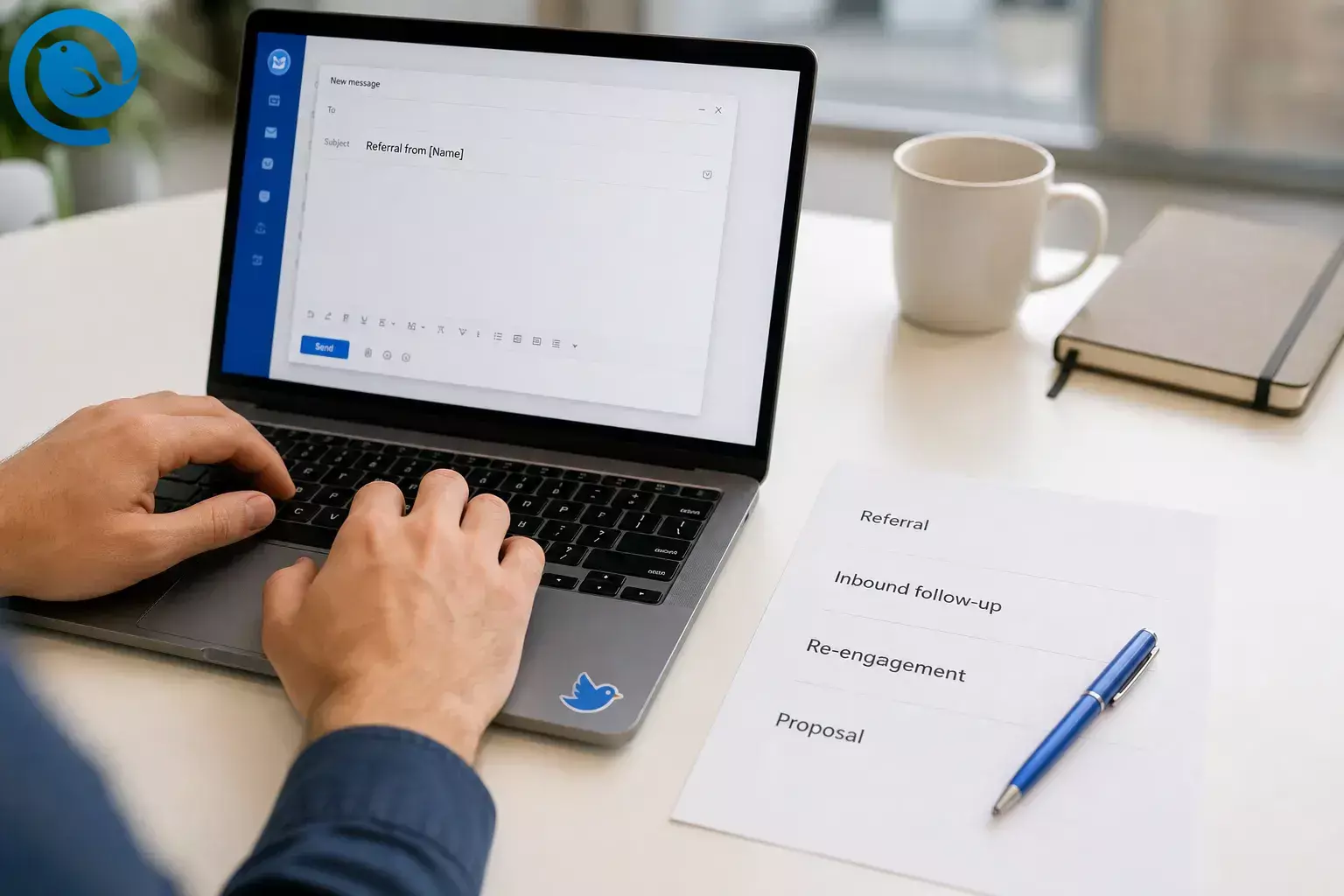
The best email to approach a client states the context, shows the relevant value, and asks for one easy next step. Below are four sample emails to approach a new client—referral intro, inbound follow-up, re-engagement, and proposal send—plus a simple way to customize each one without sounding copied.
These are approach-stage templates, not first-touch sales introductions. If you need the basics of a sales introduction email, Mailbird’s guide to writing a sales email covers subject lines , openings, personalization, signatures, calls to action, and follow-up timing , while this page focuses on the next early emails once you already have some context. [4]
What’s new
Why personalization matters: Gmail’s Manage subscriptions view makes it easier for users to control recurring subscription email. It does not apply to every one-to-one note, but it is still a useful reminder to avoid anything that feels like list mail. [1] [2]
Key takeaways
- Match the email to the real situation: referral intro, inbound follow-up, re-engagement, or proposal send.
- Write the reply you want before you draft the message.
- Use public, accurate details to prove the email is relevant and not a blast.
- Keep the subject line simple, specific, and true to the body.
- Open with the reason for the email, not your biography.
- Add one value point tied to the client’s situation, then ask for one easy next step.
- Proof names, links, attachments, and reply-to details before sending.
- Save your final versions where you will actually reuse them, especially if you schedule sends in Mailbird.
Before you start
- Prerequisites: the client’s name, company, reason for reaching out, your offer, and the next step you want.
- Tools: an email account, one public source about the client, a calendar, and either a blank note or Mailbird.
- Time: one focused session to build the master versions; future edits are faster once the reusable parts are saved.
- Cost: often nothing beyond your current inbox; paid features are optional if you want built-in templates inside your email client.
- Safety notes: use only public, accurate details; never fake familiarity; and if the message is commercial, follow the FTC’s rules for truthful headers, accurate subject lines, a valid postal address, and opt-out handling. CAN-SPAM can also apply to business-to-business commercial email. This is general information, not legal advice. [3]
Fallback: if you do not use Mailbird or any template feature, keep the four approved emails in a plain-text note and paste them manually.
How to write an email to a client
The fastest way to sound copied is to send the same note to every client. Use this sequence instead.
How to write an email to a client
-
Pick the exact situation before you draft
Do not write a generic “just checking in” email and hope it fits later. Choose the real trigger: a referral, an inbound question, a quiet thread you want to reopen, or a proposal the client expects.
Situation Use it when Best next step Referral intro A mutual contact or past client made the connection. Get permission to send an outline or continue the conversation. Inbound follow-up The client already asked a question or filled out a form. Clarify their priority and suggest the right starting point. Re-engagement You had contact before, but the thread went quiet. Check whether the project is still live. Proposal send The client expects scope, pricing, or next steps. Tell them what to review first and what reply you need. Check: You can finish the sentence “This email exists because…” without hesitating.
-
Write the reply you want before you write the email
Open a note and write the best possible reply in plain English. Examples: “Yes, send the outline,” “Yes, still relevant,” or “Please revise the proposal around X.”
Check: You know what success looks like before you start typing.
-
Collect the context that proves this is not a blast
Grab the reason you are reaching out now, a client detail you can mention honestly, and the outcome you can help with. Public details are enough. If you cannot verify a fact, leave it out.
Check: You can point to the detail you will mention in the opening line.
-
Draft a short subject line that matches the body
Keep it simple, specific, and true to the message. If you want a rule to lean on, Mailbird’s sales email guide recommends subject lines that reflect the body, stay specific, and stay under ten words. [4]
Check: The client could guess the reason for your email from the subject alone.
-
Open with the reason for the email, not your biography
Your first line should tell the client why this landed in their inbox right now. Use a sentence that fits the situation.
- Referral: “[Referrer] suggested I reach out about [topic].”
- Inbound: “Thanks for reaching out about [topic].”
- Re-engagement: “We spoke earlier about [project], and I wanted to circle back.”
- Proposal send: “As promised, I’m sending the proposal for [project].”
Check: The client knows the context by the end of the first sentence.
-
Add one relevant value point
After the opener, say how you can help. Mention the problem you solve, the outcome you can support, or the key decision the proposal addresses. Skip the long company story and the feature list.
Check: The value line is about the client’s situation, not your company history.
-
Choose the sample email that matches the situation
Start with the closest template below. Then swap every placeholder, change the context line, and rewrite the closing ask so it fits the real conversation.
Check: You know which template you are using and why.
4 sample emails to approach a new client
Start with the closest template, replace every placeholder, and trim any line that sounds like a brochure.
Referral intro
Use when a mutual contact pointed you to the client.
Subject: Referral from [Referrer Name]
Inbound follow-up
Use when the client already contacted you.
Subject: Re: [their question or request]
Re-engagement
Use when the earlier conversation went quiet.
Subject: Still relevant for [project or problem]?
Proposal send
Use when the client expects scope, pricing, or next steps.
Subject: Proposal for [project name]
Cold start instead? If you do not have a referral, inquiry, quiet thread, or expected proposal yet, start with Mailbird’s sales email guide and come back to these examples once the conversation has real context. [4]
Finish the email
-
End with a reply that is easy to send
Ask for the next step, not every step. Good closing lines are easy to answer from a phone and do not force the client into a big commitment.
- “Want me to send a short outline?”
- “Is this still active on your side?”
- “Would you like me to revise the proposal around [point]?”
Check: The client can answer in one short sentence.
-
Proof it like the recipient, not the sender
Read the email once from top to bottom without editing. Then check the names, company, links, attachments, and reply-to address. If a sentence exists only to talk about you, cut it.
Check: Nothing is missing, nothing is misleading, and the first line still makes sense on its own.
-
Save the final version where you will actually reuse it
If you use Mailbird Premium, save the finished draft as a template from Quick Reply or Compose. Mailbird does not save To, CC, or BCC inside the template, so you still choose the recipient each time. If you schedule the email with Send Later, Mailbird has to stay open and connected or it will send the next time those conditions are true. If you do not use Mailbird templates, keep your approved drafts in a pinned note or a draft folder and paste them manually. [5] [6]
Check: You know where the reusable version lives, and you will not have to rewrite it from scratch next time.
Why this works
These emails work because they answer the reader’s first questions fast: why are you writing, why now, why is this relevant, and what do you want me to do next?
- The first line gives the context.
- The middle stays tied to the client’s goal.
- The close asks for one easy reply.
Troubleshooting
| Symptom | Likely cause | Fix |
|---|---|---|
| No replies at all | The opener is generic or self-focused. | Rewrite the first line around the real trigger and cut the company description. |
| Opens but no response | The ask is too big. | Replace the meeting push with a smaller reply ask. |
| Referral email gets ignored | The referral name is buried. | Move the referrer into the subject line or the first sentence. |
| Inbound lead goes quiet after your first reply | You answered with too much information and no clear next step. | Answer the original question first, then ask for the specific detail you need to move forward. |
| Proposal email stalls | The client cannot see what to review first. | Add a “start here” sentence and restate the decision you need. |
| Scheduled send did not fire | Mailbird was closed or offline. | Open Mailbird, reconnect, and either resend manually or reschedule for a time when the app will stay running. [6] |
| The follow-up thread feels worse every time | You kept nudging after the signal went cold. | Send a brief close-the-loop note and stop; Mailbird’s professional email guidance warns against multiple follow-ups to clients or prospects. [8] |
| The message looks long on mobile | Too much backstory and chunky paragraphs. | Cut filler, split the text into shorter paragraphs, and move extra detail to the next email. |
Variations by business type
Freelancer or consultant
Lead with the deliverable you personally provide. Replace company talk with the result the client can test quickly.
Agency or service team
Name the person who will own the work and the exact service slice. Do not dump the full agency menu into the first note.
SaaS or product business
Lead with the use case or workflow. Show how the product fits the client’s situation before you mention the full feature set.
Local service business
Add the location, service area, and the fastest next step, such as a quote request, inspection, or call-back.
Save and reuse your client-approach emails
Create a master version of each email and keep them together. In Mailbird Premium, templates can be saved from Quick Reply or Compose; recipient fields are not stored in the template, and a signature included in the draft will be saved with it. If you are not using Mailbird templates, keep the same masters in a plain-text note or draft folder. When you scale up, reuse the structure but rewrite the context line, value line, and close every time. If you plan to schedule sends in Mailbird , leave the app open and online until the send time passes. [5] [6]
Want a faster first draft?
Parakeet by Mailbird can generate a starter draft in a chosen tone. Use it for the first version, edit it until it sounds like you, then save the approved email in Mailbird for reuse. If you want built-in templates and Send Later after you finalize your drafts, download Mailbird. [7] [5] [6]
Want the inbox that makes these emails quicker to send and easier to keep track of?
Frequently Asked Questions
What subject line should I use when approaching a new client?
Use the real context, not a vague teaser. Good examples are “Referral from [Name],” “Re: [their question],” “Still relevant for [project]?” or “Proposal for [project].”
How long should the email be?
Long enough to give context, relevance, and one clear next step—short enough to scan quickly on a phone.
Should I introduce my whole company in the first email?
No. Give enough context to earn the reply, not your full origin story.
When should I follow up if they do not reply?
If the message may simply have been missed, a polite follow-up after a couple of workdays is reasonable. Keep it brief and stop if the thread stays cold. [8]
Should I attach a proposal or wait?
Attach or share the proposal only when the client expects it. In the email itself, tell them what to review first.
Do I need an unsubscribe option?
If the message is commercial, check the FTC rules that apply before you send at scale. CAN-SPAM can apply to business-to-business commercial email. [3]
Can I save these samples in Mailbird?
What is the difference between a sales introduction email and these templates?
A sales introduction email is the first hello. These templates are for the next early-stage emails that move the conversation forward once you already have some context. [4]
Quick checklist before you send
- I picked the right situation: referral, inbound follow-up, re-engagement, or proposal send.
- The subject line matches the body.
- The first sentence explains why I am writing now.
- The value line is about the client’s situation, not my company story.
- The reply ask is easy to answer.
- I checked names, attachments, and signature.
- I saved the reusable version where I will actually find it later.
- I am ready to send now or schedule it properly.
If you schedule the message in Mailbird, keep the app open and online until the send time passes. [6]
Sources
- Google Workspace Updates — Manage email subscriptions from a single location in Gmail
- Gmail Help — Manage your subscriptions in Gmail
- FTC — CAN-SPAM Act: A Compliance Guide for Business
- Mailbird — How to Make an Effective Sales Email? Free Templates
- Mailbird Help — Email Templates
- Mailbird Help — Send Later
- Parakeet by Mailbird
- Mailbird — Professional Email Examples: 8 Templates for Common Work Situations


