Outlook Keeps Asking for Your Password? Causes and Fixes
If Outlook keeps asking for a password, first check whether you can open the same account in webmail. If you can, the problem may be with Outlook’s saved sign-in or account setup rather than the password itself. On Windows, start with matching entries in Credential Manager, then complete any MFA prompt. If that does not help, follow the steps for classic Outlook, new Outlook, or the app on your phone.



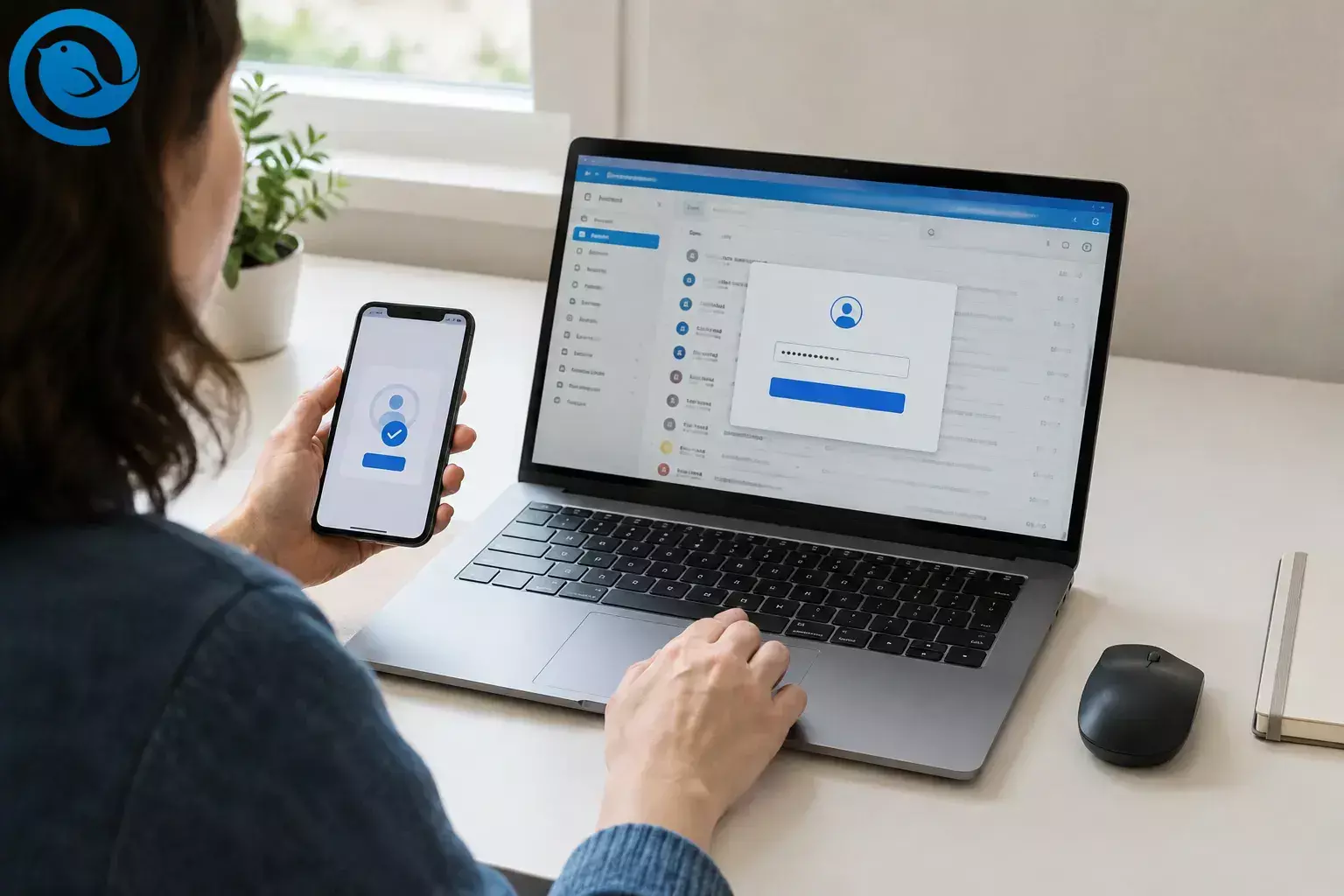
If Outlook keeps asking for a password, first check whether you can open the same account in webmail. If you can, the problem may be with Outlook’s saved sign-in or account setup rather than the password itself. On Windows, start with matching entries in Credential Manager, then complete any MFA prompt. If that does not help, follow the steps for classic Outlook, new Outlook, or the app on your phone.
Quick checklist
- Identify the app and email address showing the prompt.
- Confirm the account opens in webmail.
- On Windows, remove only matching outdated saved credentials.
- Complete the provider’s sign-in and MFA approval.
- Check the account setup; reconnect new Outlook or try a fresh classic Outlook profile if needed.
- On mobile, fix the app that actually prompts: Outlook or Apple Mail.
- Send, receive, restart, and confirm the prompt stays away.
Before you start
Have your full email address, current password, and phone or other sign-in approval method ready. For a work or school account, you may need help from IT.
Before removing an account or creating a profile, check that important mail is available in webmail or backed up—especially if you use POP or store mail only on your device. Remove only saved credentials you can identify as belonging to the affected account. Do not turn off multifactor authentication to stop a prompt.
How to stop Outlook password prompts
How to stop Outlook password prompts
-
Identify the app and account showing the prompt
Check whether it comes from classic Outlook or new Outlook on Windows, the Outlook app on iPhone or Android, or the iPhone’s built-in Apple Mail app. Note the email address shown. If you have several accounts, do not reset one until you know which is failing.
Check: You can name both the app and the affected email address.
-
Test the account in a browser
Sign in through your email provider’s usual webmail page and complete any verification request. If webmail also rejects the sign-in, resolve the account-access problem with the provider first. If it works, continue with the affected app.
Check: You can open the inbox in a browser using the same address.
-
On Windows, remove an outdated saved credential
Close Outlook. Search Windows for Credential Manager, open it, and select Windows Credentials. Expand entries associated with the affected email address, Outlook, Office, or its mail server. Remove only entries you can confidently match, then reopen Outlook and sign in again. Windows Credential Manager lets you view and delete credentials saved for connected apps. [1]
Check: Outlook accepts the fresh sign-in without immediately showing the same prompt. If you cannot identify a matching credential, leave the entries alone and continue.
-
Complete the sign-in and MFA approval
If a Microsoft or provider sign-in window opens, use it and approve any request on your phone or other verification method. Repeatedly entering a password into an older, plain password box will not fix an Outlook.com account added through an unsupported Basic Authentication connection. Microsoft explains that issue in its guide to Outlook.com sign-in changes.
App-password exception: Use an app password only if your email provider says your particular older app or device needs one and permits it. It is not the standard fix for current Outlook apps or for a Microsoft 365 work account required to use modern authentication. An administrator may also disable work-account app passwords. [3]
Check: You finish sign-in and verification instead of returning to the same password box.
-
Check how the account was added
In classic Outlook, open File → Account Settings → Account Settings and inspect the affected account. Add a personal Outlook.com or Hotmail address through Outlook’s automatic Outlook.com setup rather than guessed manual server settings. For another provider, confirm the account type, full username, and any manually entered server settings against that provider’s instructions. [4]
Check: The address, account type, and settings match the provider’s instructions. If they do not, protect any mail stored only on your device before removing and re-adding the account.
-
In new Outlook, reconnect the affected account
Open Settings → Accounts → Your accounts (or View → View settings → Accounts → Your accounts). Select Manage beside the affected address, then Remove if available. For a non-Microsoft account, choose remove from only this device if offered, not all devices. Select Add Account and complete the provider’s sign-in.
Removing an account can delete its offline cached content. Microsoft also warns that removing some non-Microsoft accounts from all devices can remove cloud-only items. If removal is unavailable for a managed account, ask IT rather than changing device-wide work-account settings. [5]
Check: The account appears under Your accounts again and receives mail without another prompt.
-
In classic Outlook, try a new profile
If webmail works but classic Outlook still asks for a password, keep the old profile and create a new one. Close Outlook, hold Shift while opening it, select Options → New, name the profile, and add the affected account. If the profile picker does not appear, press Windows + R, enter
Outlook.exe /profiles, and try again. [6]A profile contains account and data-file settings. Keep the original profile until you have confirmed that any locally stored mail you need is accessible.
Check: The new profile signs in and syncs without another prompt.
-
On iPhone or Android, reset the Outlook app account
Update Microsoft Outlook through the App Store or Google Play. In the Outlook app, open Settings, select the affected account, and tap Reset Account. If the prompt continues and your mail is safely available from the provider, return to the account’s settings, tap Remove Account, and add it again. These controls are in the Outlook app, not Apple Mail. [7]
Check: Outlook mobile opens the inbox and syncs after you complete sign-in and any required approval.
-
If the iPhone prompt comes from Apple Mail, fix it there
Open Settings → Apps → Mail → Mail Accounts; on some iOS versions, use Settings → Mail → Accounts. Select the affected account and follow any request to sign in again. If a personal Outlook.com account still loops and its mail is available in webmail, remove it from Mail Accounts. Then use Add Account → Outlook.com and complete Microsoft’s sign-in. Do not choose Other for that account. [8]
Check: Apple Mail receives a new message without asking for the password again.
-
Restart and test sending and receiving
Close and reopen the affected app. Send a test email to an address you can check, then reply to it. If the prompt returns, note its exact wording, the affected address, and whether webmail still works. Give those details to IT for a work or school account, or contact your email provider for a personal account. If several Microsoft apps on the same Windows PC also have sign-in trouble, install available Windows updates before repeating account repairs. [10]
Check: The test message sends, the reply arrives, and restarting the app does not bring back the prompt.
Why does Outlook keep asking for my password?
A repeated prompt does not always mean your password is wrong. Outlook may be using an outdated saved sign-in, waiting for MFA approval, connecting with the wrong account settings, or relying on a damaged local profile. Testing webmail first helps separate an account-access problem from one confined to an app or device.
Find the fix by symptom
| Symptom | What to check | Next step |
|---|---|---|
| “Windows Security” asks for a password whenever classic Outlook opens | Saved credentials and account settings | Follow steps 2–5. Remove only Credential Manager entries that clearly match the account. |
| Webmail rejects the password too | Account access and verification | Recover access through the email provider before changing Outlook. |
| Webmail works, but a plain password box keeps returning | Sign-in flow and account type | Complete the provider’s sign-in or re-add the account with the correct type. |
| New Outlook says you may need an app password | The provider’s setup instructions; the message alone does not prove an app password is needed | Update Outlook and confirm the required sign-in method before creating an app password. [9] |
| Only classic Outlook fails | Local account settings or profile | Try a new profile while keeping the old one. |
| An iPhone asks for the Outlook account password, but the Outlook app works | Whether Apple Mail is showing the prompt | Open the iPhone’s Mail Accounts settings and follow step 9. |
| The Outlook mobile app asks again after a password change | The app’s account connection | Update the app, use Reset Account, then remove and re-add the account if needed. |
Symptom: “Windows Security” asks for a password whenever classic Outlook opens
What to check: Saved credentials and account settings
Next step: Follow steps 2–5. Remove only Credential Manager entries that clearly match the account.
Symptom: Webmail rejects the password too
What to check: Account access and verification
Next step: Recover access through the email provider before changing Outlook.
Symptom: Webmail works, but a plain password box keeps returning
What to check: Sign-in flow and account type
Next step: Complete the provider’s sign-in or re-add the account with the correct type.
Symptom: New Outlook says you may need an app password
What to check: The provider’s setup instructions; the message alone does not prove an app password is needed
Next step: Update Outlook and confirm the required sign-in method before creating an app password. [9]
Symptom: Only classic Outlook fails
What to check: Local account settings or profile
Next step: Try a new profile while keeping the old one.
Symptom: An iPhone asks for the Outlook account password, but the Outlook app works
What to check: Whether Apple Mail is showing the prompt
Next step: Open the iPhone’s Mail Accounts settings and follow step 9.
Symptom: The Outlook mobile app asks again after a password change
What to check: The app’s account connection
Next step: Update the app, use Reset Account, then remove and re-add the account if needed.
Frequently asked questions
Why does Microsoft Outlook keep asking for my password when it is correct?
It may be using an old saved credential, waiting for verification, or connecting through the wrong account setup. Check webmail first, then follow the steps for your Outlook version.
How do I stop the Outlook Windows Security password prompt?
Check Windows Credentials in Credential Manager for entries that clearly match the affected account. Remove only those entries, reopen classic Outlook, and sign in again. If the prompt continues, check the account settings.
Where is Credential Manager in new Outlook?
Credential Manager is a Windows tool, not a menu in Outlook. Search for it from Windows. To inspect the account in new Outlook, open Settings → Accounts → Your accounts.
Does Outlook need an app password when I use MFA?
Usually not. Complete the normal sign-in and verification prompts. Consider an app password only if your provider specifically requires and permits one for that connection.
Will a new classic Outlook profile delete my email?
Creating a second profile does not require deleting the old one. Keep the original profile until you have checked that any mail stored only on your computer is safe and accessible.
Why does Outlook keep asking for a password on my iPhone?
First check which app is asking. For the Outlook app, update it and use Reset Account. If the prompt comes from Apple Mail, use the iPhone’s Mail Accounts settings instead.
What if my work Outlook account still keeps prompting?
Contact IT with the exact prompt, affected address, device, and result of a webmail sign-in. Your organization may need to check the account or its sign-in requirements.
Want a different desktop email client?
Once you have confirmed that your account works in webmail, you can try Mailbird. Switching apps will not resolve a password or account-access problem at the provider.
Sources
- Microsoft Support: Credential Manager in Windows
- Microsoft Support: Modern authentication for Outlook.com email connections
- Microsoft Learn: App passwords and Microsoft Entra multifactor authentication
- Microsoft Support: Troubleshoot Outlook email setup
- Microsoft Support: Add or remove an account in Outlook for Windows
- Microsoft Support: Create a profile in classic Outlook for Windows
- Microsoft Support: Reset an account in Outlook for iOS or Android; remove an account from the mobile app
- Apple Support: Add and remove email accounts on iPhone; Microsoft Support: Re-add Outlook.com in Apple Mail
- Microsoft Support: App-password message in new Outlook
- Microsoft Support: Windows 11 update and Microsoft-account sign-in issue


