McAfee Scam Emails: How to Spot a Fake Renewal Notice
A McAfee renewal email is not necessarily a scam, but a logo, invoice number, or familiar-looking sender does not prove it is genuine. To check it safely, leave the email’s links and phone numbers alone. Type myaccount.mcafee.com into a new browser tab and compare the claim with your subscription and payment records. McAfee warns that scam messages can look polished, so do not rely on spelling mistakes alone.



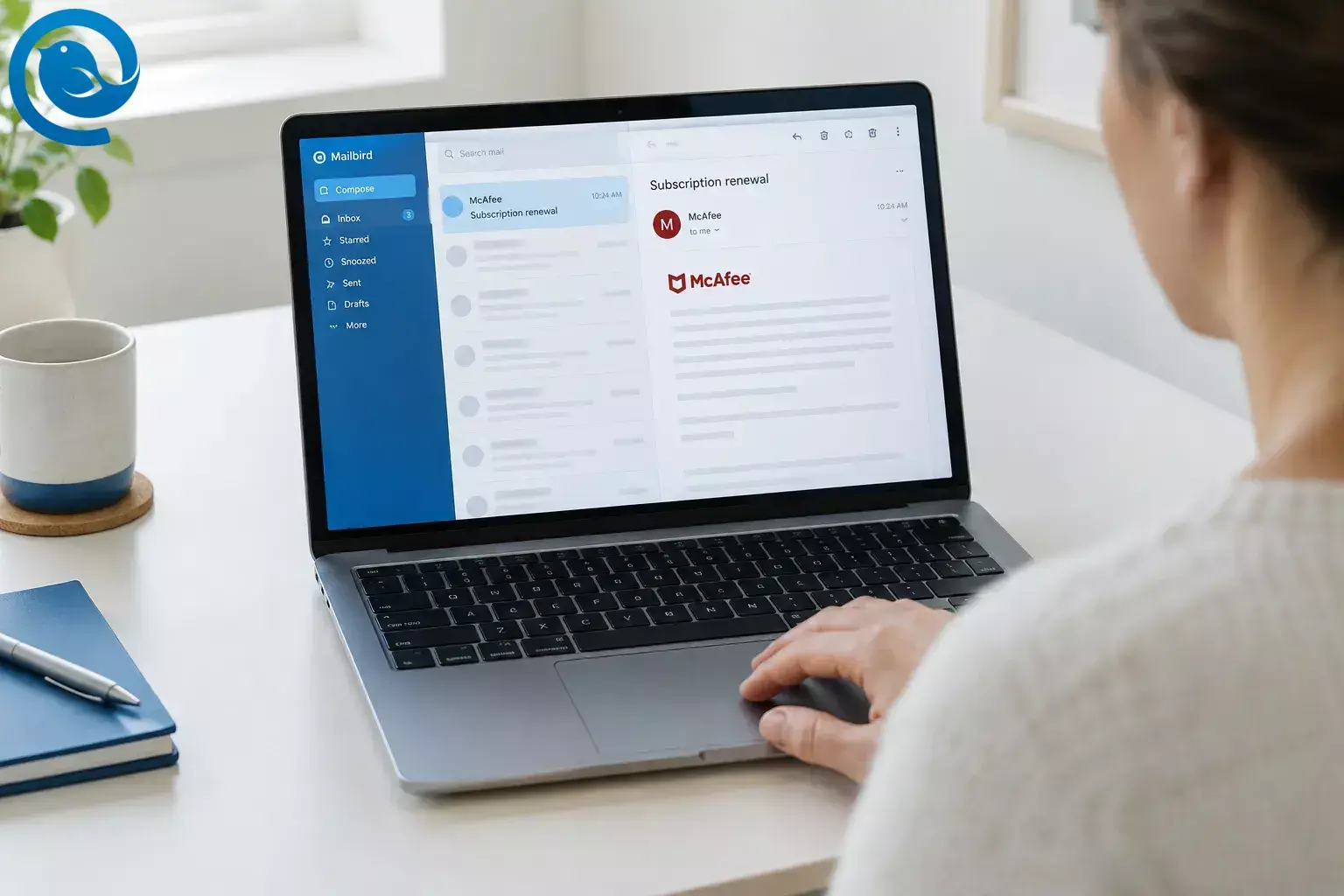
A McAfee renewal email is not necessarily a scam, but a logo, invoice number, or familiar-looking sender does not prove it is genuine. To check it safely, leave the email’s links and phone numbers alone. Type
myaccount.mcafee.com
into a new browser tab and compare the claim with your subscription and payment records. McAfee warns that scam messages can look polished, so do not rely on spelling mistakes alone.
[1]
Quick checklist
- Do not click, call, reply, open an attachment, or scan a QR code.
- Reveal the full sender and reply-to addresses.
-
Type
myaccount.mcafee.comyourself and check your subscription. - Check any claimed charge in your bank or card account.
- If you shared a password, change it and turn on two-factor authentication.
- If you paid or granted remote access, contact your payment provider or secure the device.
-
Forward the email to
scam@mcafee.comand report the incident atreportfraud.ftc.gov.
Before you start
Do not click a renewal or cancellation link, open an attachment, scan a QR code, or call a number in the message. You need only the email, a browser, and access to your usual McAfee account if you have one. If the email claims you were charged, check the bank or card account that would show the payment. These checks require no purchase.
What a fake McAfee renewal email looks like
A fake notice may say your subscription expired, your payment failed, or you were charged for automatic renewal. Example subject lines include “McAfee subscription expired,” “Payment failed,” and “Call to cancel your renewal.” These are examples of scam wording, not proof that an email with one of those subjects is fake.
The message may use McAfee branding and an invoice number, then urge you to click Renew now or call a “billing” number. The FTC warns that tech-support scams can use a supposed charge to draw people into a call, where a scammer may seek payment information or remote access to a device. [5]
Seven signs that call for a closer check
- The full sender address is unrelated to McAfee. A display name such as “McAfee Support” can be misleading.
- The reply-to address differs from the sender. Expand the message details to see where a reply would go. A difference is a reason to investigate, not proof on its own.
- It insists you call the number in the email. McAfee says it does not require customers to call a number supplied in an email or text. [2]
- It asks for a password, personal information, or payment details. Do not enter them into a form reached through the message.
- A link preview points somewhere unexpected. On a computer, you can hover without clicking. On a phone, skip the preview and check your account in a new browser tab.
- It includes an unexpected invoice attachment or QR code. Do not open or scan it to confirm a charge.
- It pressures you to act immediately. Threats, errors, or an unfamiliar product name are reasons to pause. A polished message can still be fake. [1]
Does McAfee send renewal emails?
Yes. McAfee sends subscription-related notices, including renewal reminders and order confirmations, and publishes examples of its sender addresses. Those addresses can vary by message type. Even if the sender looks familiar, confirm a claimed renewal or charge in your account and payment records rather than trusting the email alone. [2] [3] [4]
How to check a McAfee email safely
How to check a McAfee email safely
-
Leave the message untouched
Do not reply, click Renew or Cancel, open an attachment, or dial its number. Keep the email until you have checked and, if needed, reported it.
-
Note what it claims
Write down whether it says your subscription expired, a payment failed, or you were charged. Note the claimed date, amount, and product name without opening any attachment.
-
Check the full sender details
Click or tap the sender’s display name to reveal the address, and check the reply-to address if your email app shows one. McAfee publishes sender examples, but a familiar-looking address is not enough to confirm the message. [2]
-
Open your McAfee account independently
In a new browser tab, type
myaccount.mcafee.comyourself and sign in using your usual method. Check your subscription status, expiration or renewal details, and any available billing history against the email’s claim. Account screens may change. If you do not have a McAfee account, do not create one through the email. [2] [3] -
Verify any claimed charge separately
Open your bank or card account through its usual app or an address you type yourself. If another person or a store manages the subscription, check the relevant billing account too. A matching charge does not prove the email is safe; resolve questions about it through your billing records and official support, not the email’s “refund” number.
-
Choose your next step without using the email
If the claim does not match your records, treat the message as suspicious. If the records conflict or you need help with a real renewal, type
mcafee.com/supportyourself to find current support options. Do not use the message’s links or phone numbers.
What to do if you already clicked, called, or paid
- You clicked a link but entered nothing: Close the page and do not revisit it to investigate. If a file downloaded or opened, update your device’s security software and run a scan. [6]
- You entered a password: From a trusted device, change it on that account and anywhere else you reused it. Turn on two-factor authentication. If you cannot sign in, reach the account provider’s recovery process independently. [6]
- You called but shared nothing: Hang up. Do not call back or provide a verification code.
- You gave payment details or sent money: Contact your bank or payment provider using its app or the number on your card. Report what happened and ask about reversing the payment or protecting the account. [6]
- You granted remote access: End the session, disconnect the device from the internet, and run a security scan. Change passwords from another trusted device. If you cannot remove the remote-access software, ask a trusted technician for help. [6]
How to report a fake McAfee email
Forward the suspicious message to
scam@mcafee.com. You can also report the incident to the FTC at
reportfraud.ftc.gov, especially if you clicked, called, or paid. Use your email provider’s
Report phishing
or
Report spam
option if available, then delete the message. Do not use its unsubscribe link.
[2]
[5]
If the records do not match
| What you see | What to do |
|---|---|
| You have no McAfee account, but the email says you renewed. | Check your bank or card account independently. Do not call the email’s number to “cancel” a charge you cannot find. |
| Your subscription is active, but the email says it expired. | Check which email address was used for the purchase. If the records still conflict, reach McAfee support through its official site. |
| A charge appears, but you did not expect it. | Compare it with your billing history. Ask McAfee about a matching renewal through its official site, or contact your bank or card provider about an unauthorized charge. |
| The sender looks legitimate, but the email demands a call. | Do not use the supplied number. Check your account and find support independently. |
Frequently asked questions
Is a McAfee subscription-expired email always a scam?
No. McAfee sends subscription notices. Check your expiration date by signing in through an address you type yourself; do not decide from the subject line alone. [3]
Does McAfee send automatic-renewal emails?
Yes. Compare any renewal message with your account and payment history before taking action. [4]
What email address does a real McAfee message use?
McAfee publishes several sender addresses for different purposes. Check its current guidance, but do not use the sender address alone to confirm a renewal or charge. [2]
Why did I receive a McAfee invoice if I do not use McAfee?
It may be an unsolicited fake invoice. Check your own payment records, and do not call the number in the message to cancel it.
What if I clicked the renewal link?
Close the page. If you entered a password, change it wherever you used it and turn on two-factor authentication. If you opened a file, run a security scan. [6]
Prefer to review email on a desktop?
Mailbird is an email client for Windows and Mac. It lets you read email on your computer, but it is not a substitute for checking a suspicious McAfee claim in your account and payment records.
Sources
- McAfee, “State of the Scamiverse 2026”
- McAfee Support, “Spot and report fake McAfee emails”
- McAfee Support, “Where can I see my McAfee subscription renewal prices?”
- McAfee Support, “Renew your McAfee subscription”
- Federal Trade Commission, “How To Spot, Avoid, and Report Tech Support Scams”
- Federal Trade Commission, “What To Do if You Were Scammed”


