Is Mailbird Next Free? What the Free Plan Includes
Yes, Mailbird Next has a free version with no time limit. Here's what the free plan includes, what Premium adds, and how the 7-day Premium trial works.



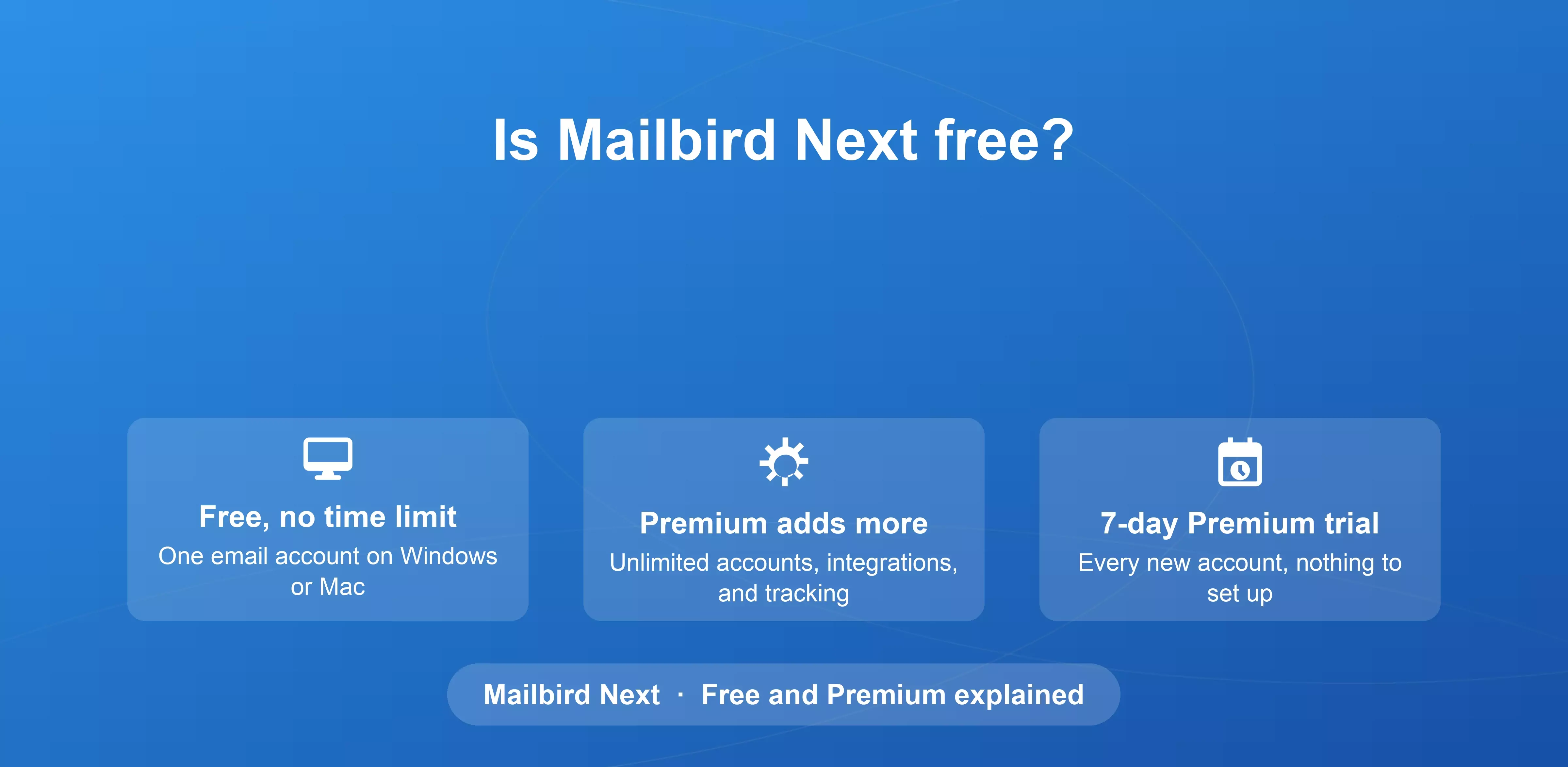
Yes. Mailbird Next is free to download, and the free version has no time limit. It works with one email account and includes the basic features you need to read, write, and organize your mail. If you want more, every new account gets all Premium features free for the first 7 days, so you can try the full app before you decide.
This guide explains exactly what the free version includes, what Premium adds, and how to choose between them.
What the free version of Mailbird Next includes
The free version is a complete desktop email client for one account, on Windows 10 and 11 or on macOS. It isn't a trial: you can keep using it for as long as you like.
With the free version, you get:
- One email account. Connect Gmail, Outlook, Microsoft 365, iCloud, Yahoo, Proton (through Proton Bridge), or any IMAP account.
- Quick unsubscribe. Leave newsletters and mailing lists you no longer read.
- Email aliases. Send from the different addresses tied to your account.
- Quick reply and favorite folders. Answer short messages fast and keep the folders you use most within reach.
- Pinned attachments. Keep important files easy to find.
- More than 20 keyboard shortcuts. Compose, archive, and move through your inbox without the mouse.
- Themes and layouts. Choose from nine color themes and five layouts, in light or dark mode.
- Privacy Hub. Block pixel trackers so senders can’t tell when you opened their message.
- An interface in more than 20 languages.
Your mail is stored on your computer, never on Mailbird’s servers, on the free version and on Premium alike.
The free version is meant for one person on one device. If you need Mailbird on more than one computer, that’s part of Premium.
Which plan is right for you?
The free version is a good fit if you use one email account on one computer and want a fast, private desktop client without extras.
Premium is the better choice if you juggle several inboxes, such as a work address and a personal one, or a Gmail and a Yahoo account at the same time. It’s also the plan for you if you want app integrations, email tracking, snooze and send later, or advanced search.
If you’re unsure, start with the 7-day trial. Using the full app with your real accounts is the quickest way to see which features you rely on.
Already using an earlier version of Mailbird?
Download Mailbird Next and sign in with your license key. If your license includes Mailbird Next, you’re ready to go. The app will show you your options, including the free upgrade if you qualify for it.
Mailbird Next can also import your setup from Mailbird Classic, including your accounts, folders, signatures, and filters. Your current Mailbird keeps working for as long as you want it to. Our support guide explains how to move from Mailbird Classic to Mailbird Next.
Frequently asked questions
Is Mailbird Next really free?
Yes. The free version of Mailbird Next has no time limit and works with one email account. You only pay if you choose to upgrade to Premium.
Does the free version expire?
No. The 7-day period applies only to the Premium trial. After it ends, you can keep using the free version for as long as you like.
Can I use more than one email account for free?
No. The free version works with one email account. Premium adds unlimited accounts in a single unified inbox.


