Mailbird Next Premium Plan Explained: Features, Pay Once, and Lifetime Updates
What Mailbird Next Premium includes, the difference between the yearly plan and pay once, and what the Lifetime Updates add-on covers. No jargon, no surprises.



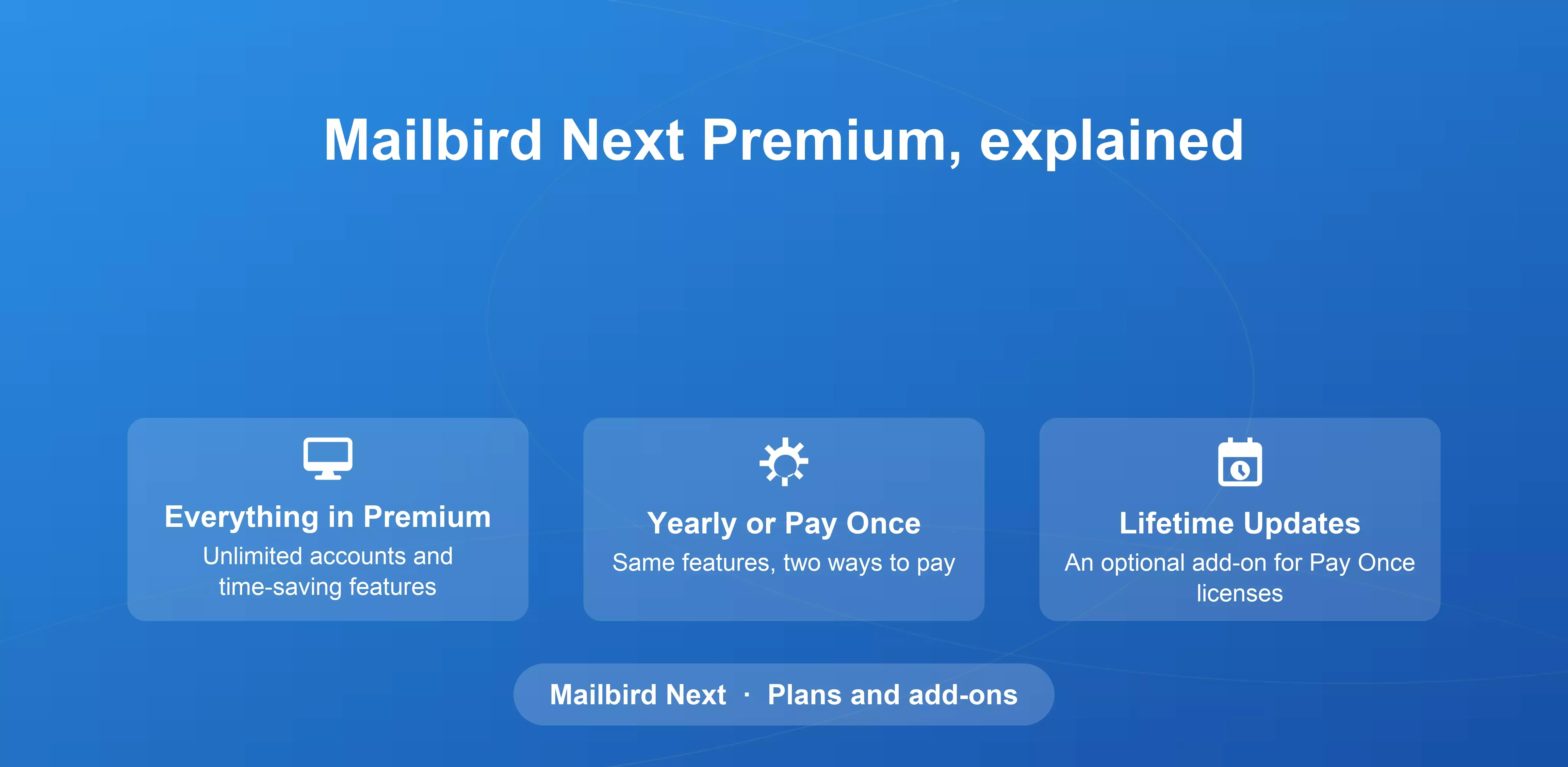
Mailbird Next is free to use with one email account. Mailbird Premium adds unlimited accounts and the features that save time every day, from app integrations and email tracking to advanced search across all your inboxes.
This guide explains what Premium includes, the two ways to pay for it, what “pay once” means, and what the Lifetime Updates add-on is for. For current prices, see the pricing page.
Two ways to pay: Yearly or Pay Once
There are two plans that include all Mailbird Premium features: Yearly and Pay Once. The difference is how you pay and how you receive future versions.
Yearly plan
With the yearly plan, you pay once a year and renew each year to keep Premium. Every future feature, improvement, and major new version of Mailbird is included while your plan is active, so you always have the latest version with nothing extra to buy.
Pay Once
With Pay Once, you make a single payment for a Premium license. There’s no renewal, and the license remains fully functional. It covers the version of Mailbird you bought and keeps receiving critical fixes so it stays stable and secure.
Major new versions aren’t part of a Pay Once license on their own. That’s what the Lifetime Updates add-on is for.
| Yearly plan | Pay Once | Pay Once + Lifetime Updates | |
|---|---|---|---|
| How you pay | Once a year | One payment | One payment, plus the one-time add-on |
| Premium features | ✓ | ✓ | ✓ |
| Critical fixes | ✓ | ✓ | ✓ |
| New features for your version | ✓ while active | ✓ | ✓ |
| Major new versions | ✓ while active | – | ✓ |
| Renewal needed | Yes, yearly | No | No |
The Lifetime Updates add-on
Lifetime Updates is an optional add-on for Pay Once licenses. It gives your license every future major version of Mailbird, on Windows and Mac, for a one-time payment with no renewals.
You choose it with a toggle when you buy a pay once license. If you skip it, your license keeps working exactly as it is, with regular improvements and security updates, but it won’t include upgrades to the major new versions. You can also add Lifetime Updates later in Settings > General > Plan > Add lifetime updates.
There are no Lifetime Updates add-on on the Yearly plan because future versions are already included while your plan is active.
Our support article Why am I being charged for Lifetime Updates? has more detail, including how the add-on works on licenses bought before the current payment model.
Leave Me Alone add-on for a quieter inbox
With either plan, you can also add Leave Me Alone, an exclusive partner add-on. It adds tools for controlling incoming mail: Unsubscribe, Inbox Shield, Rollups, Shielded Emails, and Spam Blocker. It’s entirely optional, and Premium works fully without it.
If you already have a Mailbird license
Download Mailbird Next and sign in with your license key.
- If your license includes Mailbird Next, you'll get a free upgrade option.
- If your license doesn't include Mailbird Next, the app will show you your upgrade options.
Your current Mailbird keeps working for as long as you want it to.
If you bought Mailbird for Mac through the Apple App Store, your plan works a little differently. App Store purchases come as a yearly or one-time plan, and on the one-time plan major updates can be bought separately. Our support guide to Mailbird for Mac’s plans on the App Store explains the details.
Frequently asked questions
What does “Pay Once” mean?
It means you make a single payment for a Premium license, with no renewal. The license keeps working and receives critical fixes. New features for the version you bought are included too. New major versions come with the optional Lifetime Updates add-on.
Do I need Lifetime Updates?
Only if you choose Pay Once and want new major versions of Mailbird as they’re released. On the Yearly plan, they’re already included.
What happens if I don’t buy Lifetime Updates?
Your Pay Once license keeps working and still receives critical fixes and new features for the version you bought, but it won’t move to new major versions. You can add Lifetime Updates later in the app settings.
Is there any difference in features between the Yearly plan and Pay Once?
No. Both include the same Premium features. The difference is how you pay and how you receive future versions.
Can I use one Premium license on Windows and Mac?
Yes. Premium licenses are valid on Windows, Mac, Android (beta), and iOS (beta), for one person on up to three devices.
Can I try Premium before paying?
Yes. Every new account gets all Premium features free for the first 7 days. After that, you can upgrade or keep using the free version.
Can I get a refund?
Yes. Every plan includes a 14-day money-back guarantee, so you can get a full refund within 14 days if you’re not satisfied.


