How to Add a Calendar to Outlook (iCloud, Google, Holidays, and More)
To add an outside calendar to Outlook, you can subscribe to its internet calendar link or import an .ics file. Subscribing lets Outlook pick up later changes; importing adds a one-time copy. You can also use Outlook’s holiday calendar option or, for iCloud calendars in classic Outlook on Windows, iCloud for Windows.



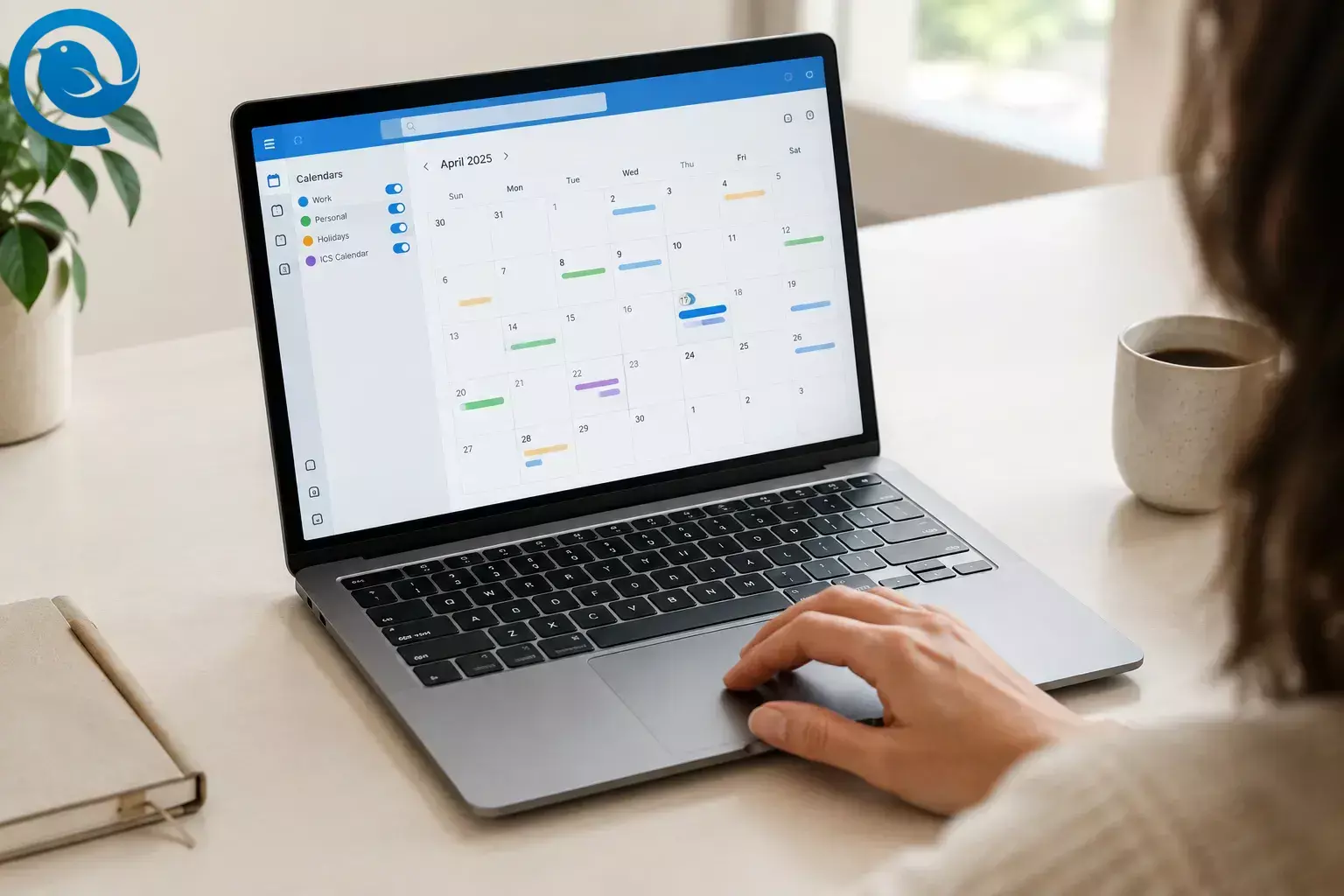
To add an outside calendar to Outlook, you can
subscribe to its internet calendar link
or
import an
.ics
file
. Subscribing lets Outlook pick up later changes; importing adds a one-time copy. You can also use Outlook’s holiday calendar option or, for iCloud calendars in classic Outlook on Windows, iCloud for Windows.
[1]
[4]
Choose the right way to add your calendar
- Have an iCal or ICS URL? Subscribe from web. This is usually the better choice for a schedule that changes.
- Have a downloaded .ics file? Import it. The events will not update when the original calendar changes.
- Adding Google Calendar? Use its secret iCal address for a read-only subscription.
- Adding iCloud Calendar? Use iCloud for Windows with classic Outlook, or subscribe to an existing public iCloud calendar link for a read-only view.
- Adding holidays? Use Outlook’s built-in holiday option.
In the Windows app, a File tab generally indicates classic Outlook. If you use Outlook in a browser, follow the Outlook desktop-web transition guide . You only need the instructions for your calendar and Outlook version.
Subscribe to an internet calendar in Outlook
Get the provider’s iCal , ICS , or Subscribe URL first. Copy the calendar-feed address, not the URL of a webpage that displays the calendar. Treat a private feed URL like a password: anyone who obtains it may be able to view the calendar.
New Outlook or Outlook on the web
- Calendar → Add calendar → Subscribe from web .
- Paste the calendar URL and enter a name if prompted.
- Import or Import and Save . Then find the calendar in your list and turn it on.
Although the button may say Import , choosing Subscribe from web creates a subscription, not a one-time file import. [1]
Classic Outlook for Windows
- Open File → Account Settings → Account Settings .
- On the Internet Calendars tab, select New .
- Paste the calendar URL, select Add , give it a recognizable name, and select OK .
- Check your calendar list for the new calendar.
If you cannot use that route, check whether your account offers Subscribe from web in Outlook on the web. [2]
How to add Google Calendar to Outlook
For a read-only subscription, get the private link from Google Calendar desktop app on a computer:
- Under My calendars , select the three-dot menu beside the calendar.
- Choose Settings and sharing → Integrate calendar .
- Copy the Secret address in iCal format .
- Follow the subscription steps above for your Outlook version.
Keep the secret address private. If it is exposed, Google provides a Reset option. If the address is missing from a work or school calendar, ask your Google Workspace administrator whether the organization’s settings restrict it; do not make a private calendar public to work around the restriction. [3]
An iCal subscription is for viewing events, not editing them in Google Calendar. If you need account-based access, check whether your Outlook setup offers a Google account connection. Some work or school accounts in Outlook on the web offer Add calendar → Add personal calendars . [7]
How to add iCloud Calendar to Outlook
Sync with classic Outlook for Windows
- Check Apple’s iCloud for Windows requirements , then install and open iCloud for Windows.
- Sign in to your Apple Account and open Calendars and Contacts .
- Turn on Automatically sync your iCloud calendars and contacts to Microsoft Outlook , select Done , and follow the prompts.
- Open classic Outlook and check for your iCloud calendars.
Apple specifies classic Outlook for this Windows setup and says you need an
@icloud.com
email address before starting. Adding an iCloud email account alone is not the same as completing the Calendars and Contacts setup.
[4]
View an existing public iCloud calendar
If you already have a public iCloud calendar URL from its owner, use the subscription steps above to add a read-only view. People with a public calendar link can view that calendar, so this is not a suitable route for one you need to keep private. For information about obtaining such a link, see Apple’s iCloud calendar guide . [5]
On a Mac? Microsoft provides separate iCloud account-setup instructions for Outlook for Mac ; do not use the iCloud for Windows steps.
Import an ICS file into Outlook
Use this option when you have a downloaded
.ics
file and want a copy of its current events. An import does not follow later changes to the original calendar.
[1]
Outlook.com or Outlook on the web
- Open Calendar → Add calendar → Upload from file .
-
Select
Browse
and choose your
.icsfile. - Choose the destination calendar, then select Import or Import and Save .
- Check that the events appear on the expected dates.
If Upload from file is not available in new Outlook for Windows, check whether the web version of your account offers it. If the calendar provider also offers a feed URL, you can subscribe instead. [1]
Classic Outlook for Windows
- Select File → Open & Export → Import/Export .
- Choose Import an iCalendar (.ics) or vCalendar file (.vcs) → Next .
- Choose the file and select Open as New when prompted.
If you downloaded a
.zip
file from Google, extract it first and choose the
.ics
file inside.
[2]
How to add holidays to Outlook Calendar
- New Outlook or Outlook on the web: Open Calendar → Add calendar → Holidays , then choose a country or region.
- Classic Outlook for Windows: Open File → Options → Calendar → Add Holidays . Select a country or region and choose OK .
Check whether those holidays are already present before adding them again. Microsoft says the holiday calendar added through Outlook on the web can receive automatic updates. [6]
Check that your calendar was added
Find the new calendar in Outlook’s calendar list and make sure it is turned on. Compare an upcoming event’s title, date, and time with the original calendar. For a subscribed read-only feed, make changes in the source calendar rather than in Outlook. Updates may take time to appear; Microsoft notes that a subscription update can sometimes take more than 24 hours. [1]
Troubleshooting
- The link opens a webpage, not a calendar: Return to the provider and look for its iCal or ICS subscription URL instead of its viewing-page URL.
- Imported events never change: An ICS import is a snapshot. Subscribe to a feed URL or import a newer file when needed. [1]
- A subscribed event has not updated: Confirm it changed in the original calendar, then allow Outlook time to refresh the feed. [1]
- iCloud events do not appear after adding iCloud email: In classic Outlook on Windows, complete the Calendars and Contacts setup in iCloud for Windows. [4]
- Holidays appear twice: Check whether you added the same holidays more than once, then remove the extra holiday calendar or duplicate entries. [6]
Frequently asked questions
What is the difference between importing and subscribing in Outlook?
Importing an ICS file adds a one-time copy. Subscribing to an internet calendar URL lets Outlook pick up later changes, though updates may not appear immediately.
Can I add Google Calendar to Outlook without making it public?
Yes. For a read-only subscription, use the calendar’s Secret address in iCal format and keep that address private.
Can I edit Google events through an ICS subscription?
No. Edit them in Google Calendar. If you need another type of access in Outlook, check whether your setup offers a Google account connection.
How do I add an iCloud calendar to Outlook?
With classic Outlook on Windows, set up Calendars and Contacts in iCloud for Windows. To view an existing public iCloud calendar, subscribe to its link.
How do I add U.S. holidays to Outlook?
In new Outlook or Outlook on the web, choose Calendar → Add calendar → Holidays → United States . In classic Outlook, use File → Options → Calendar → Add Holidays .
Looking for a different task? For giving others access to your calendar, see Microsoft’s calendar-sharing guide or how to share a Google calendar . For adding a shared calendar in Outlook on the web, see Microsoft’s add-a-calendar guide .
Sources
- Microsoft Support: Import or subscribe to a calendar in Outlook.com or Outlook on the web
- Microsoft Support: View your Google Calendar in Outlook
- Google Calendar Help: Sync your calendar with computer programs
- Apple Support: Set up iCloud Calendars and Contacts in Outlook on Windows
- Apple Support: Share a calendar on iCloud.com
- Microsoft Support: Add holidays to your calendar in Outlook
- Microsoft Support: Add a calendar in Outlook on the web


