Best Free Email Client for Mac in 2026: 8 Apple Mail Alternatives
A shortlist of the best free Mac email clients in 2026, with free-tier details, macOS compatibility, and best-picks-by-scenario to help you find an Apple Mail alternative fast.



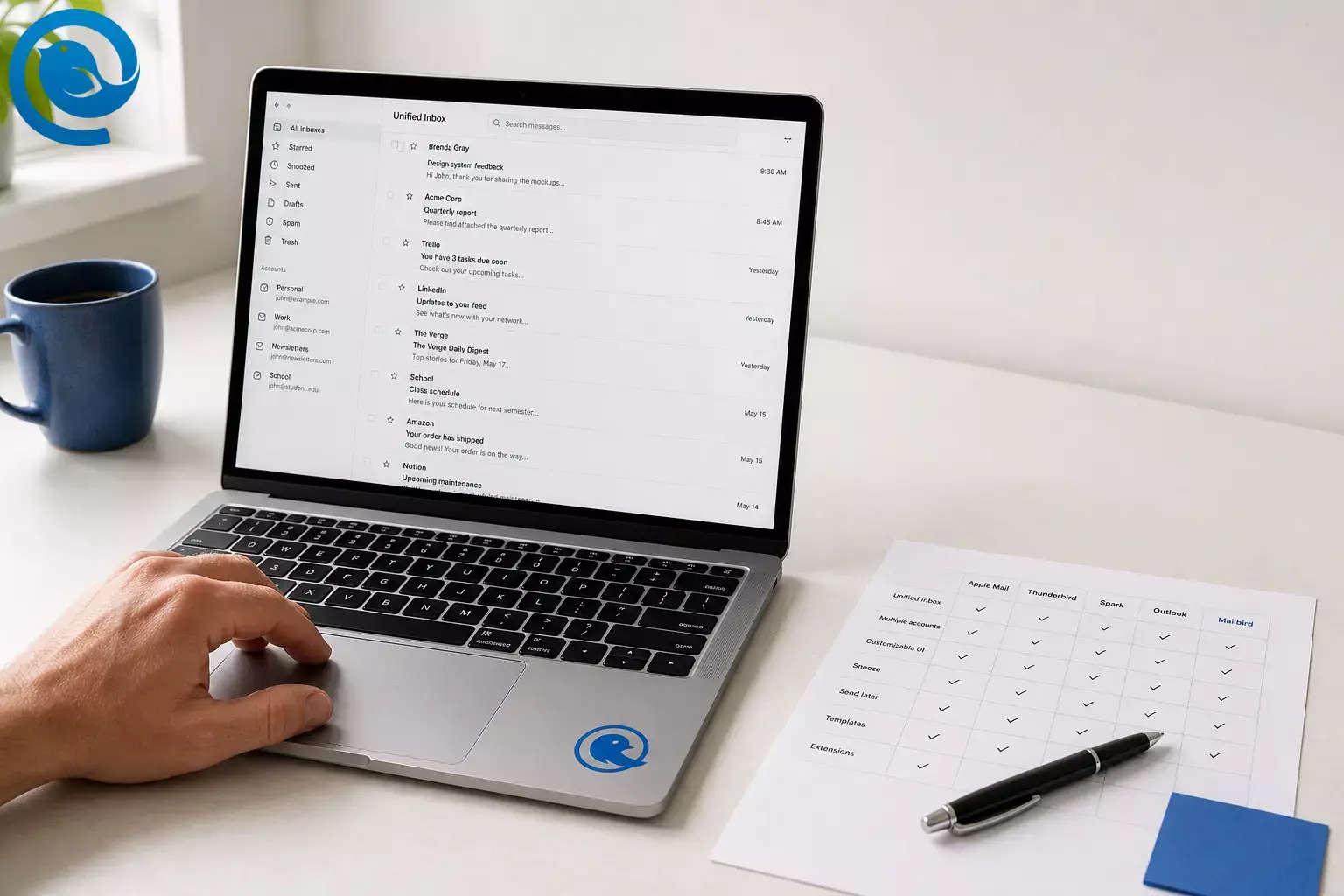
If you’re looking for the best free email client for Mac in 2026 (or just a lightweight email client for Mac that’s free ), this shortlist is designed to be fast to scan and easy to compare.
What’s new
News to know: Microsoft says Exchange Web Services (EWS) in Exchange Online will be retired on October 1, 2026—and it notes that legacy Outlook for Mac relies on EWS for Exchange Online access. 1 What it means for you: if your work or school mailbox is still tied to older Exchange-era setups, it’s worth choosing a modern Mac email app now so you’re not forced into a rushed switch later.
Overview
It focuses on free Mac email apps with usable free tiers—good choices when you want a free Apple Mail alternative for Gmail, Outlook, iCloud, or standard IMAP accounts .
The big trade-off: “free” often comes with limits (like account caps, device caps, or paywalled power features). The table below highlights the reality of each free tier—so you can pick with fewer surprises.
Key takeaways
- Microsoft says EWS in Exchange Online will be retired on October 1, 2026—and it notes that legacy Outlook for Mac relies on EWS for Exchange Online access. 1
- “Free” often comes with limits (account caps, device caps, or feature caps), so re-check plan pages before you migrate.
- Apple Mail is the most lightweight free option because it’s built into macOS.
- Mailbird lists a Free plan, but it’s limited to 1 email account per device, and Mailbird says POP3 accounts aren’t currently supported on Mailbird for Mac. 2
- Thunderbird supports OpenPGP since version 78, and it’s free and donation-supported. 8
- Spark’s Free plan lists unlimited email accounts; AI features are mainly paid, and Spark says free users only get a limited preview of Spark +AI. 5
- Microsoft says you’ll see ads in Outlook without a Microsoft 365 subscription (ads are clearly labeled). 6
- Canary’s Free plan is limited to up to 2 devices, and BlueMail’s “Starter (Free)” plan includes limits (AI, support, and team features). 12 13
Quick answer (if you just want a pick)
How we picked
Every option below has a usable free tier, runs on macOS, and is actively maintained. We prioritized:
- A practical free tier: not just a “download it” page that immediately blocks real use.
- Common-provider compatibility: for everyday Gmail/Outlook/iCloud/IMAP setups.
- Organization features: search, triage, and workflow tools that reduce inbox chaos.
- Clear limits and disclosures: plan caps (accounts/devices/features) and stated privacy/ads/AI notes.
The “best” choice changes if you have strict requirements (for example: enterprise policies, encryption workflows, or collaboration features). For a full comparison including paid options, see our guide to the best email client for Mac.
Quick comparison (free tier at a glance)
| App | Best for | Free-tier reality | Biggest catch |
|---|---|---|---|
| Apple Mail Built-in | Fastest path to a lightweight, free Mac inbox | Free with macOS | Not a great fit if you need the same client outside the Apple ecosystem |
| Mailbird Freemium | Modern Apple Mail alternative to try first | Free plan exists (1 account) | Free plan is limited to 1 email account, and POP3 isn’t supported on Mac right now. 2 |
| Thunderbird Open source | Power users + encryption-minded setups | Free and donation-supported | More tweaking than most “Mac-native” apps; newer releases list macOS 10.15+. 7 |
| Spark Freemium | Smart Inbox for lots of personal accounts | Free plan lists unlimited email accounts | AI and deeper collaboration are mainly paid features. 5 |
| Outlook for Mac Microsoft | Microsoft 365 + calendar-heavy work | Free to use, but ads can appear | Microsoft says you’ll see ads without a Microsoft 365 subscription; Exchange users should avoid legacy Outlook ahead of 2026 changes. 6 1 |
| Mailspring Search-first | People who live in search | Free with optional Pro | It indexes your mail; Pro is listed at $8/month. 11 |
| Canary Mail Security-first | Security-focused users who want a plan ladder | Free-forever plan + upgrade tiers | Free plan is limited to 2 devices; paid tiers are yearly/lifetime (no monthly). 12 |
| BlueMail Cross-platform | Unified inbox with a simple starter tier | Starter plan is free | Starter includes limits (AI, support, and team features). 13 |
If you’re using a work or school mailbox, confirm your organization’s security and compliance requirements before switching clients.
Top free email clients for Mac (2026 shortlist)
Numbered for easy scanning—not because one app is “best” for everyone. If you already know your use case, check the “Best picks by scenario” section below.
1) Apple Mail
Best for: Anyone who wants a lightweight, Mac-native email app that’s free and already included with macOS.
- Zero friction: no extra install, and it uses macOS’s built-in account setup .
- Mac-first experience: feels consistent with system notifications, keyboard shortcuts, and general macOS behavior.
- Great default: ideal if you want “email that just works” more than power features.
Biggest drawback: Less flexibility for deep customization, automation, and workflow features compared with dedicated clients.
Watch-out: If you want one consistent email client across non-Apple devices, you’ll want a cross-platform alternative.
Cost / effort: $0 (included with macOS). Setup effort: very low.
2) Mailbird Free (Mac)
Best for: A modern Apple Mail alternative you can try free—especially if you’re fine starting with one inbox and upgrading later.
- Modern desktop feel: Mailbird’s Mac App Store listing highlights tools like snooze, scheduling, “send later,” and layout/rules customization (features can vary by plan). 3
- Free plan available: Mailbird lists a Free plan alongside paid tiers (pricing and limits can change). 2
- Mac app listing: Mailbird is available as a macOS app in the App Store (check the listing for current macOS requirements). 3
Biggest drawback: Mailbird’s Free plan is limited to 1 email account per device , which is restrictive if you’re hunting for a true multi-inbox replacement. 2
Watch-out: Mailbird says POP3 accounts aren’t currently supported on Mailbird for Mac. It also notes that third-party app integrations aren’t included in the Free license. 2 4
Cost / effort: Free plan: $0. Paid upgrades are available (pricing can change). 2 Setup effort: low.
3) Thunderbird
Best for: People who want a powerful, free desktop client with open-source roots—especially for encryption-minded setups.
- Encryption-friendly: Thunderbird supports OpenPGP directly (since version 78). 8
- Cost stays at $0: it’s free to use (donations optional). 8
- Privacy posture: Thunderbird says it’s funded by user donations and doesn’t sell ads in your inbox. 9
- Help for secure setups: Mozilla Support documents end-to-end encryption in Thunderbird if you want to go beyond the defaults. 10
Biggest drawback: You may spend time dialing in the look, feel, and add-ons to match what paid Mac clients do out of the box.
Watch-out: Newer Thunderbird release notes list macOS 10.15+ as a system requirement (older Macs may be stuck on older versions). 7
Cost / effort: $0. Setup effort: medium (higher if you enable encryption and add-ons).
4) Spark
Best for: People who manage many personal email accounts and want a modern Smart Inbox without paying.
- Free tier is actually useful: Spark’s Free plan lists Smart Inbox, smart notifications, calendar, and unlimited email accounts. 5
- Clear upgrade ladder: Plus/Pro add AI and collaboration, so you can start free and only pay if you outgrow it.
- Good for inbox triage: built for people who want help sorting and staying on top of incoming mail (instead of endlessly searching for it).
Biggest drawback: AI features are mainly paid; Spark says free users only get a limited preview of Spark +AI. 5
Watch-out: Spark says +AI uses quotas on paid plans, and free users can’t buy add-ons once their preview quota is used up. 5
Cost / effort: $0 for Free. Paid plans shown start around $8.25/month per user billed yearly (pricing can change). 5 Setup effort: low.
5) Microsoft Outlook for Mac
Best for: Microsoft 365 users who live in Outlook calendars, meeting invites, and work/school accounts.
- Account compatibility: Microsoft says Outlook apps on Mac support most third-party accounts (Gmail, Yahoo, iCloud, and more) plus work/school accounts. 6
- Calendar-first workflow: a strong choice if meetings and scheduling matter as much as email.
- Safer “default” for Microsoft-heavy orgs: often the least surprising option in managed environments.
Biggest drawback: Microsoft says you’ll see ads in Outlook if you use it without a Microsoft 365 subscription (ads are clearly labeled). 6
Watch-out: Microsoft advises moving off legacy Outlook for Mac for Exchange Online users, noting legacy relies on EWS and that EWS in Exchange Online is set to retire on October 1, 2026. 1
Cost / effort: $0 to use, but a Microsoft 365 subscription is the path to an ad-free experience (pricing can change). 6 Setup effort: low to medium (depends on your organization).
6) Mailspring
Best for: Search-heavy inboxes where you want Gmail-style queries on the desktop.
- Search is the headline feature: Mailspring indexes your mail so you can search message contents across all connected accounts with advanced queries. 11
- Multi-account + unified inbox: built for people juggling more than one provider in one place.
- Transparency angle: Mailspring says its full codebase is open-source and that it syncs directly via standard protocols (IMAP/CalDAV/CardDAV). 11
Biggest drawback: Many “power” features are positioned as Pro features, including tracking and follow-up tools. 11
Watch-out: Because it indexes your mail, expect an initial catch-up period on large inboxes; Mailspring lists Pro at $8/month (pricing can change). 11
Cost / effort: Free for core use; Pro is listed at $8/month (pricing can change). 11 Setup effort: low (indexing time varies by mailbox size).
7) Canary Mail
Best for: Security-conscious users who want a free plan now and a security upgrade path later.
- Free-forever plan: Canary says there’s a free plan across macOS and other platforms. 12
- Low-risk trial: Canary says you get 7 days of paid features with no credit card and no auto-billing, then you move to Free automatically if you don’t upgrade. 12
- Clear plan messaging: Canary positions Pro+ for end-to-end encryption and advanced security, and states device limits per plan. 12
Biggest drawback: The Free plan is limited to up to 2 devices . 12
Watch-out: Canary says it doesn’t offer monthly subscriptions—paid plans are yearly or lifetime purchases. 12
Cost / effort: Free plan: $0. Paid plans shown include Growth at $36/year and Pro+ at $100/year (pricing can change). 12 Setup effort: low.
8) BlueMail
Best for: A free, cross-platform client with a simple starter plan and upgrade tiers.
- Free starter tier: BlueMail lists a “Starter (Free)” plan. 13
- Solid basics: the Starter plan lists unified folders and an integrated calendar, plus PGP encryption. 13
- Upgrade path: tiers above Starter target heavier AI use and team needs.
Biggest drawback: Starter is positioned as a tryout tier—limitations include no team collaboration, limited AI usage, basic support, and no verified accounts. 13
Watch-out: If you’re picking for work, double-check the per-seat plans and any security/compliance requirements with your IT team.
Cost / effort: Starter: $0. Paid tiers are available (pricing can change). 13 Setup effort: low.
What can change (so you don’t get surprised later)
- Exchange timelines: Microsoft’s EWS retirement date (October 1, 2026) is a real planning constraint if you (or your organization) are still on legacy Outlook for Mac—verify your current Outlook version and migration plan early. 1
- Free tier limits: “Free” can mean 1 account (Mailbird), a device cap (Canary), or feature caps (Spark/BlueMail). Re-check plan pages before you commit to a migration. 2 12 5 13
- macOS requirements: Supported macOS versions can jump between releases—confirm compatibility before choosing an app for an older Mac (for example, check release notes or App Store system requirements). 7 3
Best picks by scenario
- I want the simplest, most lightweight free app. → Apple Mail
- I want a modern Apple Mail alternative and might upgrade later. → Mailbird Free (then upgrade if you need multi-account) 2
- I want free + open source, and I’m willing to tweak settings. → Thunderbird
- I manage lots of personal accounts and want Smart Inbox triage for free. → Spark 5
- I’m all-in on Microsoft 365 and meetings/calendar are critical. → Outlook for Mac 6
- I’m search-first and don’t mind local indexing. → Mailspring 11
- I want a security-first free plan and a security upgrade ladder. → Canary Mail (note the device cap) 12
- I want a cross-platform client with a free starter tier. → BlueMail 13
Frequently Asked Questions
What’s the best free email client for Mac overall?
If you want the simplest option, Apple Mail is hard to beat because it’s built into macOS. For a “free forever” Apple Mail alternative with lots of control, Thunderbird is a strong pick. 8 If you prefer a more modern UI, freemium apps like Mailbird Free or Spark can be a great starting point—just pay close attention to the free-tier limits. 2 5
Is Mailbird free on Mac?
Does Mailbird for Mac support POP3?
Mailbird says POP3 accounts aren’t currently supported on Mailbird for Mac. 2
Is Apple Mail the same thing as iCloud Mail?
No. Apple Mail is the app (email client) on your Mac. iCloud Mail is an email service/provider. You can use Apple Mail with iCloud Mail, Gmail, Outlook, and other IMAP accounts.
Which free Mac email app is best for multiple accounts?
Spark’s Free plan explicitly lists unlimited email accounts, which makes it an easy pick if you want multi-account support without paying. 5 If you’d rather avoid freemium limits, consider a traditional desktop client approach (and double-check your provider’s sign-in requirements).
Do any free Mac email clients support PGP encryption?
Yes—Thunderbird is a popular choice for OpenPGP workflows, and OpenPGP.org notes it supports OpenPGP since version 78. 8 For other apps, encryption support (and whether it’s free or paid) varies, so check the app’s documentation before you commit.
Is Outlook for Mac free?
You can use Outlook on Mac without paying for Microsoft 365, but Microsoft says the experience can include ads and fewer premium features. 6 For some organizations, Outlook is also the most compatible choice for managed Microsoft 365 mailboxes.
How do I set a new default email app on my Mac?
Typically, you can set the default mail app in the settings of your current mail app (often Apple Mail) or inside the app you’re switching to. After changing it, click an email link (mailto:) to confirm it opens in the app you want.
Should I use IMAP or POP on a Mac email client?
For most people, IMAP is the better default because it syncs mail across devices. POP is usually best only for special “download and store locally” setups—and some Mac email clients may not support POP at all (Mailbird notes POP3 isn’t currently supported on its Mac app). 2
Are AI email features worth it in a “free” mail app?
Sometimes—but read the privacy policy and understand what data is processed where. Also assume AI will come with limits: Spark, for example, positions many AI features on paid plans and says free users only get a limited preview of Spark +AI. 5
Sources
- Microsoft Support — End of support for legacy Outlook for Mac (EWS retirement timeline)
- Mailbird — Pricing & plans (Free plan limits; POP3 note for Mailbird for Mac)
- Apple App Store — Mailbird - The Email App (macOS requirement, in-app purchases, privacy label)
- Mailbird Support — What apps are available in each Mailbird plan? (integrations and Free plan note)
- Spark — Pricing (Free plan includes; AI notes; Plus/Pro pricing)
- Microsoft — Outlook (supported accounts; explanation of ads without Microsoft 365)
- Thunderbird — Release Notes (Thunderbird Desktop 142.0 system requirements)
- OpenPGP.org — Thunderbird (OpenPGP support since version 78; license and pricing)
- Thunderbird — Official site (donation-funded; no inbox ads statement)
- Mozilla Support — Introduction to end-to-end encryption in Thunderbird
- Mailspring — Official site (indexing/search; Pro pricing)
- Canary Mail — Pricing (Free plan; device limits; trial and paid plan pricing)
- BlueMail — Pricing (Starter free features and limitations)


