Aqua Mail Review for Android: Features, Limits and Alternatives
This Aqua Mail review looks at the Android app's core features, free vs paid limits, Microsoft 365 friction, and which Aqua Mail alternatives are worth comparing.



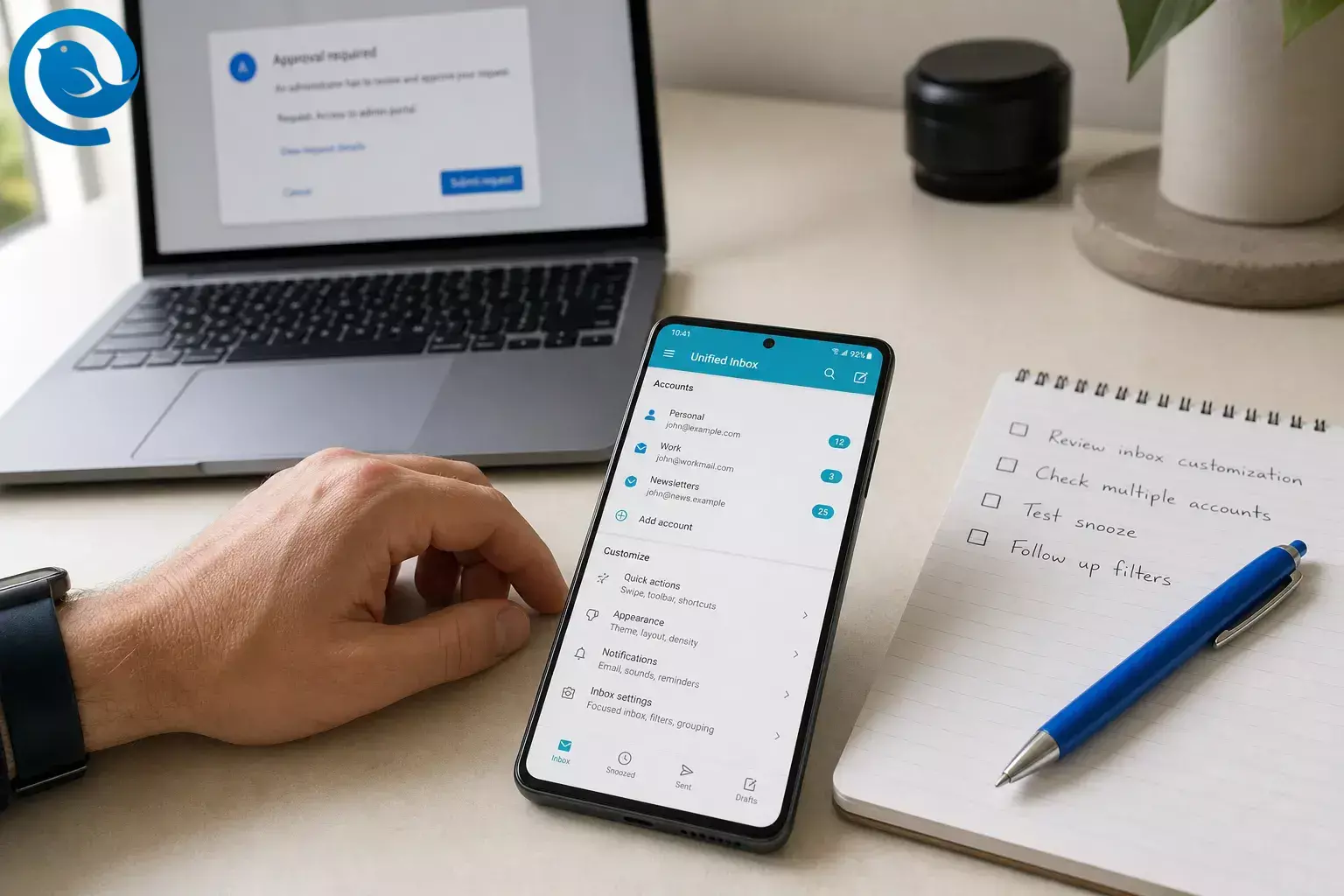
This Aqua Mail review looks at the Android app's core features, free vs paid limits, Microsoft 365 friction, and which Aqua Mail alternatives are worth comparing.
This review draws on Aqua Mail's Google Play listing, Aqua Mail support documentation, and Microsoft's published EWS deprecation timeline. [1] [3] [4]
What’s new
In August 2026, Aqua Mail said it moved Microsoft 365 connections from EWS to Microsoft Graph. Microsoft says Exchange Online EWS starts being disabled globally in October 2026. For users, that means work and school account setup now depends more heavily on org approval policies than it used to. [3] [4]
Quick verdict
Choose Aqua Mail if you want an Android email app you can really tailor around multiple accounts, smart folders, widgets, and Exchange extras. Skip it if you want a generous free tier or a low-friction Microsoft 365 work setup, because many standout features are paid and some managed accounts now need Microsoft Graph approval before sign-in works. [1] [2] [3] [4]
At a glance
This uses Strong , Mixed , and Weak rather than a point score, because the right answer depends more on your accounts and work setup than on tiny feature differences.
| Criterion | Take | Why it matters |
|---|---|---|
| Provider coverage | Strong | It supports common providers and IMAP/POP3 mailboxes, and its feature list explicitly includes Gmail, Outlook, Yahoo, Office 365, iCloud, and Exchange-related features. [1] |
| Customization | Strong | Smart folder, swipe behavior, text-size controls, signatures, widgets, PDF saving, and backup/restore tools make it far more tunable than a bare-bones inbox. [1] |
| Security and privacy | Mixed | OAuth2 and paid S/MIME are real positives. The Play data-safety declaration also says no third-party sharing and encrypted transit, but it still lists data collection and says data can't be deleted. [1] [2] |
| Free-tier value | Weak for heavy use | The app is ad-supported on Google Play, and Aqua Mail keeps unlimited accounts and many of its more useful workflow and security features behind paid access. [1] [2] |
| Microsoft 365 fit | Mixed | The move to Microsoft Graph keeps Aqua Mail aligned with Microsoft's direction, but managed company and school accounts may now require admin approval before setup works. [3] [4] |
What Aqua Mail is built for
Aqua Mail is an Android email client built to manage several email services in one app. At the time of writing, its Google Play listing shows 5M+ downloads, a 4.3 rating, and 181K reviews. The feature list centers on a smart folder, rich-text editor, Exchange and Office 365 calendar and contact sync, home-screen widgets, PDF saving, signatures, and backup/restore tools. [1]
Practical take: Aqua Mail makes the most sense as a configurable Android inbox for people who want control. It is a weaker fit if you want a clean, mostly hands-off mail app.
Who should use Aqua Mail?
Best fit
- Android users juggling several email services in one place.
- People who care about widgets, swipe actions, notification tuning, and folder control.
- Exchange or Office 365 users who want calendar and contact sync and can use approved third-party apps.
- Users who need S/MIME on mobile and do not mind paying for it.
These use cases match Aqua Mail's multi-provider focus, Exchange extras, customization depth, and paid security features. [1] [2] [3] [4]
Less ideal
- People who want a fully free, ad-free multi-account client.
- Users whose Microsoft 365 admin blocks third-party app approval.
- Anyone who wants the simplest possible interface with minimal settings.
- Buyers who strongly prefer open-source options and fewer paid unlocks.
Those cautions come from Aqua Mail's paid feature split, its new Microsoft 365 approval hurdle, and the fact that strong open-source alternatives now exist on Android. [1] [2] [3] [4] [8] [10]
Aqua Mail pros
- Broad account support. Aqua Mail is built for mixed-provider setups and its Play listing explicitly covers major services plus IMAP/POP3 mailboxes. [1]
- Real Android customization. Smart folder, swipe behavior, quick-select tools, text-size controls, signatures, widgets, and battery-saving options give you more control than most default mail apps offer. [1]
- Useful Exchange and Office 365 extras. Aqua Mail includes calendar and contact sync for Exchange and Office 365, while paid access adds Exchange push and Outlook filter management. [1] [2]
- Practical backup and file handling. Save as PDF, open and save EML, device or cloud backup and restore, and paid email backup features make it stronger than average if you archive or move messages often. [1] [2]
- Better-than-basic security options. Aqua Mail advertises OAuth2 for major providers, and paid access adds S/MIME signing and encryption for people who need secure business mail on mobile. [1] [2]
Aqua Mail cons
- Paid tiers matter quickly. Unlimited accounts and ad-free use are paid features, so Aqua Mail stops feeling "free enough" much earlier than some competitors do. [1] [2]
- Several serious-user tools are paywalled. Paid access covers S/MIME, aliases, Exchange push, Outlook filters, email backup, reminders, pinning, unsubscribe tools, EML handling, and more. [1] [2]
- Microsoft 365 work accounts can be awkward now. Aqua Mail says some organizational accounts will hit an admin-approval screen for Microsoft Graph access, and it also says there is no workaround if that policy is enforced by the organization. [3] [4]
- The privacy picture is mixed, not spotless. In Google's Play data-safety section, the developer declares no third-party sharing and encrypted transit, but the same listing says the app may collect personal info and app activity and that data can't be deleted. [1]
- It is easy to overbuy. Practical judgment: if you mostly use one Gmail or Outlook account and rarely touch settings, Aqua Mail's depth can feel like extra complexity you never really use.
Recent Aqua Mail changes to know about
- August 2026: Aqua Mail said it moved Microsoft 365 connections to Microsoft Graph, and the August 2026 Play update specifically mentioned fixes for Graph sync issues. [1] [3]
- December 2025: Aqua Mail added an account sign-in system for Premium subscribers to support licensing, easier device migration, centralized control, and future cross-device features. Aqua Mail also says one-time Pro users keep their existing features, but they should not sign in without Premium because the app can fall back to a Free license state. [5]
- October 2026 to April 2027: Microsoft says Exchange Online EWS starts being disabled globally in October 2026 and will be fully disabled by April 2027, so Microsoft 365 compatibility is now a moving target for third-party mail apps. [4]
Best Aqua Mail alternatives to compare
If you are looking for an Aqua Mail alternative, the right pick depends on what you want fixed: Microsoft 365 friction, open-source privacy, or a simpler interface.
Microsoft Outlook
Outlook is the safer choice if your day revolves around Microsoft Exchange or Microsoft 365 and you want email, calendar, and contacts in Microsoft's own app. Its Play listing also covers Gmail, Yahoo, iCloud, IMAP, and POP3. Practical take: Aqua Mail is more configurable, but Outlook is the lower-friction choice in Microsoft-heavy workplaces. [7]
FairEmail
FairEmail is the stronger open-source, privacy-minded Aqua Mail alternative for Android power users. Its Play listing says it is open source, supports unlimited accounts, unified inbox, push, offline use, filter rules, S/MIME, and no ads. The catch is explicit too: it does not support Microsoft Exchange Web Services or Microsoft ActiveSync, and it is email only rather than a calendar, contact, or task app. [10]
Thunderbird for Android
Thunderbird for Android is the cleaner open-source mainstream option. Mozilla's Play listing promises a Unified Inbox, no ads mixed into email, and optional OpenPGP via OpenKeychain, but Mozilla also says Android filters are not supported yet, and its 2026 Android roadmap still has notifications/synchronization and core maintenance in active work. [8] [9]
Bottom-line positioning: Aqua Mail sits in the middle. It is more commercial than Thunderbird or FairEmail, more configurable than Outlook, and less friendly to casual or price-sensitive users than the easiest built-in choices.
What to check before you commit to Aqua Mail
- Your account count. If you plan to manage several inboxes, treat this as a paid-app decision from day one instead of assuming the free version will be enough. [1] [2]
- Your Microsoft 365 permissions. If the account belongs to work or school, ask whether admin approval for third-party Microsoft Graph apps is allowed. [3] [4]
- Your must-have features. Confirm whether you need S/MIME, aliases, Exchange push, Outlook filters, reminders, or backup features, because those are paid items here. [1] [2]
- Your license and migration expectations. Aqua Mail's newer account sign-in flow was built for Premium subscribers, and its own support note says one-time Pro users should avoid signing in without Premium. [5]
- Your privacy comfort level. Read the Play data-safety disclosure and Aqua Mail's privacy terms before paying, especially if "no sharing" and "no deletion" are both important to you. [1]
- Your billing route. Aqua Mail documents direct activation through its own site, so check whether you prefer a direct license flow or Google Play billing before you buy. [6]
Final verdict
Verdict: Aqua Mail remains one of the stronger Android email apps if you want control, mixed-provider support, and advanced customization. It makes less sense if you want a generous free tier, a minimal interface, or the easiest possible Microsoft 365 work setup.
Need a better desktop inbox too?
If your phone app is only half the problem and most of your real email work happens on a computer, try a dedicated desktop client instead of managing everything in browser tabs. Mailbird does not currently offer a mobile app; it is a desktop email client for Windows and Mac.
Frequently Asked Questions
Is Aqua Mail free?
Does Aqua Mail support Gmail, Outlook, and standard email accounts?
Yes. Aqua Mail supports major providers plus IMAP and POP3 mailboxes.
Sources: [1]
Is Aqua Mail a good fit for Microsoft 365 at work?
Does Aqua Mail sync Exchange calendars and contacts?
Does Aqua Mail support encryption?
Is Aqua Mail a strong privacy-first choice?
Not necessarily. The Play data-safety disclosure says there is no third-party sharing and data is encrypted in transit, but it also lists data collection and says data can't be deleted.
Sources: [1]
What is the best Aqua Mail alternative?
Can I activate Aqua Mail outside Google Play?
Yes. Aqua Mail documents a direct website-based license activation flow.
Sources: [6]
What could change next
The parts most likely to move are Aqua Mail's paid-feature boundaries, its license flow, and how smoothly Microsoft 365 accounts connect as Microsoft finishes retiring EWS. Re-check Aqua Mail's Play listing, its support pages, and Microsoft's EWS timeline before you pay or roll the app out to a work account. [1] [2] [3] [4] [5] [6]
Sources
- Google Play listing for Aqua Mail
- Aqua Mail support: list of Premium features
- Aqua Mail support: new Microsoft Graph implementation
- Microsoft Learn: deprecation of Exchange Web Services in Exchange Online
- Aqua Mail support: new login system and Pro licenses
- Aqua Mail support: activation through aqua-mail.com
- Google Play listing for Microsoft Outlook
- Google Play listing for Thunderbird for Android
- Thunderbird public Android roadmap
- Google Play listing for FairEmail


