PayPal Invoice Email Scam: How to Tell a Real Invoice from a Fake
A PayPal invoice scam is confusing because the email can look completely legitimate — and sometimes it really did come through PayPal's own invoicing system. The safest place to verify it is inside your PayPal account, not from the email.



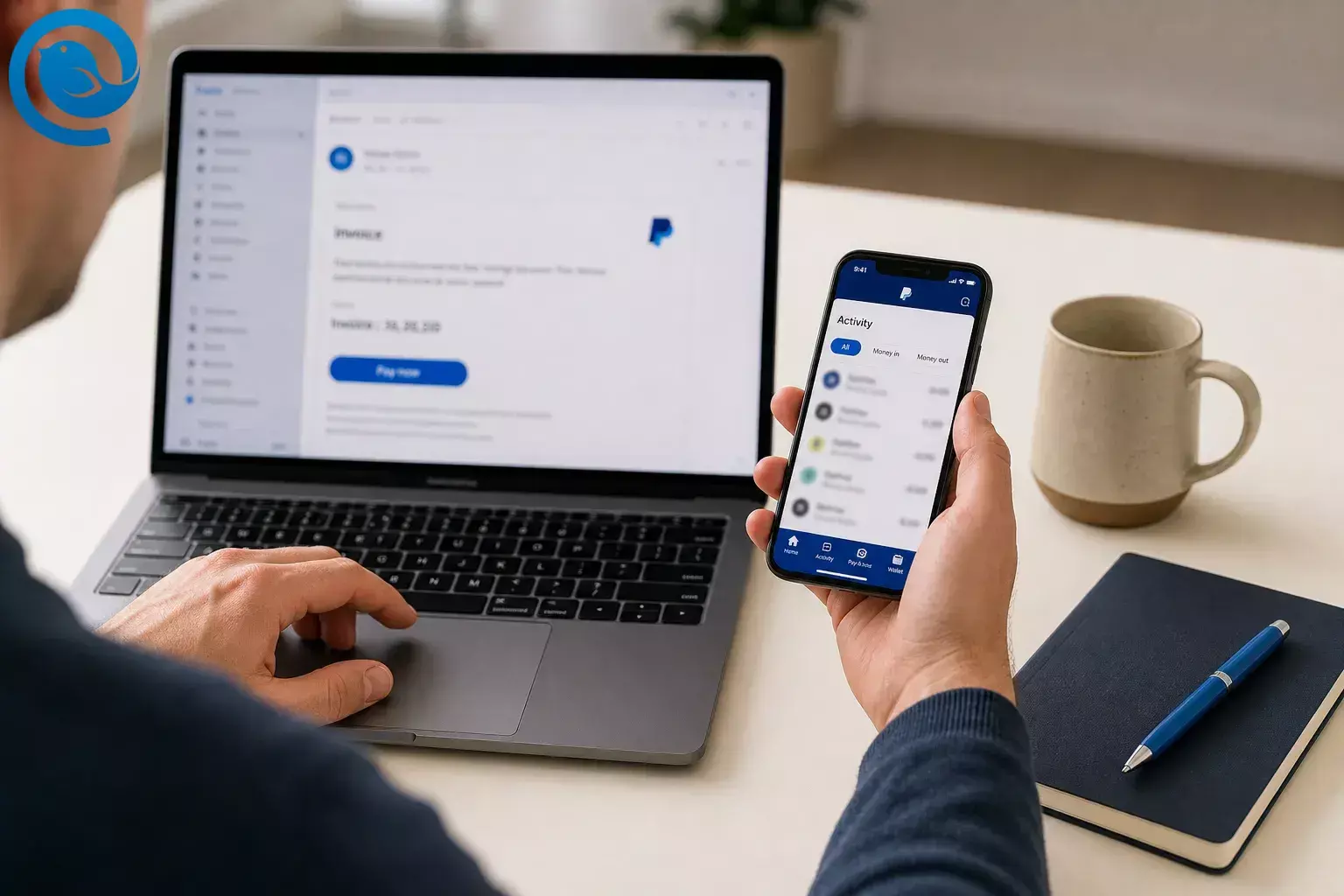
A PayPal invoice scam is confusing because the email can look completely legitimate — and sometimes it really did come through PayPal's own invoicing system. The safest place to verify it is inside your PayPal account, not from the email. [1, 2, 10]
A fake PayPal invoice email does not always come from a fake-looking sender. In documented scam waves, attackers used legitimate PayPal-generated messages, so the email could pass normal checks and still carry a deceptive request. [1, 10]
That is what makes PayPal invoice phishing tricky: the message can come through PayPal's real system, but the request may still be unsolicited or deceptive. PayPal says the safe move is to open PayPal yourself on the website or app and review the request there. [1, 2, 3, 10]
The email is not the proof. A PayPal invoice is a request to pay, not proof that money already left your account. Use the message as a warning flag, then verify the request inside Activity before you pay, call, or click anything. [2, 8, 9]
What’s new
This is not always a simple email spoofing problem. Recent PayPal-related abuse included real PayPal-generated messages and invoice notes that pushed people to call fake support numbers. Wording and button labels can change, but the safe response stays the same: leave the email, open PayPal yourself, and check the request there. [1, 2, 3, 10]
Key takeaways
- A PayPal invoice email can look legitimate and may even come through PayPal's own invoicing system. [1, 2, 10]
- An invoice is a request to pay, not proof that money already left your account. [2, 8, 9]
- Do not use links, buttons, attachments, or phone numbers from the message; open PayPal yourself instead. [2, 5, 11]
- Check Activity for a matching request, then review the requestor, note, amount, due date, and description inside PayPal. [2, 3, 4, 8, 9]
- If the request is unfamiliar, report, cancel, or decline it inside PayPal, forward the email to phishing@paypal.com , and delete it. [3, 4, 5]
- If you already clicked, called, or entered anything, change your PayPal password, end any remote-access session, review automatic payments or unauthorized activity, and turn on 2-step verification or a passkey. [6, 7, 11, 13]
Before you check the email
- Most important rule
- do not use links, buttons, attachments, or phone numbers from the message. Open PayPal yourself instead. [2, 5, 11]
- What you need
- the suspicious email and access to your normal PayPal account or app.
- How long it takes
- a few minutes.
- What you are verifying
- whether the request exists in your account and whether you actually recognize it. [2, 3]
How to verify a suspicious PayPal invoice email
How to verify a suspicious PayPal invoice email
-
Stop at the email
Do not click buttons, download attachments, or call any number in the subject line, body, or note. [2, 5, 11]
-
Work out what the message is claiming
Read only enough to tell whether the email says it is an invoice, money request, renewal, or completed payment notice. A PayPal invoice is a request to pay later; by itself, it does not mean money already left your account. [8, 9]
-
Check the sender and greeting, but do not trust them
PayPal says genuine emails use your full name or business name, so a generic greeting is a warning sign. But do not stop there. Some scam waves used legitimate PayPal-generated emails, so a normal-looking sender still is not enough. [4, 1, 10]
-
Sign in to PayPal directly
Open a new browser window or the PayPal app you already use. Type the address yourself or use your saved app and sign in normally. [2, 6, 11]
-
Check Activity for a matching request
Compare the amount, date, and requestor against what you see in Activity. If you use PayPal and do not see a matching item there, do not keep investigating from the email. [3, 4]
-
Open the request inside PayPal
If the item does appear, open it inside PayPal and review the requestor, note, amount, due date, and description. Ask yourself two plain questions: do I know this person or business, and did I actually order this? [2, 8, 9]
-
Ignore phone numbers and outside links in the note
Give zero trust to any note that tries to rush you into calling, canceling, confirming a code, or installing software. PayPal says its customer service will not ask for your password, one-time codes, or remote access to your device. [2, 6, 11]
-
Report, cancel, or decline it inside PayPal
On the website, open the item from Activity and use the option to report or cancel the suspicious invoice or money request. In the app, look for the option to decline an unfamiliar request. [3]
-
Forward the email to PayPal and delete it
Forward the message to phishing@paypal.com , then delete it. If you want a record, save a screenshot instead of keeping the live message in your inbox. [4, 5]
-
If you already clicked, called, or entered anything, contain it now
If you clicked a link, typed your password, shared a one-time code, or called the number, stop now and change your PayPal password from the official site or app. If you installed software or granted remote access, end the session and run a trusted security scan before using that device for payments again. [6, 11, 13]
If money already moved, check whether an old subscription or automatic payment explains it before filing a report. If the activity is truly unauthorized, use PayPal’s unauthorized-activity reporting process. [7]
-
Turn on stronger sign-in protection
Turn on 2-step verification in Settings > Security . If your device supports it, add a passkey too. [6]
Why verifying inside PayPal works
This scam works by pulling you into the attacker’s script: urgency, familiar branding, and a fake support number. The moment you ignore the message and switch to your own PayPal session, every claim has to prove itself inside the account. [2, 11, 13]
Common PayPal invoice scam situations
- The sender looks real: that still does not prove the request is safe. Some recent scams used legitimate PayPal-generated emails, so verify inside Activity. [1, 4, 10]
- The request is in Activity: that means it is a real PayPal request, not necessarily a trustworthy one. If you do not recognize it, report or decline it inside PayPal. [2, 3, 8]
- Nothing matches in Activity: forward the email to phishing@paypal.com and delete it. Do not keep working from the message. [3, 5]
- You do not have a PayPal account: PayPal invoices can still be sent by email and paid by card. If the invoice was unexpected, do not use the email link. [5, 9]
- You already called the number: hang up, do not install software, change your password, contact your bank or card issuer if you shared payment details, and scan the device if you gave access. [6, 11, 13]
- The amount looks familiar: check your subscriptions or automatic payments before assuming it is a brand-new fraudulent charge. [7]
- You are using the app: phone and web labels can differ. On mobile, look for a decline option; on the website, look for report or cancel from Activity. [3]
- You share bill-paying duties: use a two-check rule: one person confirms the vendor, another verifies the request in the right PayPal account. The FTC recommends clear approval procedures for invoices. [12]
How to avoid the next fake PayPal invoice email
- Turn on stronger sign-in: enable 2-step verification or a passkey before the next scare email lands. [6]
- Set one rule: never pay, call, or log in from a PayPal invoice email; verify inside PayPal first. [2, 11]
- Keep a short holding folder: if you need a record, move suspicious billing emails to a temporary folder only until you report them, then delete them.
- Use approval steps for new vendors: especially in a home office or small business, clear payment procedures make fake invoices harder to slip through. [12]
Quick checklist
Screenshot this and reuse it the next time a suspicious PayPal invoice email lands in your inbox.
- I treated the email as an alert, not proof. [2, 8, 9]
- I stopped clicking and did not call the number. [2, 5, 11]
- I opened PayPal myself instead of using the email. [2, 11]
- I checked Activity for a matching item. [3]
- I compared the requestor, note, amount, and details inside PayPal. [2, 8]
- I reported, canceled, or declined anything unfamiliar inside PayPal. [3]
- I forwarded the email to phishing@paypal.com and deleted it. [5]
- If I interacted with it, I changed my password and reviewed automatic payments. [6, 7]
- I turned on 2-step verification or a passkey. [6]
Checking a suspicious invoice is easier when every account sits in one inbox.
Frequently asked questions about PayPal invoice scams
Is a PayPal invoice email always a scam?
No. PayPal really does email legitimate invoice links for businesses, freelancers, and sellers. The problem is that scammers can also send PayPal-generated requests, so you still need to verify them in your own account.
Sources: [2, 8, 9]
Why can a PayPal invoice scam email look completely real?
Because some scam waves used legitimate PayPal-generated messages. The email may be real as a delivery method while the invoice itself is still unsolicited or deceptive.
Sources: [1, 2, 10]
Can a scammer send a real PayPal invoice?
Yes. The request can exist inside PayPal and still be unsolicited or deceptive. That is why you check the requestor and the details inside your account before doing anything else.
Sources: [2, 8]
If the sender looks like PayPal, does that mean the invoice is safe?
No. A correct-looking sender is only one clue. Some documented scam waves used genuine PayPal-generated emails, so you still need to verify the request in Activity.
Sources: [1, 4, 10]
What if the invoice is not in my PayPal account?
Do not keep working from the email. Forward it to PayPal, delete it, and use official help only if you also see real account activity after signing in the normal way.
Sources: [3, 5]
Can I get a PayPal invoice email even if I do not have a PayPal account?
Yes. PayPal invoices can be sent by email and paid by card without a PayPal account. That is one reason an unexpected invoice email deserves extra caution.
Sources: [5, 9]
Should I pay first and dispute it later?
No. If you do not recognize the invoice or money request, do not pay it. Verify first inside PayPal.
Sources: [2, 3]
What if I already called the number or installed software?
End the call, disconnect any remote-access session, change your PayPal password, contact your bank or card issuer if you shared payment details, and scan the device before using it for payments again.
Sources: [6, 11, 13]
What is the difference between an invoice and an unauthorized charge?
An invoice asks you to pay. An unauthorized charge means money already moved without your permission. The second case needs PayPal’s unauthorized-activity process.
Sources: [7, 8]
Where do I report a fake PayPal invoice email?
Forward the email to phishing@paypal.com. If the request also appears in your PayPal account, report, cancel, or decline it there too.
Sources: [3, 5]
Keep triage simple
If you manage several email accounts, keeping billing messages in one place can make these checks feel less chaotic. Mailbird can help you stay organized on the inbox side. Just keep the final rule the same: use your email client for triage, and use PayPal itself for verification.
Disclosure
General safety information only, not personal financial or legal advice.
Sources
- Malwarebytes: “PayPal closes loophole that let scammers send real emails with fake purchase notices” (Dec. 15, 2025)
- PayPal Help: “What are invoice scams and money request scams on PayPal?”
- PayPal Help: “How do I cancel or report a suspicious money request or invoice?”
- PayPal Help: “How do I spot a fake, fraudulent, or phishing PayPal email or website?”
- PayPal Security: “How to Report Suspicious Emails & Messages”
- PayPal Security: “Protect your PayPal account”
- PayPal Help: “How do I report an unauthorized transaction or account activity?”
- PayPal Developer: “Core concepts” for Invoicing
- PayPal Help: “How do I pay a money request or invoice?”
- Malwarebytes: “More PayPal emails hijacked to deliver tech support scams” (Apr. 30, 2026)
- PayPal Newsroom: “PayPal Alerts Consumers to Phishing Scams and Encourages Safety Tips” (Oct. 15, 2025)
- FTC Consumer Advice: “Run a small business? Pay your bills, not scammers” (May 2026)
- Malwarebytes: “We found this fake-invoice campaign while scammers were still building it” (June 3, 2026)


