Outlook Not Working on iPhone? How to Fix the Outlook App
If Outlook email is not working on your iPhone, first check whether your mail appears in webmail. If it does, focus on the iPhone app: check for updates, test your connection, then reset the affected account if needed. If webmail also fails, check the service or your sign-in before changing the app.



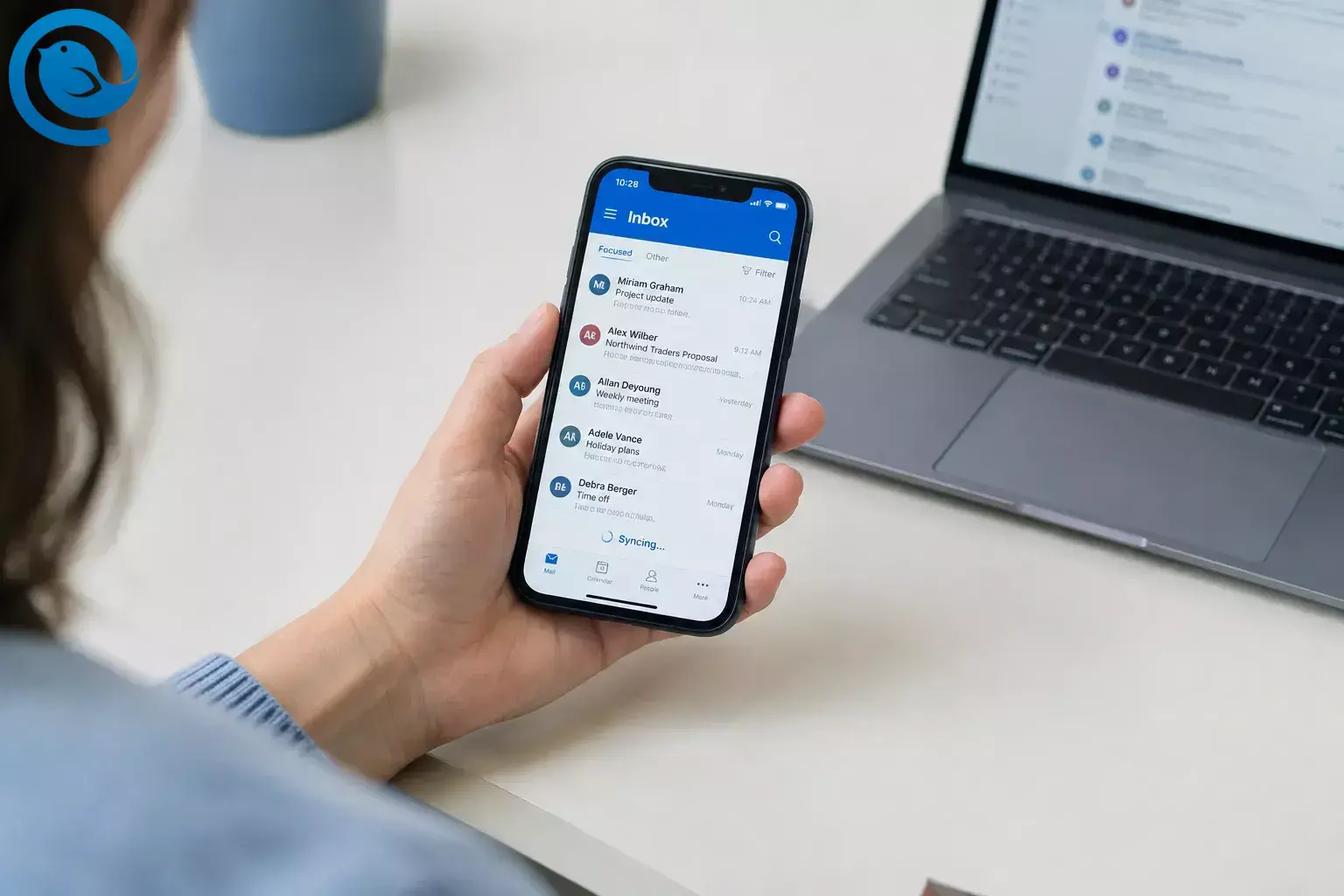
If Outlook email is not working on your iPhone, first check whether your mail appears in webmail. If it does, focus on the iPhone app: check for updates, test your connection, then reset the affected account if needed. If webmail also fails, check the service or your sign-in before changing the app.
What’s new
If Outlook crashes before you can open it: check for iOS and Outlook updates first, then try offloading the app. You cannot reset an account from inside an app that will not open. Microsoft has documented a launch issue affecting Outlook for iOS version 5.2635.1 on older iOS versions. [1]
Choose the shortest route
- Outlook will not open: check for updates, restart the iPhone, then consider offloading the app. Skip account reset until Outlook opens.
- Only one account is stale: compare it with webmail, then reset and, if needed, re-add only that account.
- Every account is stale: test the connection and check service status before removing accounts.
- You need email now: use webmail first, or set up iPhone Mail if your account and organization allow it.
Before you start
- Have ready: your iPhone, an internet connection, and your email sign-in details. A work account may require your organization’s sign-in method.
- Allow time: the initial checks may take about 15 minutes; updates and account setup may take longer. No paid tool is required.
- Before removing an account: confirm important messages appear in webmail and save any unsent draft or file you can access only in Outlook. If your organization manages the phone, ask IT before removing a work account or app.
Fix the Outlook iPhone app, step by step
Fix the Outlook iPhone app, step by step
-
Check whether the email service is down
For a personal Microsoft address, check Microsoft’s service status page for an Outlook.com incident. For a work or school account, ask IT to check Health → Service health in the Microsoft 365 admin center. If the relevant service has an active incident, wait for it to recover rather than repeatedly reinstalling Outlook. [2] [3]
-
Check your mailbox outside Outlook
In Safari, sign in to your provider’s webmail—for example, Outlook webmail for a personal Outlook or Hotmail address, or your organization’s webmail for work email. Look for a recent message that is missing from the app. If it appears in webmail, focus on Outlook on the iPhone. If webmail also fails, check your sign-in or ask your provider or IT for help before changing the app.
-
Test the connection and reopen Outlook
Load a webpage in Safari. If it does not load, switch between Wi-Fi and cellular data and try again. Once the connection works, close Outlook from the App Switcher, reopen it, and check the inbox. Restart the iPhone if Outlook still hangs. Afterward, avoid routinely swiping Outlook away if you want it to check for content in the background: Apple says a quit app might not do so until you open it again. [4]
-
Update Outlook and iOS
Open App Store → your account picture → App Updates and update Outlook if an update is offered. Then check Settings → General → Software Update . Before installing an iOS update, back up your iPhone and follow the on-screen instructions for power and Wi-Fi. Reopen Outlook and test your email. [5] [6]
-
Check Background App Refresh if mail appears only when you open Outlook
Go to Settings → General → Background App Refresh . Select Wi-Fi or Wi-Fi & Cellular Data, then check that Outlook is enabled in the app list. If the setting is unavailable, check Settings → Battery : Low Power Mode turns off Background App Refresh. This setting allows apps to check for content in the background, but changing it does not guarantee immediate email delivery. [4] [7]
-
Check iPhone storage
Open Settings → General → iPhone Storage . If storage is nearly full, follow an on-screen recommendation or remove a download you no longer need. Then reopen Outlook. Check iPhone storage here, not just iCloud storage. [8]
-
Reset the account that is not syncing
If Outlook opens but one account has incomplete or outdated mail, open your profile menu, tap the Settings gear, select the affected account, and tap Reset Account . Reopen the inbox and compare it with webmail. Microsoft recommends this local reset for incomplete or incorrect account data; try it before removing the account. [9]
-
Remove and re-add the account if the reset fails
First confirm you can sign in to webmail and have saved any app-only drafts. In Outlook, go to Settings → Accounts , select the affected account, and choose Remove Account or Delete Account → Delete From This Device , depending on the menu shown. Then choose Add Account → Email Account , enter your address, and complete the sign-in prompts. Compare the inbox with webmail again. Microsoft also recommends removing and re-adding an account that will not sync after a password change. [10]
-
Offload Outlook if it will not open
If crashes prevent you from reaching Outlook’s settings, try Settings → General → iPhone Storage → Outlook → Offload App after checking for updates. Tap the Outlook icon to reinstall it, then test your email. Offloading removes the app while retaining its documents and data. Do not choose Delete App unless you are prepared to remove its local data and sign in again. [8]
-
Get help if webmail works but Outlook still does not
If Outlook opens, tap your profile picture, then the ? icon and Contact Outlook Mobile Support . Explain whether webmail works, whether one or all accounts are affected, and what happened when you tried these steps. For a managed work account, contact IT as well. [11]
-
Use iPhone Mail if you need another email app
If your mailbox works in webmail but Outlook remains unusable, and your organization permits another app, open Settings → Apps → Mail → Mail Accounts → Add Account . Select your provider and complete the sign-in prompts. Menu labels can vary by iOS version. For a work account, ask IT which setup method is permitted. Switching apps will not fix a mailbox or service outage. [12]
Why these checks help
Service status and webmail help distinguish an account or provider problem from an iPhone-app problem. Connection, update, background, and storage checks address the phone. Resetting or re-adding an account addresses its local setup in Outlook. Test after each step so you can stop when email works.
Find the next step by symptom
| Symptom | What to check | Next step |
|---|---|---|
| Outlook freezes or crashes on launch | Outlook and iOS updates | Update both if possible, restart the iPhone, then try offloading Outlook. Microsoft has documented a launch issue with Outlook for iOS 5.2635.1 on older iOS versions. [1] |
| Expected email is missing from Outlook and webmail | Service status, webmail sign-in, or the provider | Check for an incident. For work email, ask IT to check service health. |
| Webmail has new email, but Outlook does not | The affected account in Outlook | Reset that account; if it still fails, remove and re-add it. |
| Mail appears only after opening Outlook | Background App Refresh and Low Power Mode | Check both settings, and avoid routinely quitting Outlook from the App Switcher. [4] [7] |
| Outlook repeatedly asks you to sign in | Your webmail sign-in | Complete any required verification in webmail, then re-add the account if Outlook still will not sync. [10] |
| Outlook works on Wi-Fi but not cellular data | Cellular connectivity and Outlook’s cellular-data access | Test Safari on cellular data, then check Outlook’s cellular-data setting on the iPhone. |
| Outlook or iOS cannot update | Available iPhone storage | Check Settings → General → iPhone Storage , follow its recommendations if space is low, and retry. [8] |
| A work account cannot be added back | Organization sign-in or device requirements | Stop repeating the attempt and give IT the exact error shown. |
- Symptom
- Outlook freezes or crashes on launch
- What to check
- Outlook and iOS updates
- Next step
- Update both if possible, restart the iPhone, then try offloading Outlook. Microsoft has documented a launch issue with Outlook for iOS 5.2635.1 on older iOS versions. [1]
- Symptom
- Expected email is missing from Outlook and webmail
- What to check
- Service status, webmail sign-in, or the provider
- Next step
- Check for an incident. For work email, ask IT to check service health.
- Symptom
- Webmail has new email, but Outlook does not
- What to check
- The affected account in Outlook
- Next step
- Reset that account; if it still fails, remove and re-add it.
- Symptom
- Outlook repeatedly asks you to sign in
- What to check
- Your webmail sign-in
- Next step
- Complete any required verification in webmail, then re-add the account if Outlook still will not sync. [10]
- Symptom
- Outlook works on Wi-Fi but not cellular data
- What to check
- Cellular connectivity and Outlook’s cellular-data access
- Next step
- Test Safari on cellular data, then check Outlook’s cellular-data setting on the iPhone.
- Symptom
- Outlook or iOS cannot update
- What to check
- Available iPhone storage
- Next step
- Check Settings → General → iPhone Storage , follow its recommendations if space is low, and retry. [8]
- Symptom
- A work account cannot be added back
- What to check
- Organization sign-in or device requirements
- Next step
- Stop repeating the attempt and give IT the exact error shown.
Frequently Asked Questions
Is Outlook not working on iPhone today because of an outage?
The app alone cannot tell you. Check Microsoft’s current service status for a personal account, or ask IT to check service health for a work account. Compare Outlook with webmail before changing the app.
Why is Outlook on my iPhone not syncing email?
If the missing messages appear in webmail, check your connection and updates, then use Outlook’s Reset Account option. Re-add the affected account if the reset fails.
Does Reset Account delete my emails?
Reset Account refreshes local account data in Outlook; it is not a command to delete messages from your mailbox. Confirm important mail appears in webmail, and save any app-only drafts before removing an account. [9]
Can I use iPhone Mail instead of the Outlook app?
Yes, if your provider supports the setup and your organization allows it. Add the account through iPhone Mail settings. Another app can give you access to a working mailbox, but it will not resolve a service outage. [12]
Is there a Mailbird app for iPhone?
Yes. Mailbird is on Android and iPhone too. Get it on Google Play and the App Store. It is a separate email app, so it will not fix the Outlook app itself. [13]
Quick checklist
- Check service status and look for the missing email in webmail.
- Test your connection, reopen Outlook, and restart the iPhone.
- Check for Outlook and iOS updates.
- If mail is late, check Background App Refresh and Low Power Mode.
- Check iPhone storage; reset the affected account if Outlook opens but is not syncing.
- Re-add the account only if needed, or contact support.
Sources
- Microsoft Support: Outlook for iOS may become unresponsive or crash on launch
- Microsoft service health status
- Microsoft Learn: Service health and continuity
- Apple Support: Switch apps and use Background App Refresh on iPhone
- Apple Support: Manually update apps from the App Store
- Apple Support: Update your iPhone or iPad
- Apple Support: Use Low Power Mode
- Apple Support: Check iPhone storage and offload apps
- Microsoft Support: Reset an Outlook mobile account locally
- Microsoft Support: Set up the Outlook app for iOS
- Microsoft Support: Get in-app help for Outlook for iOS
- Apple Support: Add and remove email accounts on iPhone
- Mailbird Support: Mobile app availability


