Email Format: How to Structure an Email (With Examples)
A proper email format follows this order: subject line, email greeting, opening line, body, closing line, sign-off, and email signature. Put your reason for writing near the top, then make the next step clear. Use the email template below for a new message or adapt one of the four examples.



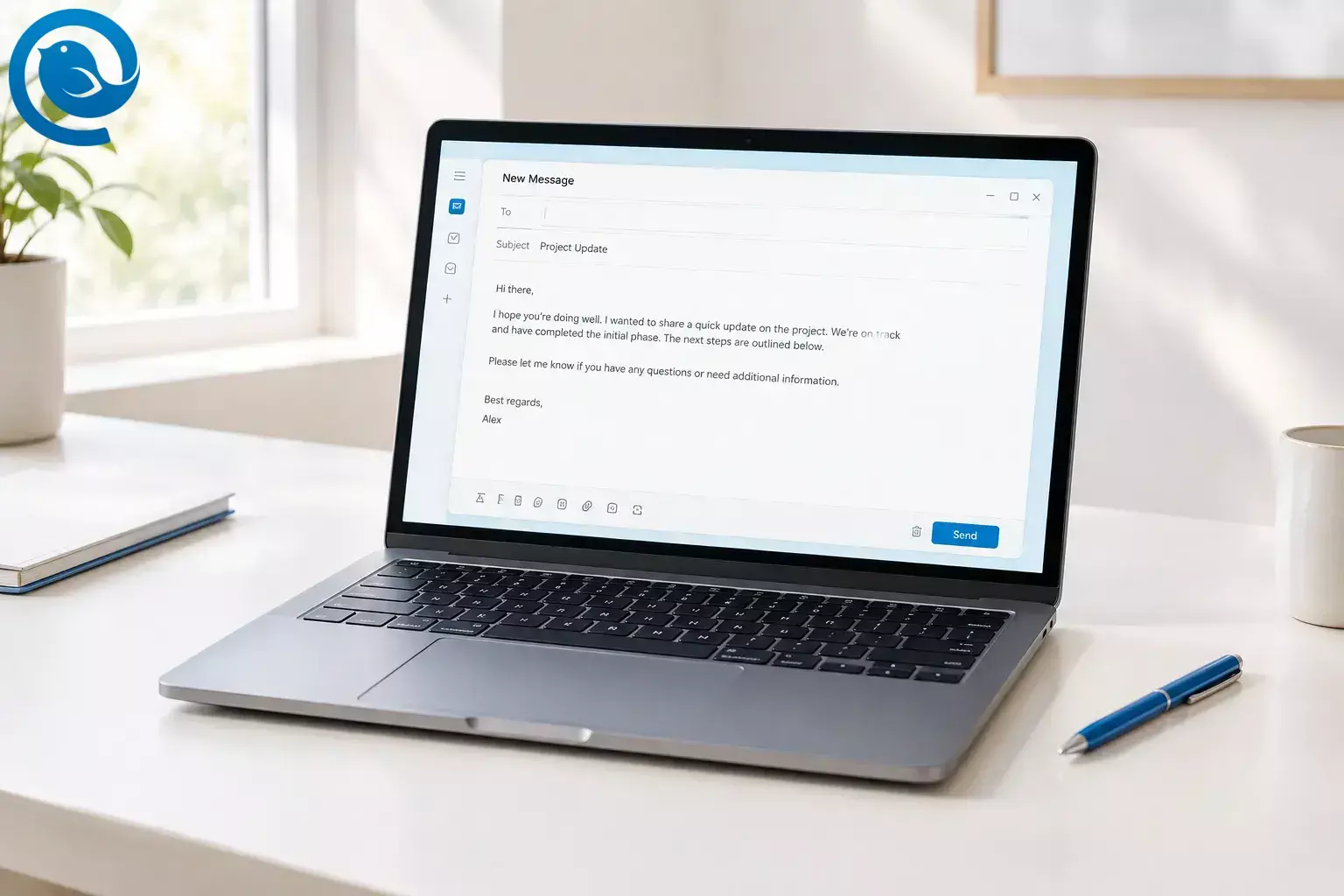
A proper email format follows this order: subject line, email greeting, opening line, body, closing line, sign-off, and email signature. Put your reason for writing near the top, then make the next step clear. Use the email template below for a new message or adapt one of the four examples.
Key takeaways
- Start with a subject line that names the topic and, when useful, the action.
- State why you’re writing near the top.
- Give the reader the details needed to understand your point.
- Make any request or next step clear, including a date if one matters.
- Choose a greeting and sign-off that suit the occasion.
- Before sending, check names, dates, links, attachments, and recipients.
Basic email format template
- Subject: Name the topic and, if needed, the action.
- Greeting: Address the recipient by name.
- Opening line: Say why you’re writing.
- Body: Give the details the reader needs. State any request or next step.
- Closing line: Finish with a brief closing line.
- Sign-off and signature: Add your name, and your role or organization if useful.
Use your own details before sending. If you mention a file, check that it’s attached.
How to format an email, step by step
How to format an email, step by step
- Write a specific subject line. Name the topic and, when useful, the action. “Approval needed: revised project timeline” tells the reader more than “Quick question.”
- Greet the reader. “Hi Maya,” or “Hello Jordan,” works for an ordinary work email. Use the name or title the recipient uses, if you know it.
- State your purpose in the opening line. Try “Could you review the attached proposal?” or “I’m following up on the timeline we discussed.”
- Give the necessary details in the body. Include the relevant project, decision, or previous conversation. Then say what the reader needs to do, including a date if one matters. If no reply is needed, say so.
- Add a brief closing line. “Thanks for reviewing this” or “Let me know if you need the original file” finishes the thought without repeating the message.
- Finish with a sign-off and signature. Use “Thanks,” or “Best,” followed by your name. For a first business email, add your role or organization if it helps the reader place you.
- Check before sending. Make sure the subject matches the message, the request is clear, and names, dates, links, attachments, and recipients are correct.
Professional business email format examples
Copy the structure, then replace the names, details, and requests with your own.
Why it works: The subject names the task, and the message gives Maya a clear request and deadline.
Why it works: It names the earlier topic and gives Jordan a way to answer even without a final date.
Why it works: The answer comes first, followed by the one thing Taylor still needs.
Why it works: Morgan explains their role before asking a specific question.
What about formal emails?
Keep the same core structure, but choose a greeting, wording, and sign-off that suit the occasion. For a job application or official request, see Mailbird’s dedicated Formal Email Format guide at getmailbird.com/formal-email-address-for-businesses/.
Frequently Asked Questions
How do I start a professional email?
Greet the recipient, then state why you’re writing. For example: “Hi Dana, I’m writing to ask about the revised schedule.”
What belongs in the body of an email?
Include the facts the recipient needs to understand your point, followed by the action you need or the decision you’re sharing.
How do I end an email when I need a reply?
Make the request specific, such as “Could you confirm the date by Thursday?” Then add a brief closing line, sign-off, and your name.
Do I need a greeting and signature in every reply?
Not necessarily. In a quick exchange with someone you know, a clear answer may be enough. Add more context when a new person joins the conversation.
Before you send
Check that your subject names the topic, your first line explains why you’re writing, and any requested action is clear. Confirm the recipient, dates, links, and attachments.
Write your next email on desktop
Want to use this structure in a desktop email client? Mailbird is available for Windows and Mac.
Download Mailbird for desktop: getmailbird.com/downloading/


