Best Email App for Android: 6 Top Picks Compared
Quick answer: Gmail is the best email app for Android for most people. Outlook is best for Microsoft 365, FairEmail for privacy and alert control, Thunderbird for open-source balance, Spark for polished workflow, and Proton Mail for Proton-first privacy.



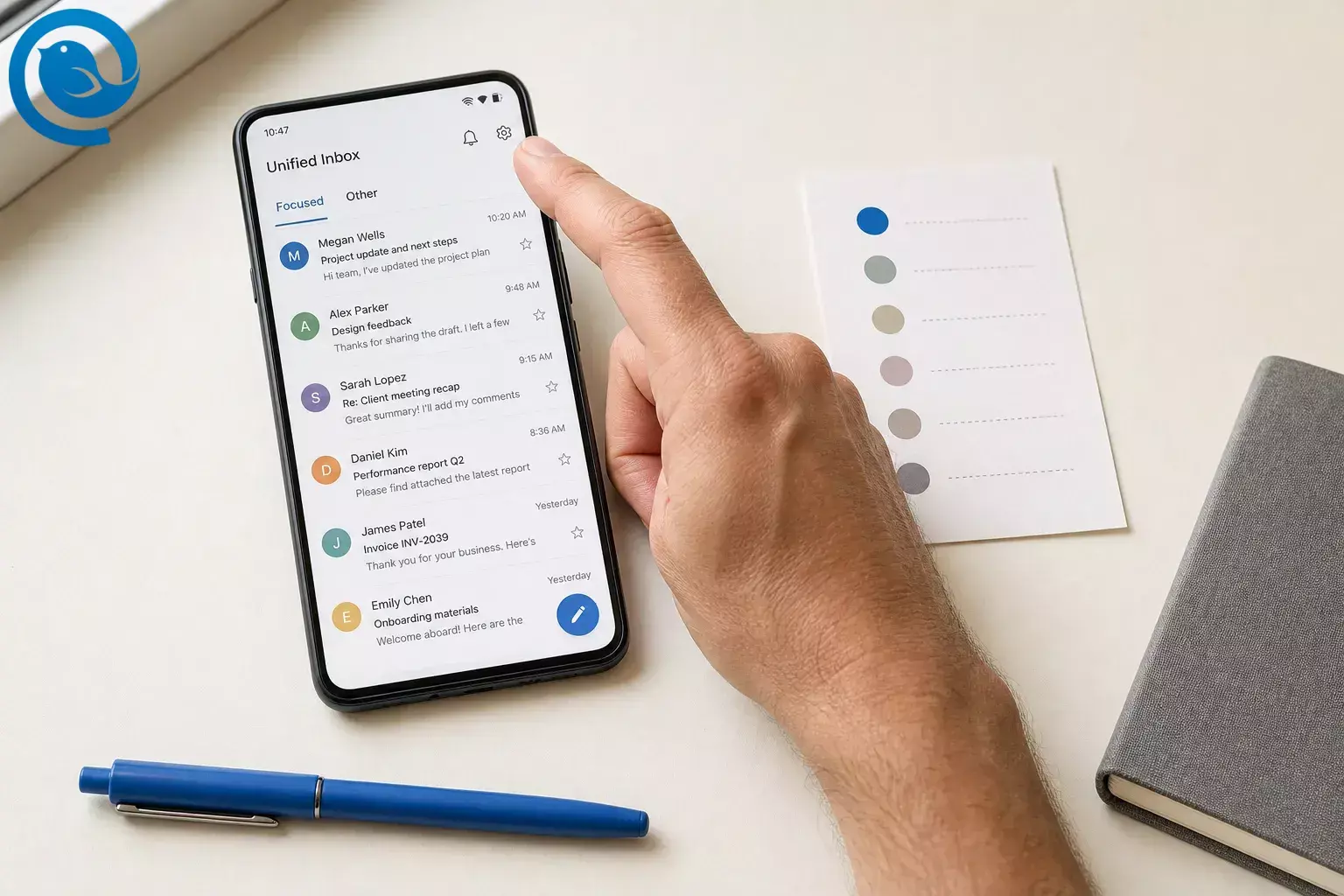
Quick answer: Gmail is the best email app for Android for most people. Outlook is best for Microsoft 365, FairEmail for privacy and alert control, Thunderbird for open-source balance, Spark for polished workflow, and Proton Mail for Proton-first privacy.
Key takeaways
- Gmail is the best email app for Android for most people.
- Outlook is best for Microsoft 365 and Exchange-heavy workdays.
- FairEmail is the stronger pick if control and privacy matter more than ease.
- Thunderbird for Android is the open-source middle ground.
- Spark is the polished workflow pick and can grow into team features later.
- Proton Mail works best if you want privacy first and can live mostly inside Proton.
- Mailbird is on Android too. It launched in November 2026, so it is described separately at the end rather than ranked.
- The main trade-off is convenience versus control.
We compared each mail app for Android on three things that matter most on a phone: multi-account handling, notification control, and email privacy.
The main trade-off is convenience versus control. Apps that feel smarter often do more in the cloud. Apps that give you tighter privacy or quieter alerts usually ask for more setup.
Best email client for Android: quick comparison
| App | Best for | Multi-account fit | Notification control | Privacy stance |
|---|---|---|---|---|
| Gmail | Most people | Good | Good | Basic |
| Outlook | Microsoft 365 work | Very good | Good | Cloud-heavy |
| FairEmail | Power users | Excellent | Excellent | Strong |
| Thunderbird for Android | Open-source balance | Very good | Good | Strong |
| Spark | Polished workflow | Very good | Very good | Middle ground |
| Proton Mail | Proton-first privacy | Limited as a universal inbox | Good | Strong |
Gmail
- Best for
- Most people
- Multi-account fit
- Good
- Notification control
- Good
- Privacy stance
- Basic
Outlook
- Best for
- Microsoft 365 work
- Multi-account fit
- Very good
- Notification control
- Good
- Privacy stance
- Cloud-heavy
FairEmail
- Best for
- Power users
- Multi-account fit
- Excellent
- Notification control
- Excellent
- Privacy stance
- Strong
Thunderbird for Android
- Best for
- Open-source balance
- Multi-account fit
- Very good
- Notification control
- Good
- Privacy stance
- Strong
Spark
- Best for
- Polished workflow
- Multi-account fit
- Very good
- Notification control
- Very good
- Privacy stance
- Middle ground
Proton Mail
- Best for
- Proton-first privacy
- Multi-account fit
- Limited as a universal inbox
- Notification control
- Good
- Privacy stance
- Strong
At a glance: Gmail is the easiest default, Outlook is the work-mail specialist, FairEmail offers the most control, Thunderbird is the open-source middle ground, Spark is the polished workflow pick, and Proton Mail is best if you want to stay inside Proton’s own ecosystem.
Mail app for Android: how we picked
This comparison is based on each app’s official help docs, privacy pages, pricing pages, and Google Play listings cited below.
- Multi-account handling: how easily the app adds common providers, supports unified views, and stays manageable when several inboxes are involved.
- Notification control: whether you can tune alerts by account, folder, label, or priority so your phone stays useful instead of noisy.
- Privacy: how clearly the app explains where your mail is processed and whether a cloud copy is created outside your provider.
Unmaintained projects and desktop-only tools were left out. Provider-specific apps were included only when they had a clear edge, which is why Proton Mail shows up as a privacy-first niche pick rather than a universal recommendation.
What can change: plan prices, AI limits, supported account types, and notification behavior can shift after app or Android updates. Before moving a work inbox, check the latest help, privacy, and pricing pages for the app you choose.
Top picks
Each app below earns its place for a different reason: ease, work integration, privacy, open source, workflow polish, or provider-first security.
1) Gmail
Best for: most people who want the least setup and a familiar default.
- Easy to add Gmail plus Outlook, iCloud Mail, Yahoo, and other non-Gmail accounts. 1
- Per-account notifications, high-priority alerts, and label-level notification settings are built in. 2
- If you already use Gmail on the web, the Android app is the lowest-friction option to pick up and use.
Biggest drawback: it is efficient, but not the best pick if you want deep customization or the most privacy-sensitive setup.
2) Outlook
Best for: Microsoft 365 and Exchange-heavy workdays.
- Unified inbox plus multiple calendars in one app. 4
- Focused Inbox separates what Outlook sees as important from other messages. 5
- Broad account support: Exchange, Microsoft 365, Outlook.com, Gmail, Yahoo, iCloud, IMAP, and POP3. 4
Biggest drawback: it can feel crowded if you only want email and nothing else.
3) FairEmail
Best for: power users who care most about notification control and privacy.
- Unlimited accounts, unlimited addresses, and a unified inbox. 7
- Deep notification control, including per-account, per-folder, and per-sender sounds on supported Android versions. 7 9
- Privacy-first defaults: no ads, no analytics, no third-party server storage; optional services are off by default and error reports are opt-in. 7 8
Biggest drawback: it is more practical than pretty, and the settings depth can overwhelm first-time users.
4) Thunderbird for Android
Best for: people who want open source without diving all the way into power-user complexity.
- Optional Unified Inbox keeps multiple accounts manageable from one view. 10
- Open-source, privacy-focused, ad-free, and directly connected to your email provider. 10
- Push email can be configured for specific IMAP folders instead of everything at once. 11
Biggest drawback: it is improving fast, but still feels more manual than Gmail or Outlook.
5) Spark
Best for: people who want a polished multi-account workflow and may need shared inboxes later.
- The free plan includes unlimited email accounts and a unified inbox. 14
- Notifications can be set per account to All, Smart, Priority, or No Notifications. 13
- Paid plans add shared inboxes and other team features if you outgrow a solo setup. 14
Biggest drawback: its most attractive productivity features increasingly live behind paid plans and cloud-backed extras.
6) Proton Mail
Best for: people who want privacy first and can live mostly inside Proton.
- The Android app includes push notifications and the same core Proton Mail experience found on the web. 16
- Paid plans let you manage multiple addresses under one account. 17
- It works best when you want separate identities inside Proton rather than a universal inbox across providers. 16 17
Biggest drawback: it is the least flexible pick here if your life is spread across Gmail, Outlook, and iCloud.
Best mobile email app: best picks by scenario
The best mobile email app depends on your setup more than on raw feature count. If you want the shortest answer by scenario, start here.
- Most people: Gmail for the easiest setup and lowest learning curve.
- Microsoft 365 or Exchange office: Outlook for the tightest fit.
- Strict privacy with mixed providers: FairEmail for the most control.
- Open-source everyday option: Thunderbird for Android.
- Polished team-friendly workflow: Spark if collaboration may matter later.
- Privacy-first Proton setup: Proton Mail.
Frequently Asked Questions
What is the best email app for Android?
For most people, Gmail is still the easiest answer. If your day revolves around Microsoft 365, Outlook is the better fit. If control and privacy matter more than ease, FairEmail is the stronger pick.
Which Android mail app is best for multiple accounts?
Which app has the best notification control?
Which Android email app is best for privacy?
Can one app combine Gmail, Outlook, and iCloud?
Is Outlook or Gmail better on Android?
Gmail is simpler and lighter for personal use. Outlook is better when your work runs on Microsoft 365, Exchange, and calendars.
Do I need to pay for a good Android mail app?
Does Mailbird have an Android app?
Yes. Mailbird is on Android and iPhone too. Get it on Google Play and the App Store. It brings Gmail, Outlook, iCloud, and other accounts into one unified inbox, with swipe actions, snooze, and To Do and To Read lists. It launched in November 2026, so it is newer than the apps ranked above.
Need a desktop email client too?
Mailbird is on Android and iPhone too. Get it on Google Play and the App Store. If you also want a desktop email client, Mailbird runs on Windows and Mac too.
Download Mailbird for desktop.
Sources
- Google Help: Add another email account in the Gmail app
- Google Help: Change Gmail notifications
- Google Help: Organize your emails into categories
- Microsoft Outlook on Google Play
- Microsoft Support: What is Focused Inbox?
- Microsoft Support: Sync your account in Outlook to the Microsoft Cloud
- FairEmail official site
- FairEmail privacy policy
- FairEmail FAQ
- Thunderbird on Google Play
- Mozilla Support: Configure push email for Thunderbird for Android
- Spark Help: Add more email accounts to Spark
- Spark Help: Customize Notifications
- Spark Pricing
- Spark Help: Spark Email Privacy: Everything You Need to Know
- Proton Support: Using Proton Mail on Android
- Proton Support: Email addresses and aliases
- Proton Pricing


