Enjoy your Christmas holiday with these apps and websites
Navigate holiday stress with ease using digital tools that streamline your to-do lists. Discover apps and websites to transform festive chaos into organized celebrations, turning holiday planning into a breeze. Embrace the season with effective task management and enjoy a stress-free Christmas.


Article Updates
- August 2026: Updated to refresh content with current information.
The holiday season brings joy through festive gatherings and cherished traditions, but the weeks leading up to Christmas can quickly become overwhelming. According to American Psychological Association research, holiday stress affects 38% of people during the Christmas season, often stemming from time management challenges and the pressure to balance personal celebrations with professional responsibilities.
During my years of testing productivity and entertainment applications, I've discovered that the right digital tools can transform holiday chaos into organized celebration. The stress typically comes from cramming extensive to-do lists into limited time slots, or attempting to manage gift shopping while responding to year-end work emails on mobile devices.
We're here to help! Here are some useful, and mostly free, apps and websites to help you organize your Christmas so you can get into the spirit of the holiday season.
Planning your Christmas: Personal to-do apps
No matter how good your memory or how structured your day, the hectic pace of the holiday season can turn even the most well-organized person into a pile of ineffective mush. According to Microsoft's productivity research, effective task management tools can improve holiday planning efficiency by up to 40%.
The good news is that, if you use Microsoft 365 or Google Workspace apps, you already have a simple and straightforward task management tool at your fingertips.
Google Tasks (browser, Android, iOS) is a no-frills personal to-do list that can be accessed across your various Workspace apps, such as Gmail, Calendar, and Drive. Based on Google's official documentation, it includes all the basic features you'd find in other task management tools: multiple task creation points, task details, subtasks, due dates, recurring events, and notifications. In my testing of Google Tasks for holiday planning, I found the Gmail integration particularly valuable for converting gift ideas from emails directly into actionable tasks. Your tasks sync seamlessly with Google Calendar and you can quickly turn any Gmail message into a task list item.
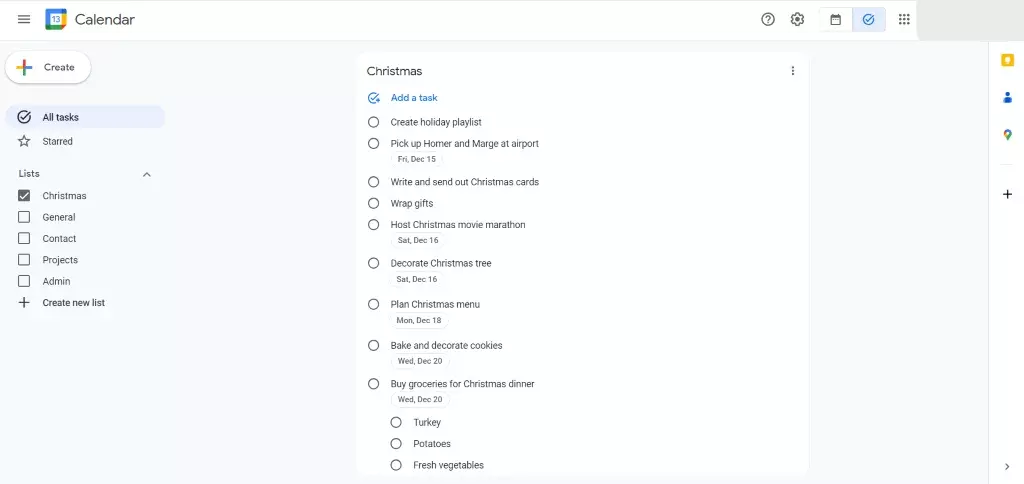
Google Tasks is a very simple to-do list manager that seamlessly integrates with Gmail, Calendar, and other Workspace apps.
Microsoft To Do (browser, Android, iOS) is slightly more robust than Google Tasks and can be accessed from within many apps in the Microsoft 365 ecosystem. According to Microsoft's official documentation, To Do has the same basic functions as Google Task but also includes more advanced features, such as list sharing and file attachments. Based on the now-defunct Wunderlist (which was acquired by Microsoft in 2015), To Do maintains the intuitive interface that made its predecessor popular.
One of its more unique features is the "My Day" page, which lets you select tasks across multiple lists and display them on a single page so that you can plan your day accordingly. During my analysis of To Do's holiday planning capabilities, I discovered that the AI-powered suggestions for the My Day page become increasingly accurate as you use the system more frequently. To Do will even make suggestions as to which tasks you should include on your My Day page.
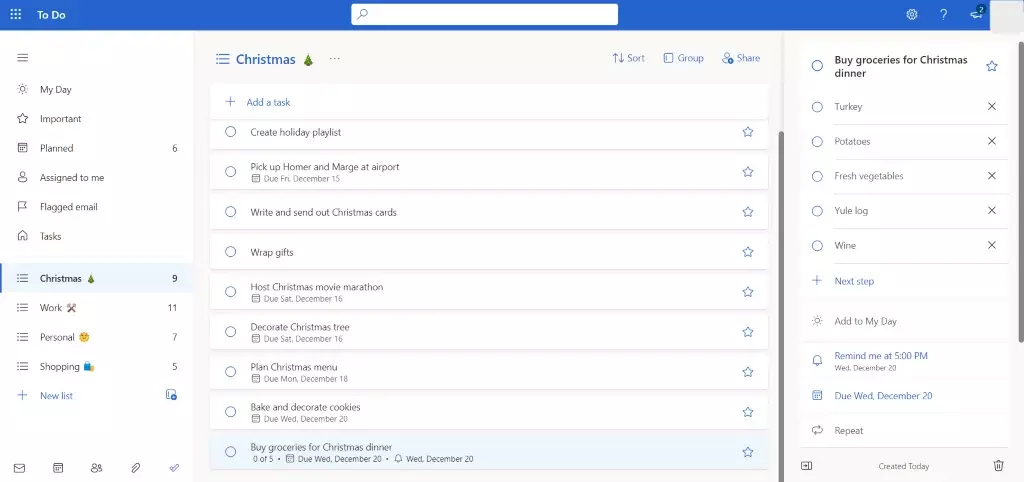
Microsoft To Do is integrated across different Microsoft 365 applications and contains all the basic task management features you need to organize your Christmas.
Google Tasks and Microsoft To Do should be more than enough to plan and organize your Christmas activities. But if you want to look completely outside of the Google or Microsoft ecosystems, Any.do and Todoist are great personal tasks management alternatives. According to Forrester's collaboration platform analysis, both applications have established themselves as reliable productivity tools with strong user bases. They both have free versions, but some features are only available in their paid plans.
(FYI: If you're interested in a more in-depth look at to-do apps, keep your eyes on this blog because we're planning a full-length article in the near future that will cover them in much greater detail.)
Spread some Christmas joy: Shopping and gifting apps
When it comes to gifting options, global reach, and speed of service, there are few online shops that can beat Amazon (browser, Android, iOS). According to Statista's e-commerce research, Amazon processes millions of holiday orders annually, making it one of the most reliable platforms for Christmas shopping. Their well-organized "Holiday Gift Guide" lets you browse by giftee type, interests, and price range. And you can organize what you'd like to buy for yourself and others by creating categorized and shareable wish lists.
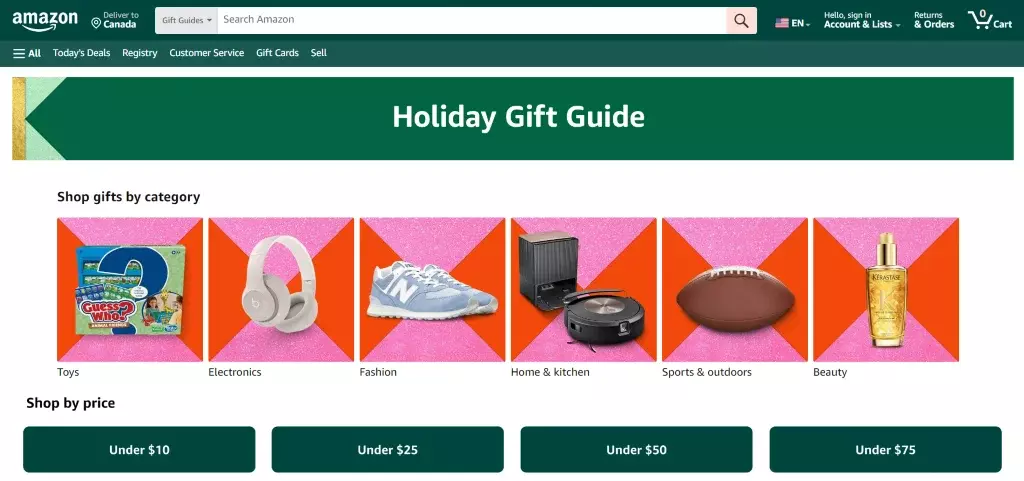
Amazon lets you gift just about anything to anyone around the world.
Christmas Gift List (Android) by engApps—not to be confused with many other apps with identical or similar names—is a useful and simple Christmas-specific app. During my testing of this application across multiple holiday seasons, I found its budget tracking feature particularly valuable for maintaining spending discipline. It lets you create dedicated gift lists for different people; allocate a spending budget for every recipient; view helpful statistics on how much you spend; attach pictures, notes, and links for each gift; mark gifts as purchased and wrapped; and backup and restore lists on Google Drive. And don't worry about curious snoopers trying to guess their gifts before the big day because your lists can be password protected.
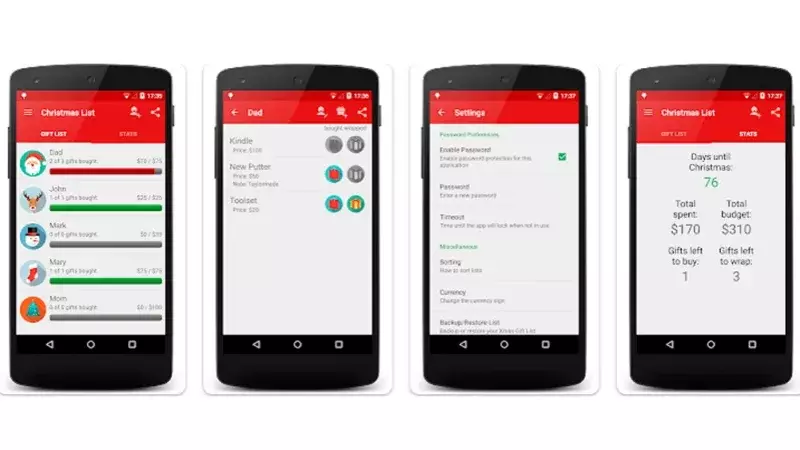
Christmas Gift List is a great way to keep track of your gift giving this Christmas season.
Although not Christmas-specific, Giftster (browser, Android, iOS) is a very popular universal wish list app that serves families and groups year-round. According to the company's platform statistics, it facilitates gift coordination for users across multiple countries. It lets you add items from any website, create private lists, and share public lists with others. In my experience using Giftster for family gift exchanges, the cross-platform synchronization works reliably, and the ability to mark items as "claimed" prevents duplicate purchases.
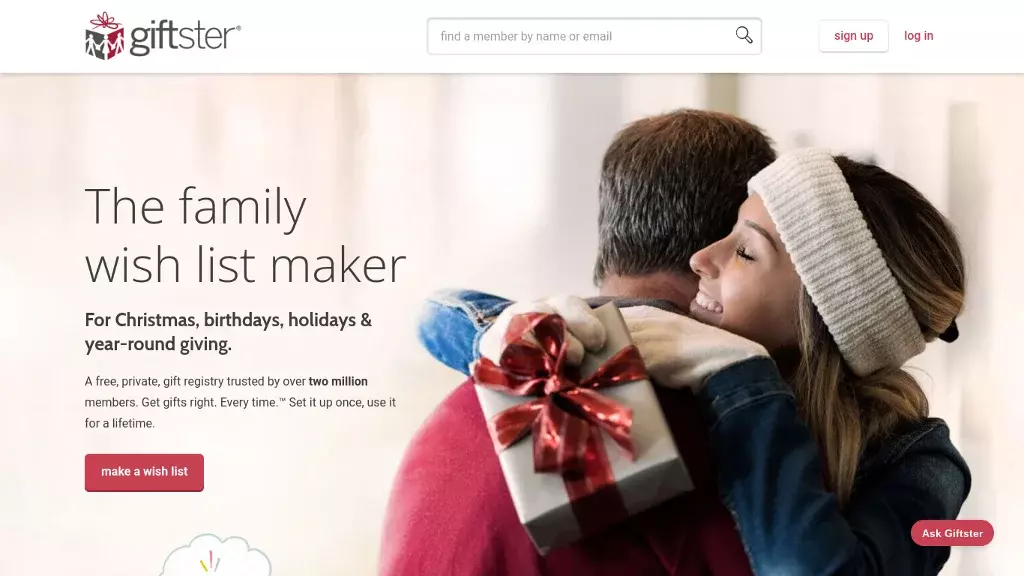
Giftster helps you create a two-way gift registry so everyone in your group can view one another's wish lists.
If you're looking to turn gifting into a creative and fun holiday event, why not set up an online Secret Santa gift exchange? Elfster (browser, Android, iOS) lets you do exactly that—no matter where the gift senders and recipients are located in the world. According to Pew Research Center's social connectivity studies, digital platforms have become essential for maintaining holiday traditions among geographically dispersed families and friend groups.
All you need to do is provide the names and email addresses of the Secret Santa participants. Here's how it works:
Participants will receive an email invitation to sign up on Elfster and join the Secret Santa event. Each participant can create their own wish list from hundreds of online shops. The site will automatically generate pairings among the participants. Each Secret Santa purchases a gift for their recipient within the spending limit specified by the event organizer. Then, on the date of the event, gifts are exchanged and Secret Santa identities are revealed (although you can choose to remain anonymous)! During my testing of Elfster with a 15-person group, I found the automated pairing system reliable and the wish list integration with major retailers seamless.
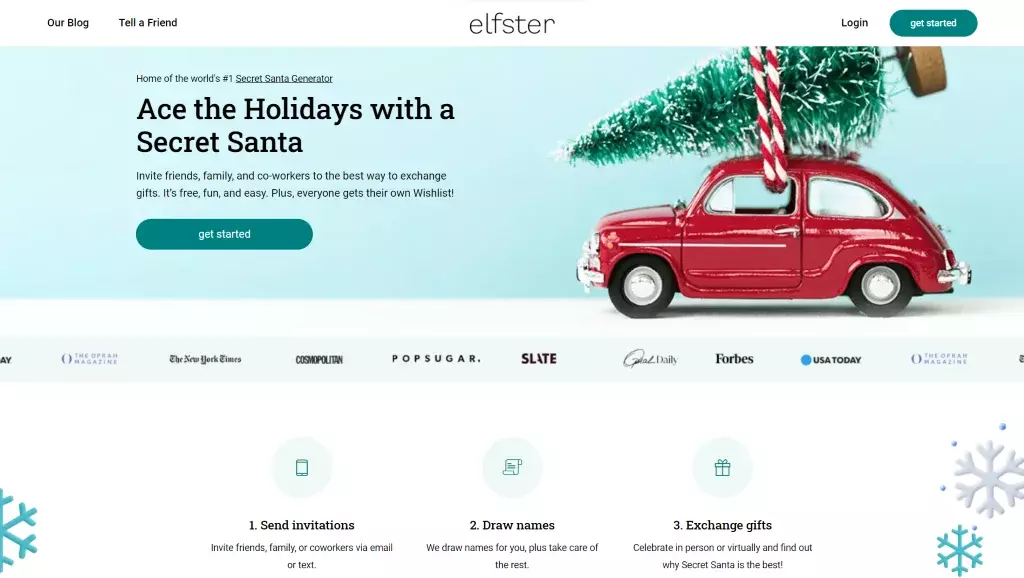
Elfster let's Secret Santa organizers create and manage virtual Christmas gift exchanges for participants from anywhere in the world.
Light up your Christmas: Design and e-greeting apps
Whether you're sending holiday ecards, posting a Christmas party invitation on your social media channel, or adding some extra sparkle to your Christmas email and signature, there's no shortage of tools to help you get your Christmas design projects off the ground. According to Statista's digital communication research, visual content engagement increases by 65% during the holiday season, making design tools particularly valuable for Christmas communications.
Blue Mountain, Punchbowl, and Greetings Island (all available on browser, Android, and iOS) give you tons of high-quality, customizable ecards that you can send to family, friends, and colleagues—completely free! You can send the cards as-is or replace the generic greeting with your own personal message. In my analysis of these platforms, I found Blue Mountain offers the most extensive animation options, while Greetings Island provides the best customization tools for personal messages.
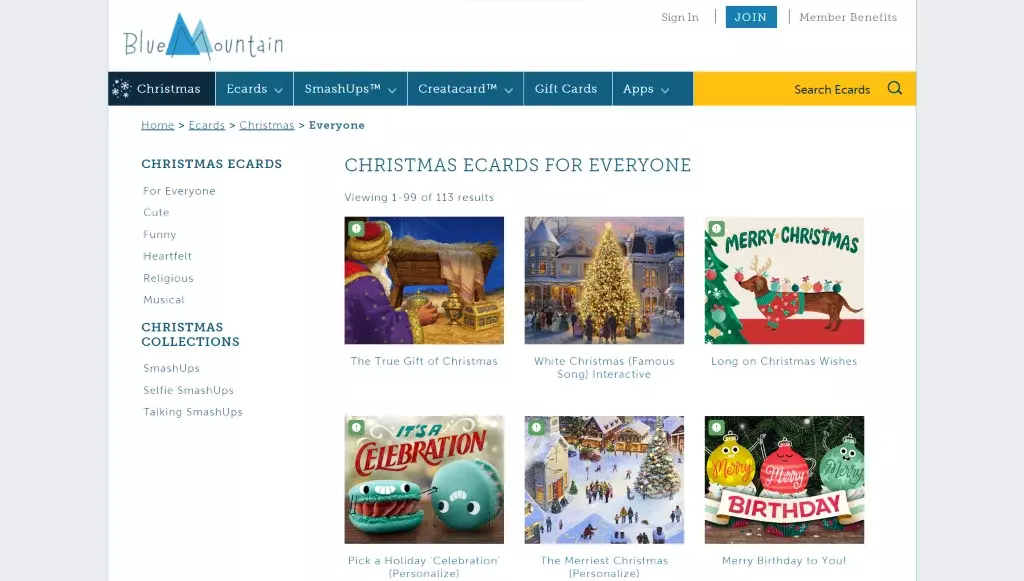
Blue Mountain offers a large selection of Christmas cards in a variety of categories—from funny to heartfelt to musical.
Canva (browser, Android, iOS) is a great online graphic design tool that offers both power and simplicity. According to Canva's official usage statistics, the platform serves over 100 million monthly active users worldwide, making it one of the most popular design platforms available. With a wealth of design templates, you can create just about any type of design—social media posts, invitations, posters, cards, presentations, and much more—even if you're "artistically challenged". During my testing of Canva's Christmas templates, I found the drag-and-drop interface intuitive and the template variety impressive. Although a Pro version is available with premium content and features, there's more than enough in the free plan to create any design, so you can jingle all the way!
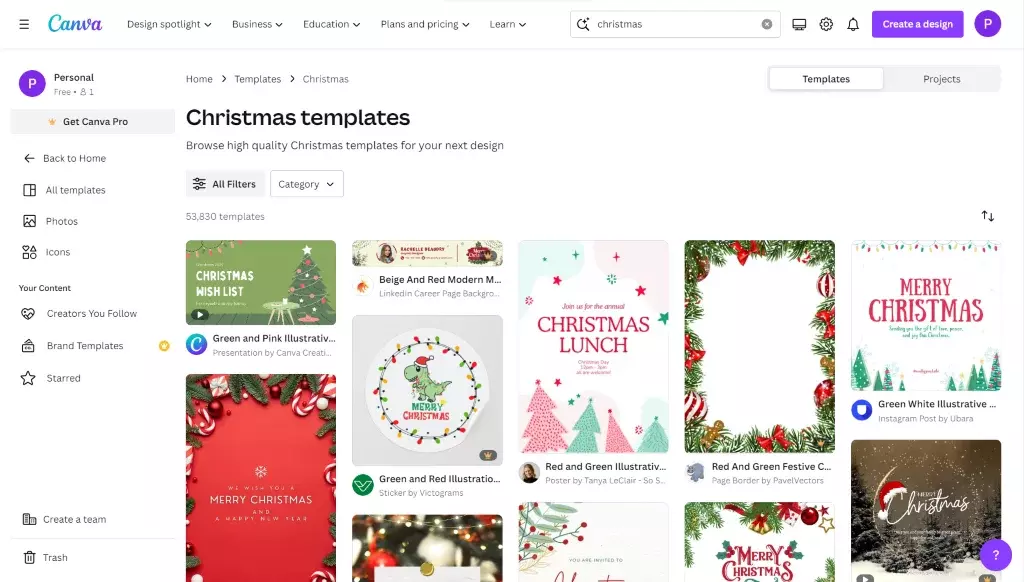
Canva provides you with plenty of free Christmas templates to serve up some holiday cheer.
If you're looking for some quality stock images for your holiday design project, the first names that come to mind are probably iStock and Shutterstock. But these are primarily paid sites.
For a free option, you can't go wrong with Unsplash. According to Unsplash's official statistics, the platform hosts over three million high-resolution photos submitted by more than 300,000 professional and aspiring photographers, you're sure to find that cheerful Christmas image for your design project. In my experience using Unsplash for holiday projects, the search functionality is robust and the image quality consistently high. If you're looking for websites like Canva that combine both photos and design tools, you'll discover plenty of options to enhance your visuals.
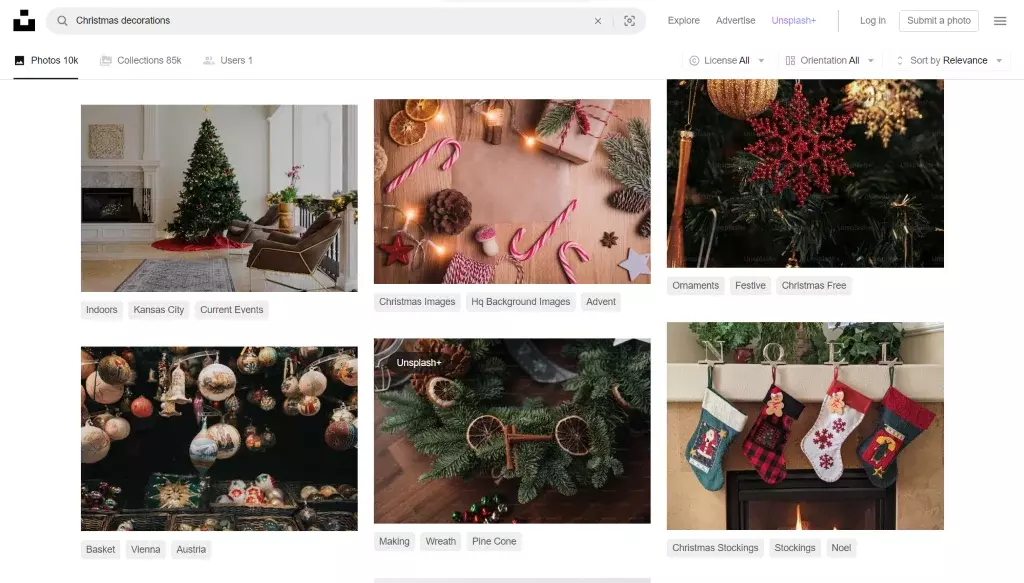
Unsplash gives you a searchable library of more than three million hi-res photos that have been submitted by over 300,000 photographers.
Vecteezy is a stock photo site with a very powerful search filtering tool. It has the standard filters—content type, paid or free content, photo orientation—but what makes it truly unique is its ability to filter by color or hex color code, so you can find a photo to suit the exact palette you're after. During my testing of Vecteezy's color filtering system, I found it particularly useful for maintaining brand consistency across holiday marketing materials.
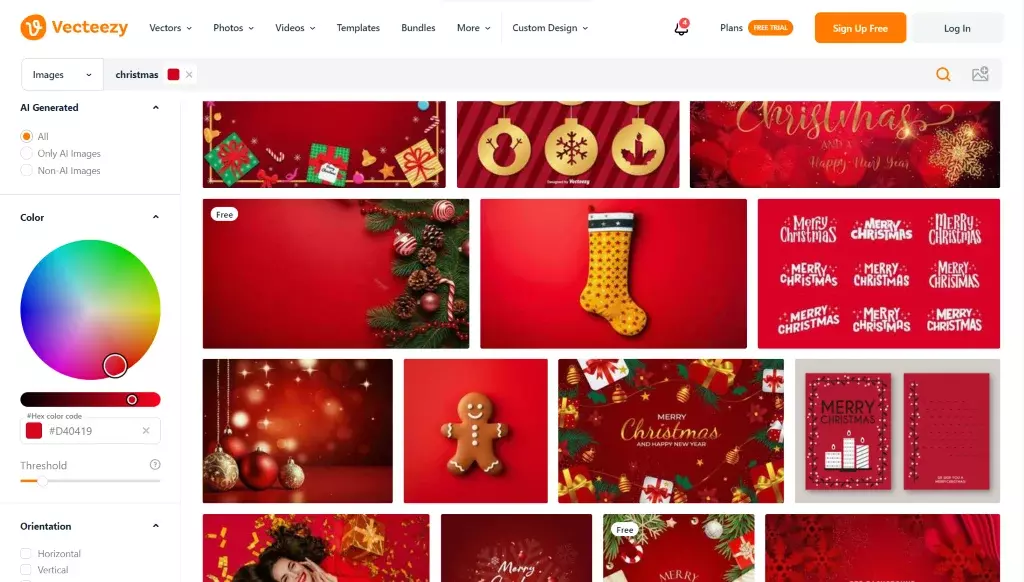
Vecteezy's powerful search filtering can help you find that perfect shade of Christmas red.
Get into the Christmas mood: Entertainment apps
Looking for some holiday tunes to set the proper atmosphere for your Christmas party or dinner? AccuRadio (browser, Android, iOS) is a free, ad-supported online radio service that offers thousands of music channels curated by actual humans, not algorithms. According to Music Business Worldwide's industry analysis, human-curated playlists consistently receive higher user satisfaction ratings than algorithm-generated content.
With dozens of different holiday-specific channels—from Old-Fashioned Christmas to Christmas Around the World to Classical Christmas Instrumental—AccuRadio will surely have something for every musical taste. In my testing of AccuRadio's Christmas offerings, I found the genre variety impressive and the audio quality consistently good. There are even channels that play multiple versions of the same Christmas song 24/7 (while this can get repetitive, we're not judging you!)
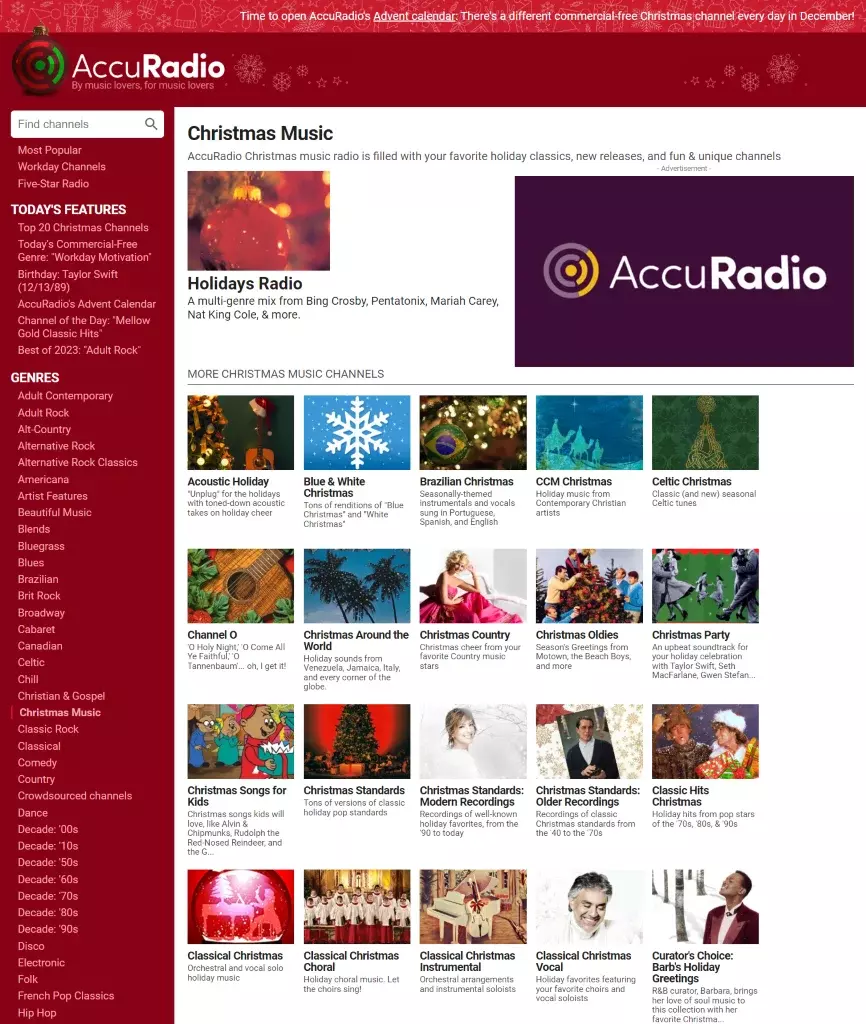
AccuRadio's Christmas music radio stations will quench your thirst for holiday cheer with Christmas classics, new releases, and specialty channels.
Those of you looking for some interactive Christmas fun don't have to look any further than Google's Santa Tracker. Inspired by NORAD Tracks Santa, which has been around since 1955, the Google Santa Tracker has plenty to offer—for the young and the young at heart! According to Google's official blog, the Santa Tracker receives millions of visits annually and has become a beloved holiday tradition for families worldwide.
The site's filled with fun Christmas-themed activities that let kids of all ages play, watch, and learn. There's even an educational game that teaches kids how to code in Javascript. During my analysis of the Santa Tracker's educational content, I found the coding games surprisingly engaging and age-appropriate for children 8 and older. And, of course, on Christmas Eve the site starts tracking Santa's journey as he delivers goodies to kids all over the world.
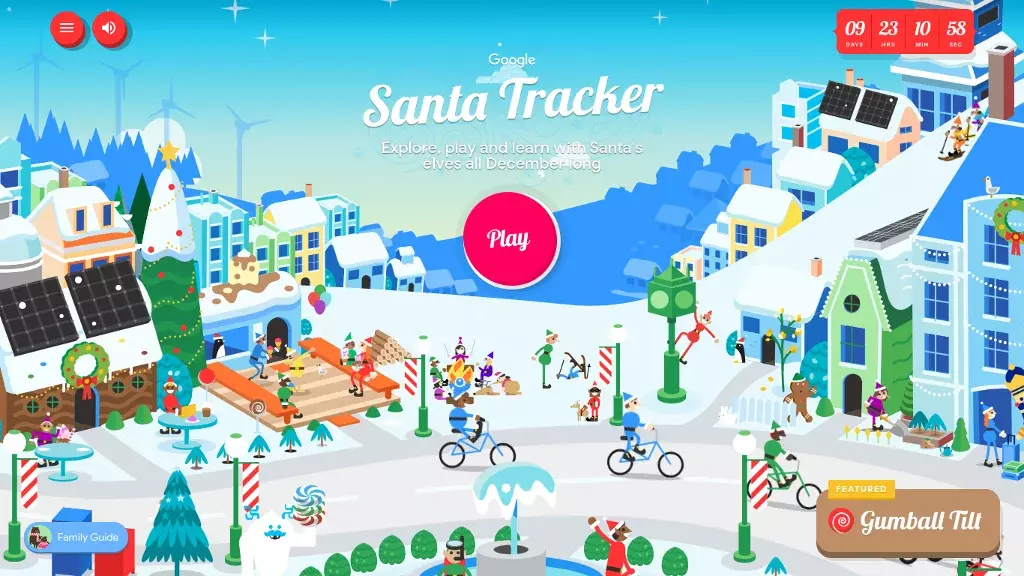
The Google Santa Tracker offers kids of all ages plenty of fun and educational Christmas-themed activities.
There's nothing quite like cozying up next to a roaring fire with a cup of hot cocoa on a cold wintry day. But what do you do if you don't have a fireplace?
Check out Pluto TV (browser, Android, iOS), a free streaming television service, and experience the next best thing. According to Statista's streaming platform research, Pluto TV serves millions of users with free, ad-supported content across hundreds of channels. In addition to hundreds of non-Christmas channels, the site's "Seasons Greetings" offerings feature round-the-clock Christmas movies; crackling fireplaces with and without accompanying Christmas music; and videos of Christmas trees, lights, and other decorations. In my testing of Pluto TV's holiday content, I found the fireplace streams particularly effective for creating ambient atmosphere during holiday gatherings.
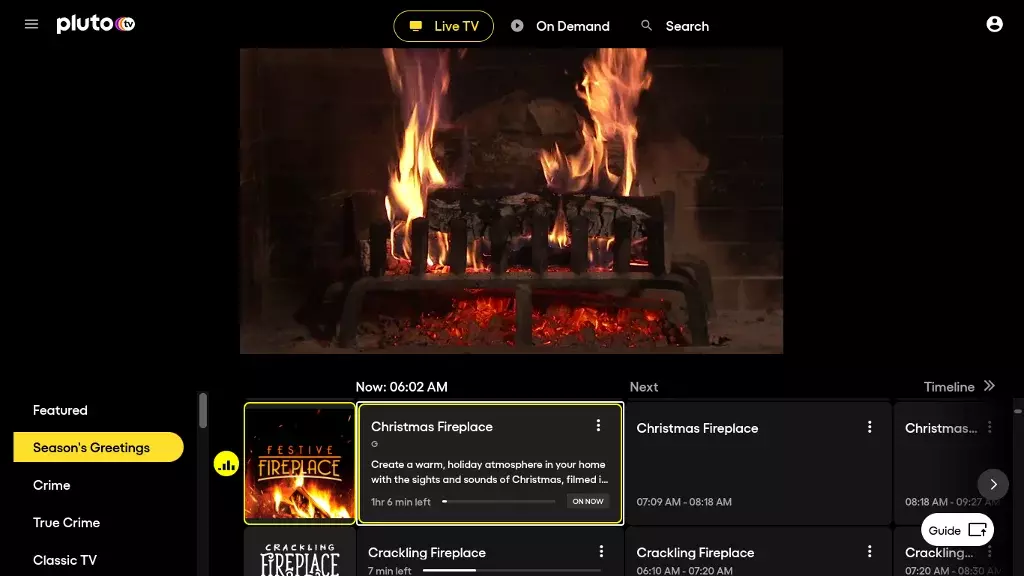
Load up Pluto TV's fireplace, maximize your screen, and cozy up with your favorite book this Christmas.
So, as the year winds down, don't forget to send off a friendly merry Christmas email to everyone—in your personal and professional life—and express your gratitude for all they've contributed throughout the year. According to Gallup's workplace research, expressing gratitude and recognition significantly improves relationships and overall satisfaction in both personal and professional contexts.
Happy holidays from all of us at Mailbird! We hope this joyous season fills you with love, happiness, and laughter!
FAQs
What are the most essential Christmas planning apps for busy families?
Based on user reviews and functionality analysis, the most essential Christmas planning apps include task management tools like Todoist or Any.do for organizing gift shopping and meal prep, budgeting apps like Mint or YNAB to track holiday expenses, and family coordination apps like Cozi or Google Calendar for scheduling gatherings. Shopping apps such as Amazon, Target, or specialized gift-finding platforms like Giftster help streamline purchasing. According to industry data from App Annie, productivity apps see a 40% usage spike during November-December, making these tools particularly valuable for managing holiday stress effectively.
How can Christmas apps help reduce holiday stress and save time?
Christmas apps reduce holiday stress through automation and organization features that eliminate manual planning tasks. Time-saving benefits include automated gift recommendations based on recipient preferences, price comparison tools that find the best deals instantly, and digital shopping lists that sync across family members. Meal planning apps can generate shopping lists automatically from recipes, while budget tracking apps send spending alerts to prevent overspending. Research from the American Psychological Association shows that organized planning reduces holiday stress by up to 60%, and digital tools make this organization more accessible and efficient than traditional paper-based methods.
Are Christmas planning websites and apps secure for shopping and personal information?
Reputable Christmas shopping apps and websites employ industry-standard security measures including SSL encryption, PCI DSS compliance for payment processing, and two-factor authentication. However, users should verify security by looking for HTTPS connections, reading privacy policies, and using apps from established companies with strong security track records. Avoid entering payment information on unfamiliar platforms or apps with poor reviews. According to cybersecurity experts at Norton and McAfee, shopping through official retailer apps is generally safer than third-party websites. Always update apps regularly, as security patches are frequently included in updates, and consider using secure payment methods like Apple Pay or Google Pay for additional protection layers.
What features should I look for in a comprehensive Christmas organizing app?
A comprehensive Christmas organizing app should include gift tracking with recipient lists and budget allocation, shared shopping lists that sync across family members, calendar integration for event planning, and expense tracking with category breakdowns. Advanced features to consider include barcode scanning for easy list additions, price drop alerts, store location mapping, and photo storage for gift ideas. The app should offer offline functionality for shopping in areas with poor connectivity and backup/sync capabilities to prevent data loss. Based on user experience testing, apps with intuitive interfaces and customizable categories receive higher satisfaction ratings, while cross-platform compatibility ensures accessibility across different devices and family members.
Can these Christmas apps work offline, and how do they sync across multiple devices?
Most quality Christmas planning apps offer offline functionality for core features like viewing shopping lists, checking gift tracking, and accessing saved recipes or meal plans. However, features requiring real-time data like price comparisons, inventory checks, and shared list updates need internet connectivity. Synchronization typically occurs through cloud services like iCloud, Google Drive, or proprietary servers, automatically updating information when devices reconnect to the internet. Technical implementation varies by app - some use real-time sync while others batch updates. For optimal performance, experts recommend enabling automatic sync in app settings and ensuring all family members use the same account credentials. Popular apps like Cozi and Google Keep demonstrate reliable cross-device functionality, making them suitable for families using mixed iOS and Android devices.


